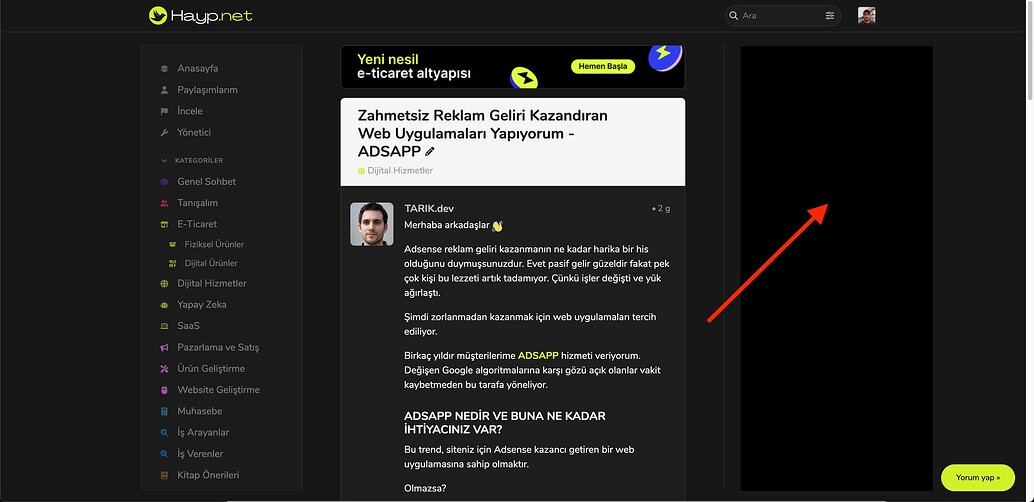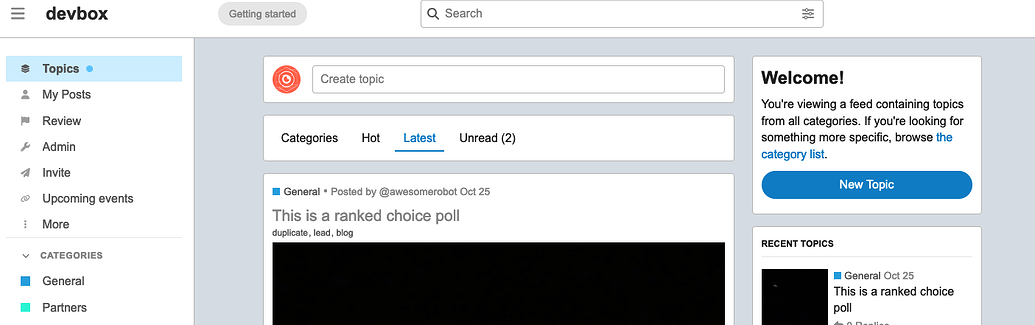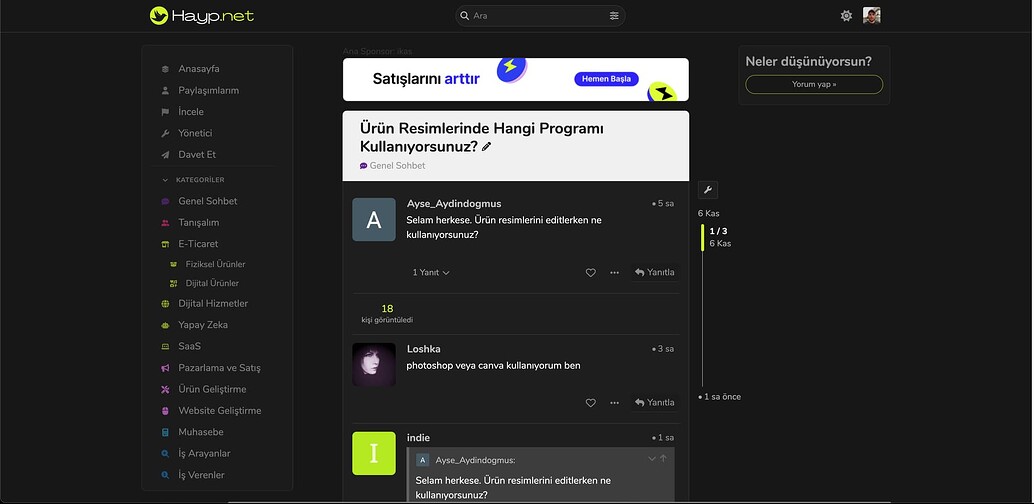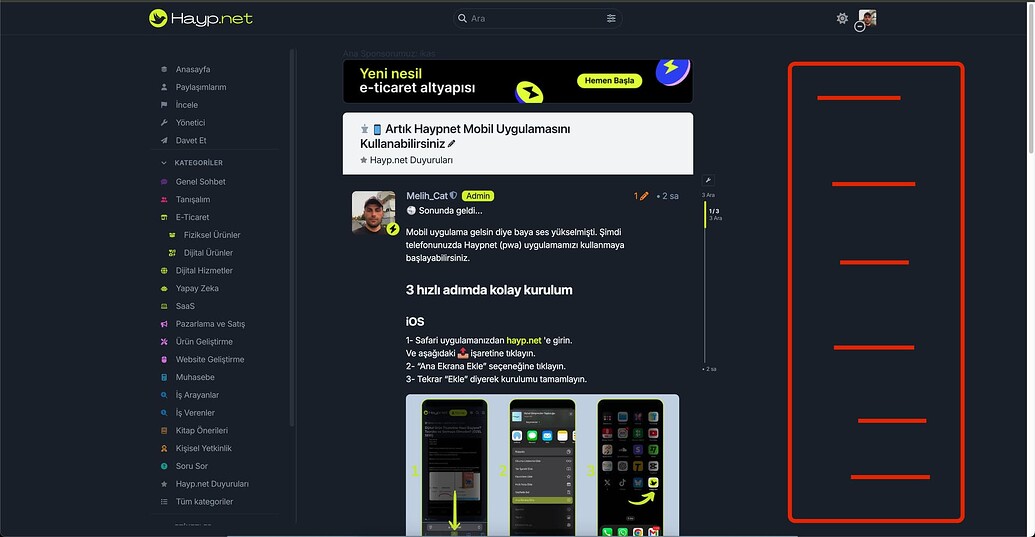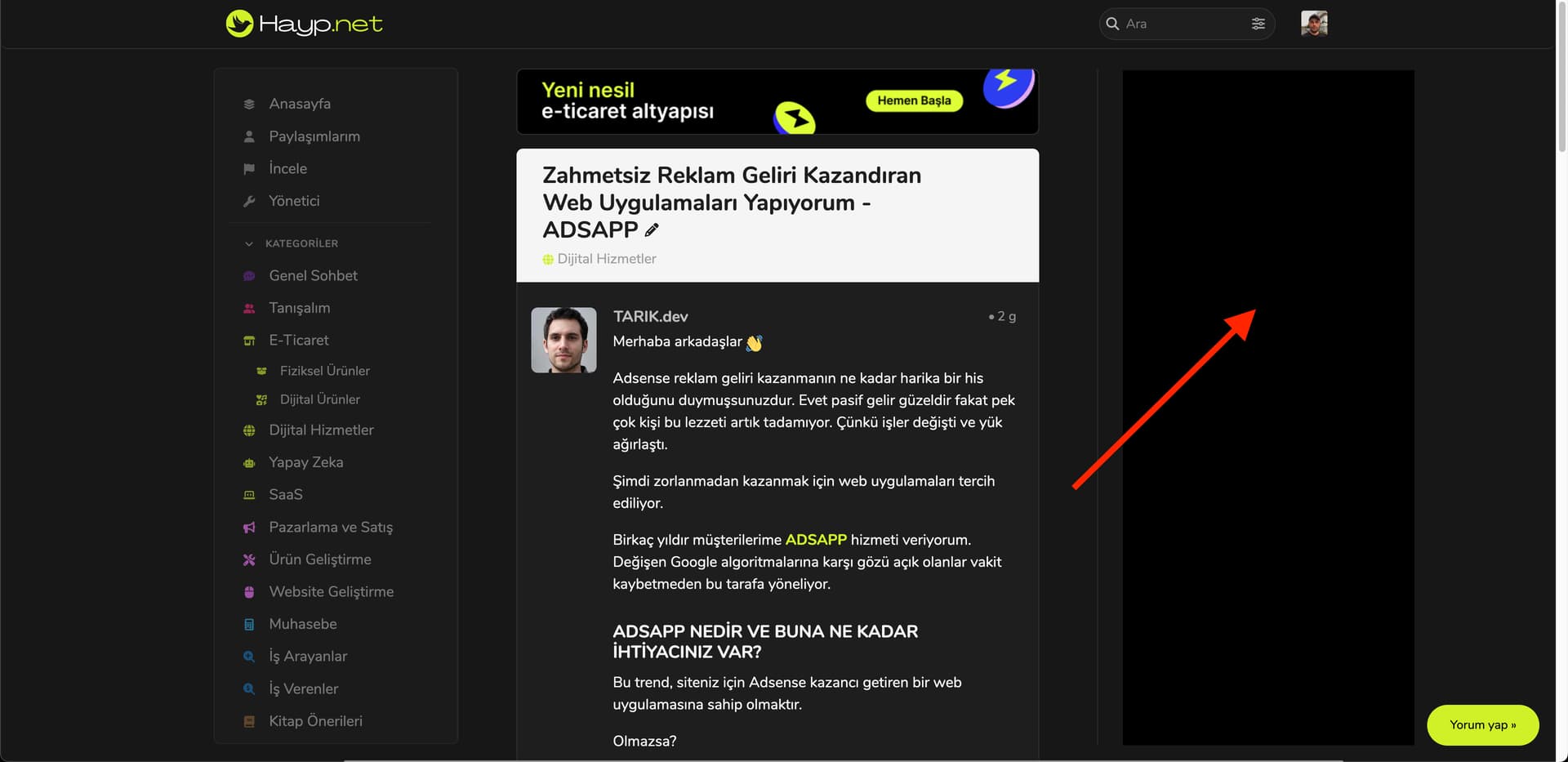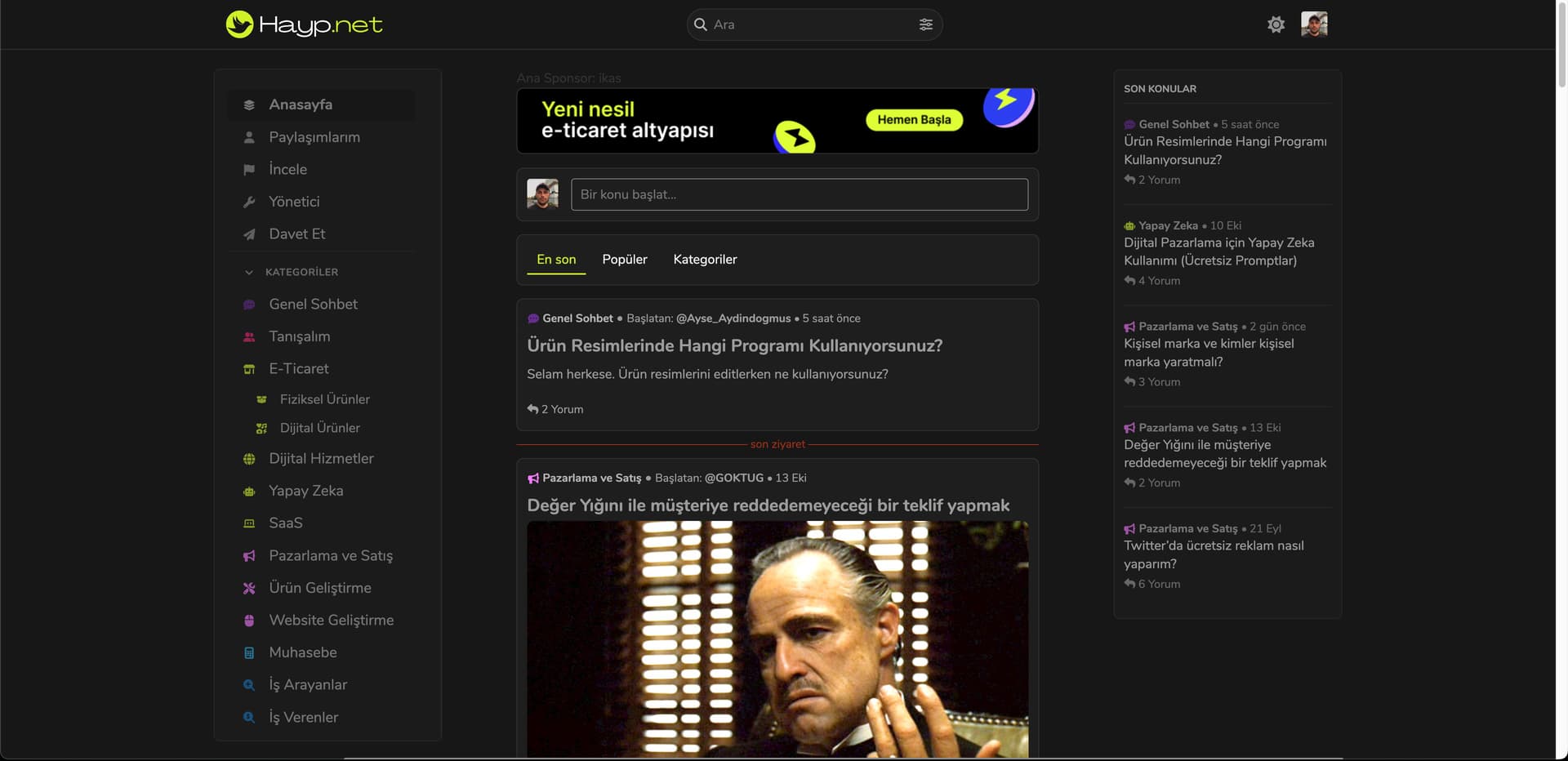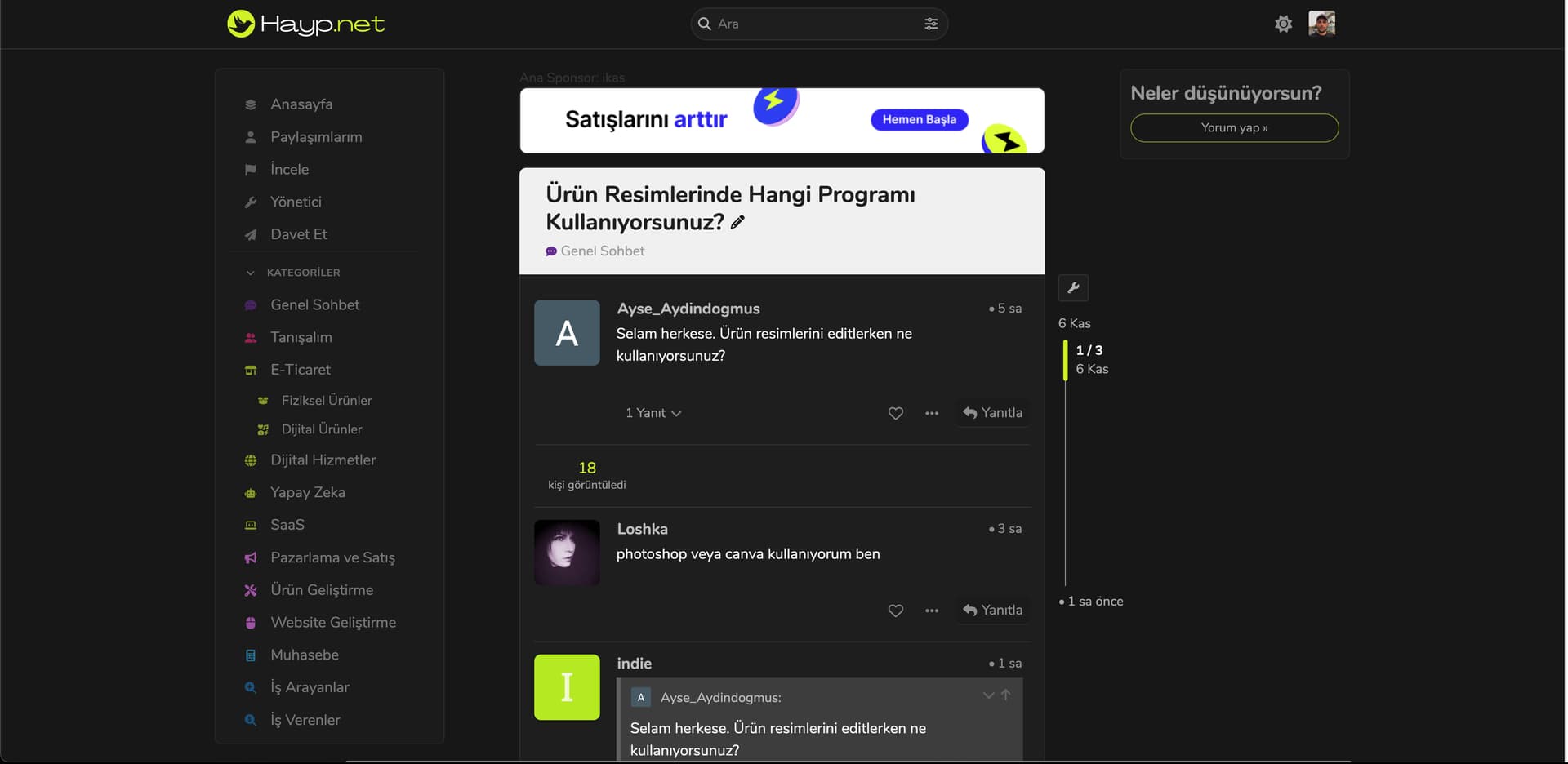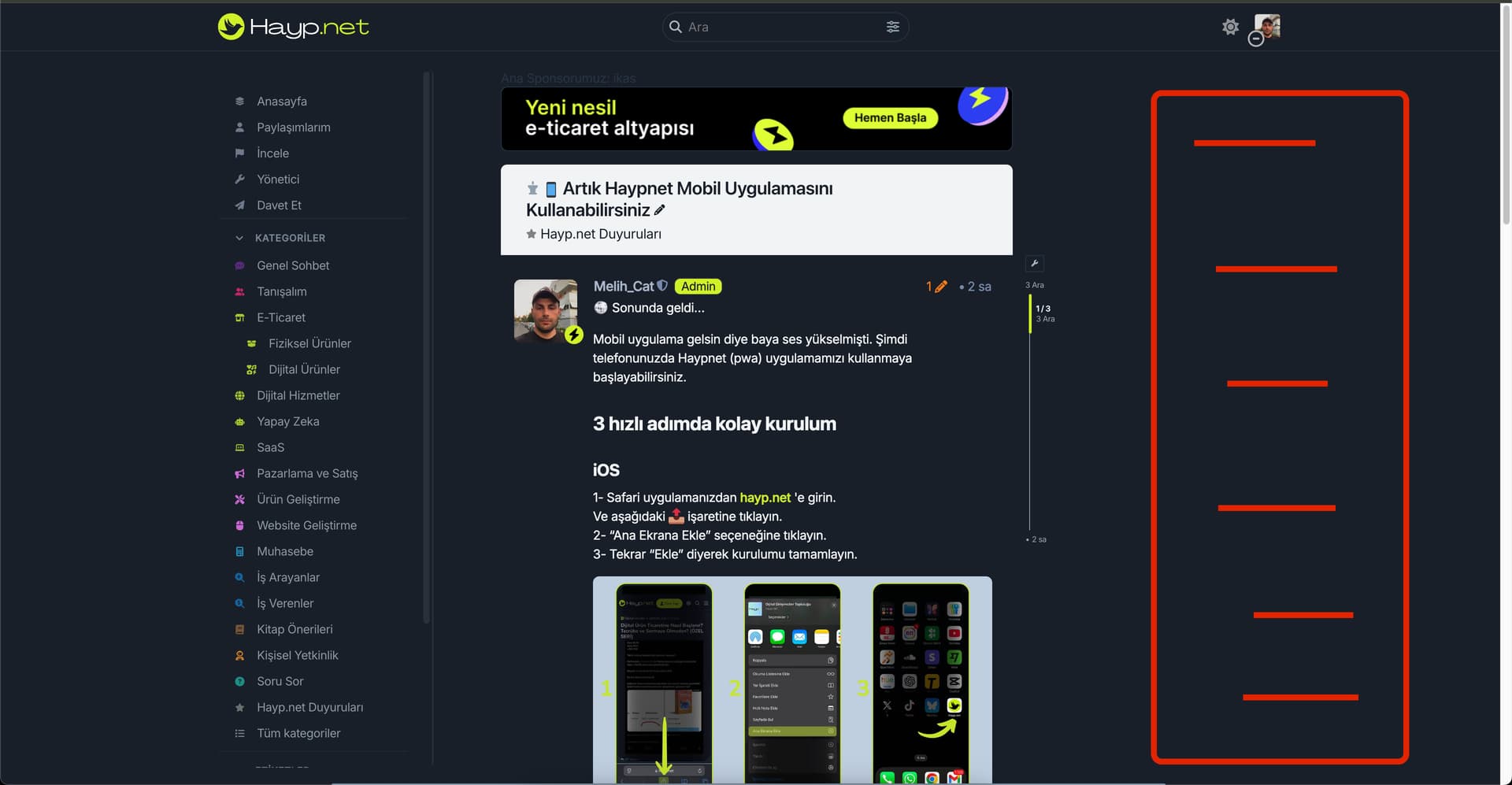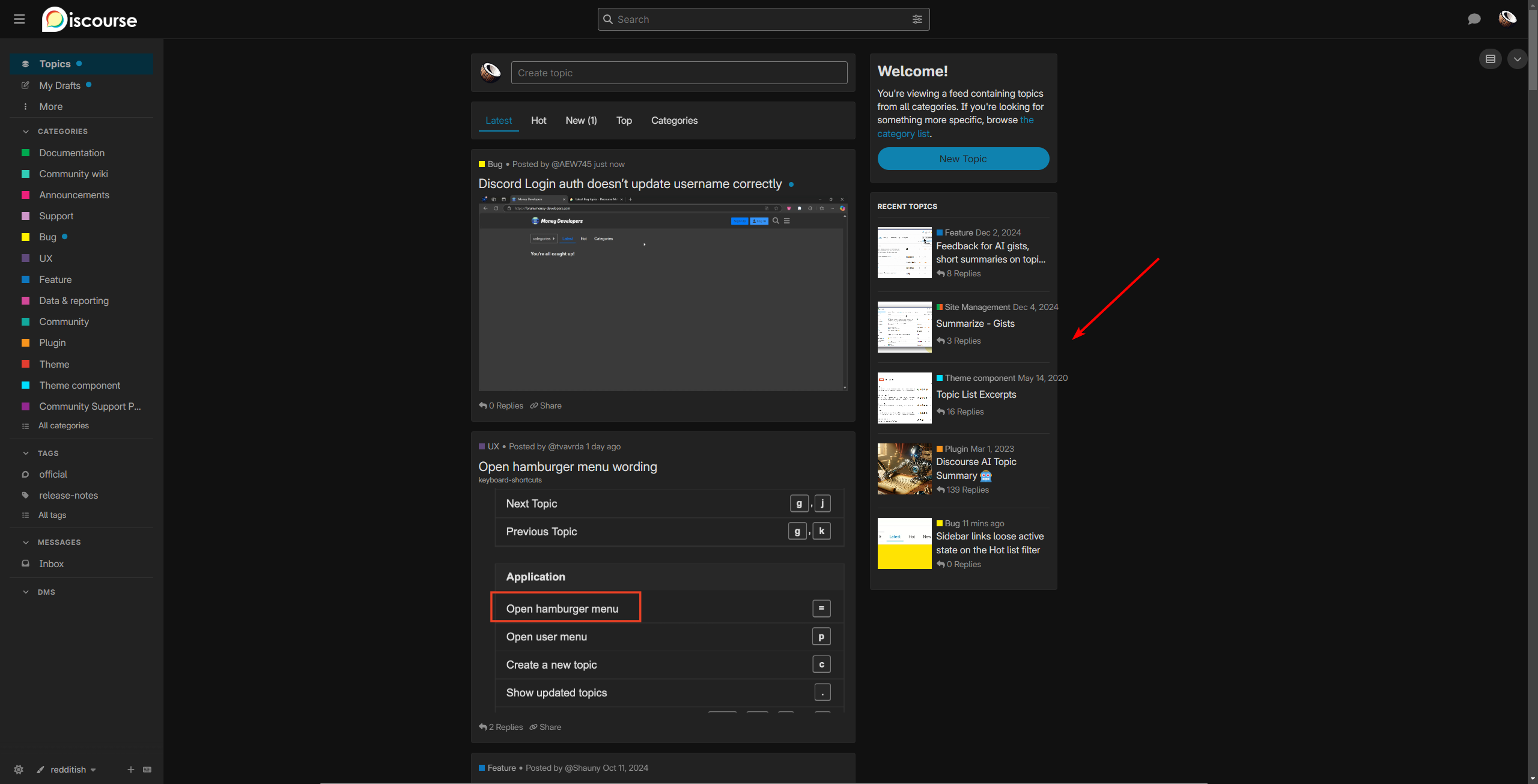
I met the same problem, do you find the way to resize the post area?
I met the same problem, do you find the way to resize the post area?

I just started using the theme and I am noticing that when I am in the category pages, the a tag for the category header is a slug that matches the category name exactly.
As an example, if I create a category as “New Category”, I can enter a slug or leave it as is, the page itself will be accessed through c/new-category/ using the sidebar menu. But when you hover over the header name of the category when on the category page, the a tag is c/New Category. It is capitalized just like the title and also has a space between the words which when clicked cause a 404 error. So even if I add a slug of new-category, it will still show as the title for the slug.
Am I doing something wrong?
I created my own Git and have updated the files javascripts/discourse/components/custom-category-banner.hbs and javascripts/discourse/components/custom-category-banner.js and I have fixed my issue.

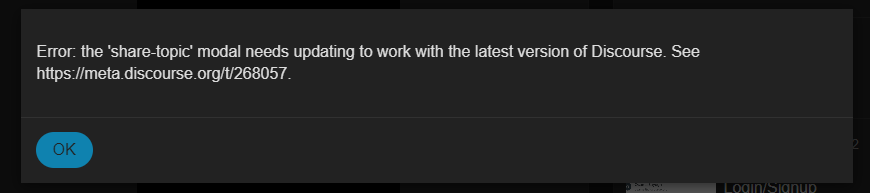
The share modal in the topic list has not been converted to the new modal component API. This error gets thrown on meta as well.
P.S. @community-moderators wasn’t sure if this is best posted here or in support
You can solve this by overriding the CSS for grid-template-columns. Note that you’ll need to specify the media size you are targeting or it will override them all.
Posting on this topic is the best place for this one.  It’s one of @awesomerobot’s personal ones and not an official theme, so all issues should be kept to this topic.

Hiya, any idea how to edit the
{{avatar topic.posters.0.user imageSize="large"}}
so it also shows the avatar flair? At the moment it doesn’t. The flair does show up elsewhere, so I’m assuming it’s the Avatar component needs editing but I don’t know where the component originates from? Is it a root component or something?
Any help is appreciated!
Nevermind - I got it! Not elegant but works!
{{#if topic.posters.0.user.flair_url}}
  <img src={{topic.posters.0.user.flair_url}} class="absolute bottom-0 right-0 block size-4" />
{{/if}}

amazing work!

i just built my community with this theme and within 1 month i reached almost 1.000 members. so thanks!
i think this theme can turn into great designs with customization. for example a design in twitter layout? since it is a 3 column structure.
but when I make flex instead of grid in css, it’s a mess.
how can we make 3 columns centered equidistantly? i think we can turn into this design even with a small css change. can you give tips for this css change friends?


What sections or content would you like displayed in each of the three columns? Can you draw a diagram?

I think this was solved in

After activating a theme (without any components), the topic list overlaps with the right sidebar. This issue persists even in safe mode. How can I resolve this?

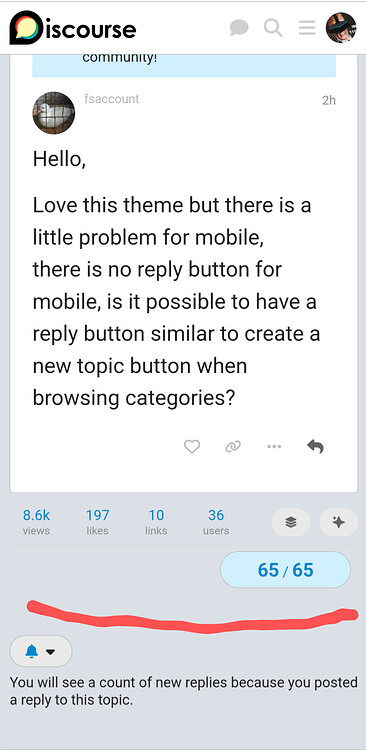
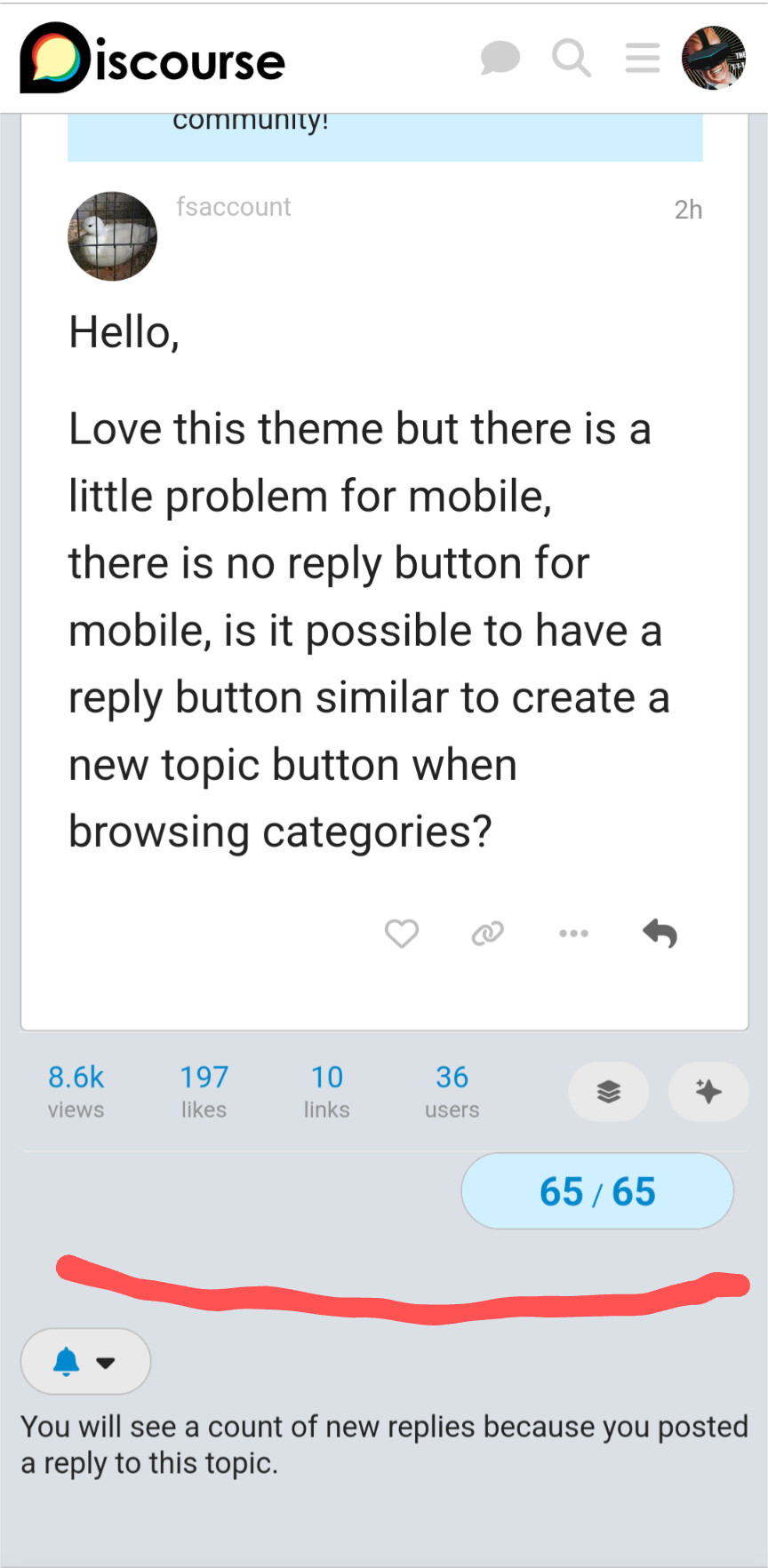
Hello,
Love this theme but there is a little problem for mobile,
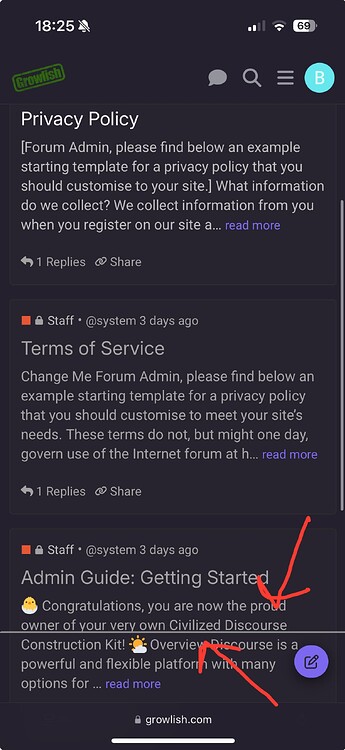
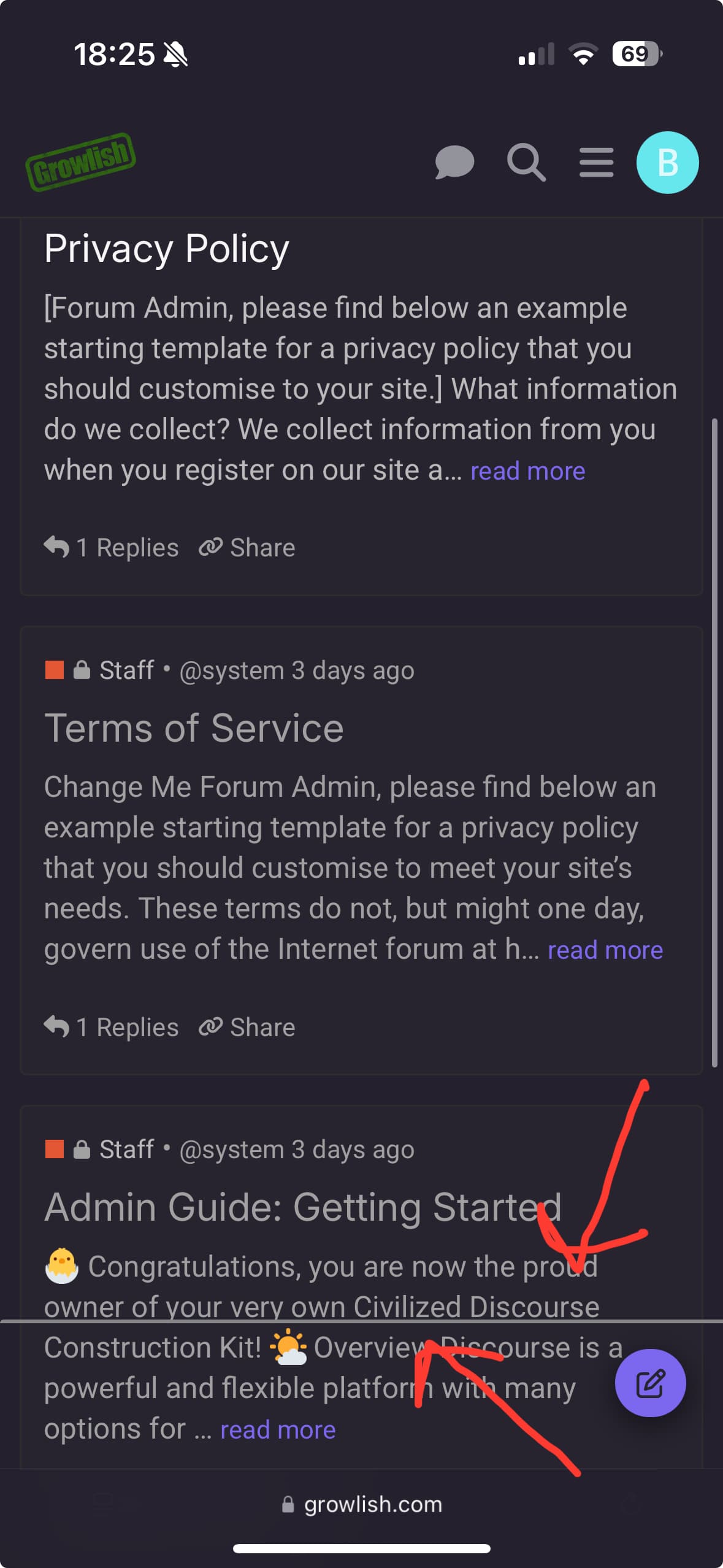
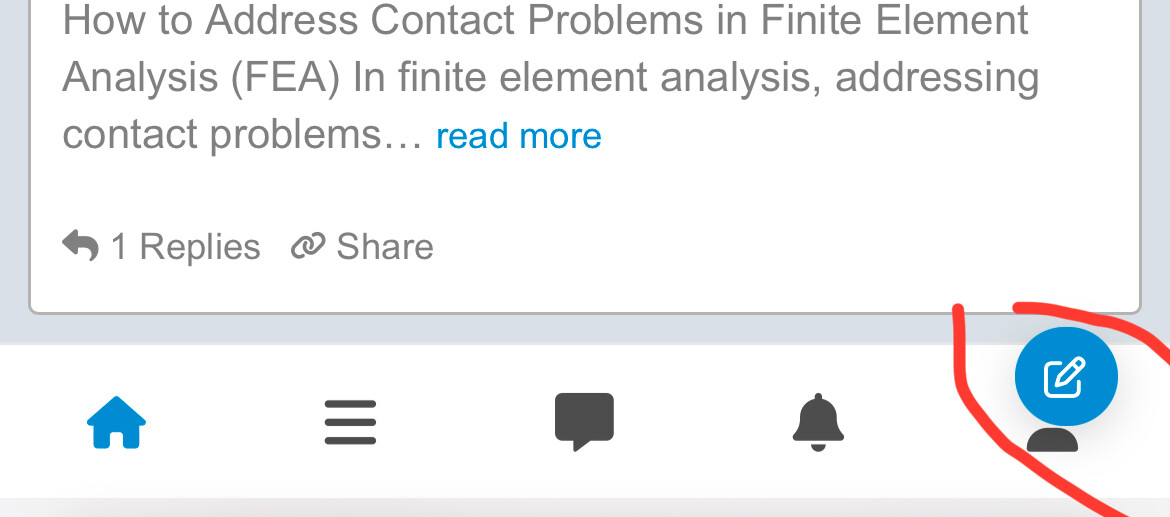
there is no reply button for mobile, is it possible to have a reply button similar to create a new topic button when browsing categories?

I noticed your setup looks great and aligns with what I’m aiming for. If you’re comfortable with it, would you be open to sharing some of your configuration settings?
unfortunately they don’t share much advice for the customization we need. it took me 1 week to get this consistent design. whereas theme developers could have offered this skin as an alternative.
Anyway…
I disabled the full-width component. and added these as custom css.
#main-outlet-wrapper {
  display: flex;
  justify-content: space-between;
}
.sidebar-wrapper,
#main-outlet,
.custom-right-sidebar {
  flex: 1;
  box-sizing: border-box;
}
.sidebar-wrapper,.custom-right-sidebar{max-width:280px;}

@media (max-width: 768px) {
  #main-outlet-wrapper {
    flex-direction: column;
  }
}
body[class*=user-] .custom-tag-banner, body[class*=user-]
.custom-category-banner, body[class*=user-]
.custom-right-sidebar, body.archetype-regular
.custom-tag-banner, body.archetype-regular
.custom-category-banner, body.archetype-regular
.custom-right-sidebar {
    display: flex;
}
I hope it helps. I will reply when you send me a message if necessary.
Thanks for sharing your CSS! I appreciate you taking the time, especially since it took you a week to get it working.

I really love this one!
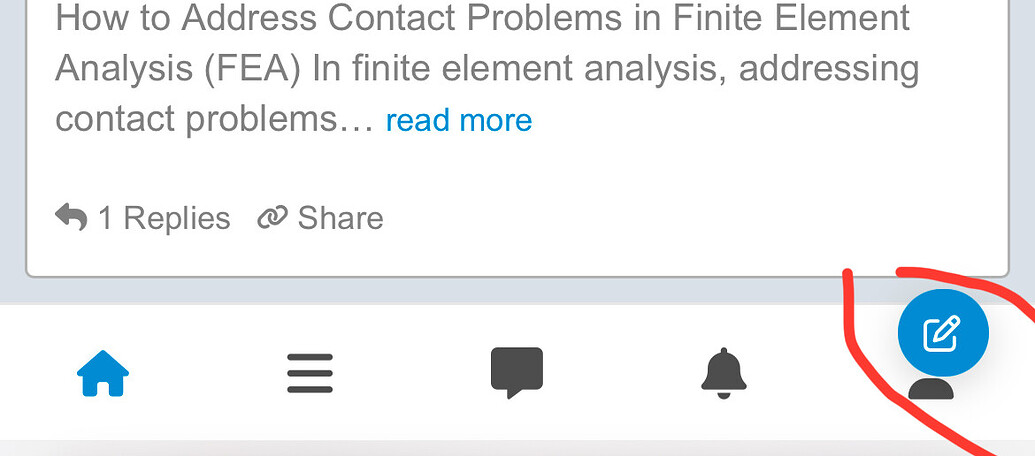
Is there a way to make subcategories show on mobile. It’s beautiful on desktop, but I don’t see them at all under the main category.

Just wanted to confirm is this now equipped to work with Discourse Topic/Post Voting and also can we add leaderboard on the right side just as in the central theme?
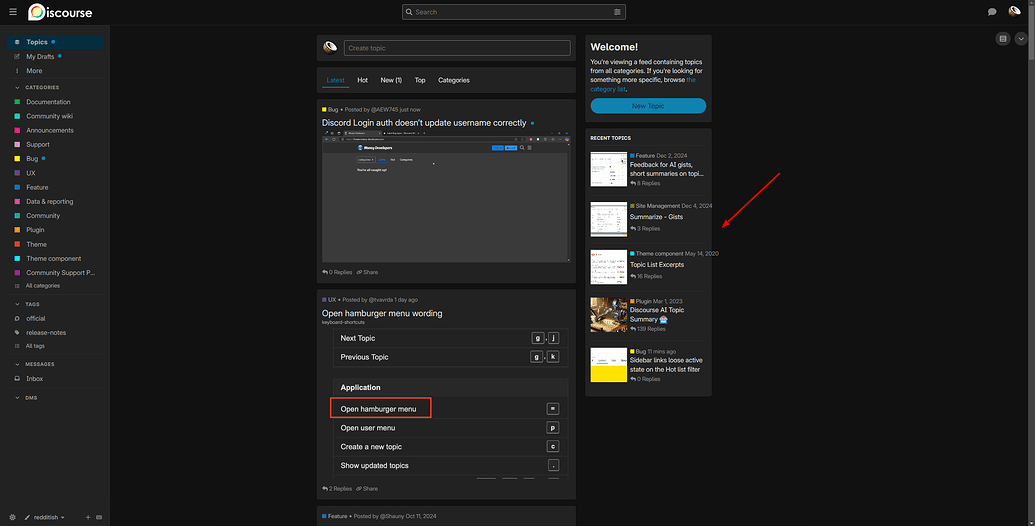
I’m also looking to display the “custom-right-sidebar” on topic pages, but so far, none of the existing sidebar components seem to work for this. It would be fantastic if this feature could be added directly to the theme.
Given the popularity of this theme, it would be cool to see it supported officially 

Nice looks great - I’m going to try this on my website 
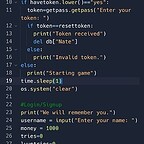
The code blocks are very round, is this intentional?
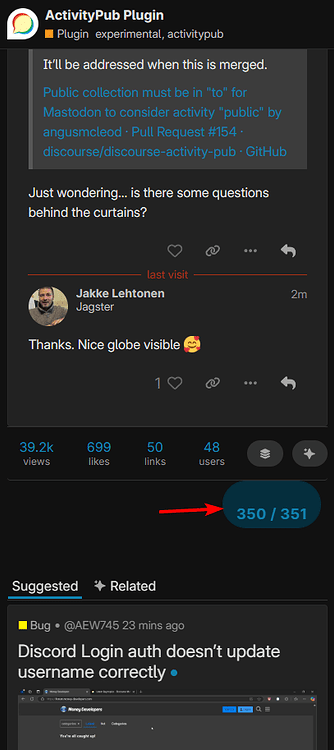
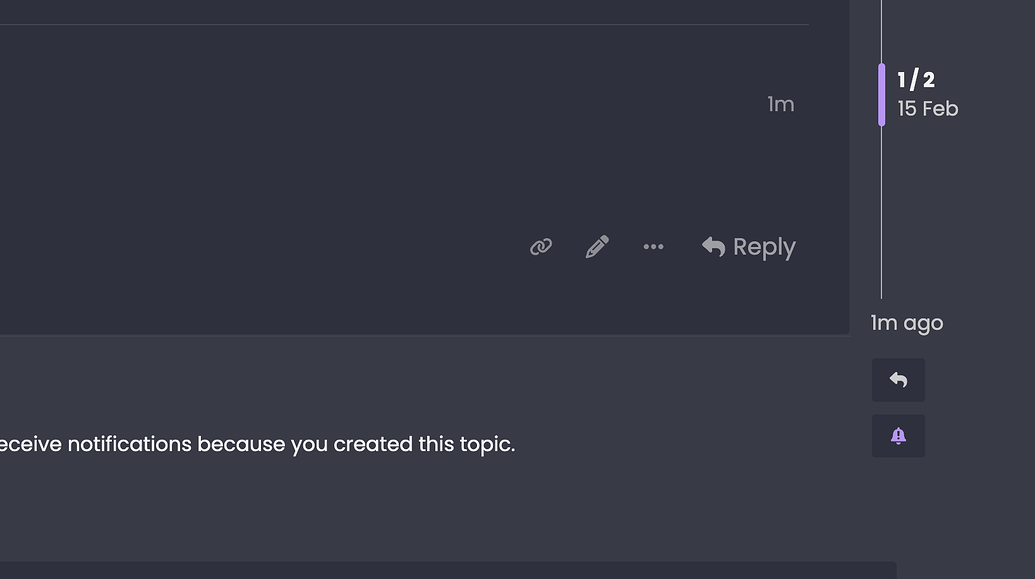
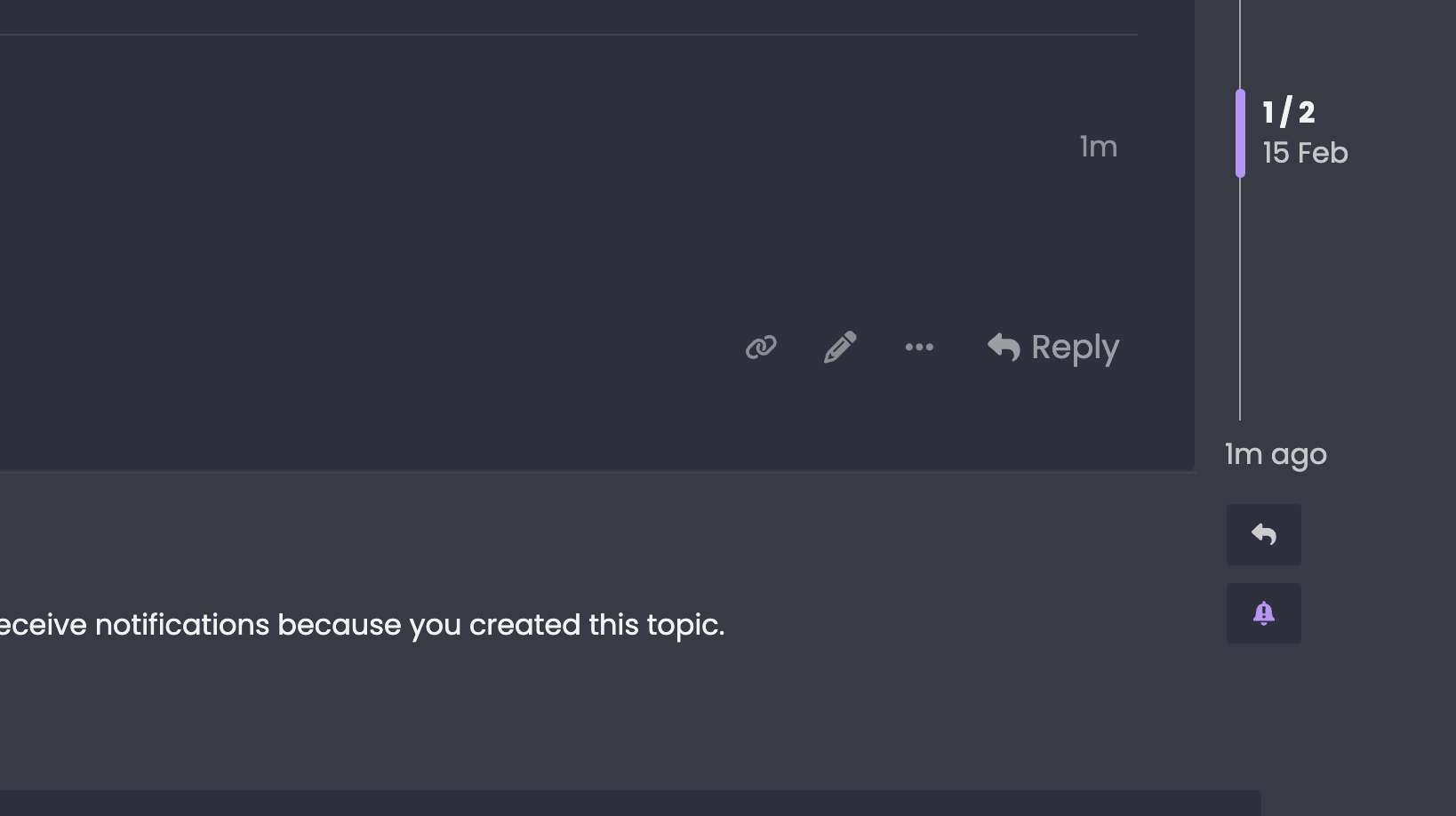
Also, the topic progress in the topic timeline isn’t in the centre of the topic timeline.


Is the standard behaviour of this theme that clicking on an image does nothing when viewing topics, you have to physically click the topic text to view that topic, where as if no image is present i can click in the box or on the excertp and it takes me to the topic.
Thanks for reporting these, they’ve been fixed in the latest update
Thanks, didn’t know if it was intended or a bug, also there is another bug when logged in as admin. Visit a tag and these don’t work (clicking this link, the bell and the spanner)
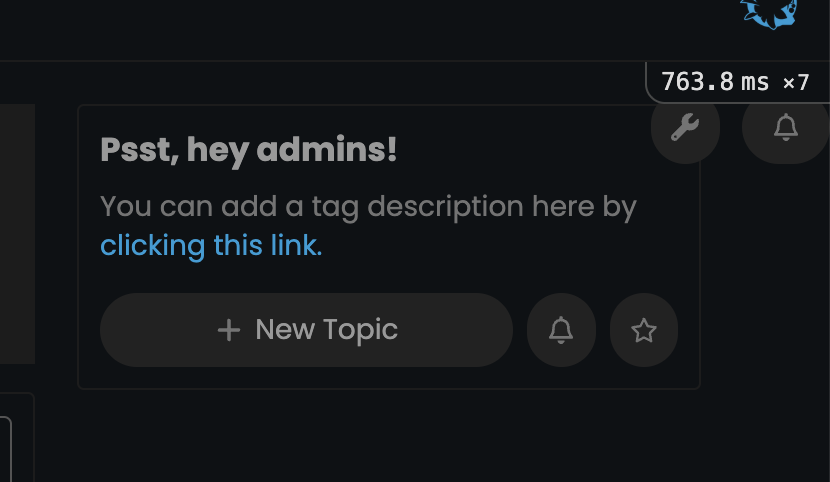
Thanks again! I’ve made some more updates
What a legend . All working now. So much appreciated…
Just a quick one though, is there an easy way of adding some code so when viewing topics “clicking on the image” takes you to that topic?

ah yes, I thought I had already fixed this but it needed another update — should start working if you update again
Hes just updated and does exactly this 
Kris your a superstar. So much appreciated
just added a fix for this too!

add this to mobile custom css
.navigation-container {
–nav-space: 39px;
}

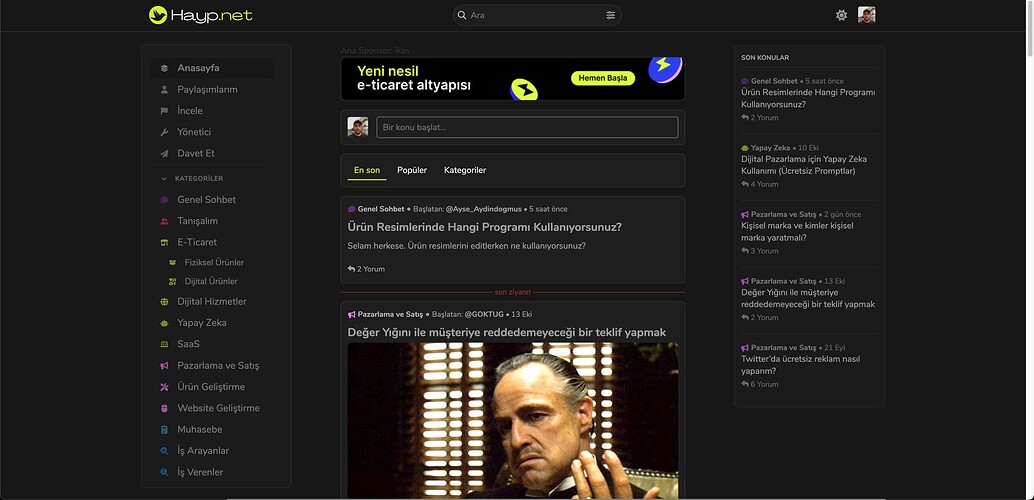
Anyone care to share your site that is running this theme? Would love to see how it looks in “production”.

I’ve installed it on Theme Creator; you can give it a try: Theme Creator
Thank you for this.
you can also use the redditish theme here on meta
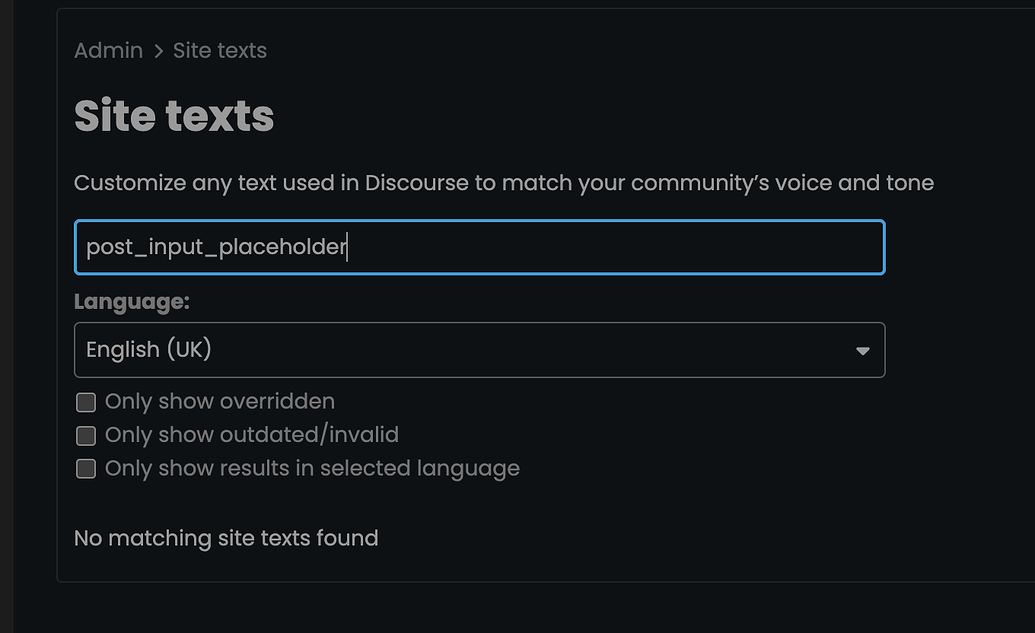
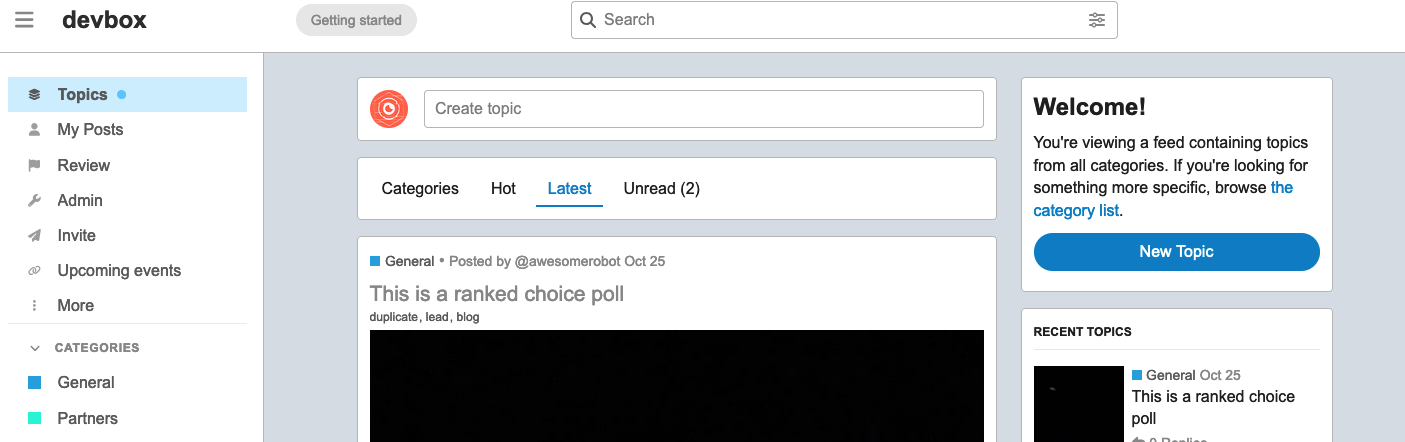
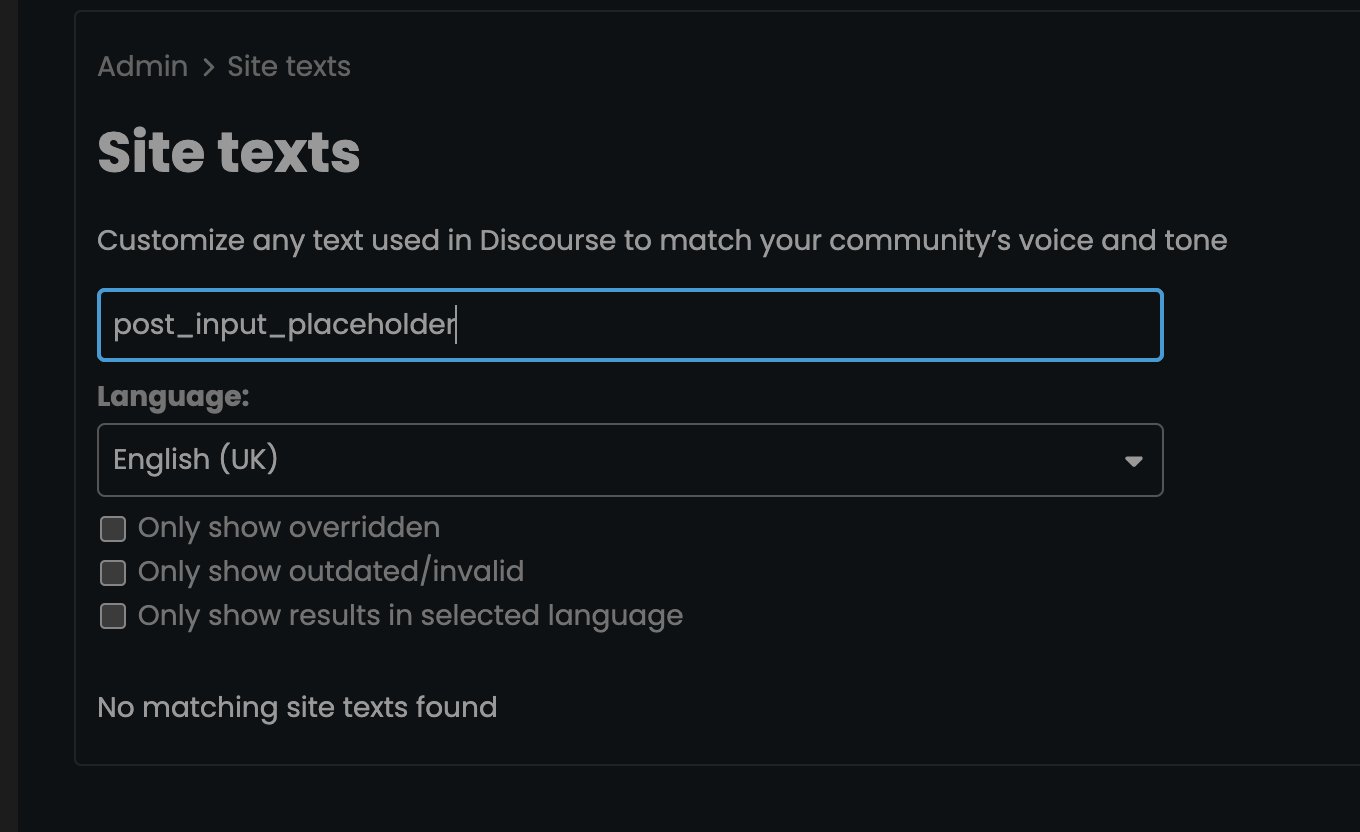
Anyone know how to change this text? “Create topic” I can’t find it in site text.
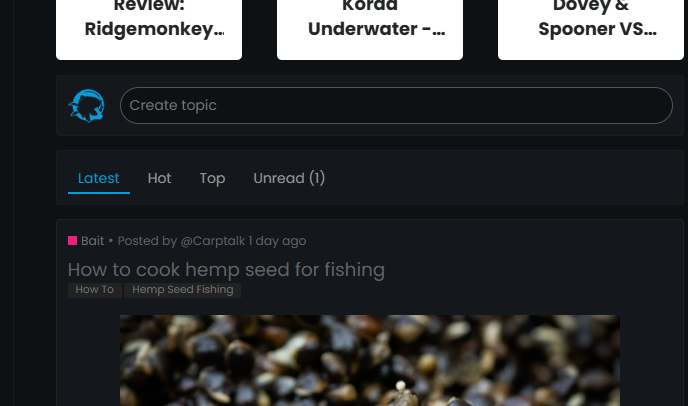
@Damian_Boon Go to the theme settings; you will see the translations below.