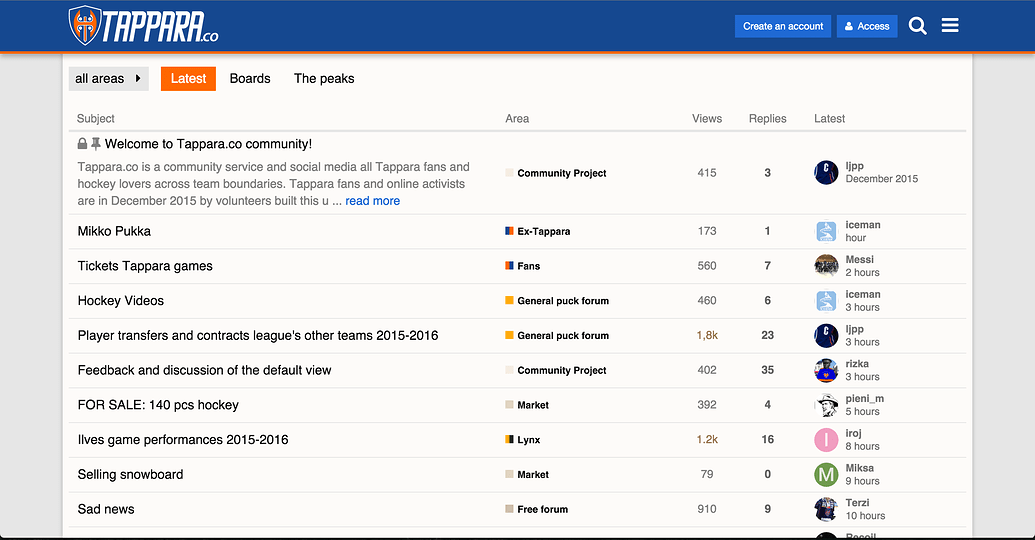
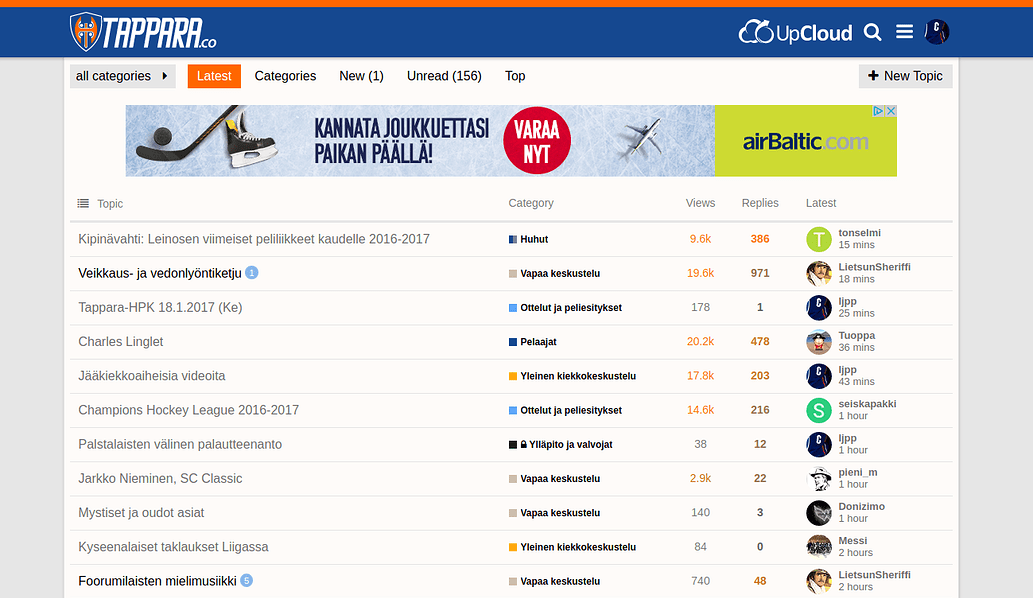
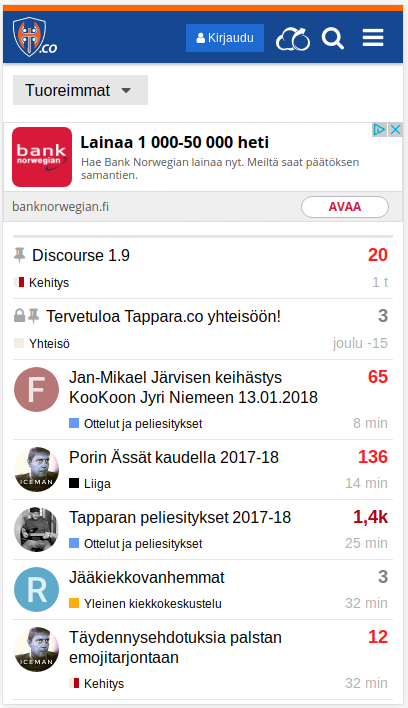
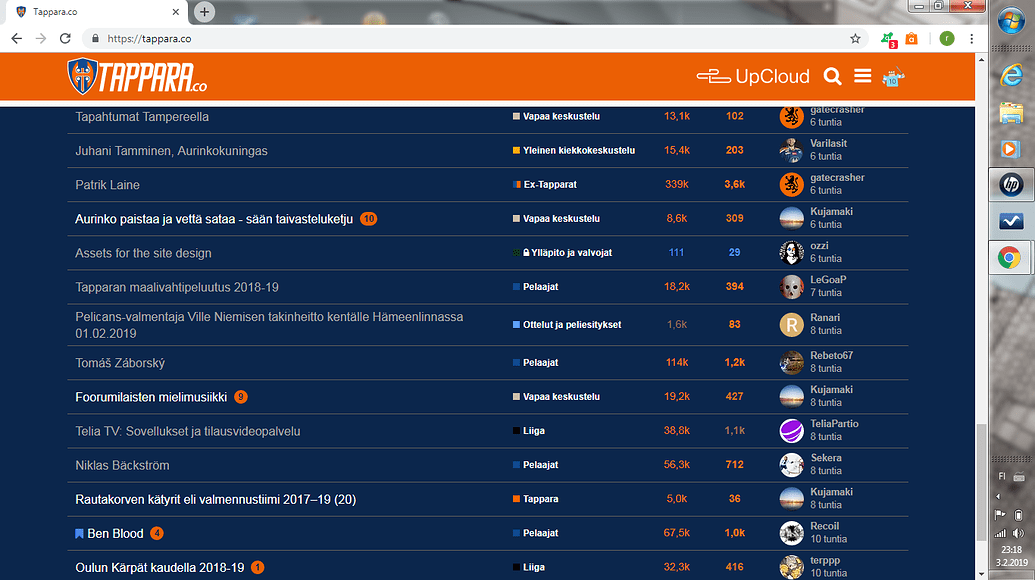
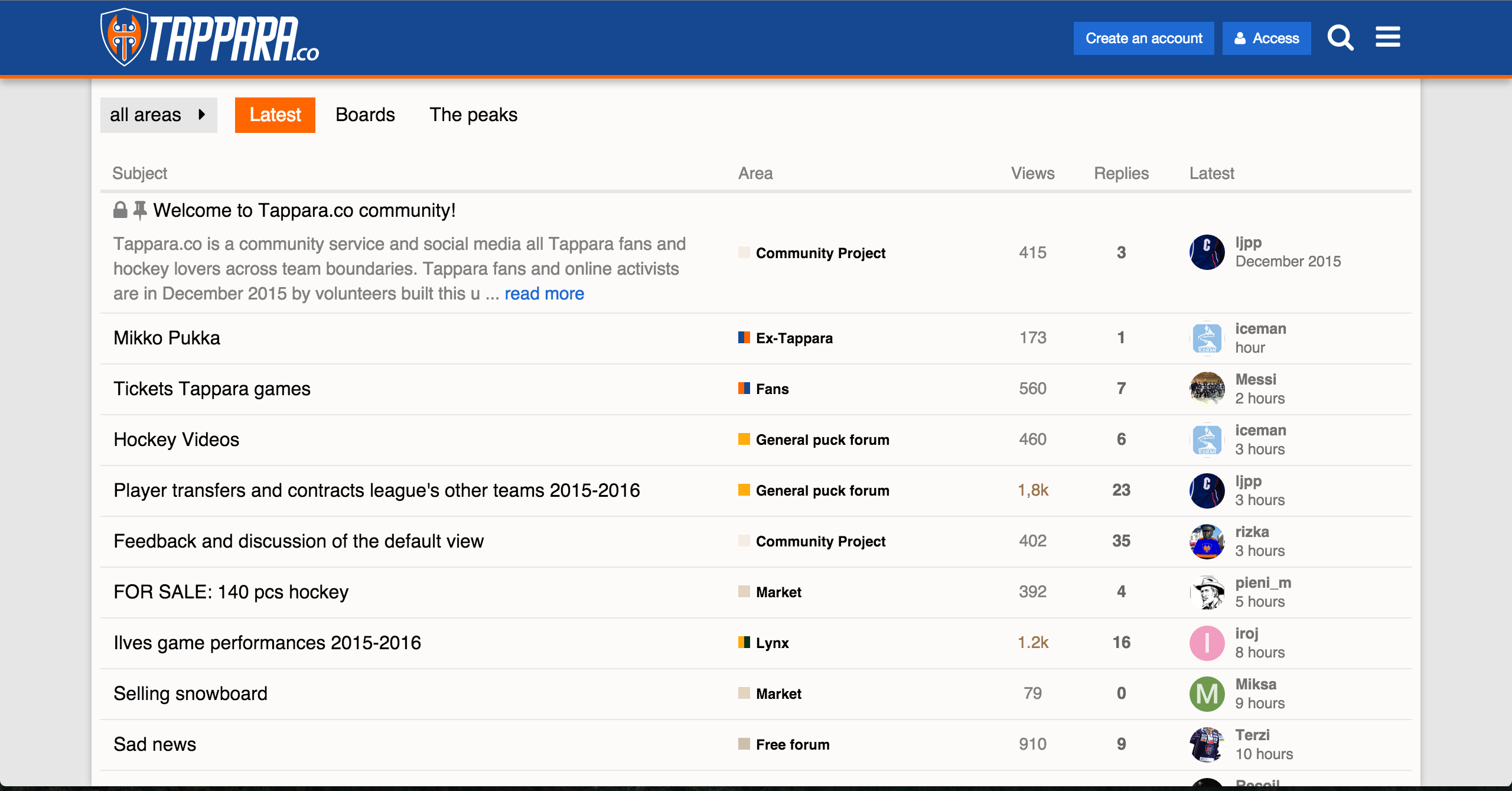
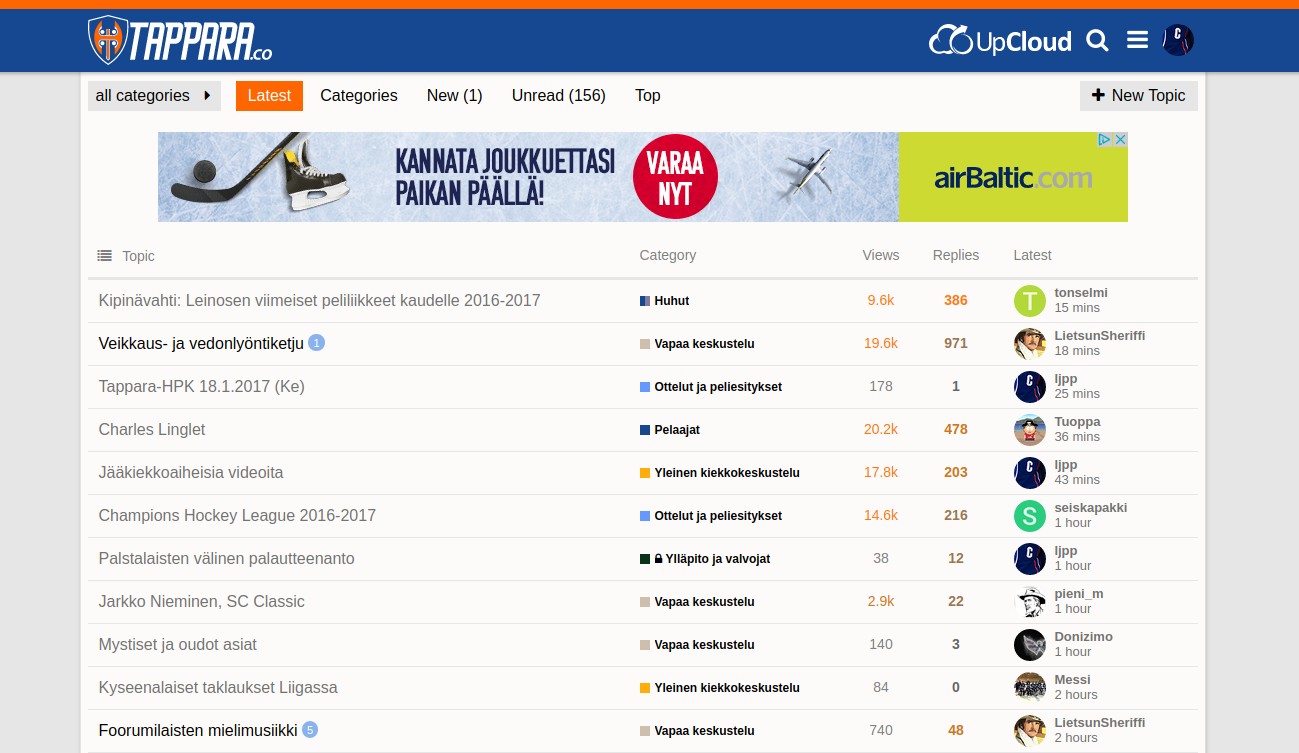
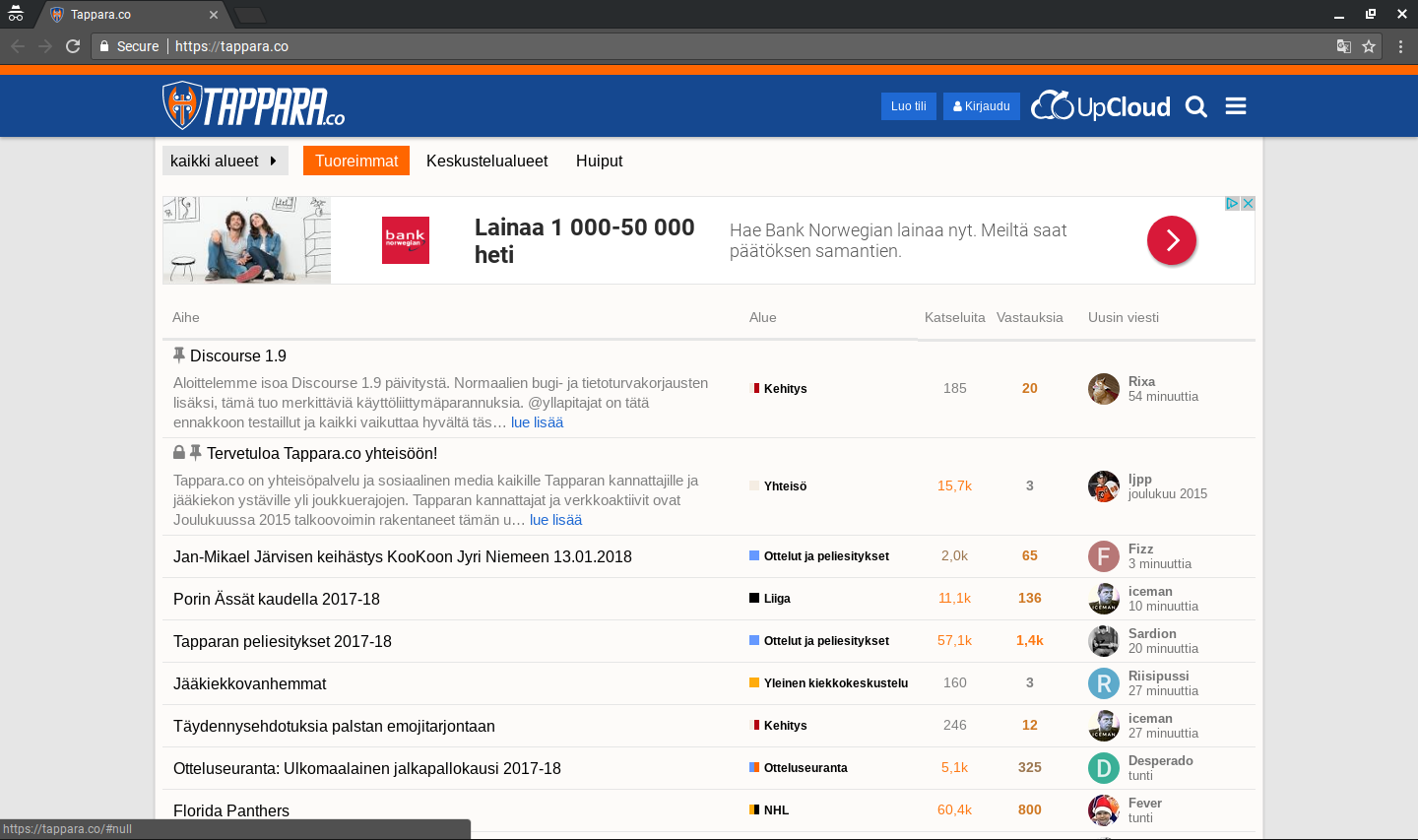
Time to give something back to the community. At Tappara.co we finally got our home screen, the Latest view, the way we wanted. This is partially based on @sam’s Minimal Theme and also borrows some from @probus’s excellent work at Keskuskenttä. It was mostly put together by our community member Ozzi. So kudos to them!
Main features:
Users and Activity merged to Latest, combining the avatar and username of the last poster and a time stamp.
Slightly squeezed vertical padding to allow more threads per screen.
See it in action on our site Tappara.co. Preview (Google Translated to English):
Note that we also have other minor visual CSS patches that I have published earlier. These code snippets below are only responsible for the topic listing.
Any thoughts, ideas, suggestions are appreciated.
Update:
The original version is outdated, and not compatible with current Discourse versions. Use the version 2 from our Github repo.
Our complete theming and customization work has now been released at GitHub. It has also evolved slightly since I opened this thread, so have a look first: https://tappara.co
One thing we have not been able to get sorted out is the Category badge colors. We started with a blue-orange idea for Categories as well, but then we needed to add some more and ran out of colors. It is a bit of a mess really.
It is actually pretty hard to figure out the colors when you have more than a handful of Categories and you’d like to have them somewhat aligned with the overall brand and styling. There should also be headroom for adding more categories in the future, so that adding one more does not break your color system or scheme.
As this is a hockey forum, many of the basic colors associate strongly with certain opponent teams, which is also undesirable.
Very interested in any ideas or suggestions regarding Category colors.
Thanks for giving something back and not just in this topic.
I don’t have any suggestions regarding specific Category colors for you particularly because of your need to avoid team color associations and I don’t have the same cultural color associations as your users.
I just want to point out that it is worthwhile to integrate Category color theming with the Site color theming because they always interact.
For example, even if you want to have Category colors “somewhat aligned with the overall brand and styling”, you don’t usually want Category colors to repeat the site colors. The appearance of vitality in a site declines when the colors appear too uniform because they are repeated, as your Category colors do - but the blue and orange are a good combination. The same with a lack of contrast between colors. We don’t want them too lively (as discussed in The end of Clown Vomit, or, simplified category styles ) but we also don’t want to hinder engagement by making them appear too bland (e.g.if color seeding isn’t handled well Create a complete color scheme based on one seed color feature).
@Mittineague Did you just play me with a classic engineering/developer joke?
Sure, you don’t run out of colors in technical perspective. But it is can be difficult to develop scheme of colors that play well with the overall theming and each other. If you have five categories, it is super simple - just use https://coolors.co/ . But when you have 10-15-20 categories, it gets increasingly difficult. And the scheme should even be future proof, in case one wishes to add more categories…
@mark In addition to categories there are sub-categories. I have been tinking of a color scheme, that would “scale” vertically and horizontally. The root level categories would have different color, and the subcategories would be lighter shades of their root?
Root category        sub-category
Red                  light red
Green                light green
Blue                 light blue
And if you have more than one sub-category, the idea would be to use different levels of white shading 25/50/75 would give you 3 sub-category colors. Haven’t tried this in real life though.
And yes the cultural color associations make it even more complex. Our local rival team goes with a green & yellow jersey, which limits the usage of these colors. The Finnish Elite League has black & white branding, so categories related to the League as a whole should prolly leverage that, and so forth.
I am just starting to look at 1.8 and it seems that the whole Customization has been dramatically changed.
Is there any documentation on how are the 1.7 customizations managed by the upgrade process and what should be taken into account prior to the upgrade?
Our overall customization is made of multiple several code snippets, impacting different parts of the UI.
Yeah, spotted that. I sure hope that the migration scripts are well tested. My two small side projects ugraded flawlessly though, but they have somewhat less customization.
Battle Axe theme is now available straight from our GitHub repository. We have just updated it to match Discourse 1.9, which introduced some changes to the UI elements.
We are also offering our customization of inserting local ads to the header and footer areas, mobile and desktop views. The code now serves our partner UpClould.com graphic elements, so you need to modify accordingly.
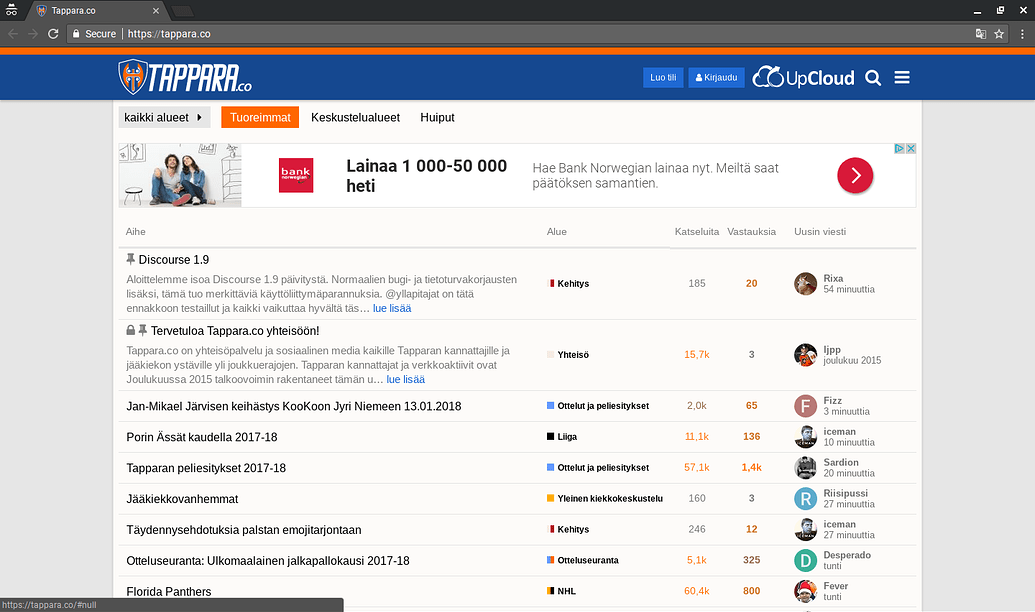
Edit: An up-to-date screenshot with FI locale and resposive AdSense ads enabled.
We use the official endorsed ad plugin to serve responsive AdSense ads.
As mentioned elsewhere, we struck a deal with UpCloud.com premium hosting (highly recommended for Discourse, if I may say so), exchanging hosting credits for brand visibility. These we baked in to the theme. This provides UpCloud good visibility near the menu button and at the end of every page. This has the added benefit that local images are not blocked by AdBlockers, so they get their goods for every page view served. This customization is also published at our GitHub repo.
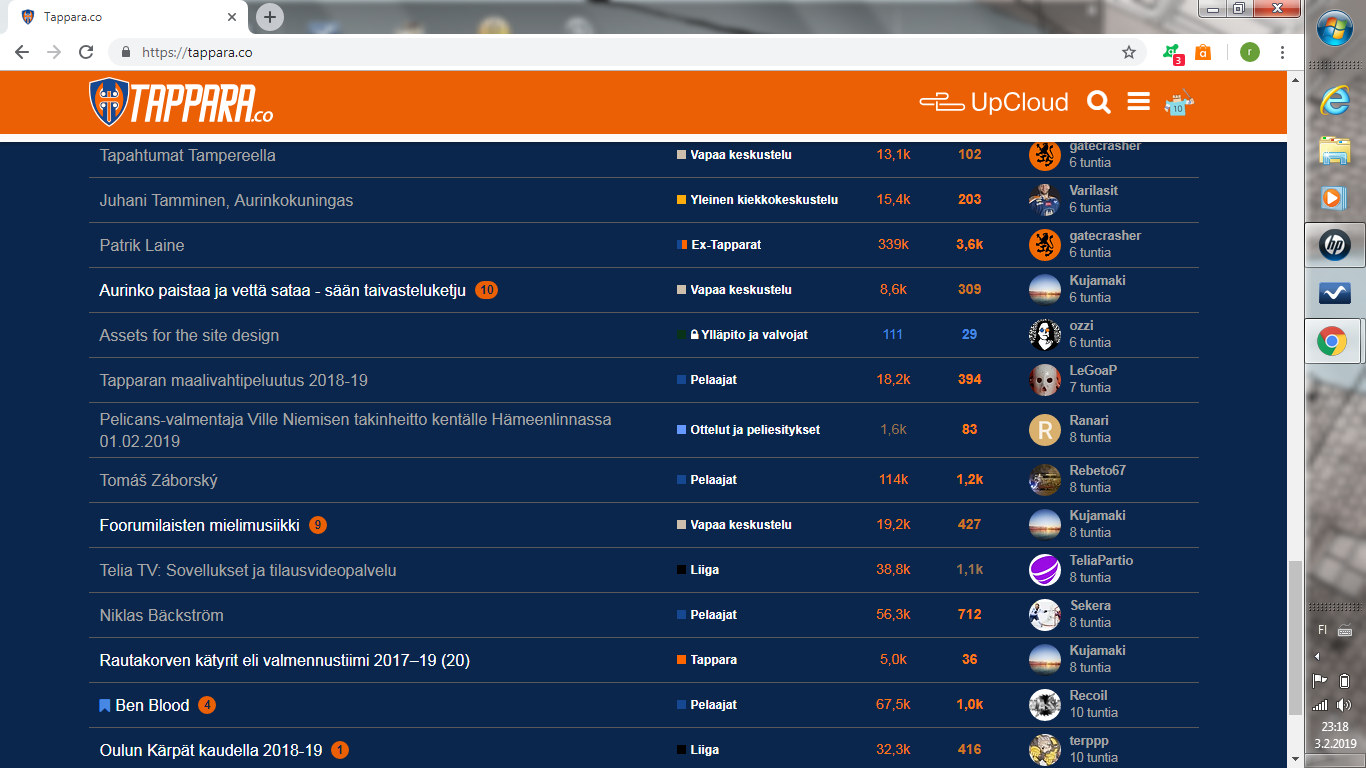
Exciting news! The Battle Axe theme was updated today. The new version also includes an awesome dark version with orange header, dark blue background and a white bar separating them. You can right now see the dark theme live at https://tappara.co. The light-colored version will be set to be the default theme again some time tomorrow so here is a screenshot:
The currently available version in Github is compatible with Discourse 2.1 which our site still uses, but we have a 2.2-compatible version prepared. We will publish it on Github rather soon. Most notably, we will stick with traditional categories column in the desktop Latest view. Our front-end guru @ozzi has put together some slick implementation making use of handlebars. I suppose we will share that customization as a separate theme component.
Credits go to @ozzi, who has done most of the development and maintained it over the years.
Battle Axe is a good fit for sports club communities. Just change the team colors and logo. The stripes mimic the design seen in many ice hockey jerseys. Customize to black/yellow/white and you have Boston Bruins and so forth.
Maybe you could add the link to the repository in the first post, similar to the template which is added to all new theme topics today.
Then it is less likely people will use the wrong repository because it is the first link they stumble across.
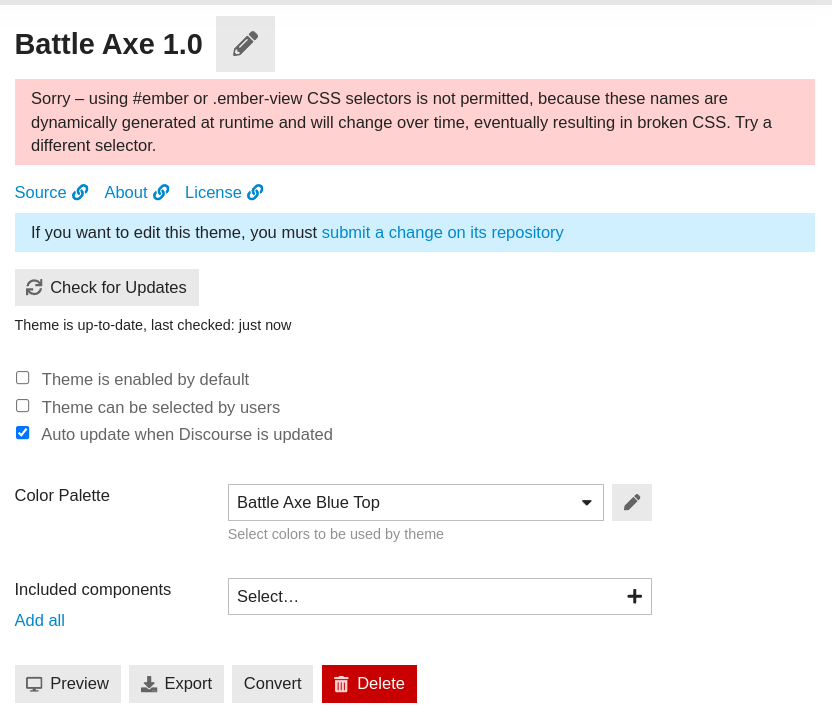
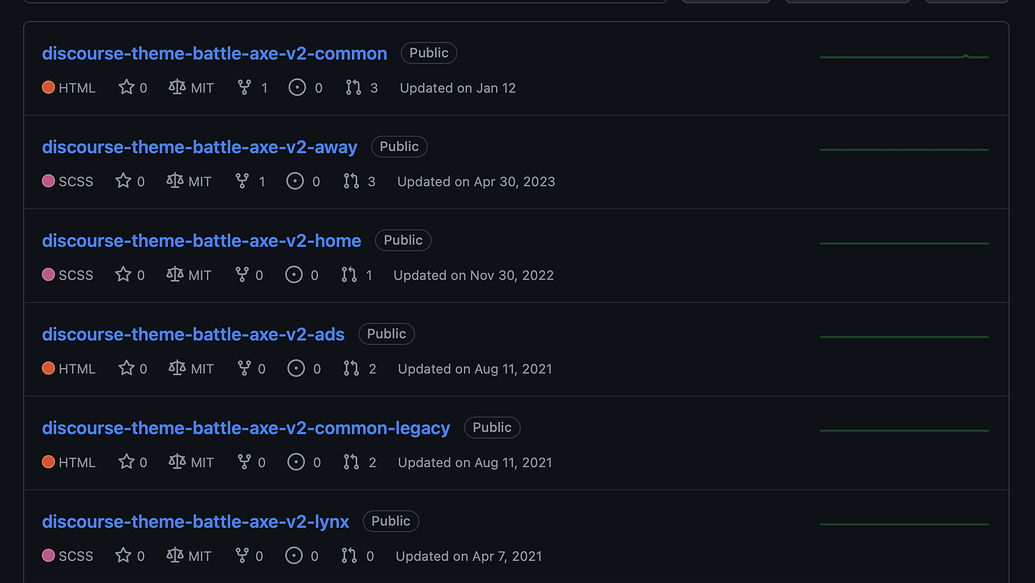
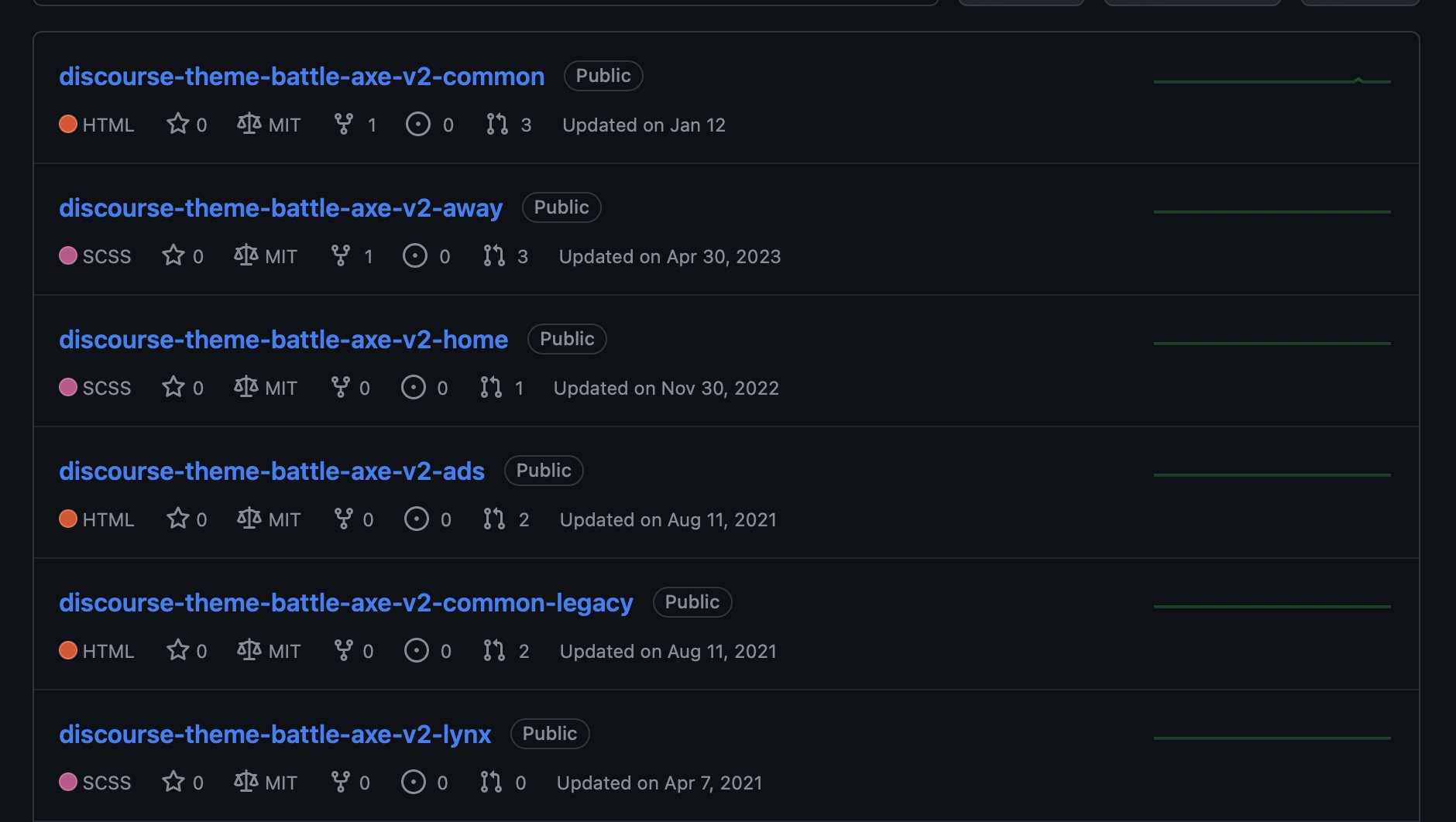
discourse-theme-battle-axe-v2-common – this is the common parts for both color themes, it’s a component
discourse-theme-battle-axe-v2-away – this is the light theme, naming comes from hockey jerseys
discourse-theme-battle-axe-v2-home – this is the dark theme
Rest of the repositories are ads and legacy stuff.
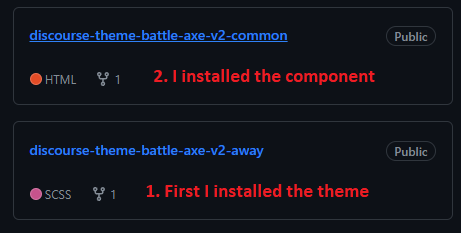
So to install the theme:
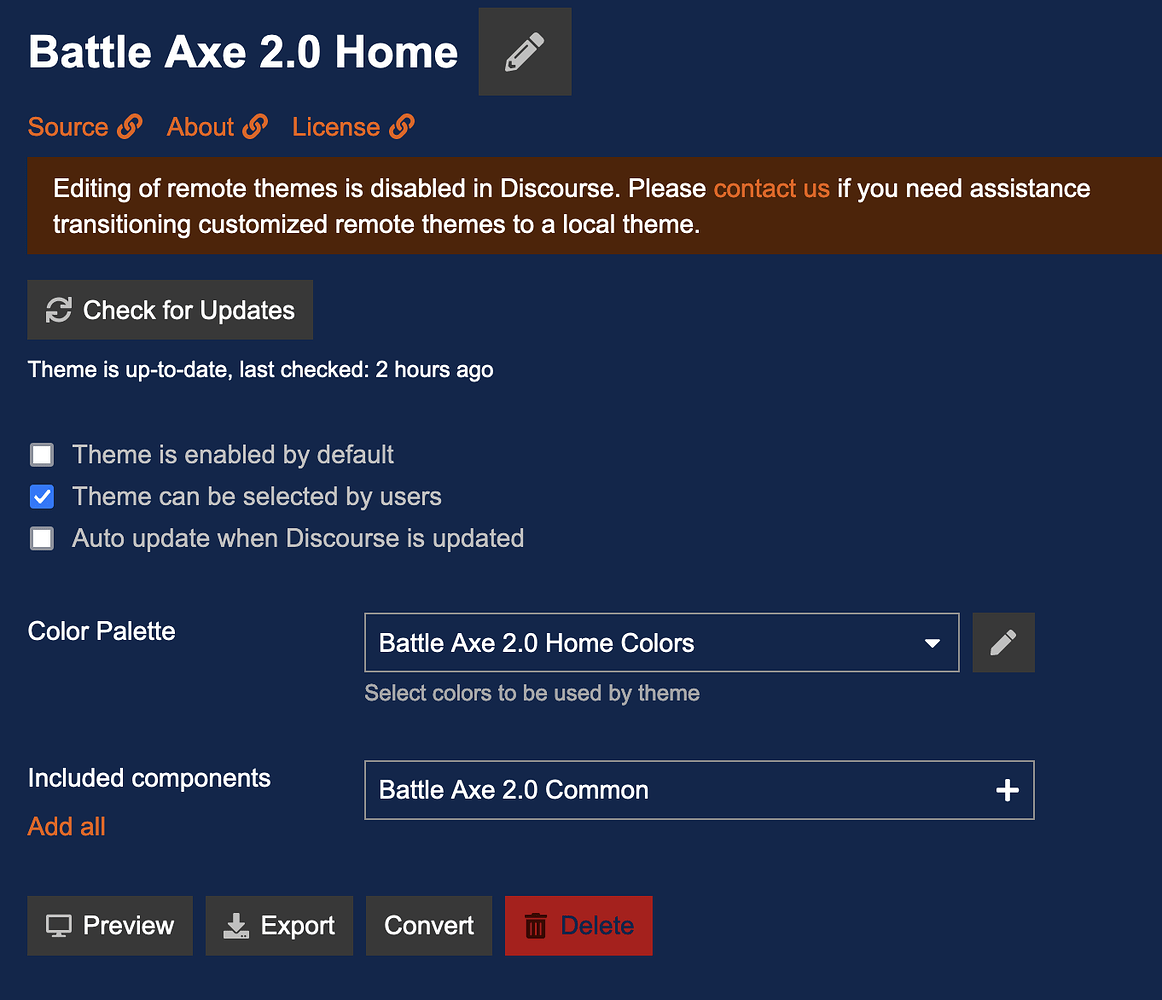
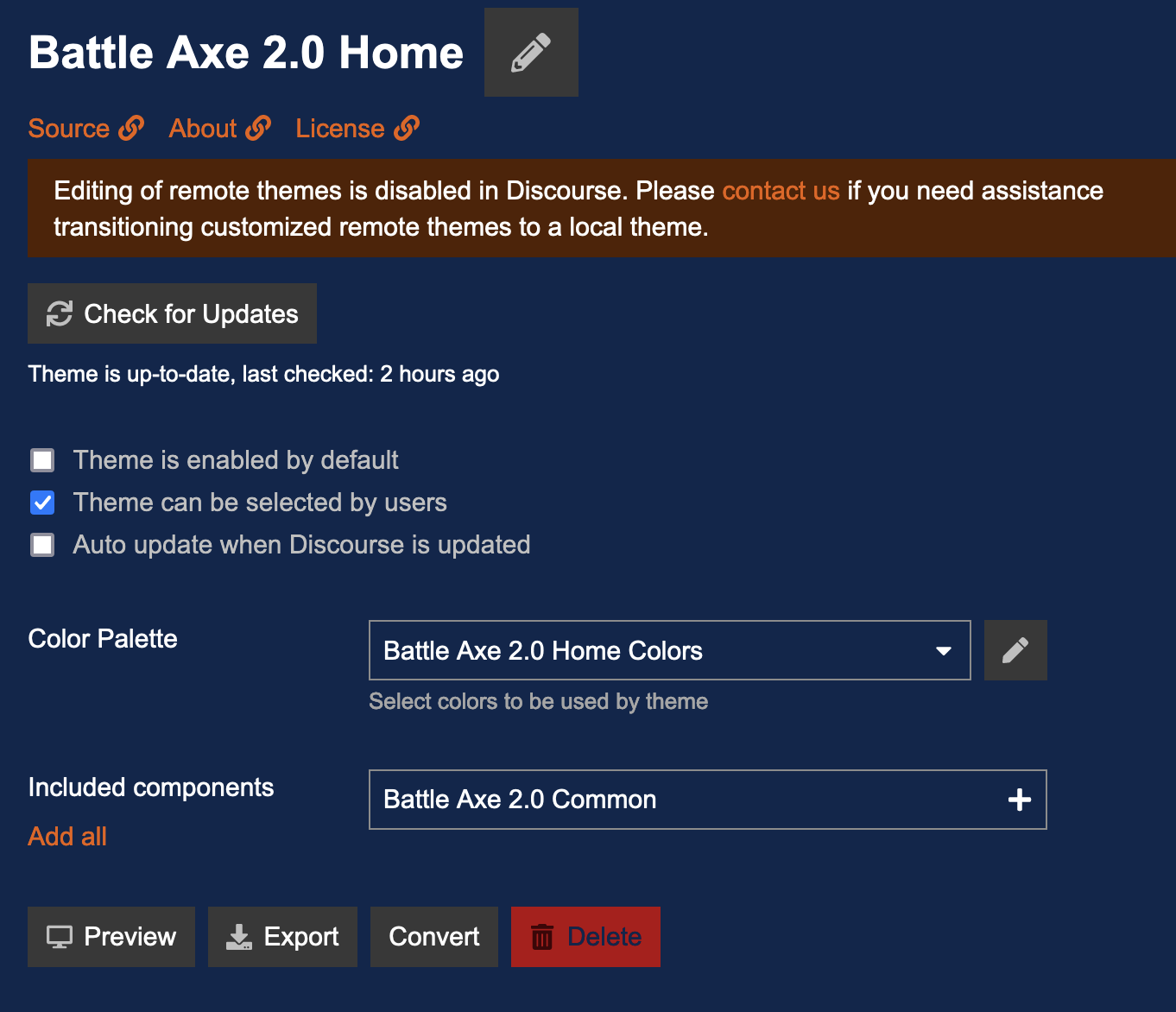
Install the common component and make sure it’s a component in the customize menu
Install away and home themes and make sure they are themes in the customize menu
Open home/away theme and pick the correct color palette
Open home/away theme and include the common component to theme from the dropdown
Make sure you are using the correct theme and the color palette and have these enabled for the users
@Ahmed26 and @Lilly, let me know if it still doesn’t work with these steps.
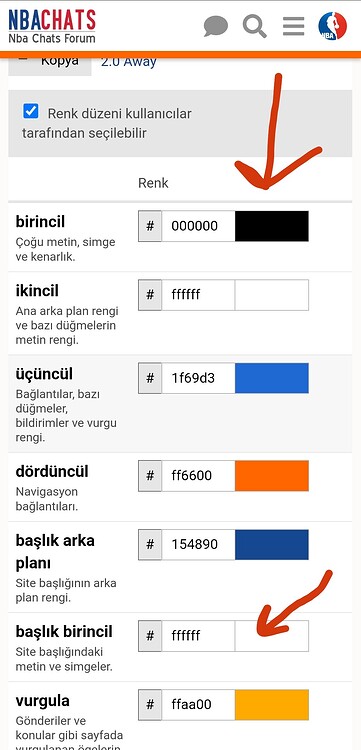
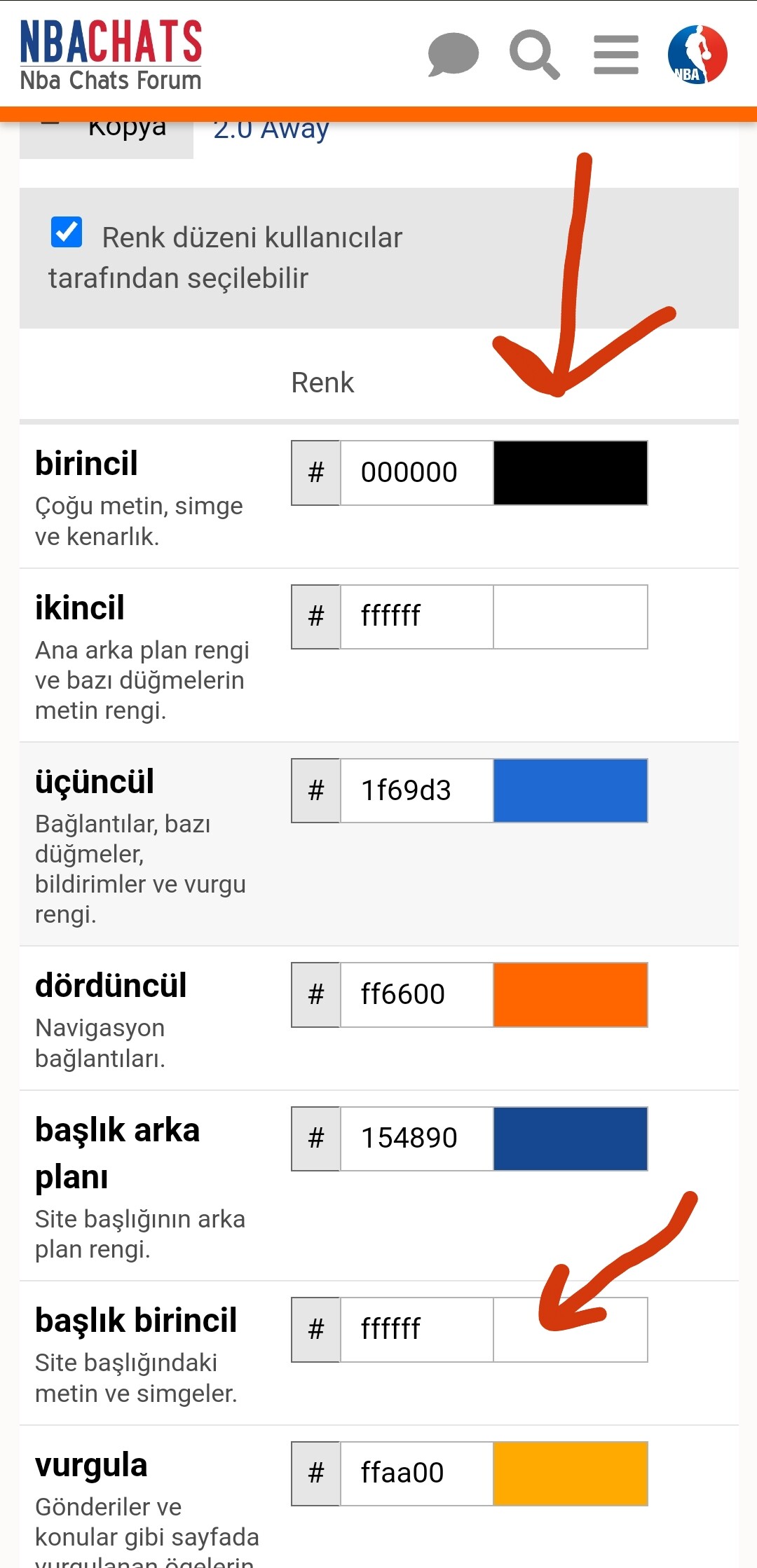
The palettes come hard coded from the repository. You can press the duplicate button (Kopya?) and create a new color palette with your own colors. Then instead of picking the Battle Axe color palette in the theme settings pick your new palette.
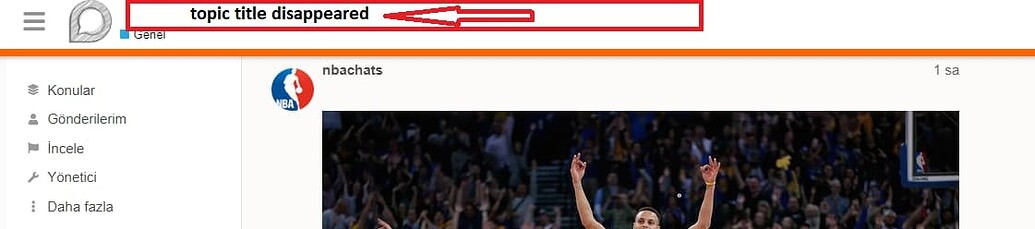
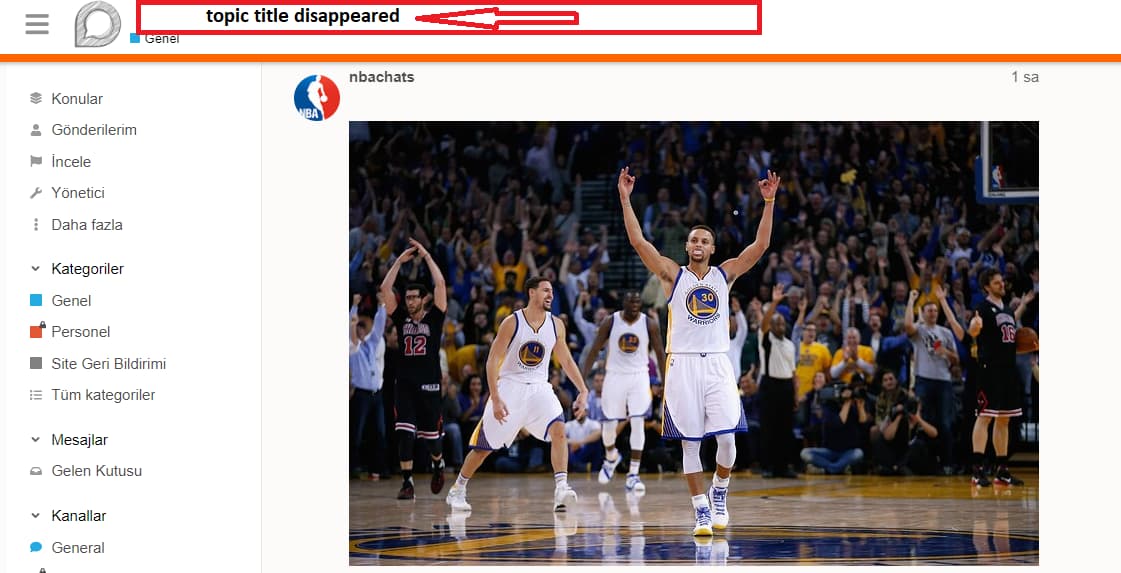
Ah, that’s hard coded white since we use the blue top banner in the light theme. Might be some old hack that’s not even required anymore.
You can change it by creating a new component with custom CSS and adding it to the theme. But I would anyways suggest forking the repository to make changes easier. The theme has some ugly hacks and hasn’t really been made customizable.
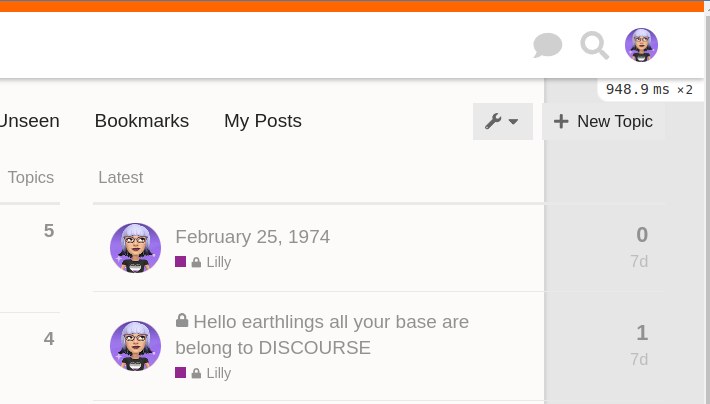
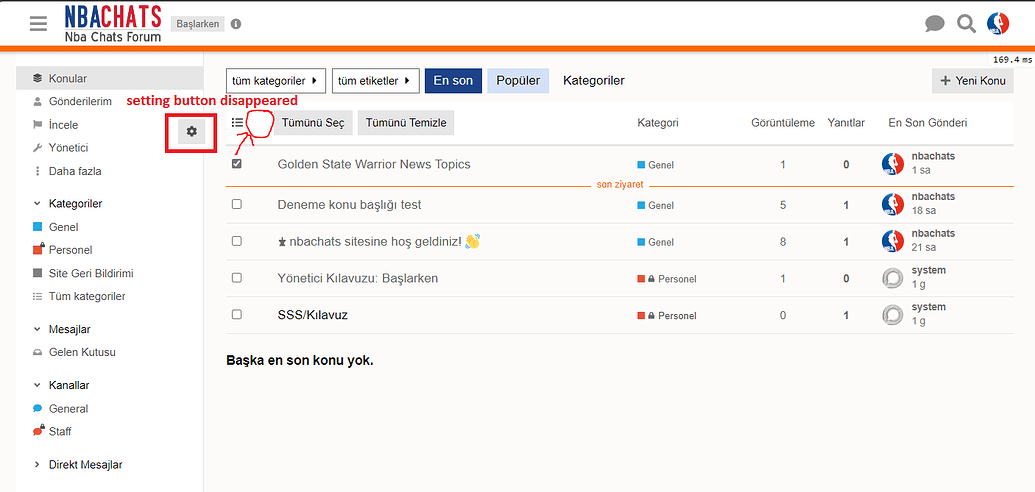
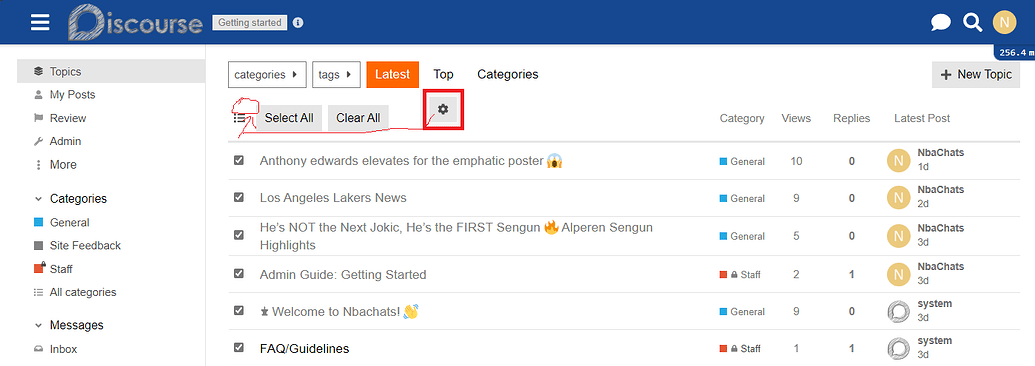
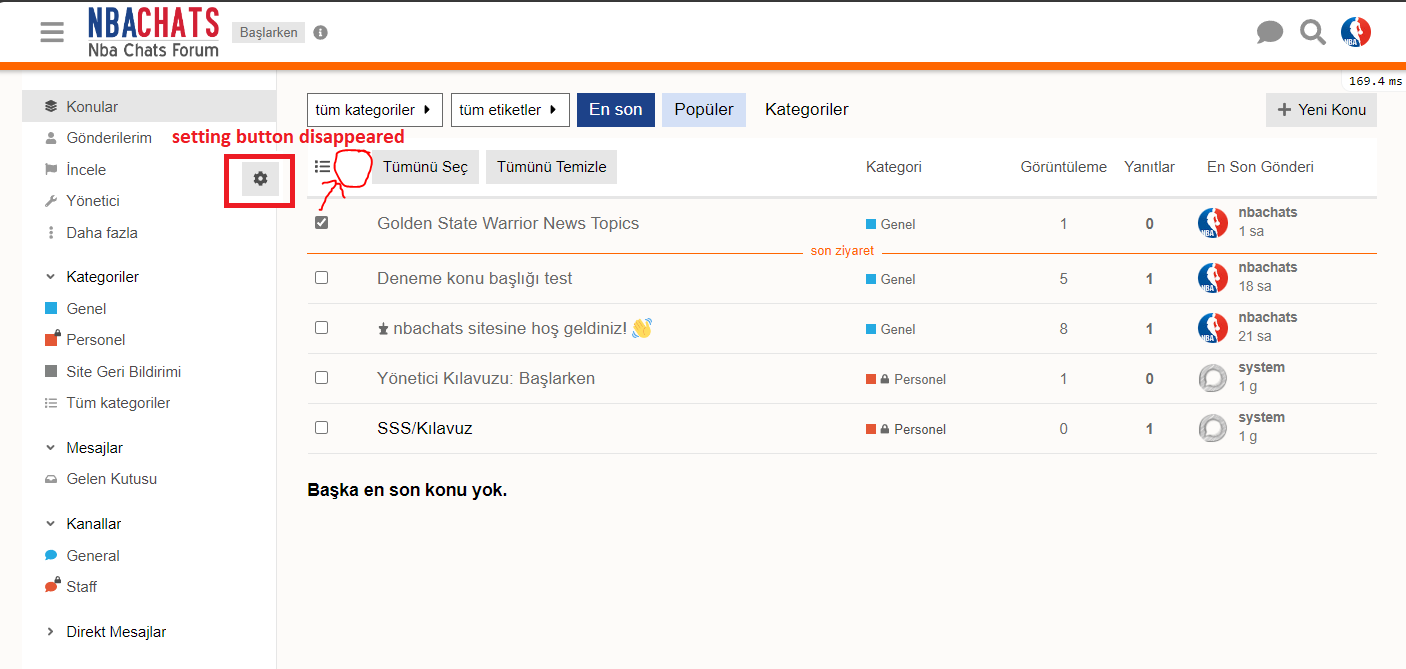
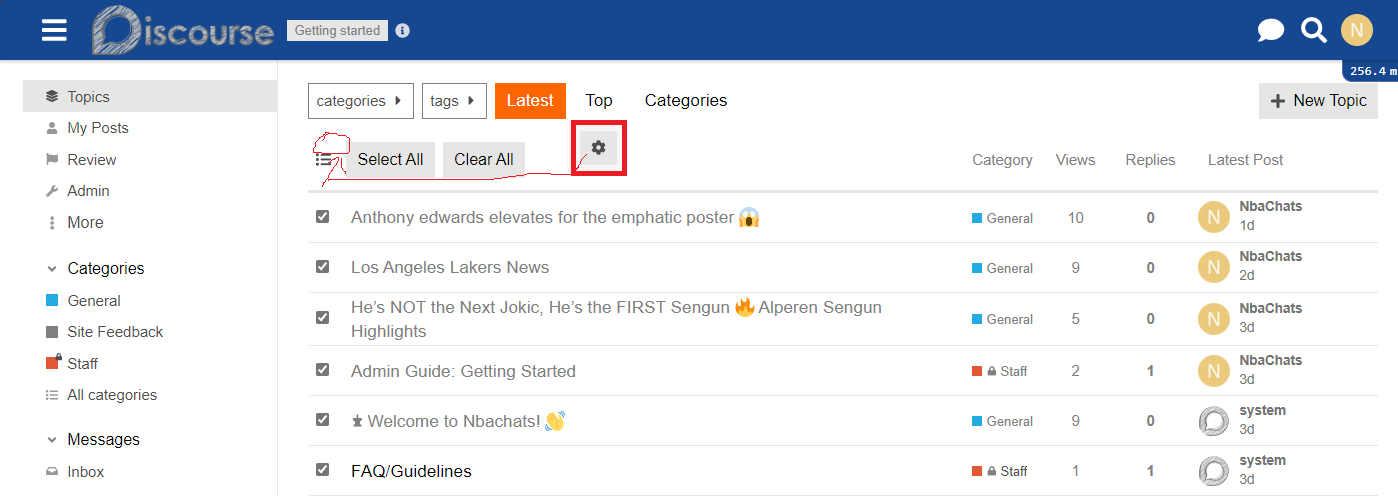
Which version of Discourse are you using? Not sure what that button is since it’s not visible in our setup. We only have a wrench-icon for settings next to the “New Topic” button.
Are you looking at a topic list like /latest? There should be an option to select topic and as soon as you select one you can choose what you want to do with those topics. See also Bulk Actions Available to Moderators
Ah, got it. Works on mobile so it must be related to our modified desktop topic list. I actually have a hunch about it but need to look into later. Stay tuned.
Thank your reply. I encountered this notice while using this component, so I wanted to ask if it’s necessary to update the component, as I don’t know how to program.