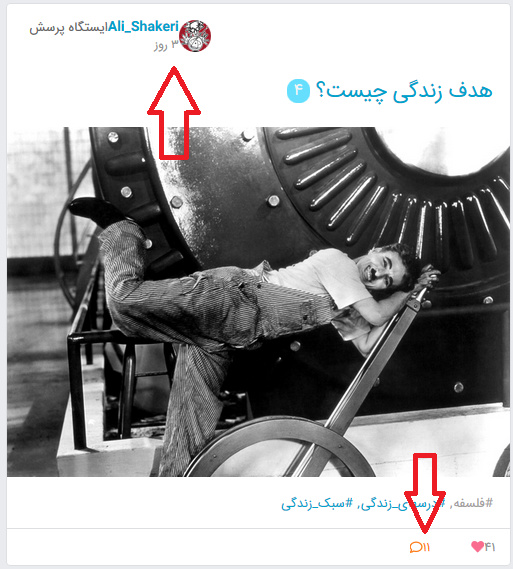
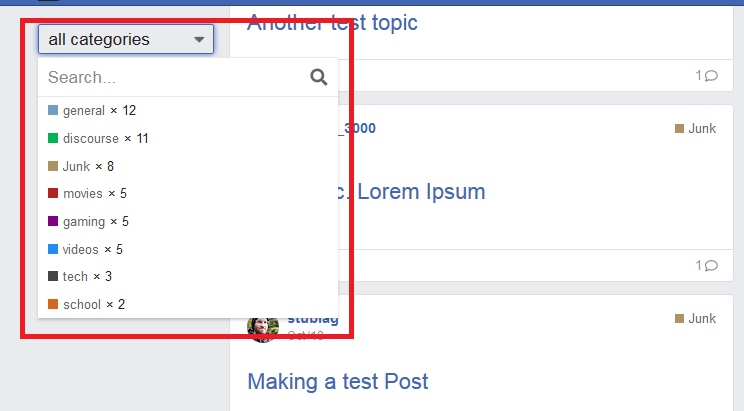
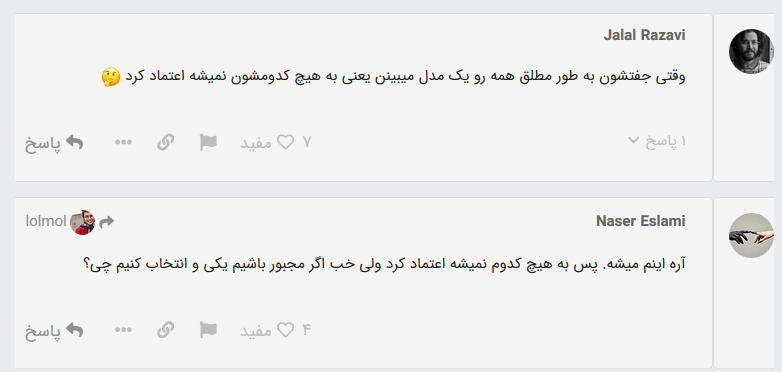
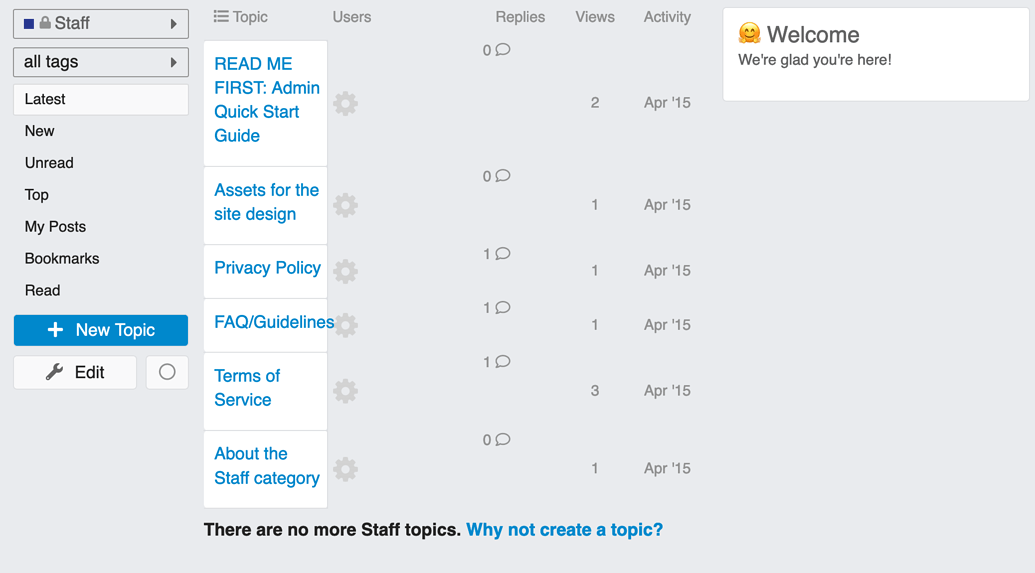
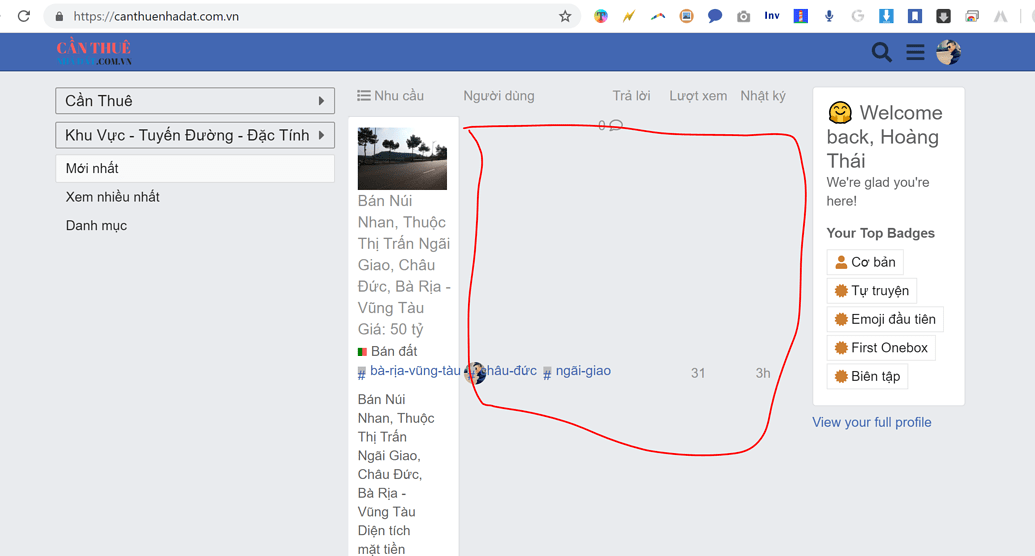
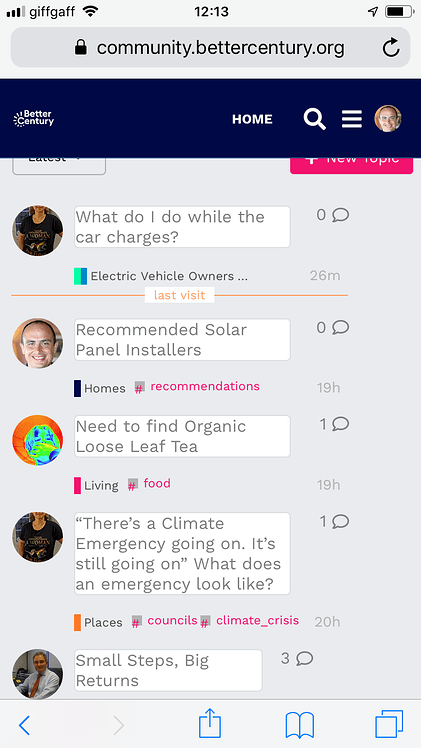
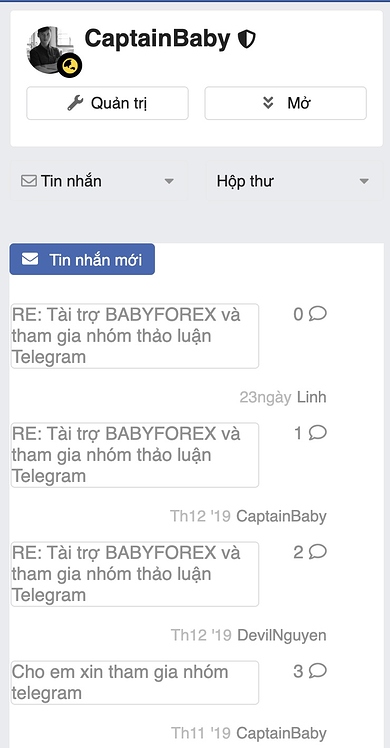
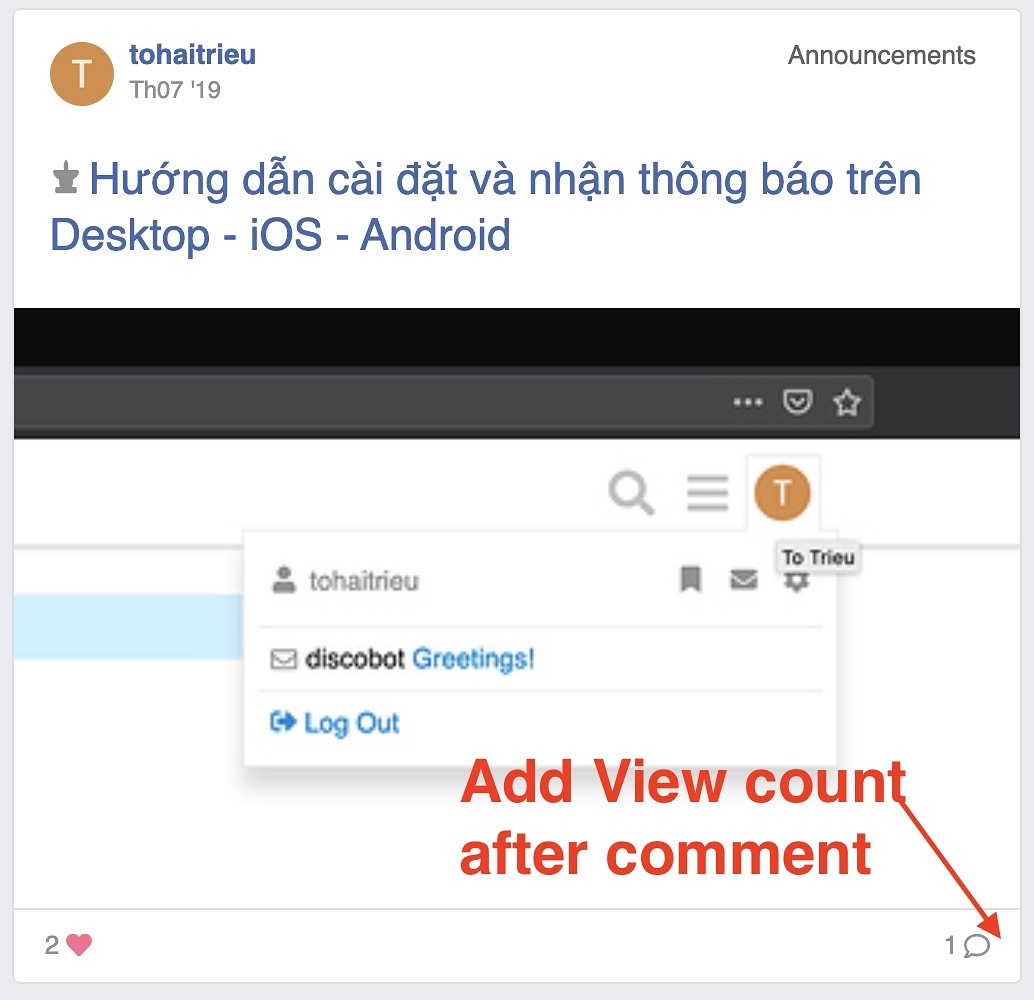
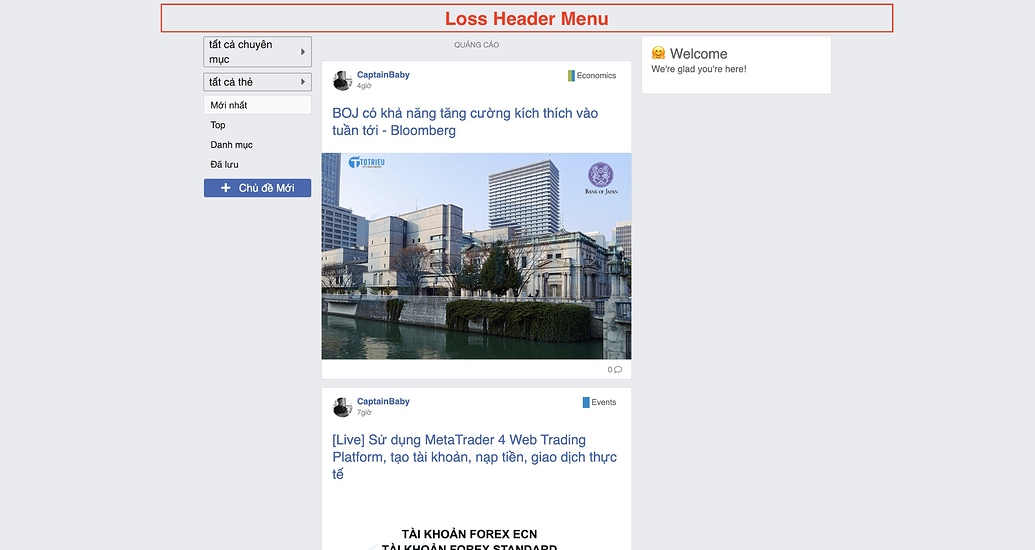
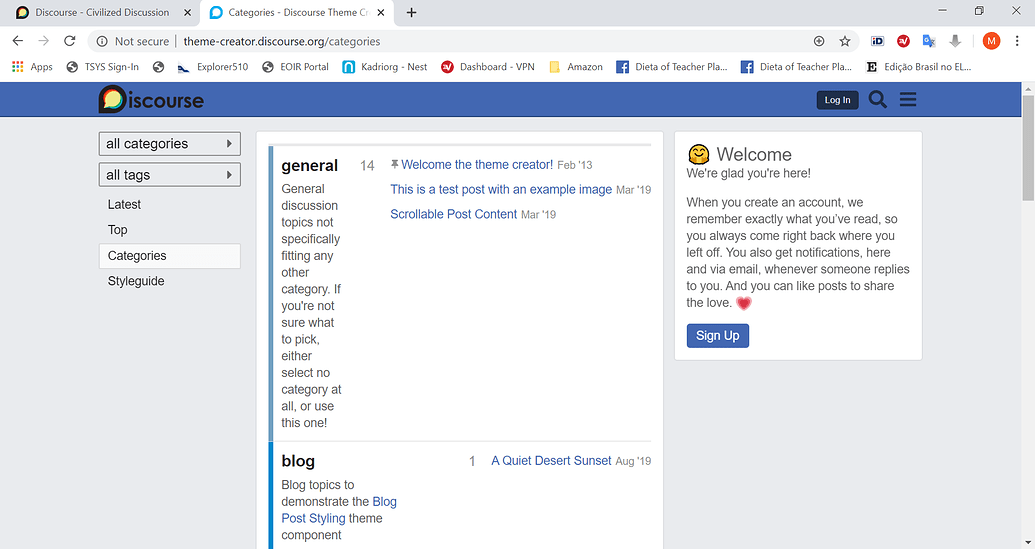
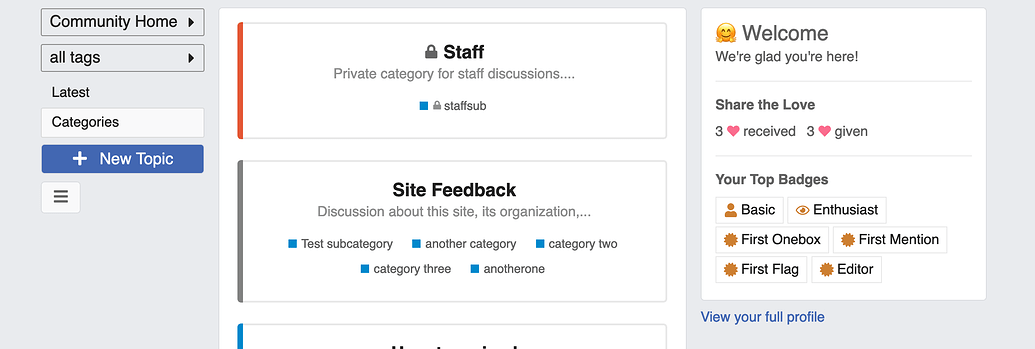
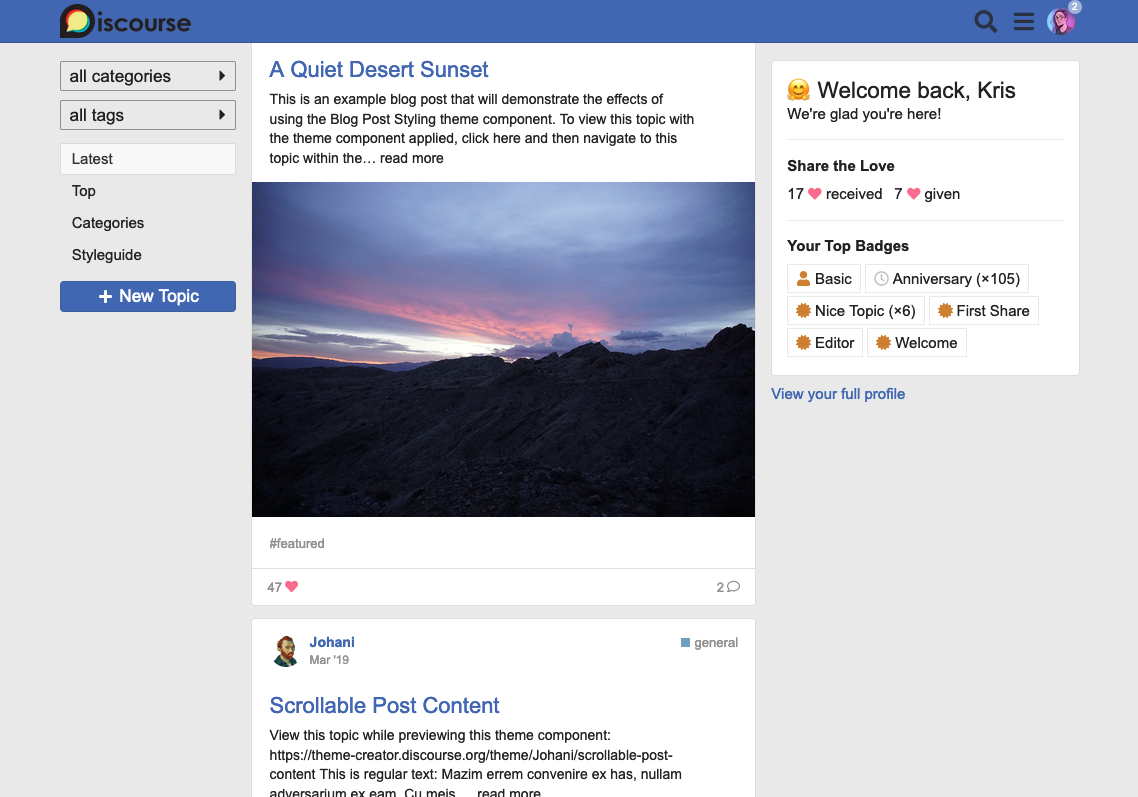
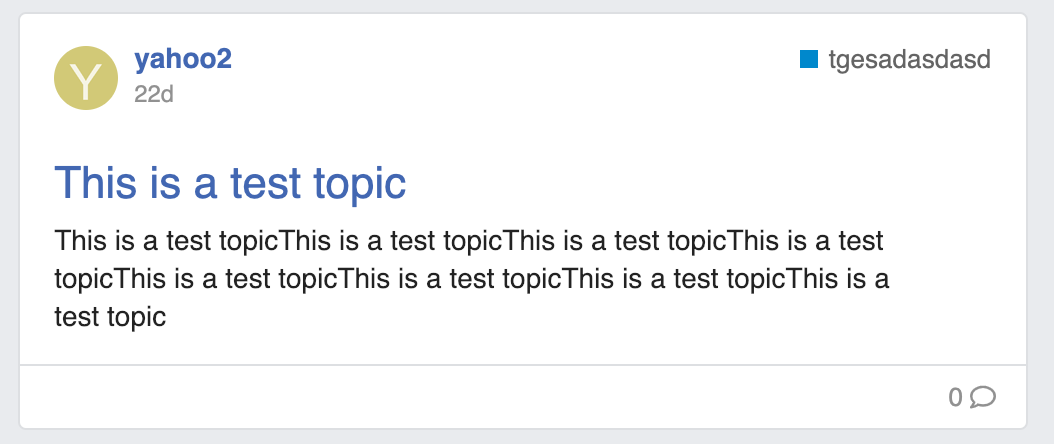
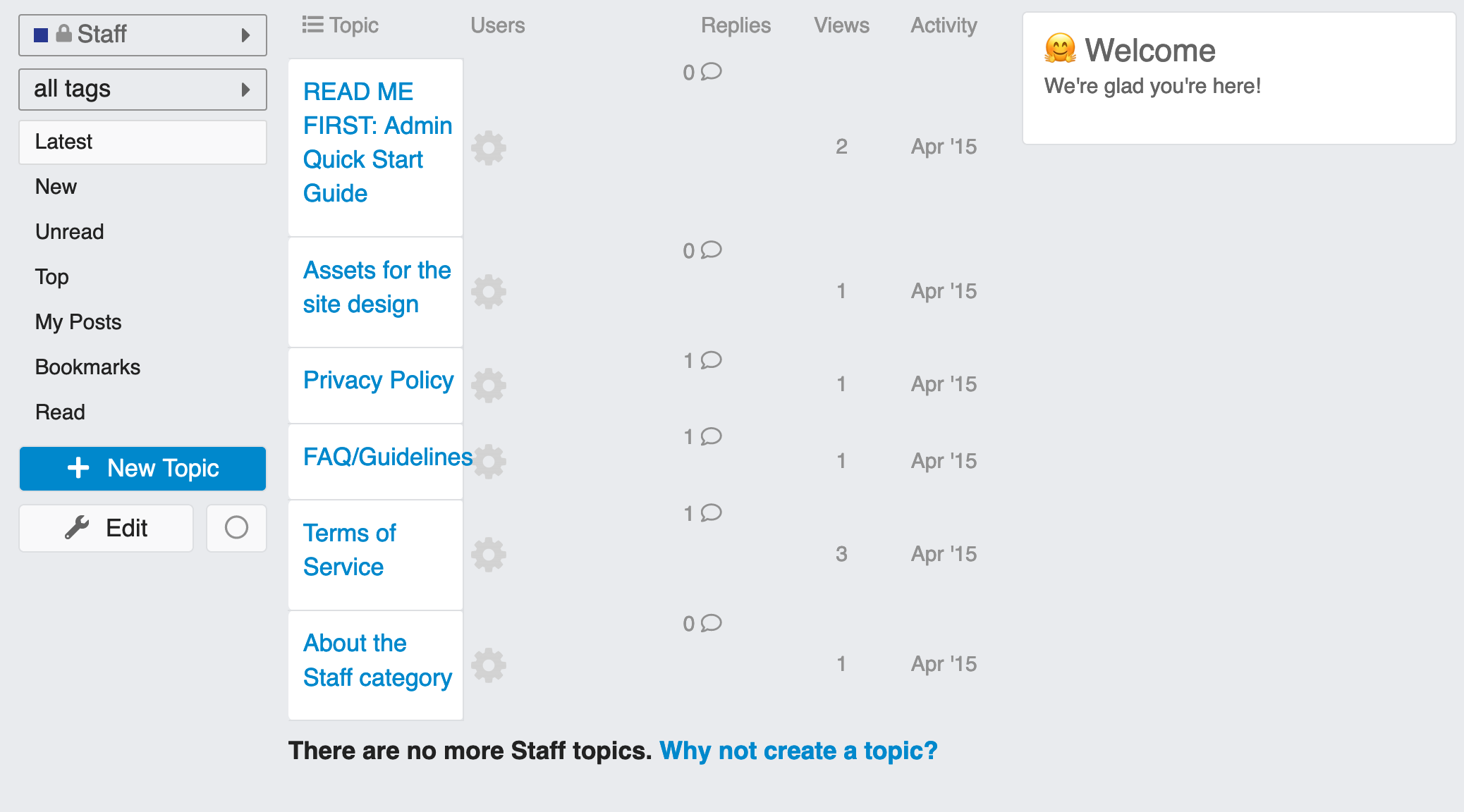
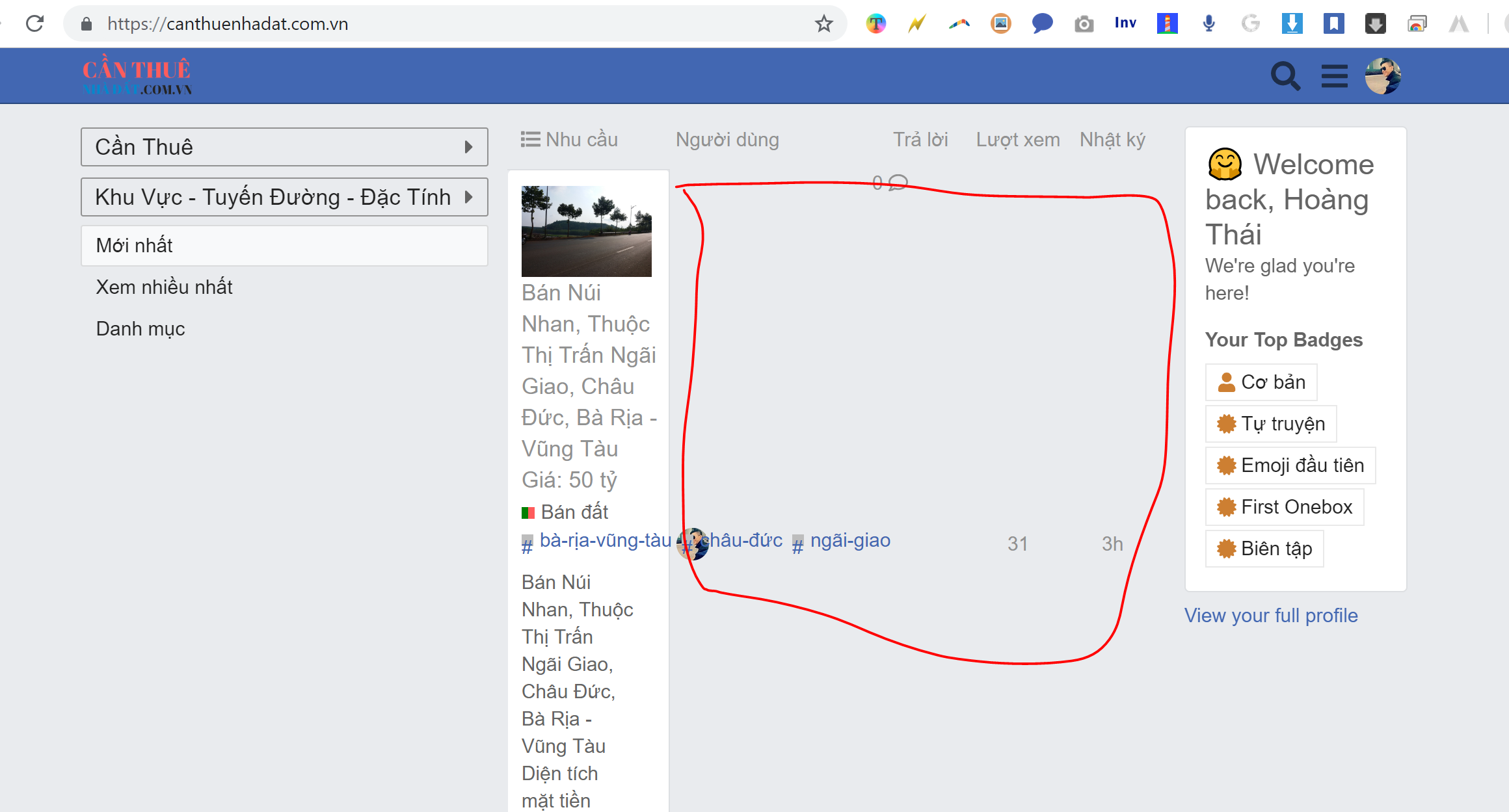
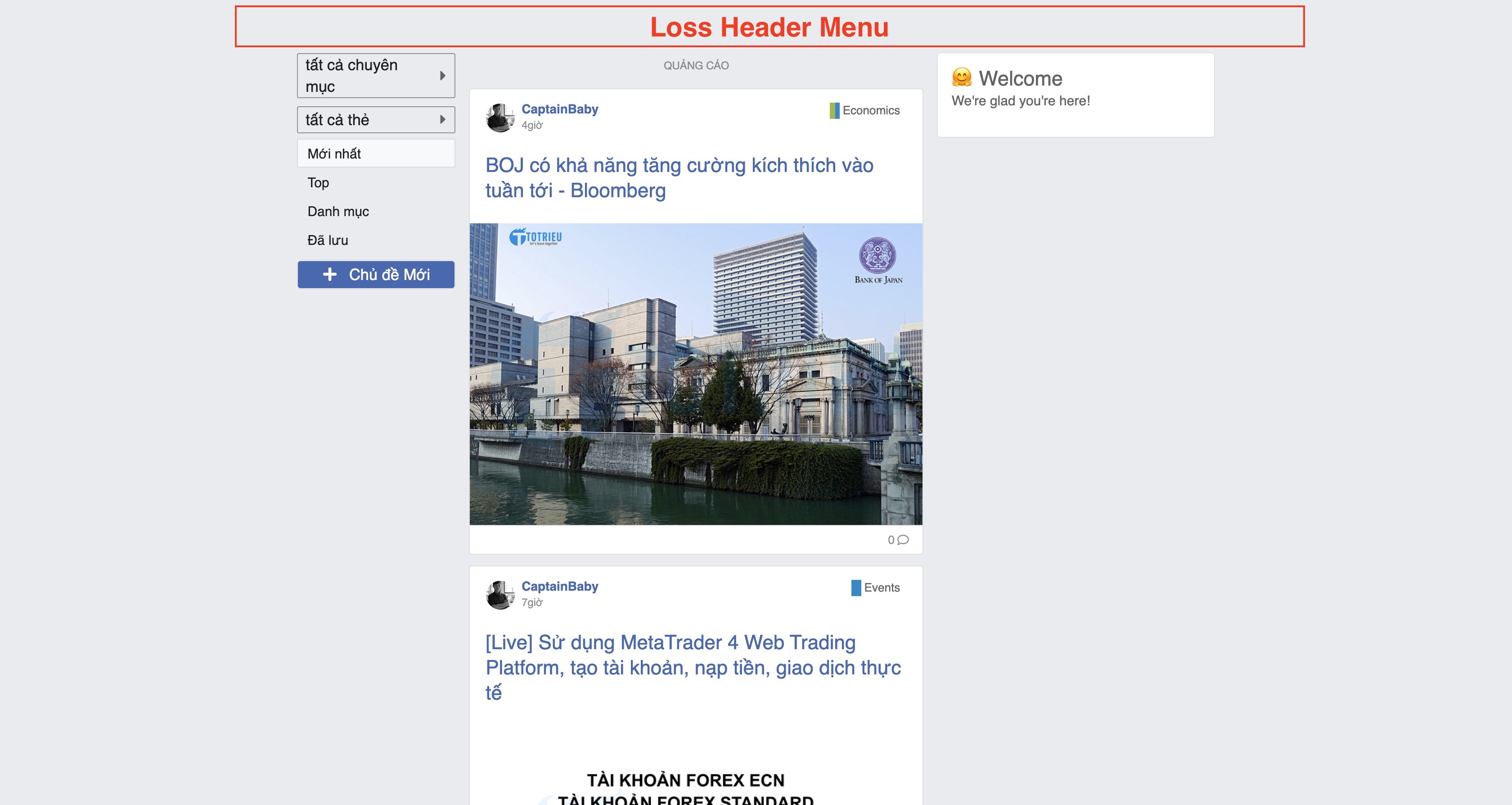
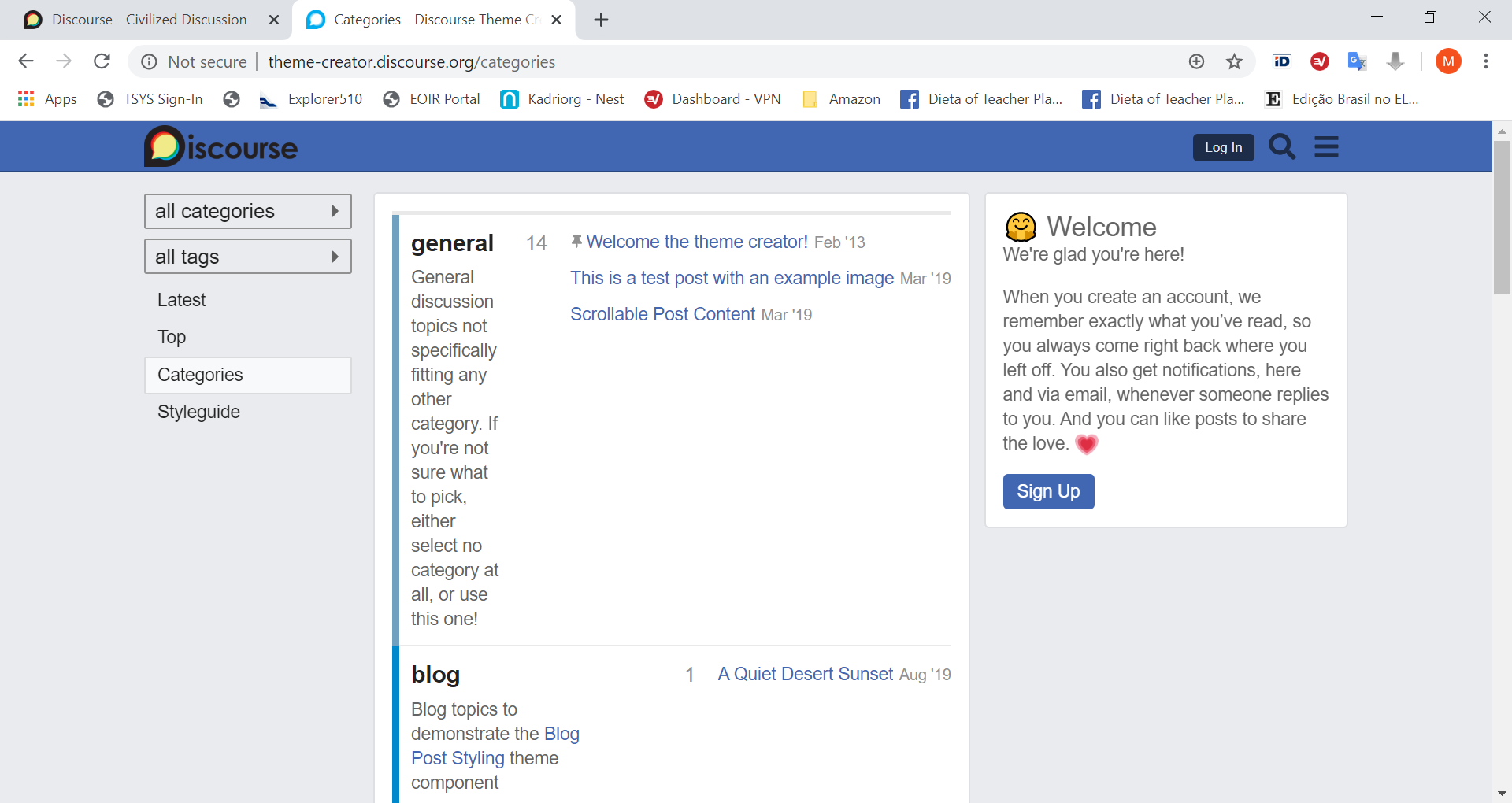
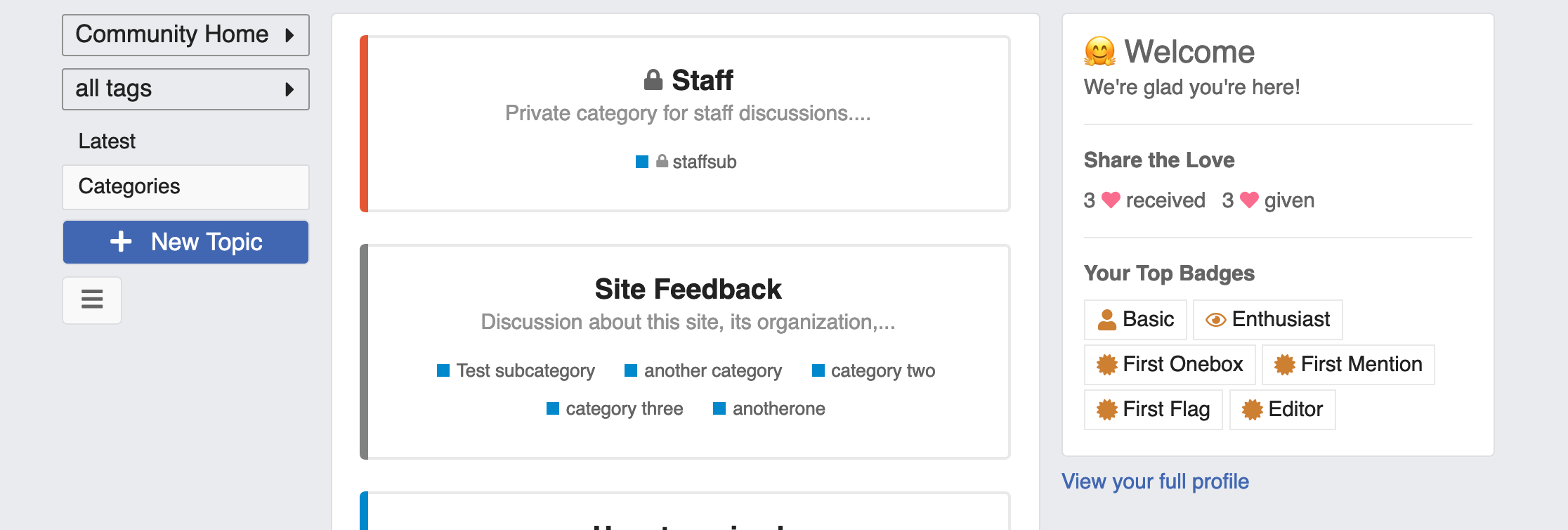
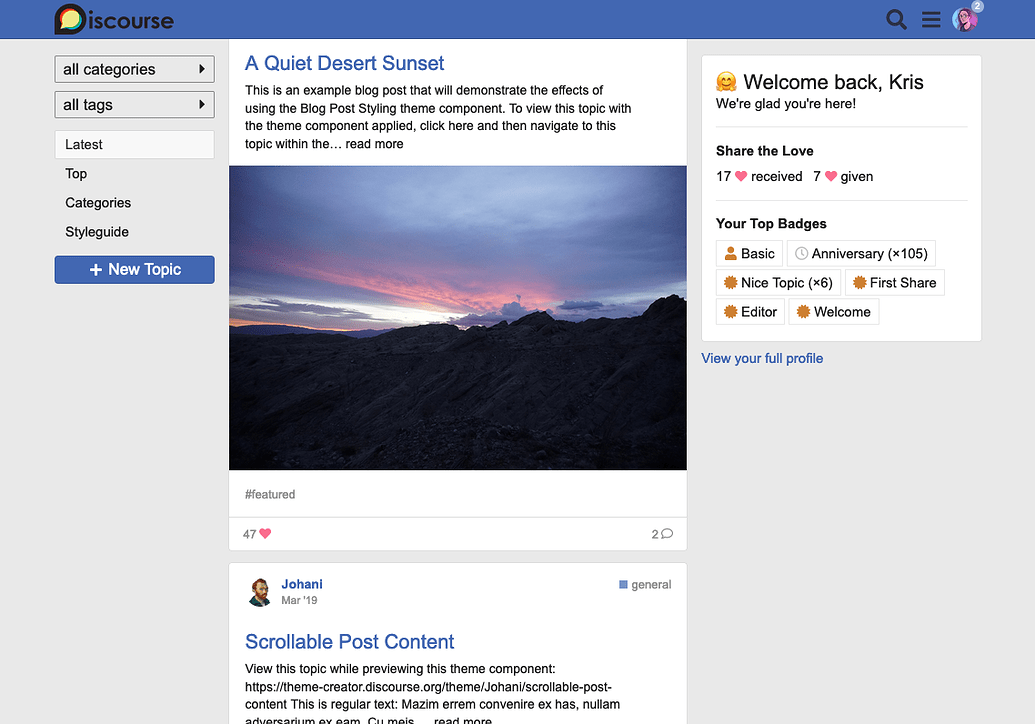
The theme features a navigation sidebar, as well as a sidebar that showcases some of your user profile information. If a topic has an image, the topic list shows a preview. Topic excerpts will be displayed on all topics.
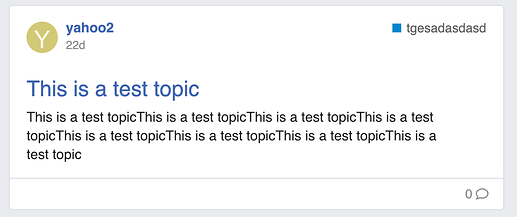
Preview with topic excerpt:
In the theme settings you’ll find a few options for hiding sidebar content, or switching the sidebar sides.
I recommend using the “Categories Only” category page layout with this theme, as space in the main column very limited.
Settings
Name
Description
sidebar alignment
sidebar show intro
sidebar show likes
sidebar show badges
Translation
Default
sidebar.welcome
Welcome
sidebar.back
back,
sidebar.welcome_subhead
We’re glad you’re here!
sidebar.likes_header
Share the Love
sidebar.badges_header
Your Top Badges
sidebar.full_profile
View your full profile
Hosted by us? Themes are available to use on our Standard, Business, and Enterprise plans.
Better handling of images in topic list (They indiscriminately pull images from oneboxes if there’s one in the OP, and these don’t work well as previews)
Include sidebars on tag pages (I don’t have a class to differentiate filtered tag pages from the tag directory)
Fantastic theme! Great work and thanks for sharing
Really want to implement your theme but I’m getting a bit of an issue with the topic lists. Do you know what could be causing this? Have been combing through admin settings.
From your previous posts, I know you use the topic list previews plugin. The topic list previews plugin is not compatible with this theme. So you have to decide whether you want to use this theme or the topic list previews plugin. You can’t use both.
Thanks! I suspected this also, but disabling the topic list previews plugin doesn’t fix the format errors. Might require a full uninstall of the plugin.
Edit: Adding confirmation, removing the topics list previews plugin does indeed fix the format issues@thaidb and I were experiencing. Simply disabling the plugin did not fix it, at least for me. To uninstall plugins, can just use these instructions: How to completely uninstall / remove a plugin
Correct, disabling a plugin will remove certain UI elements to use and configure it, it doesn’t block all of the code from the plugin which is picked up during a rebuild.
@awesomerobot could you add the independent sidebars here (or make them compatible, so we don’t need the full Fakebook theme for it): Custom Layouts Plugin?
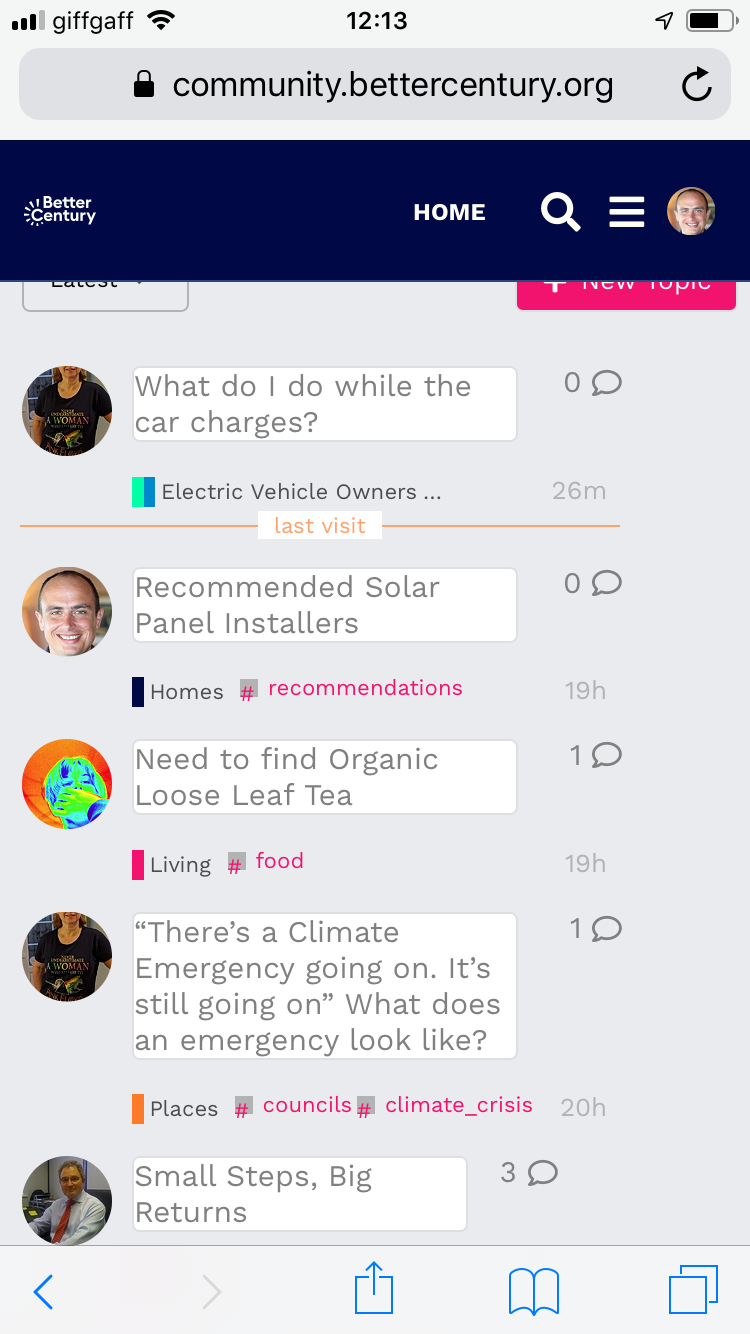
I absolutely love this and am testing it out on Better Century, with a few users. One of the things I’m interested in is how and if the look can be transferred to the mobile view?
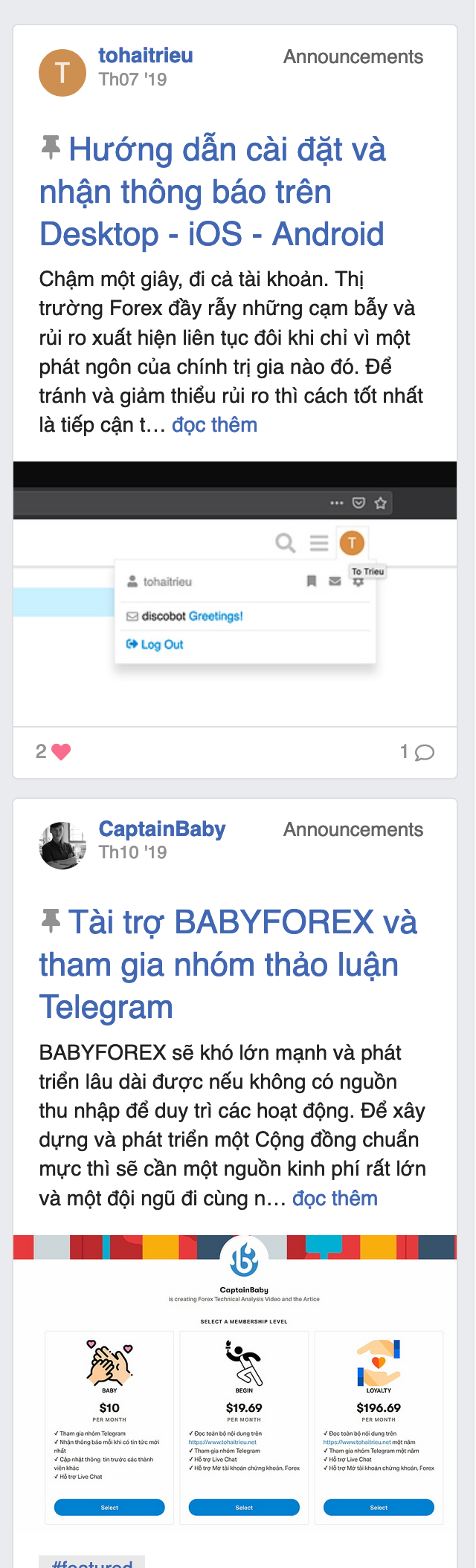
I’ve installed this now and it works beautifully on the desktop and is really nice on the mobile, but on the mobile the images don’t break up the topics. Have you done anything to fix this recently?
I think you might need to upgrade Discourse (via /admin/upgrade)? There were some changes within the past couple of weeks that change the format of some of our templates (which are used in the theme).
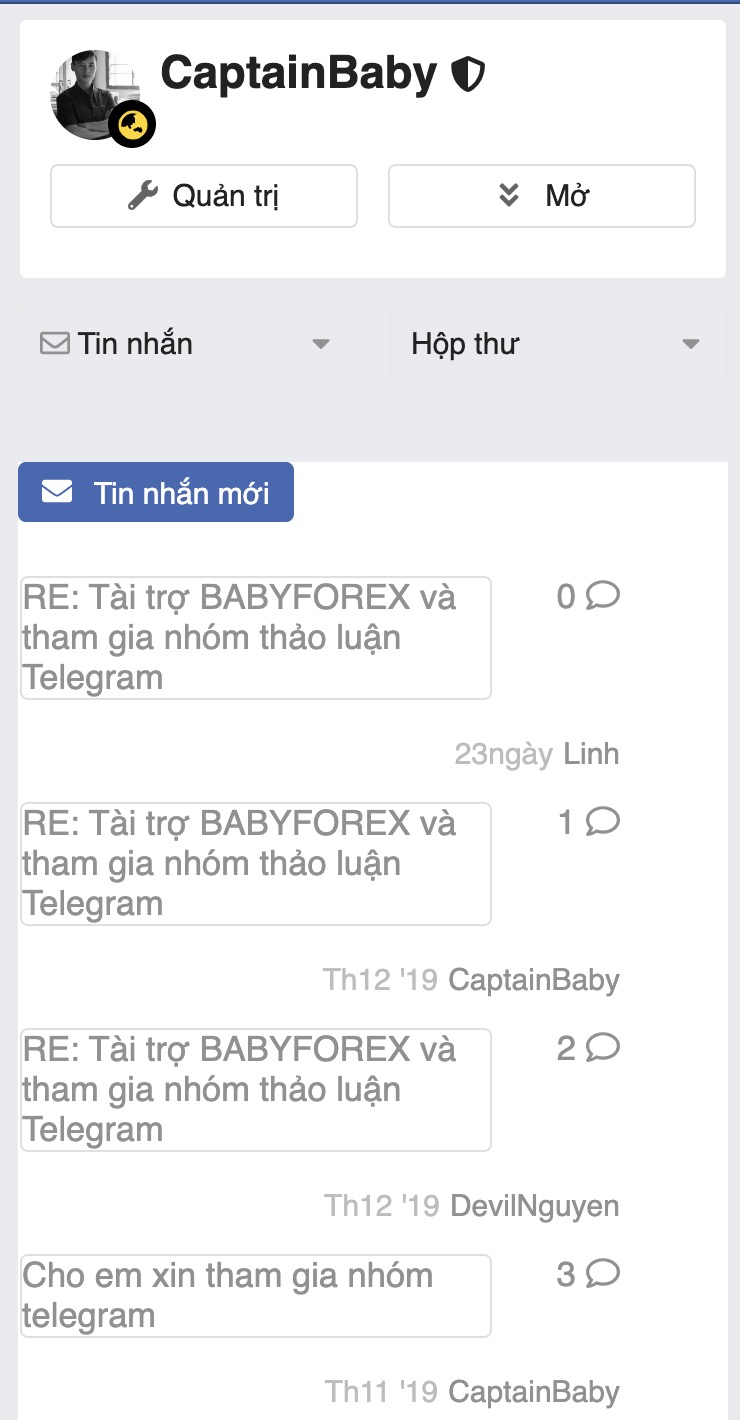
Looks like there’s a conflict with a third-party plugin… if I visit https://babyforex.net?safe_mode=no_plugins%2Conly_official&mobile_view=1 the theme works as expected.
You can try disabling each plugin and seeing which one is causing the problem… my guess would be topic previews?
If you open your browser’s web inspector do you see any errors in the console? do you have any other themes/plugins installed? This theme changes a lot, so it’s not going to be compatible with many plugins or other themes/components.
Played around with it for a while and had a blast. Great work. The “categories only” setting is the issue for me as my forum is set up using boxes. Is there a way to make it so the fakebook theme switches a forum to categories only when turned on, as i’m going to let users choose their theme. Or a way we can set different layout options for different themes?
I also noticed the sidebars don’t play nice with most plugins. Kanban, Events, etc. I wonder if moving forward they could become dynamic and so if another plugin wants to use that space they move out the way. Or a low-tech solution could be that they have a little ‘hide’ icon in the corners.
Would it be safe to use this theme for a live site and have it work without any errors (the only theme component I am using is the Brand Header component)?
And will it be updated for the foreseeable future? I think this is fantastic.
There are a couple live sites already using the theme, if you notice any issues you can report them here and I can get to them when I have the chance. The theme is open source, so any improvements from other developers are also welcome!
Right as mentioned in the original post, this theme only works with the “categories only” category page style (unfortunately the theme previews on our theme creator site can’t set a different category page style).
I’ve had a to-do to add support for other category styles, i’ll try to get to that this week.
I’ve added support for tag topic lists. I had to fix a couple inconsistencies in Discourse itself to support these correctly, so if you’ll also need to update to Discourse today or later to get this update working.





 Welcome


 thanks.