Hello, after updating discourse, I am getting the following error:deprecated.js:62 [THEME 506 'FKB Pro theme v2'] Deprecation notice: Accessing `site.mobileView` or `site.desktopView` during the site initialization phase is deprecated. In future updates, the mobile mode will be determined by the viewport size and as consequence using these values during initialization can lead to errors and inconsistencies when the browser window is resized. Please move these checks to a component, transformer, or API callback that executes during page rendering. [deprecated since Discourse 3.5.0.beta9-dev] [deprecation id: discourse.static-viewport-initialization] [info:
Every Discourse update is a new challenge to the FKB Pro – Social Theme and Don’s code.
/* =========================================================
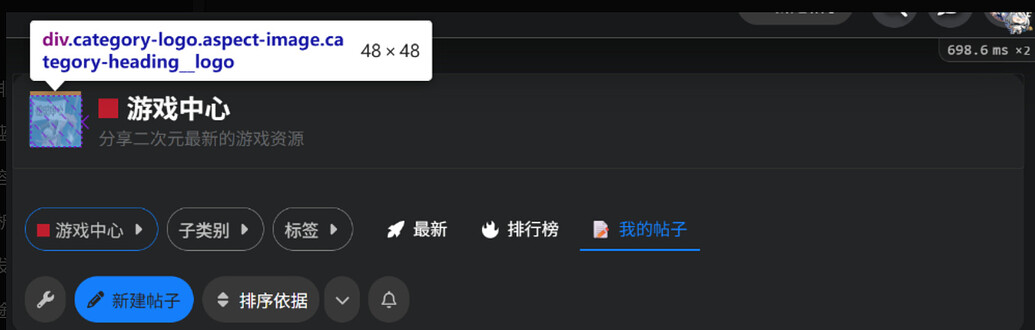
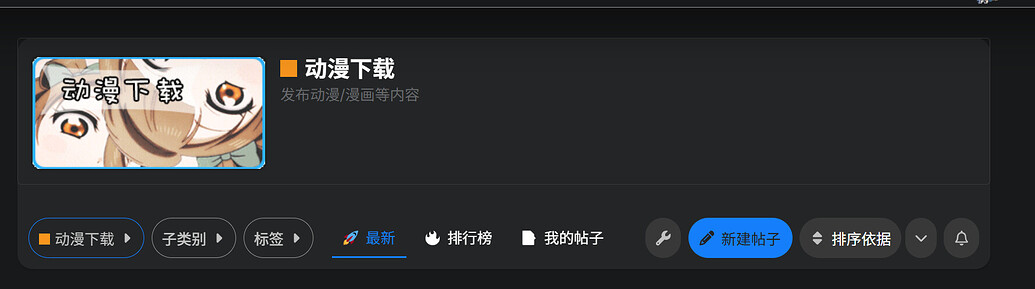
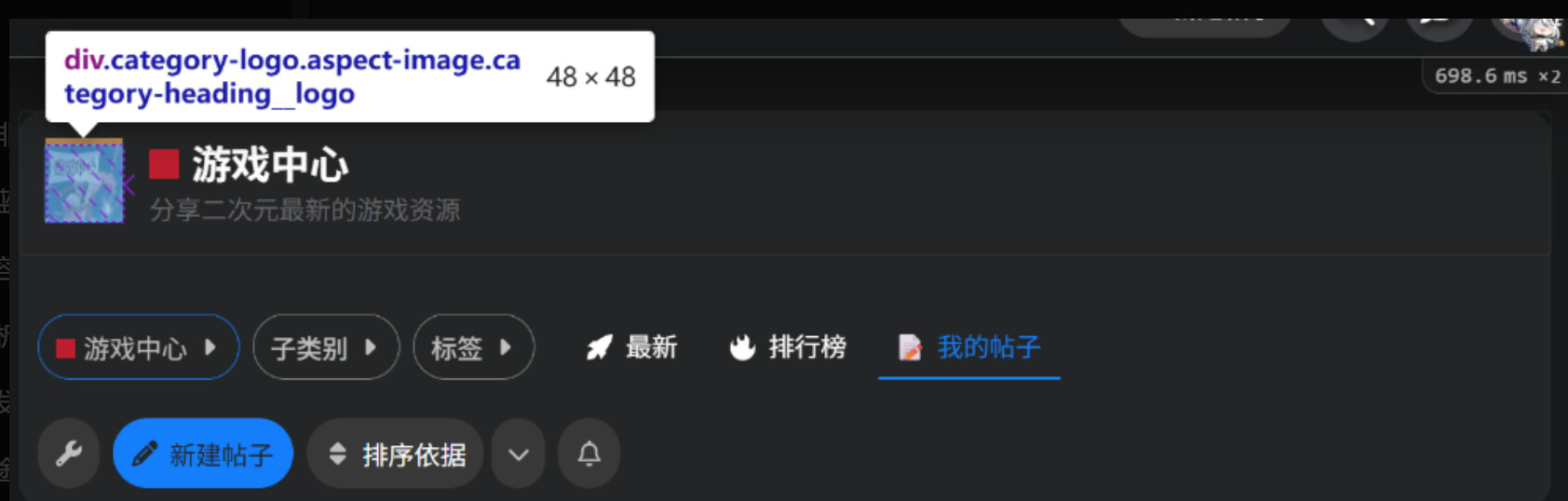
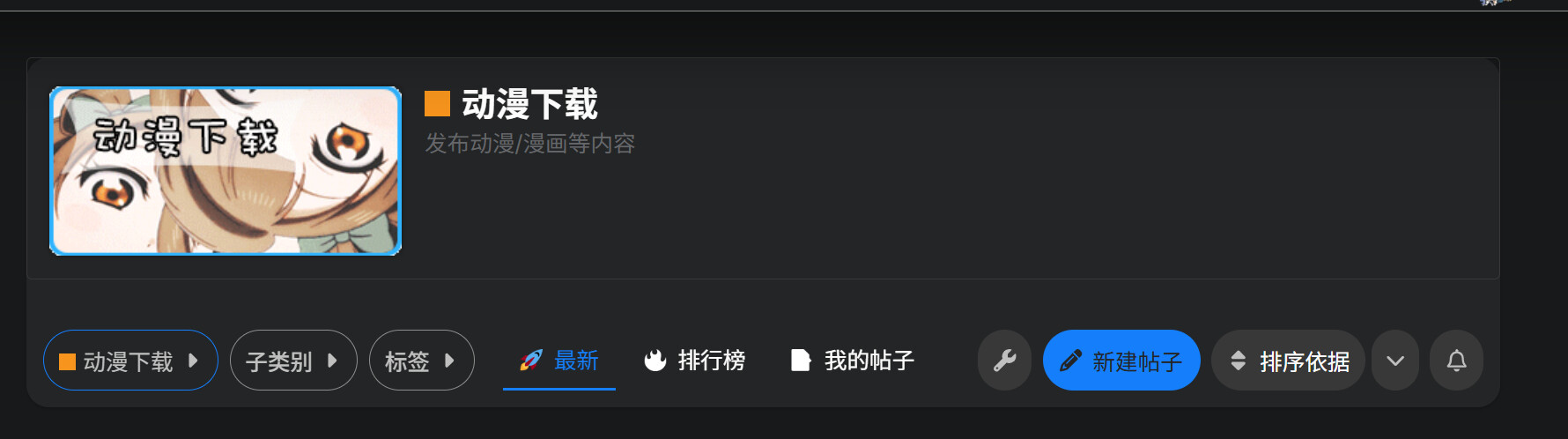
   分类标题图片显示优化(Category Heading Logo Fix)
   解除 Discourse 默认 aspect-ratio 限制,显示原图比例
   Fixes Discourse category heading logo aspect ratio limits
   ========================================================= */

/*
   解除分类标题图片比例限制,让图片以原尺寸显示
   Remove aspect ratio restriction so the image displays in its true size
*/
.category-heading__logo.aspect-image {
  aspect-ratio: auto !important;     /* 移除固定宽高比 / Remove fixed aspect ratio */
  width: auto !important;            /* 自动宽度 / Auto width */
  height: auto !important;           /* 自动高度 / Auto height */
  display: inline-block !important;  /* 内联块显示 / Inline-block display */
  overflow: visible !important;      /* 避免被裁剪 / Prevent cropping */
}

/*
   让图片保持原始比例显示
   Ensure the image keeps its original aspect ratio
*/
.category-heading__logo img {
  width: 250px !important;           /* 原图宽度(可修改) / Original image width (adjustable) */
  height: 120px !important;          /* 原图高度(可修改) / Original image height (adjustable) */
  object-fit: contain !important;    /* 保持完整比例不裁剪 / Maintain full ratio without cropping */
  border-radius: 6px;                /* 可选圆角效果 / Optional rounded corners */
  box-shadow: 0 0 4px rgba(0,0,0,0.4); /* 可选阴影效果 / Optional shadow for better visual depth */
}
@don , on the latest Discourse version, I’m getting the following notice:
[Admin Notice] Theme [‘FKB Pro theme’] contains code which needs updating.learn more
I was investigating why the numbers in the right sidebar panel were stale and sessionStorage does not expire. When I did sessionStorage.removeItem("userDetails") the like numbers updated.
Seems this is the culprit:
Might be a good idea to add some expire timestamp to that data.
How to change the font size of the button, and the padding of the button?
You can edit this with some CSS:
.btn {
  padding: 1em; // Or whatever value
  font-size: 2em; // Or whatever value
}
Hello
New update here
main ← new-discourse-compatibility
merged 10:47AM - 14 Jan 26 UTC
**Main Changes:**
- **Modern Discourse Compatibility:** Updated the component… to be fully compatible with the latest Glimmer patterns and Post Stream changes.
- **Adjustable Cache TTL:** Added a new setting fkb_panel_cache_ttl allowing admins to define the cache duration in minutes.
- **Live Background Refresh:** Implemented a timer-based background refresh logic. The panel now updates user statistics (likes, solutions, etc.) automatically without requiring page navigation or a manual refresh.
- **Cross-tab Synchronization:** Migrated storage to localStorage to ensure data consistency across all open browser tabs.
- **Optimized Performance:** Refined the fetching logic to prevent redundant AJAX calls and unnecessary loading spinners during navigation.
This update covers the followings:
Live Auto-Refresh: Stats now update automatically in the background without navigation.Cross-tab Sync: Consistent data across all open browser tabs using localStorage.New Setting: Added fkb_panel_cache_ttl to customize refresh intervals.
Compatibility: Compatibility with the latest Discourse Glimmer Post Stream updates.
How to change the size of the new topic button?
Also, how to add custom content below the left sidebar?
maybe this will help you
look for ‘Finding the right CSS selectors’ section
I tried! But it doesn’t work! So I post this question.
Also you can ask for help at:
https://ask.discourse.com
How to make the right sidebar displaying everywhere? Not only the homepage and categories.
It doesn’t work for the "add topic“ button
Hmm… works fine for me when previewing on Theme Creator.
If you want to specifically target the New Topic button, try:
button#create-topic {
  // add stuff here...
}
After this update, there seems to be an issue with this part of the CSS.