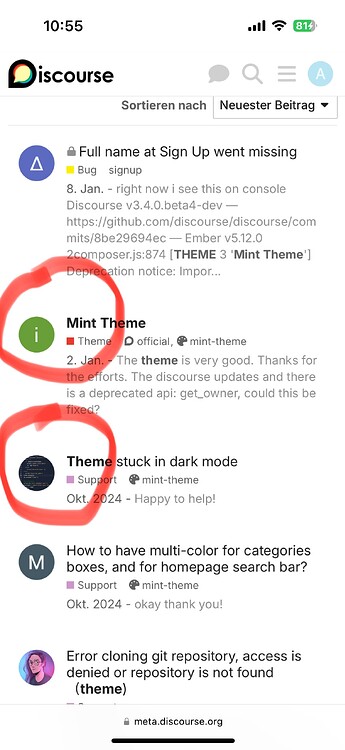
The theme is very good. Thanks for the efforts. The discourse updates and there is a deprecated api: get_owner, could this be fixed?
The theme is very good. Thanks for the efforts. The discourse updates and there is a deprecated api: get_owner, could this be fixed?


There are some theme components which show the author of the first post on mobile. I haven’t explicitly tested them with this theme, but I would expect them to be compatible
Thank you!

hello! thanks for the theme and guide. I’m having a problem about dark/light/auto button colors. Button text color and background color is always the same, and this makes the text invisible. can you help?
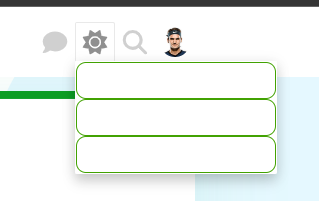

Why isn’t the advance search banner displayed on this theme? I confirm that the component has been installed and enabled.

This is a bug in the theme, and I’m working on the fix.
Updating the theme to the latest version should fix the issue.
Fixed now by

Hi! Is there a way to get rid of the gradient on the banner and just have one solid colour? Also, can you change the background colour but not the boxes? thank you!
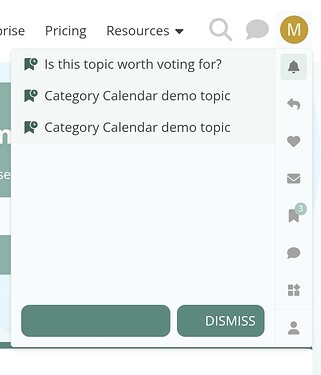
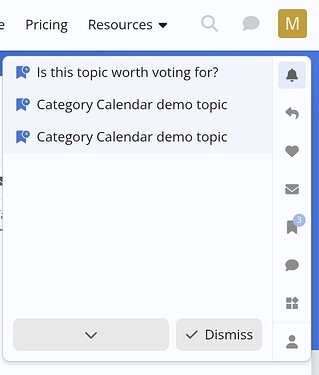
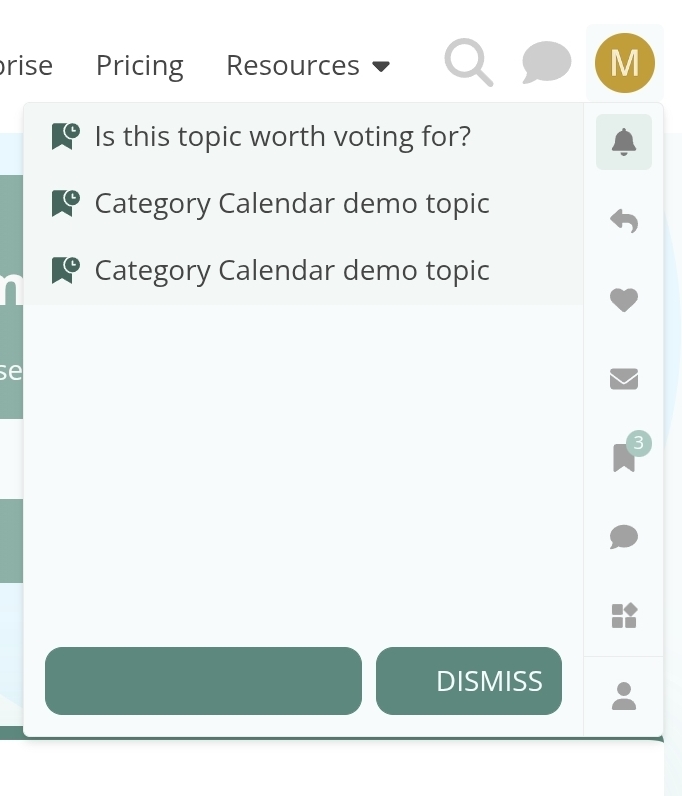
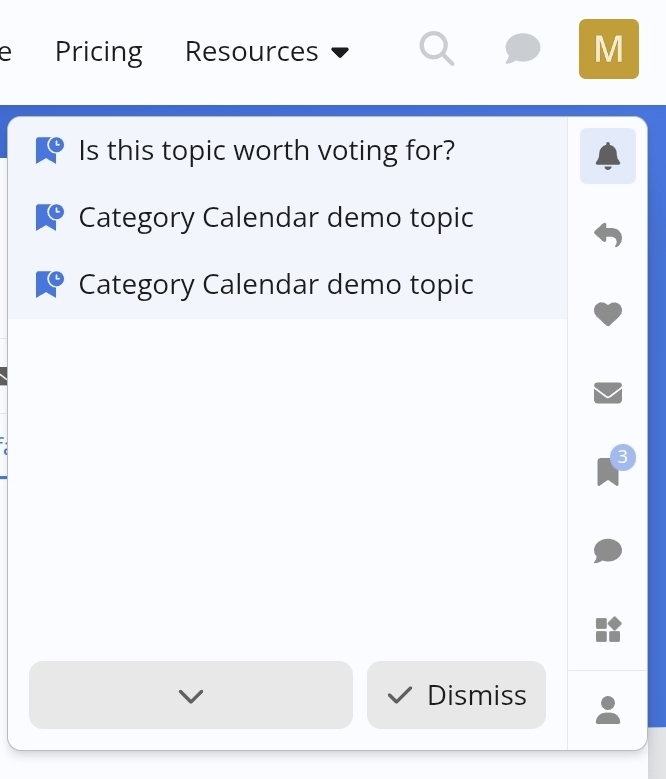
Today, I noticed that the icons in the buttons of the notification menu aren’t visible on try.discourse.org. I added a screenshot using the Air theme for comparison. As you can see, the and the in front of “dismiss” have the same color as the background.
Fixed in this commit:
Hi there,
I ran into an issue when updating the Mint theme from the official Git repo.
Environment
3.6.0.beta3-latest (tests-passed)/admin/customize/themes → “Install” → “From a git repository URL”Issue
When I click “Update to latest” for the Mint theme in the admin UI (/admin/customize/themes), the update fails with this error dialog:
The theme screenshots must be in one of the following formats: .jpg, .jpeg, .gif, .png. The screenshot light.webp has an invalid format.
In about.json, the theme currently references:
"screenshots": [
  "screenshots/light.webp",
  "screenshots/dark.webp"
]
However, according to the Discourse theme docs, theme screenshots are only allowed to be jpg, jpeg, gif, or png, so .webp gets rejected by the core validation.
Steps to reproduce
Proposed fix
I opened a PR that converts the screenshots to PNG and updates about.json accordingly:
"screenshots": [
  "screenshots/light.png",
  "screenshots/dark.png"
]
With this change, the theme updates cleanly in the admin UI and the screenshots display correctly.
Happy to adjust the PR if there is a preferred way to handle screenshots (or if .webp is meant to be supported by core in the future).

@hel_Sinki, I am pretty sure your Discourse version doesn’t have this commit included:
DEV: enhance file type support for theme and component screenshots (#… · discourse/discourse@a76a443 · GitHub.
You don’t need to convert to .png, instead make sure your site is running on the latest version of Discourse.
Which exactly docs are you referring to? Those should be updated to read .jpeg, .jpg, .png, or .webp.
Is there a corresponding entry in the .discourse-compatibility file that prevents you from updating the theme without having the required Discourse version? Otherwise, it might be useful to add this.
Pinning plugin and theme versions for older Discourse installs (.discourse-compatibility)
I think there’s something new now based on the new naming of releases. 

Added the .d-compat entry in PR #65 (and did the same for other affected themes)