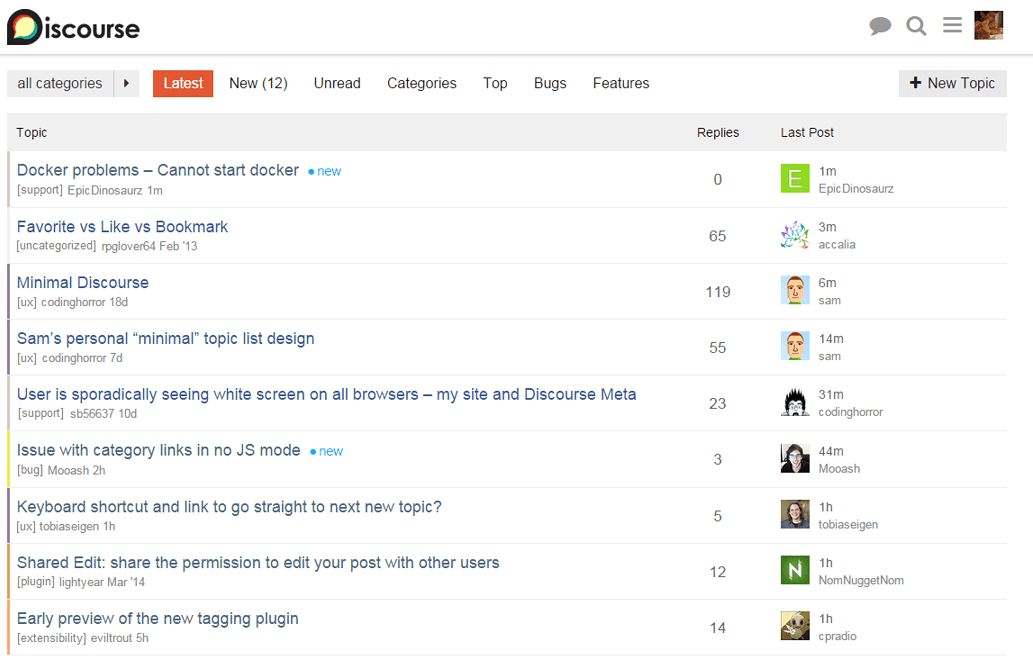
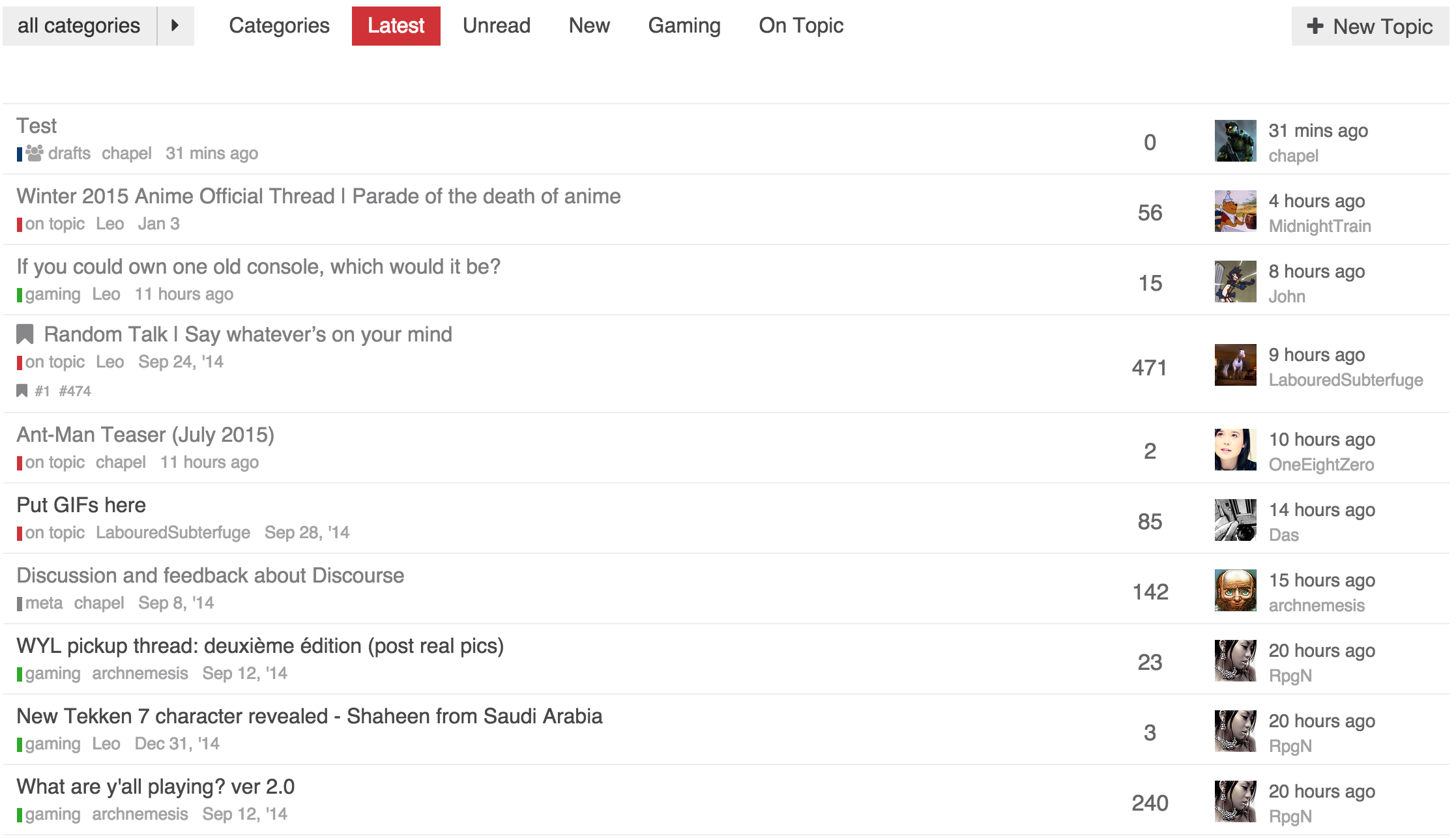
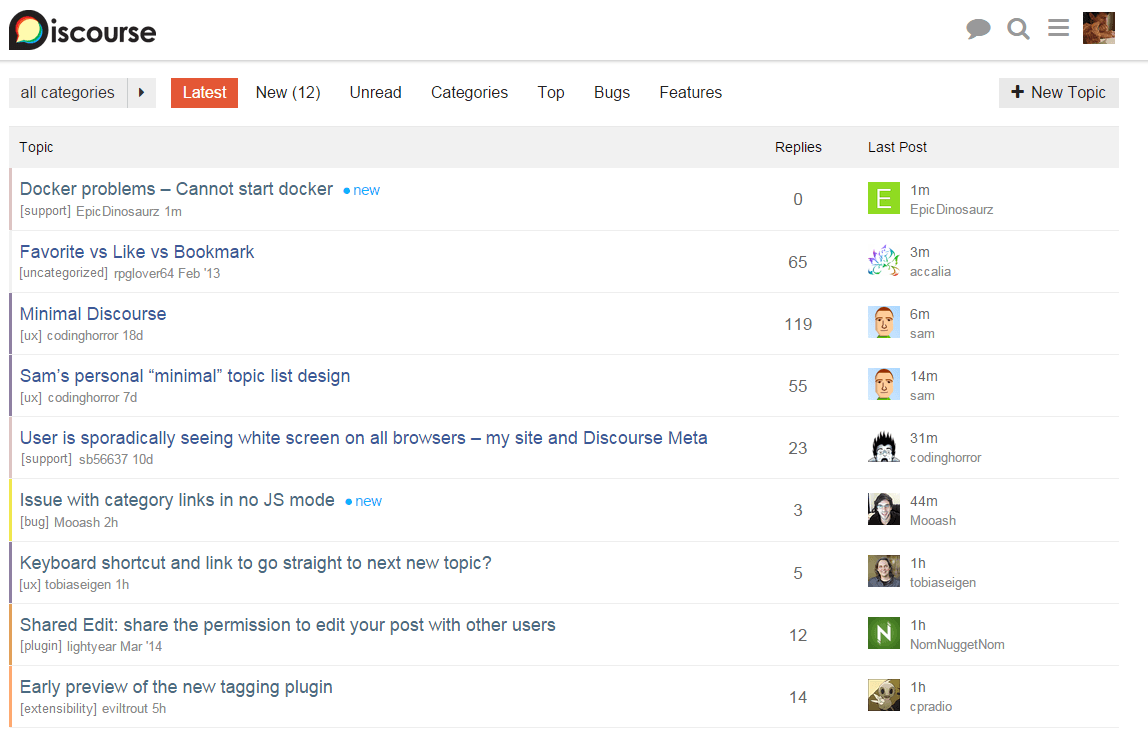
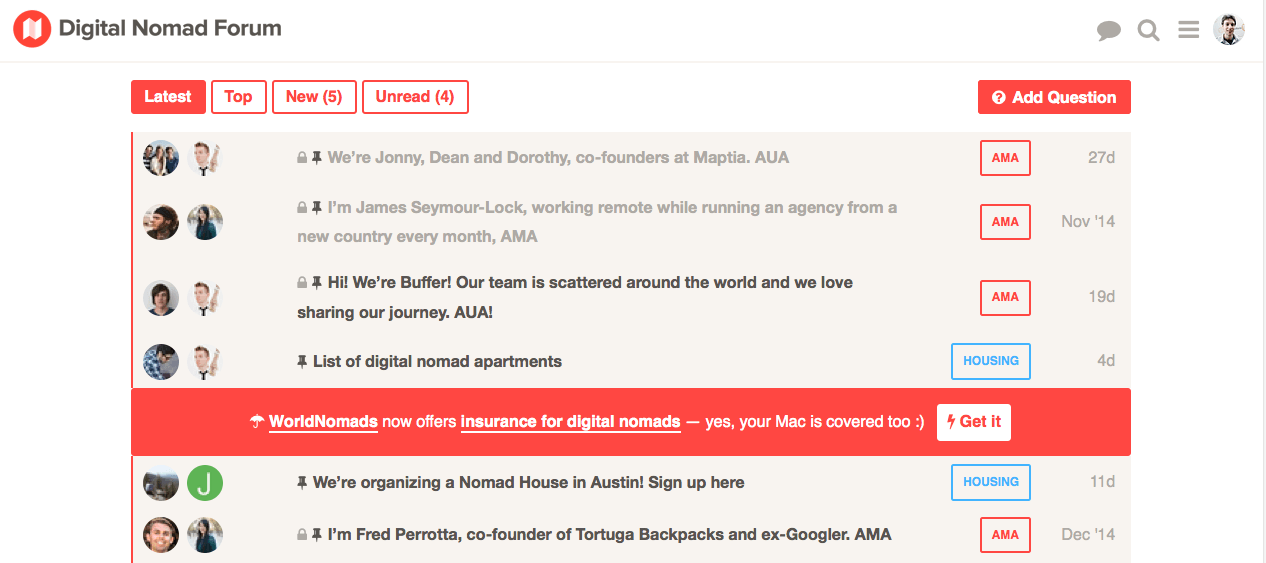
Although I have no particular plans, I think this is a lot like what I would want my topic lists to look like once I get around to really customizing them.
I would probably use a bit stronger colours myself, as in darker. I also second reply count number being a point bigger and suggest that you try to scale avatars just enough to fill the row vertically, or scale everything else down accordingly.
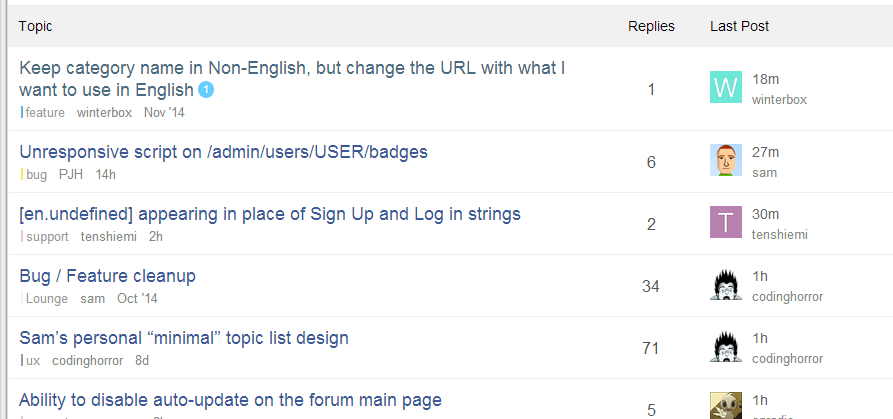
I’m wondering about the latest post - once i have scrolled this page down enough not to see the column headers, I somehow think that the avatars and nicknames are in fact starters’
edit: once I clicked the image to 100% zoom, I’d probably shrink the overall font size one point and cut down the padding/margins by a couple of pixels.
edit2: I really would like to eventually see this sort of minimal layout as a selectable alternative to the default layout. well good mate.
@sam: very cool stuff with the sticky parameter, thanks!
Another stupid question: where can I find the original templates? I was poking around if I can find the original list/topic_list_item (e.g.), but my grep skills failed miserably… can you point me in the right direction? I wanted to make some more subtle adjustments, but for those, I need the original handlebar codes…
I like the changes overall, and am trying it on my install to see how it goes.
It breaks the categories view as well as affects the suggested topics module.
Is this the issue where for some threads it shows the wrong avatar? Because I have that currently, but don’t see any updates to the code in the first post.
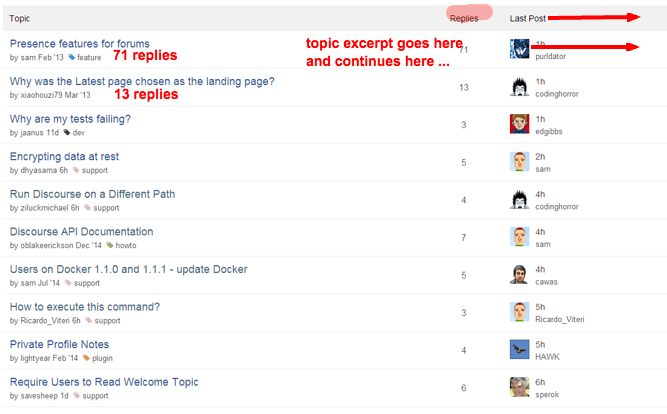
I love the direction this is headed. Very clean. At the risk of appearing more “social” - Have you considered adding optional topic excerpts and/or image thumbnails? A nice responsive design that takes advantage of screen width …
tuck reply count under the title
push the avatars all the way right to eliminate the ragged right hand border
right justify the last poster and time immediately to the left of the avatar to open space in the middle
put the topic excerpt in the middle space only when the screen is “wide enough”
The color bars from @mcwumbly work well, but not if there are lots of subcategories, since color for subcategory alone (or parent category alone) is of little semantic meaning, increasingly so as the number of subcategories increase. If there were two side-by-side color bars for the parent-child combo, then the issue would be resolved & semantic meaning preserved.
For forums that have a flat category structure, and distinct category colors, this might be fine. I have a few reservations about this, however:
It’s slightly more difficult for new users to learn the structure of the forum. While not a huge concern, it is something to consider.
On forums with category trees (sub-categories), the colored bar won’t be able to display the color structure. For some, this is preferred information. For others, it’s just noise anyway.
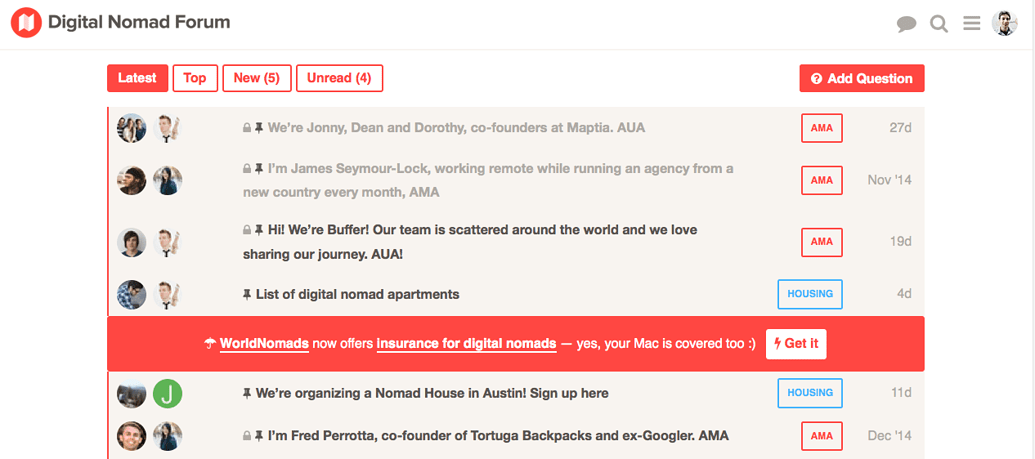
How does this work with a pinned topic? Since pinned topics display a chunk of the OP beneath the title, how will this work in that scenario?
Otherwise, taking into account other changes that are in the pipeline, I think it’s pretty good. The one thing that might be worth considering is including the OP’s avatar next to their user name, but that might make that area too busy. As I said, worth considering.
One of the small touches here that I think really helps make it feel cleaner is the lack of the header. It makes it feel much less like a stodgy old table.
The category styling is bold but not distracting.
And the two avatars to show the original and last poster keeps some good info. Having it on the left makes the page feel more balanced, without something too ‘heavy’ drawing the eyes away past the list of topic titles. Leaving enough margin to read through the list of topics.
The more I look at it, the more I like it.
Also, no tiger stripes. That’s one thing all these minimal designs have in common.
Now that stars are gone, what’s the one thing you would remove?
I think there’s a strong case for removing tiger stripes from the default design.
Enjoyed reading through this topic and liking the minimal designs by @sam and @chapel
Do visitors really care about the categories, author, date? It seems the only time it’s relevant is when someone is reading and have interest in the topic otherwise can’t see why it can’t look like the current ‘suggested topics’ layout with just the topic title.
This is really good. Following on from @mcwumbly’s comment (also very insightful, I realized while reading it that putting avatars on the left in the topic list gives a “talk bubble” effect to the title that I had not considered… also symmetric with posts too) I think you could suppress the header as well!
Hopefully we can ship one or more of these topic list layouts as choices out of the box at some later date… part of the mythical setup wizard.
The main difference at this point is the topic title font size and the td height which I have compressed more. Mainly because I wanted to optimized information density due to one of my staffs complaint about seeing less topics per “page”.
@sam any progress on the category page? Thinking of tackling it tonight when I get home.
Sure, feel free to tackle it! not sure what to do here, the funny thing about the category page is that I never use it so its kind of low priority for me.
I actually don’t like it (as far as using it). I prefer latest tbh.
My community which is used to older forum software asked for the category view be the homepage, and ultimately it was such a small change. So I see the category view more than I would if I had it setup exactly how I would personally like it.
Looks like there is potentially a bug in the server code in regards to who is the original poster when the original post is edited.
Interestingly enough, the edit history only shows @codinghorror editing the post once, and it was the first edit. I checked, and it isn’t an issue with ordering, as the first user in the array returned is @codinghorror and he is listed as the original poster.
I just prefer it for consistency. It’s good to have something static. My users and I are all new to Discourse and loving it, but somehow it feels good to have a routine. A safe place to get started.
Sometimes I feel that there was something I was supposed to make a topic of, and then when I see the categories they remind me. I like the little things in life.
damn straight.
Maybe double the size of those category bars? Lighter colors seem to disappear to the background.
Actually that makes perfect sense, but I if something can be made configurable, it should.
In an ideal situation the first person to derail will split the topic BEFORE the second person, and even in the case of the second person to derail splitting the topic it’s still not a lost cause, and if it’s absolutely necessary to change ownership of a topic, it’s not biggie when having enough moderators around.
On my variation I use the standard category helper which by default has a fatter color bar as you can see in my screenshot. I am not 100% sold on the fat one, but the thin one is also not right either. Between the two though, I prefer the fat one, if only to be consistent with its usage elsewhere on the site.
Sam - Just wanted to congratulate you on this effort. Its very hard to make things simple - but this is much needed. I’ve been working with a developer on the same issue - so this is a welcome development.
"As the late Steve Jobs once explained, “When you start looking at a problem and it seems really simple, you don’t really understand the complexity of the problem. And your solutions are way too oversimplified. Then you get into the problem, and you see it’s really complicated. And you come up with all these convoluted solutions….That’s where most people stop.” Not Apple. It keeps on plugging away. “The really great person will keep on going,” said Jobs, “and find…the key underlying principle of the problem and come up with a beautiful, elegant solution that works.”
I know I must sound like a broken record, but please please please let’s not mess up and provide way too low color contrast in any new UI’s. (I realize category colors can be chosen but things disappearing into the background does not make an accessible UI.) Those with less-than-perfect vision (and W3C standards adherents) thank you all.
Keep in mind, this is my design which is very focused around me for now. If we ship a second theme (which I think we will some time next year) we will make sure to account for that or at least add a “high contrast switch”
To a certain degree I agree with you. I just wonder though if for people less accustomed to forum software would be confused as far as what the last two columns are.
We could get away with having replies be 120 replies for instance.
Keep in mind that it is there for more than as a visual heading, you can click them to resort the list of topics.
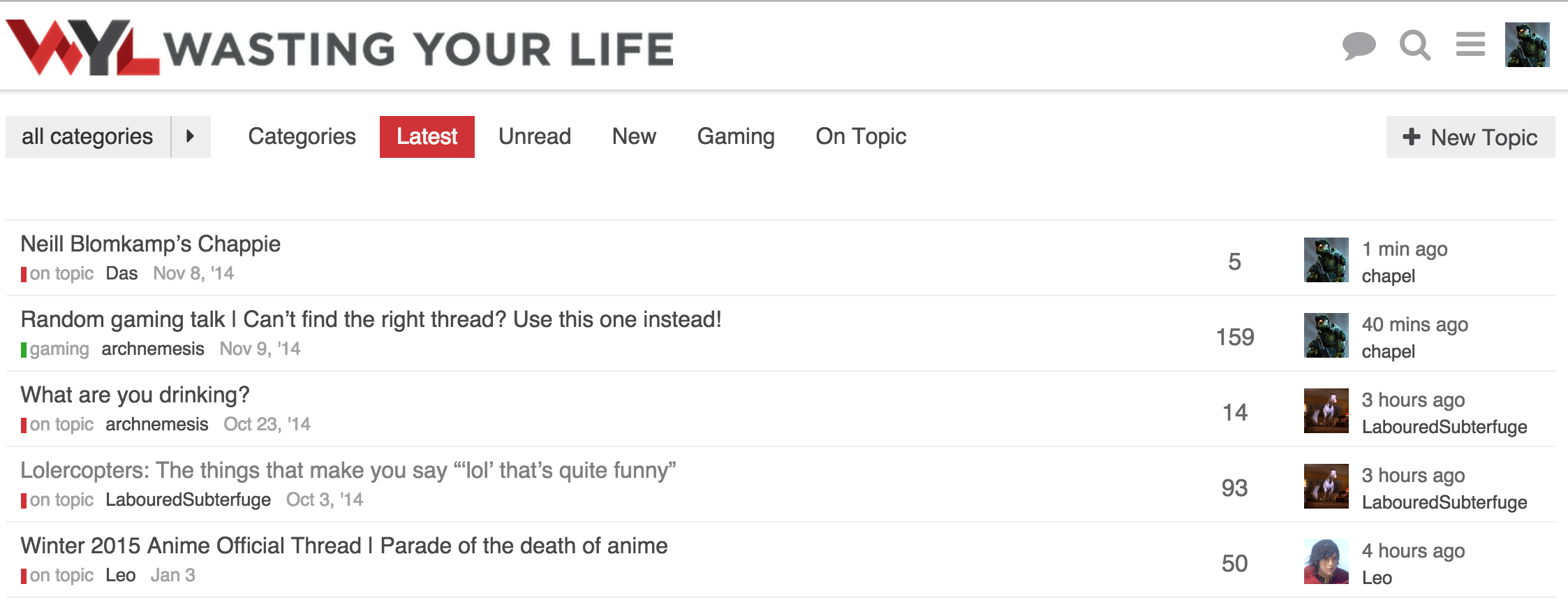
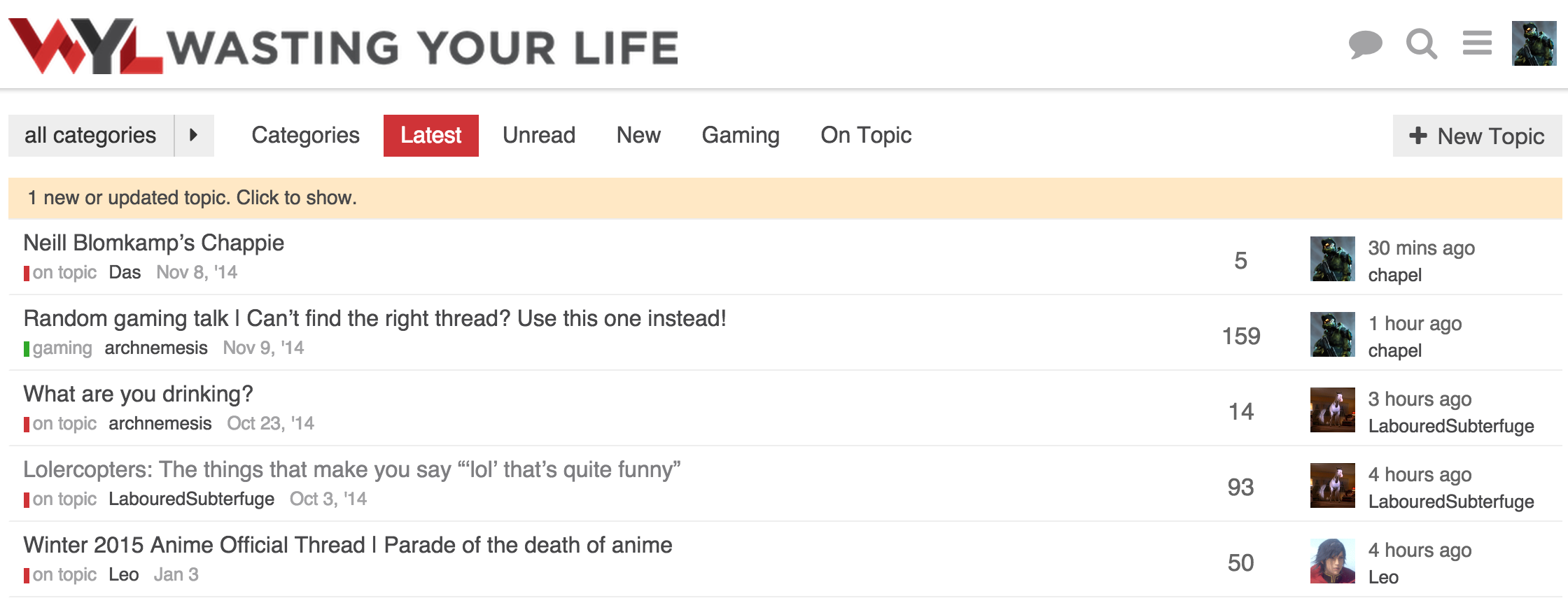
This is what I am running now. I have moved the thread list down to accommodate the update alert.
No alert
Alert
This allows the update alert to pop in without shifting anything down.
Functionality wise, I am fine without the table header, but visually it feels like something is missing. That could be just myself being used to tables on forums and how they normally look.