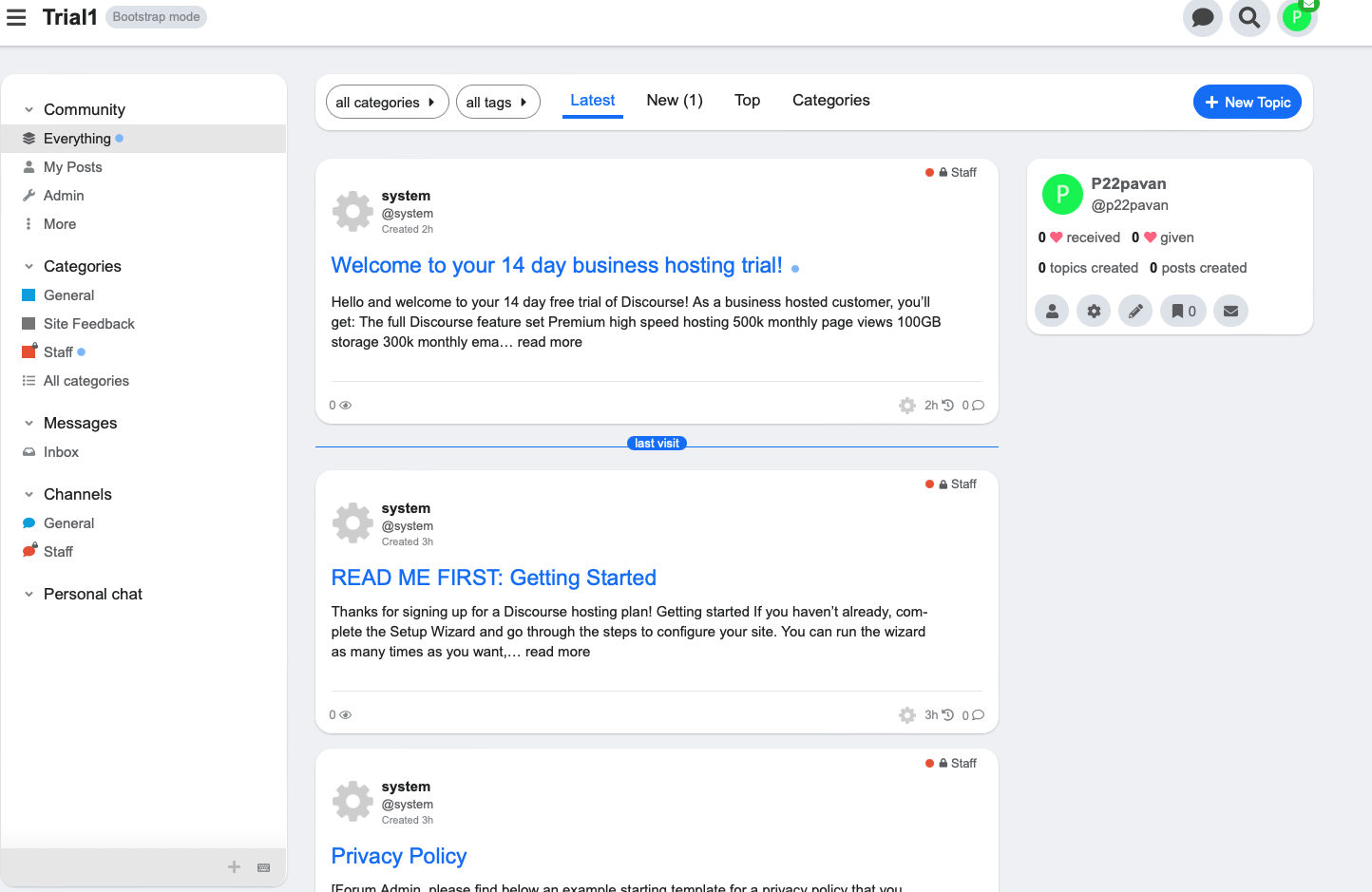
FKB Pro - Social theme

29628 views 465 replies Created 2022-07-28 20:58

With FKB Pro and using a link, not buttons by Discourse?

I should tell everything right away… I know, I’m a bad person :man_facepalming:

  • Category lockdown plugin is in use random visitors
  • locked topics are using icon… damn, how can I use those here… well, user-secret (or something, that trenchcoat icon
  • clicking such topic will redirect to /login
  • FKB Pro gives just spinning icon (but it isn’t default right now for obvious reason; after 15 secs it is 😉 )

Yep, it works for me with clicking secret topic and using link too. :slightly_smiling_face: This theme isn’t do anything with these modals only some css modification. Maybe there was just a network lag or something like that? :thinking:

I have decently fast connection, so I don’t believe on lag. But you were using bigger screen. I tried older iPhone and it worked as expected. That means the issue is my iPad.

Strange. Well, hate to say this 😉 but tablets are so rarely used up here, and those closed topics have even lower click rates so I would say… let it be :rofl: It works mostly and that is enough.

Thanks!

Hello, the theme is very successful. If it is made to use the theme as social media, I think you need to overhaul it a little more. There is no need for categories on the social media site, I think it will be better if you make them invisible, thank you for sharing and development.

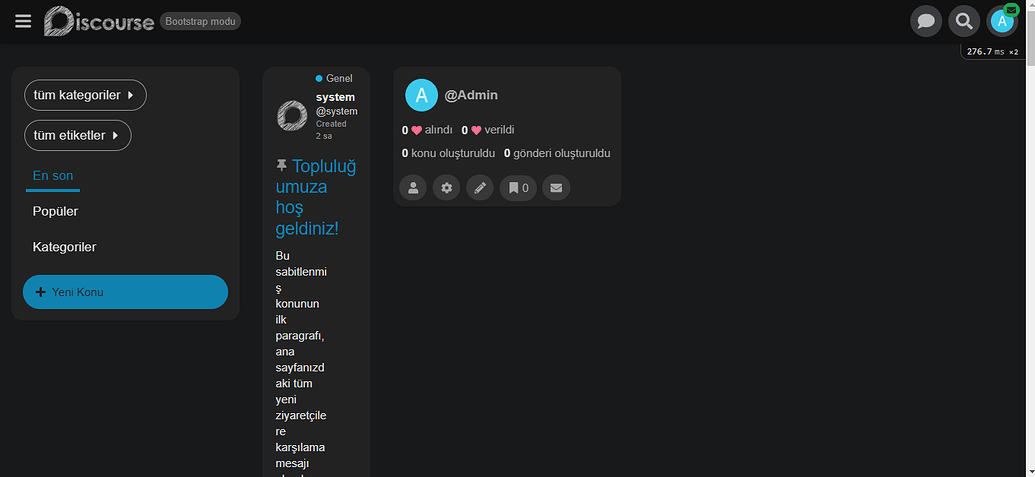
Hello, when I close the side menu, the page is broken, why?

I think it’s doing it from the browser, I deleted the history, there is no problem, it works very well.

I have another question, there is an icon in the login button, but there is no icon in the register button, how to add an icon to the register button?

I would like to hide view counts at topic cards, and I bet asking here is the fastest and the most reliable way to get a right answer 😉

Another solution would be hiding totally that box containing likes and views.

That is great if it’s work :slightly_smiling_face:
I think you got the answer here: Add icon to register button - #2 by Lilly

You can do it with some CSS.

Hide views.

.topic-list {
  .main-link {
    .link-bottom-line {
      .views {
        display: none;
      }
    }
  }
}

Hide likes and views.

.topic-list {
  .main-link {
    .link-bottom-line {
      .likes,
      .views {
        display: none;
      }
    }
  }
}

(post deleted by author)

You have to create a new theme component where you can add the modifications you want like this 🔽

Ok, I got the code shown, but when we enter the default theme, we can reach the css code part from there, there is no that option in your theme, where can I get it?

I believe Don already answered this question when you asked it previously in the post you deleted. To make changes in addition to the theme, you would need to create a theme component and attach it to your theme(s). There are more detailed instructions in the post Don linked above.

This doesn’t appear to be a question regarding this specific theme though. For more general questions you should use the other topic you created. 👍

Hello, but I want to find the header part of the theme, not to install components.

How do I get to the header of this theme?

Hello,

You can’t edit directly a remote theme since Restrict editing of remote themes.

Instead of editing it directly you can create a new component what you can attach to the theme.

I assume you want to add an icon to the header signup button.

Follow these steps to achieve it:

  1. Go to /admin/customize/themes/
    Customize → Themes

  2. Click the Components tab and then the Install button

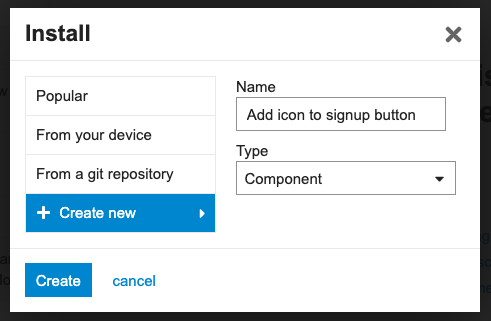
  3. On the popup window click Create new button and type the new component name.
    Screenshot 2023-04-17 at 8.53.07

  4. Click Create button.

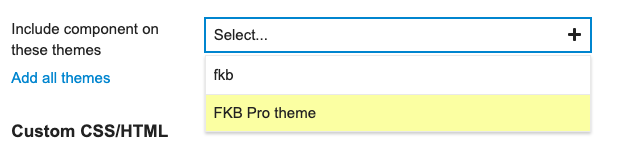
  5. The component created. Now select FKB Pro theme to activate it.
    Screenshot 2023-02-15 at 19.04.28

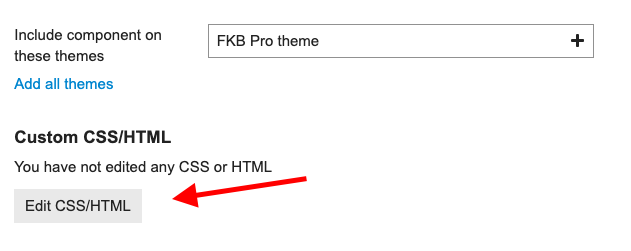
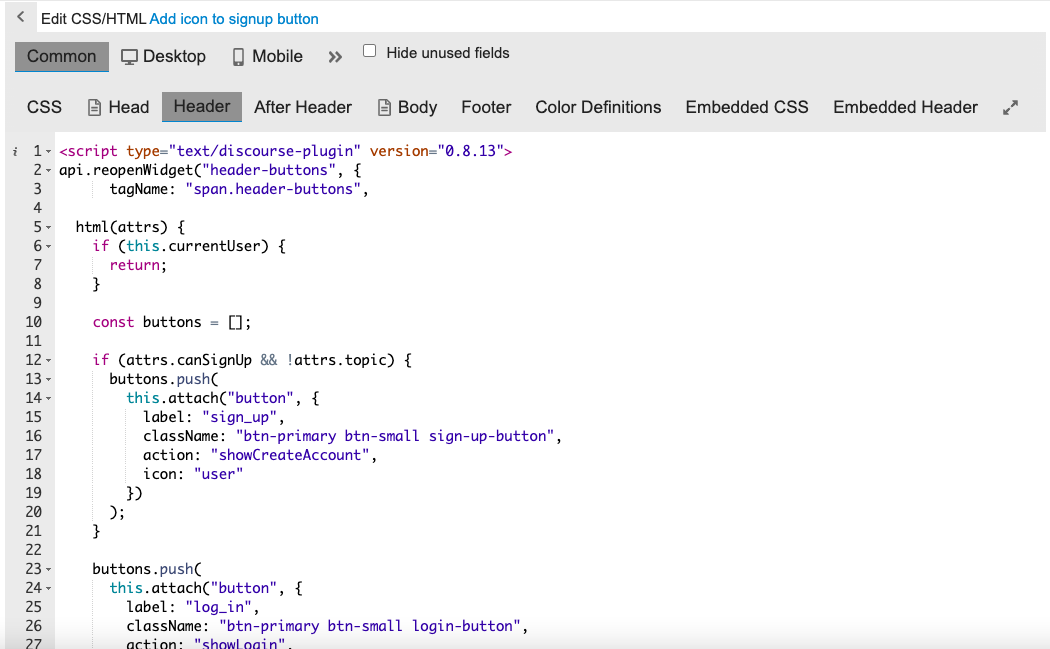
  6. Click the Edit CSS/HTML button.
    Screenshot 2023-02-15 at 19.05.17

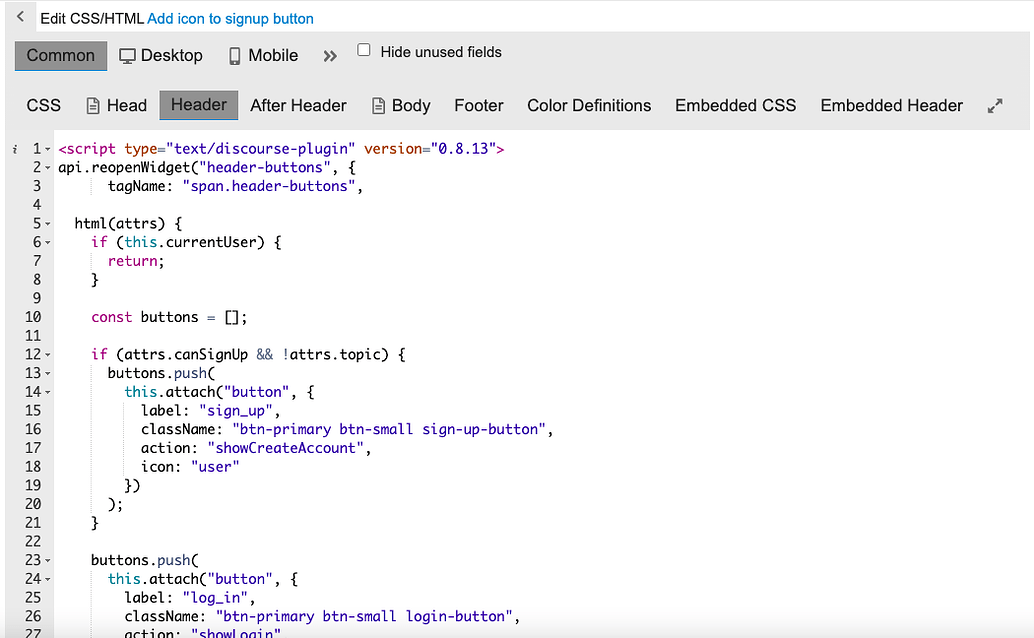
  7. Click the Header tab and paste the below code to that section.

<script type="text/discourse-plugin" version="0.8.13">
api.reopenWidget("header-buttons", {
      tagName: "span.header-buttons",

  html(attrs) {
    if (this.currentUser) {
      return;
    }

    const buttons = [];

    if (attrs.canSignUp && !attrs.topic) {
      buttons.push(
        this.attach("button", {
          label: "sign_up",
          className: "btn-primary btn-small sign-up-button",
          action: "showCreateAccount",
          icon: "user"
        })
      );
    }

    buttons.push(
      this.attach("button", {
        label: "log_in",
        className: "btn-primary btn-small login-button",
        action: "showLogin",
        icon: "user"
      })
    );
    
    return buttons;
  }
});
</script>
  1. Click Save

Ok, now I understand, it’s very detailed, thank you very much.

Hi friends,
is the default theme better than the TKP Pro theme, which do you think is more convenient in terms of seo? I am currently using the default theme.??

Matter of taste.

On my forum FKB Pro is default for users, but I’m using more simplifier theme, because I don’t need that much look.

For SEO there is no matter at all.

Hey @Diyorki,

Definitely, the default theme is better. Just think about default theme like a skeleton. You can customize it. So these themes mostly just add a skin to the default theme. If you want to your site looks like different or have other functions too you need a theme or theme-component. These themes mostly not changes any core feature which can cause seo damage. Hovewer it is possible to cause this kind of issue with simple css styling too but if you notice this kind of issue we can fix it. :slightly_smiling_face:

When you activate a theme and something wrong with it you can always switch back to the default theme. You can use themes as separate optional theme next to the default theme. So users can select from different themes but the site default theme is still be the default (light). :slightly_smiling_face:

I didn’t think you would reply so fast 😁 that’s why I love you

This is my website please let me know if you see any mistakes or errors :slightly_smiling_face:

Hello, Diyor ki 🙂
You’re not using the FKB Pro theme, so your request might be quite off-topic here. 🙂

Sorry :pensive_face: It won’t happen again…

Hello, I think this code is for the input in the header section.

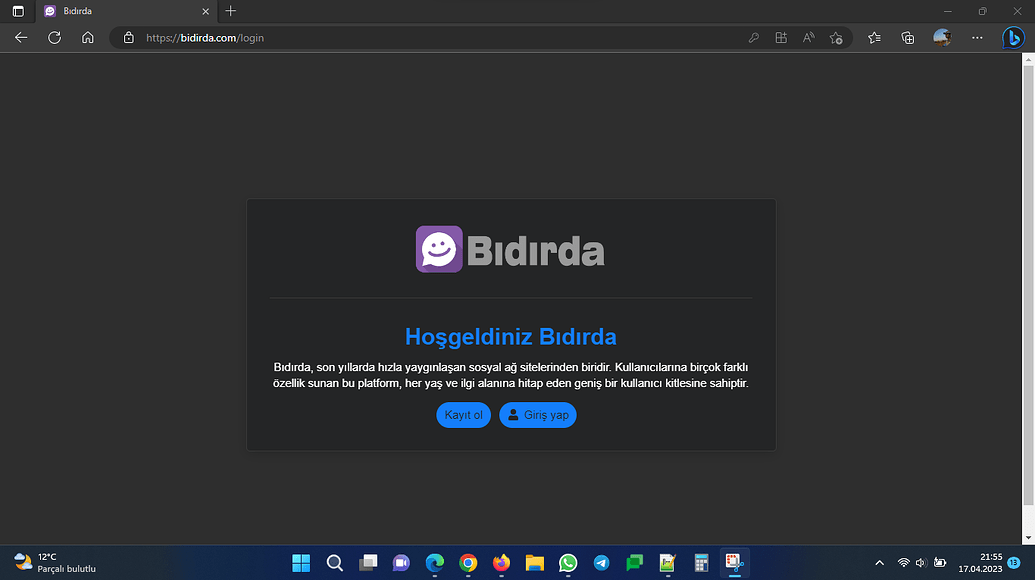
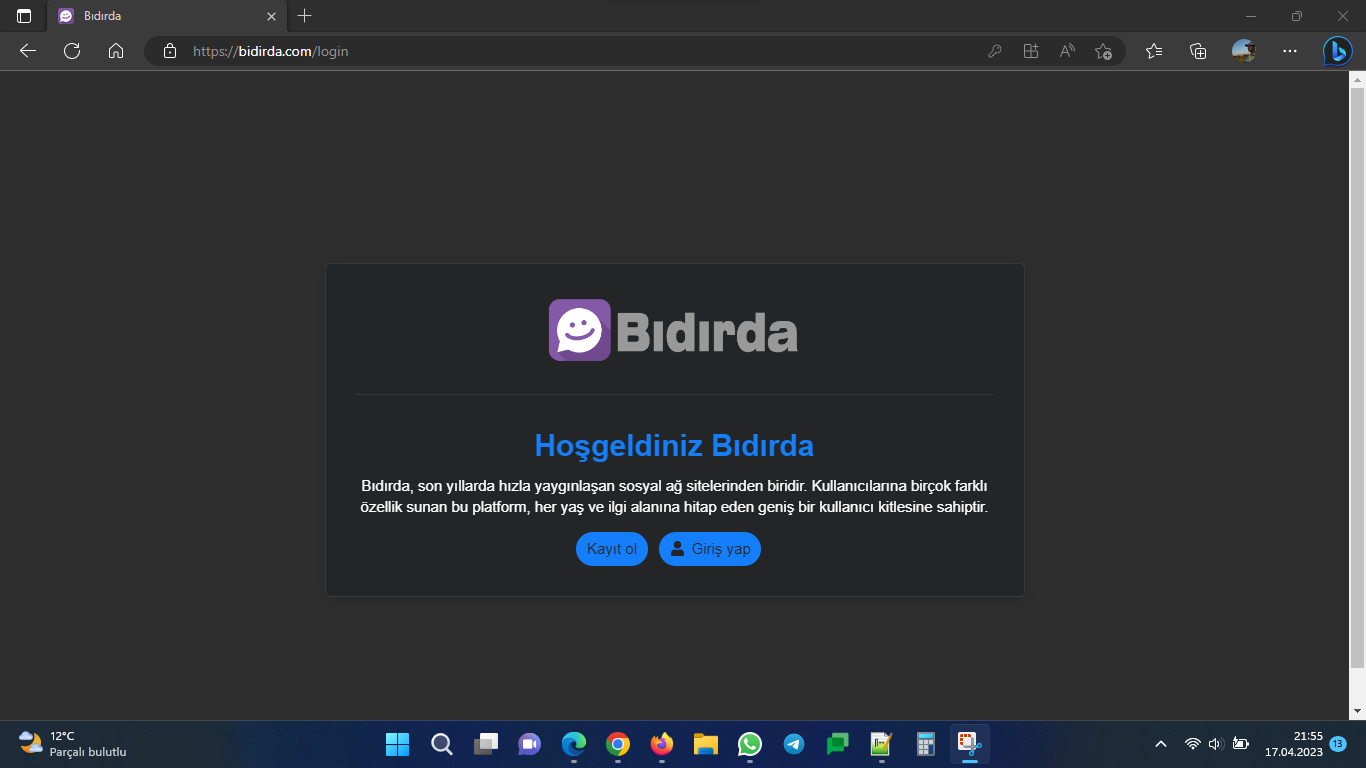
My site is only for members, when the guest enters, it redirects to the login section, I need the code for that, how should we add it, thank you.

Hello,

Yeah the previous one is for the header signup button. :slightly_smiling_face: I think in this case the easiest way is to override the core template to add icon. We can do it with plugin outlet too but I think on this page it doesn’t really matter because if we use plugin outlet then we have to create new buttons and hide the default buttons section.

You can delete the previous version component what you created because that is not relevant and won’t solve your problem.


I made a simple theme component what you can install. I added some settings where you can change these buttons icons (Sign Up and Log In).

Thank you very much, good work, I congratulate you, I wish you success 👍

Hey dom, thank you very much, it’s working smoothly, good luck to you.

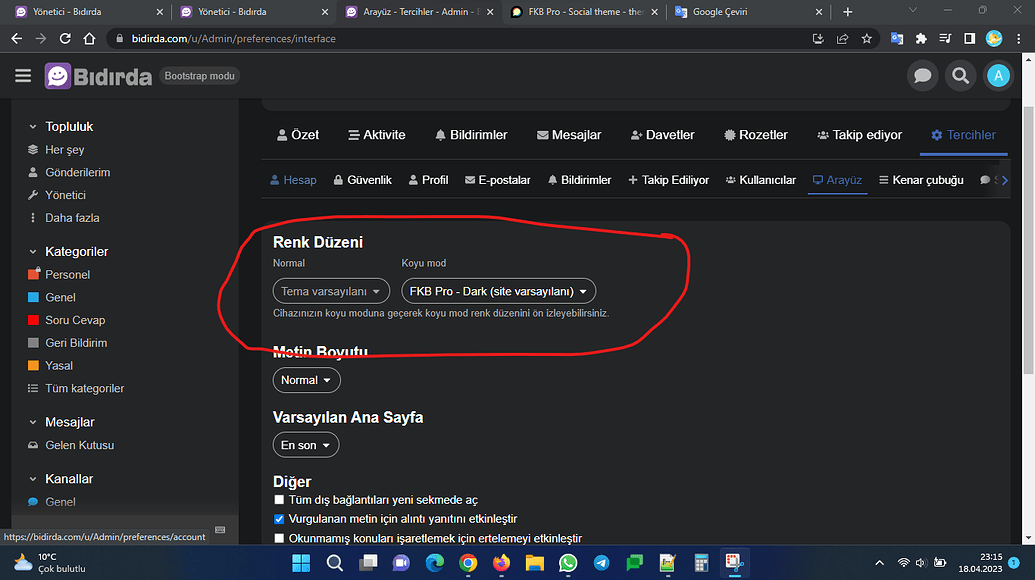
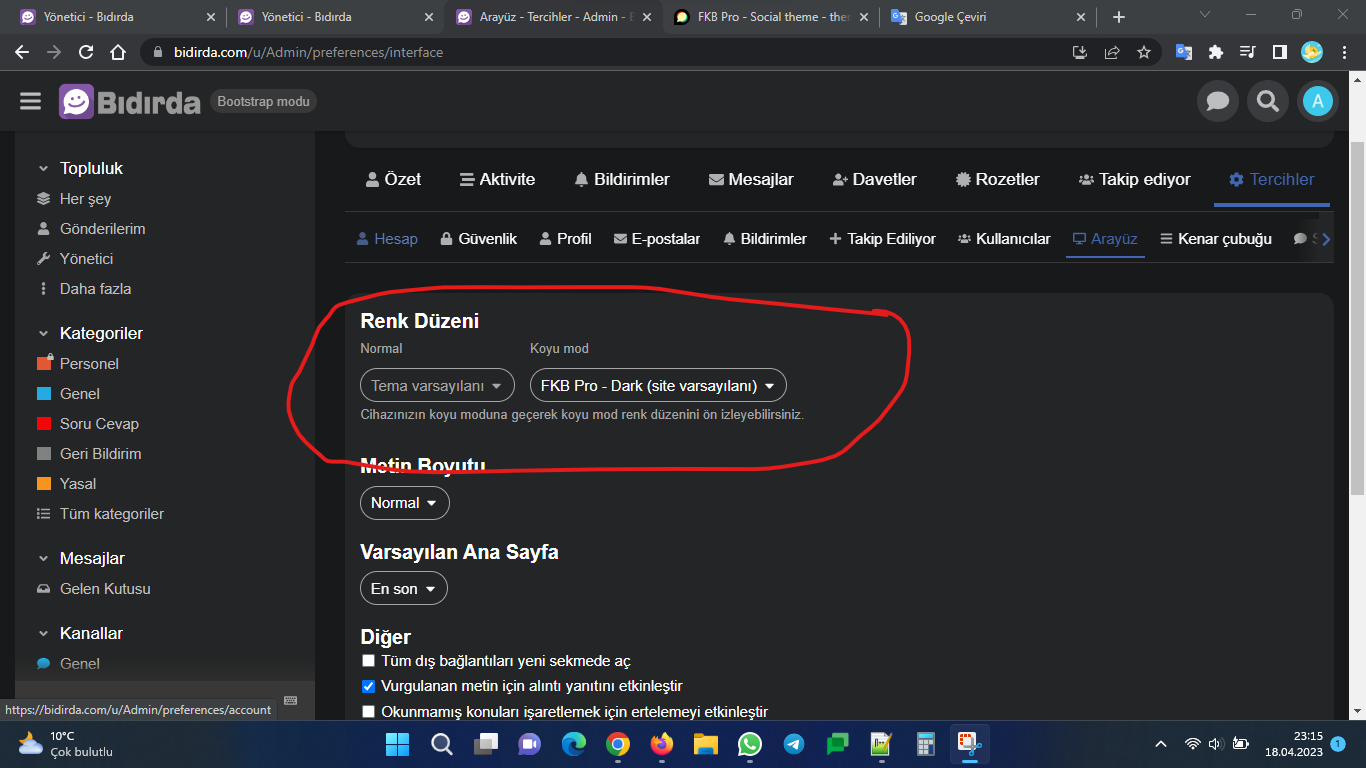
I have one more question, users want to turn off the theme option, how can I turn it off, choosing a theme in the settings is turned off, but the user chooses themes in her profile, how can I turn this option off.

Ok, I found it, sorry for bothering you, thank you very much for everything.

There is a shift in the usernames for your information, the username is a little above

@Don How do I pull in different logos for the theme? For example… a mobile logo?

EDIT: I forgot to add… this is an awesome theme… thank you!

You would have to export theme & download or download it from github.

Your better to use a component to augment the theme vs forking the theme. As with forking you would need to keep it upto date yourself if any changes cause breakage.

Just make a component called something like Fakebook extension snd put your mod/overrides.

Ok… I think I figured out my real problem. I will try to explain. I use the light color theme… but I change the header to black. The desktop header background is controlled by the “header background” color… but if I open it on a mobile phone… the header background is actually controlled by the “secondary” color.

EDIT: I think I figured it out. I created a component and added this to the mobile css…

.d-header {
  background-color: var(--header_background) !important;
}

Hey @falcon9, Thanks for pointing out, I see now. I’ve removed the unnecessary background color from mobile header. Please update the theme. :slightly_smiling_face:

Awesome… thank you very much!

Is there anyway to add a “featured image” similar to Wordpress… or… is it possible to make the theme search the entire topic (beyond the first post) until it finds an image to use?

Sure, with other component. For example, you can try this:

The theme already does this by itself. I’m just looking for a way to control it more. I am looking for it to go beyond the first post to search for images / media or have a place to upload a “featured image” that it would default to.

Really? Then I stand corrected. I thought it came from TLP because it is active at my forum.

Edit:

I’m totally hopeless :man_facepalming: I had to check do I use TLP or not with FKB Pro. And I’m not.

So, let’s forget I’m even visited here ever…

(And now I understand what you are after — but could TLP fix that need, or would there be somekind conflict then because of overlapping functionality?)

No @Jagster you were correct. 👍

TLP does provide a control to choose which image.

I’ve never installed the sidecar plugin with another Theme, but it might work …

Yeah, you right this theme is use the first image as thumbnail from the OP. So you can’t choose it manually. However, it is good to know it works with TLP :slightly_smiling_face:

Ok… so there are two different components like this… I was using this one…

I’ll have to test yours out and see.

With the Topic List Thumbnails there’s this:

This only works for the OP AFAIK. I think the same applies to the TLP sidecar, but I may be wrong… Yeah, sorry, it’s in the description some posts above: you can pick one image from the entire topic with the TLP sidecar.

Hello,

I’ve merged an update to the theme. :slightly_smiling_face:

This update contains:

  • split up SCSS into multiple files
  • slightly new sidebar style
  • fix some UX issue on user pages (new user navigation style)
  • move avatar size from head_tag <script type="text/discourse-plugin" block to javascript initializer
  • change narrow desktop width to 1000px (on desktop menu panels change to mobile menu panels)
  • remove most of the chat style (it needs some love as lots of thing changed in core)

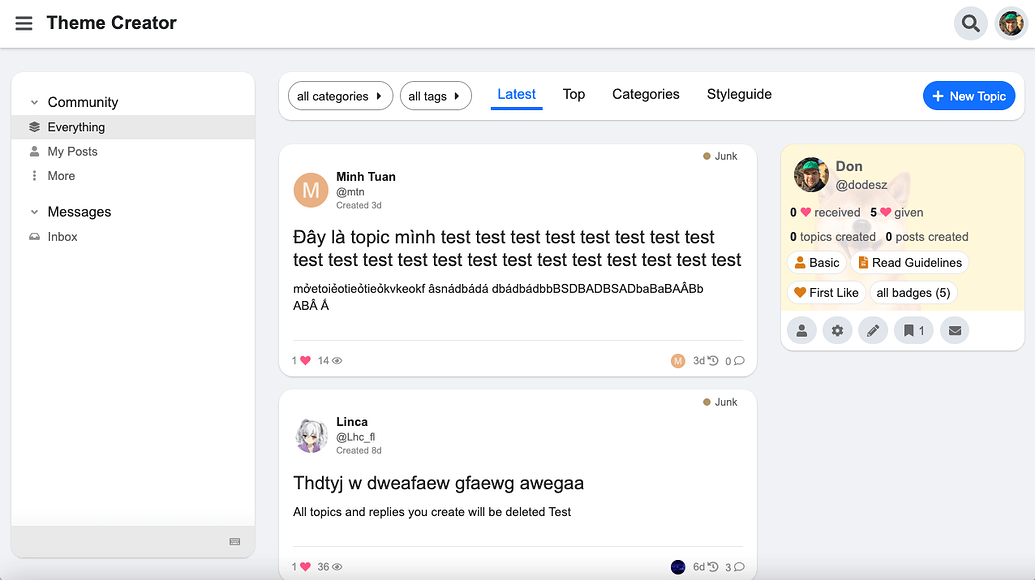
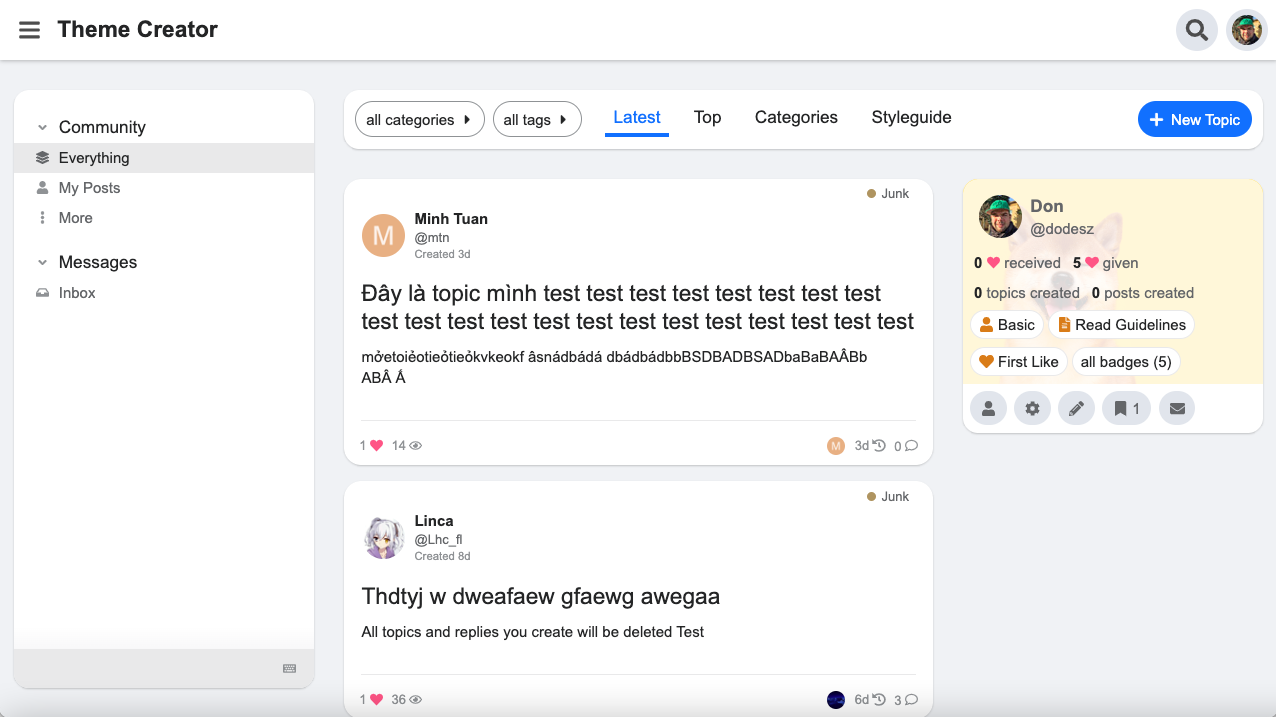
Topic List

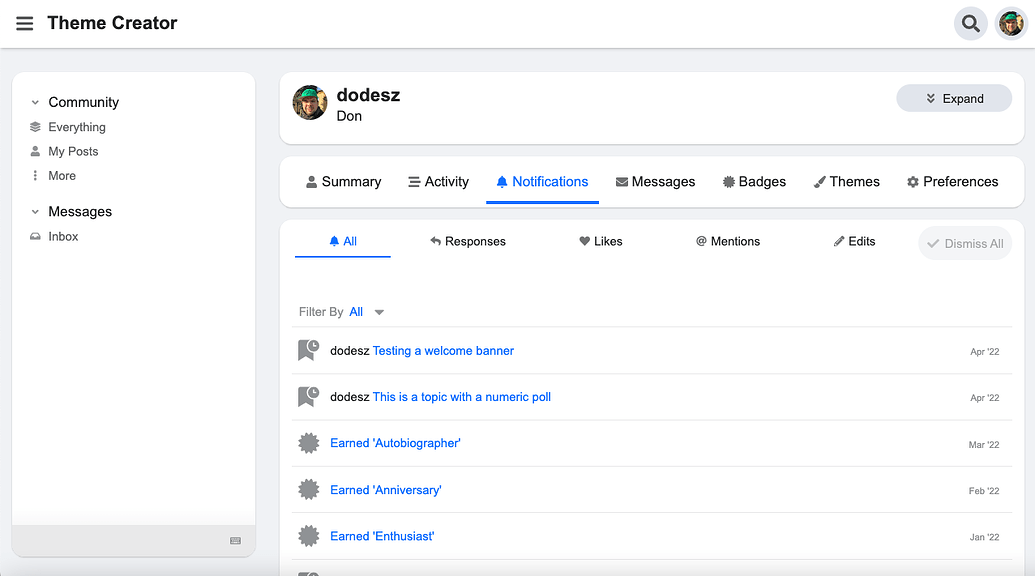
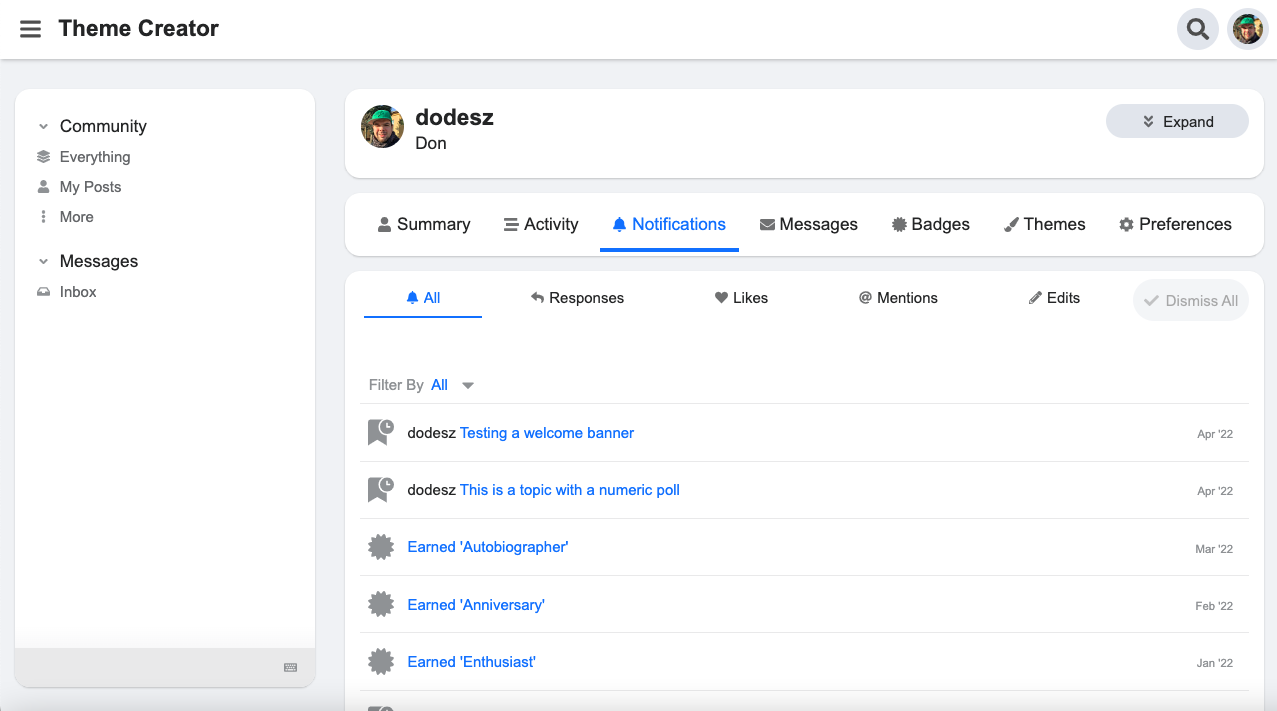
User page

@Don For some reason I cannot get the “between topic” ads to center when using the official ad plugin. No matter what I do it seems to force it to the left. The “between posts” ads work great.

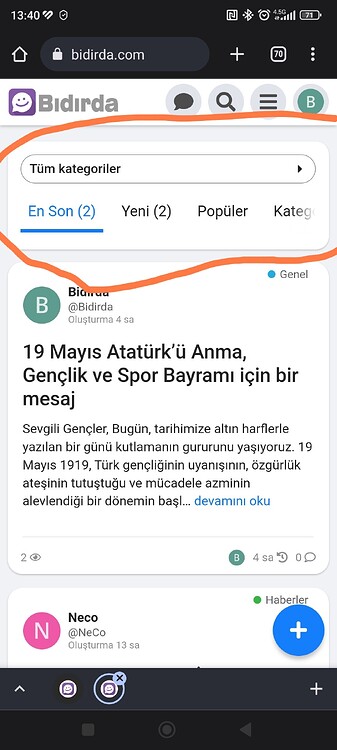
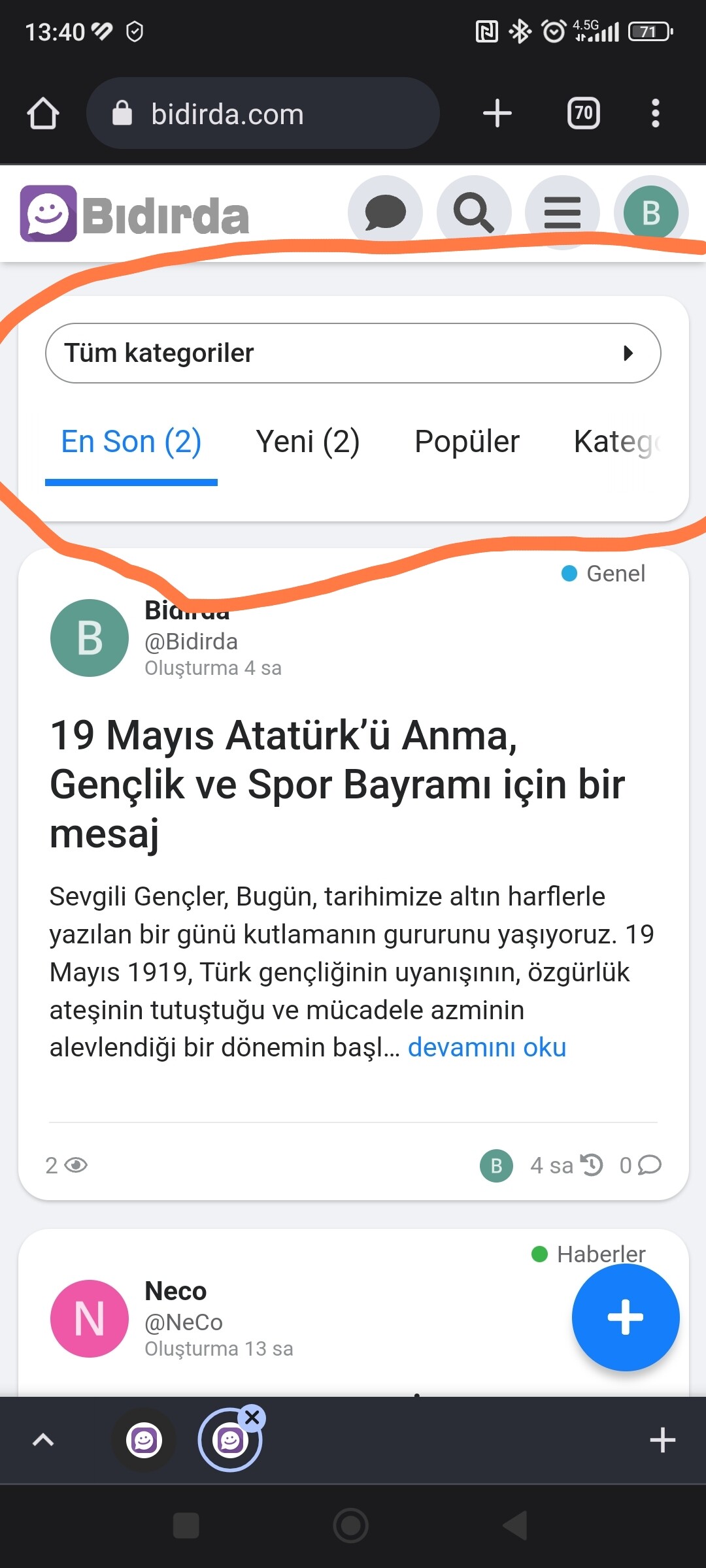
Hello, I want to close the part in the screenshot or I want to remove it, how do I turn it off?

I don’t know but how would your users navigate then?

I will only use it as a social network, so it doesn’t make sense to have it there, it would be better if there is no such option in any of the social networks, I think it would be better without it

those are the navigator bar filter links (nav pills) and you can hide them with CSS. but i’m not sure i would do that with this theme (i don’t use it) because it’s heavily modified and showing those links in mobile view. my forum’s mobile view (and Meta’s) doesn’t have them by default so it looks like those are there on purpose for this theme. @dodesz should be able to tell you if it is possible without affecting the theme in unintended ways.


Hello,

Yeah, you can try something like this.

Mobile/CSS

.navigation-topics,
.categories-list,
body[class*="tag-"]:not(.archetype-regular):not(.archetype-banner),
body[class*="category-"]:not(.archetype-regular):not(.archetype-banner) {
  .list-controls {
    .container {
      background: none;
      box-shadow: none;
      padding: 0;
      margin-bottom: 0;
      .navigation-container {
        &:before,
        &:after {
          display: none;
        }
        .category-breadcrumb {
          display: none !important;
        }
        #navigation-bar {
          display: none;
        }
      }
    }
  }
}

Thank you very much, it’s exactly what I wanted now

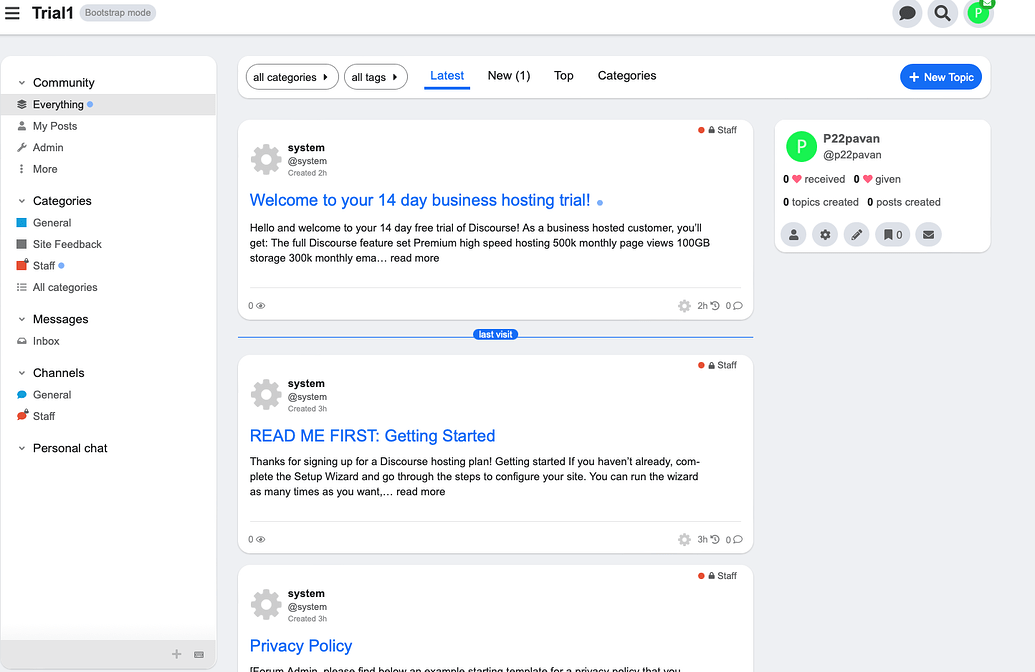
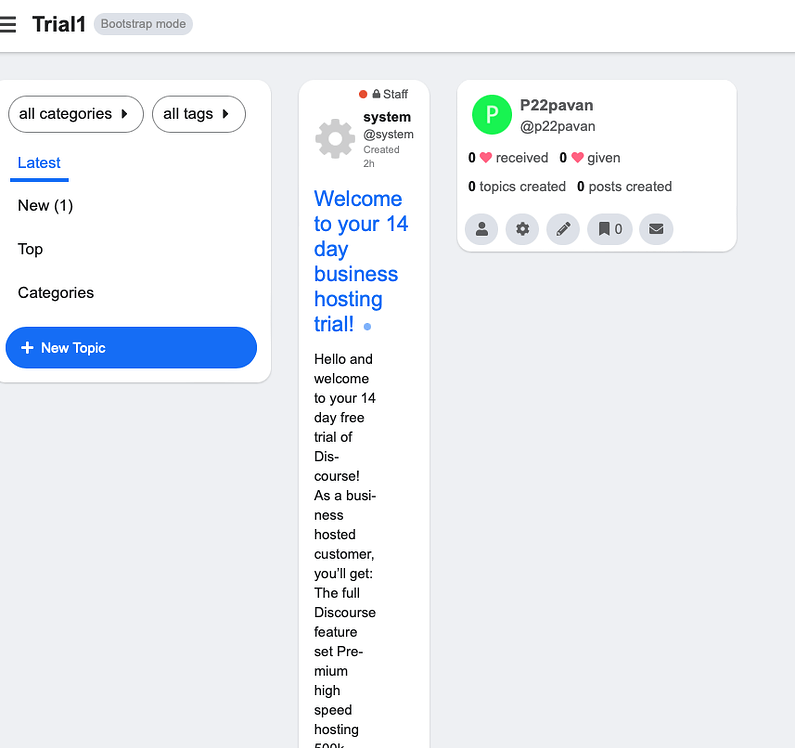
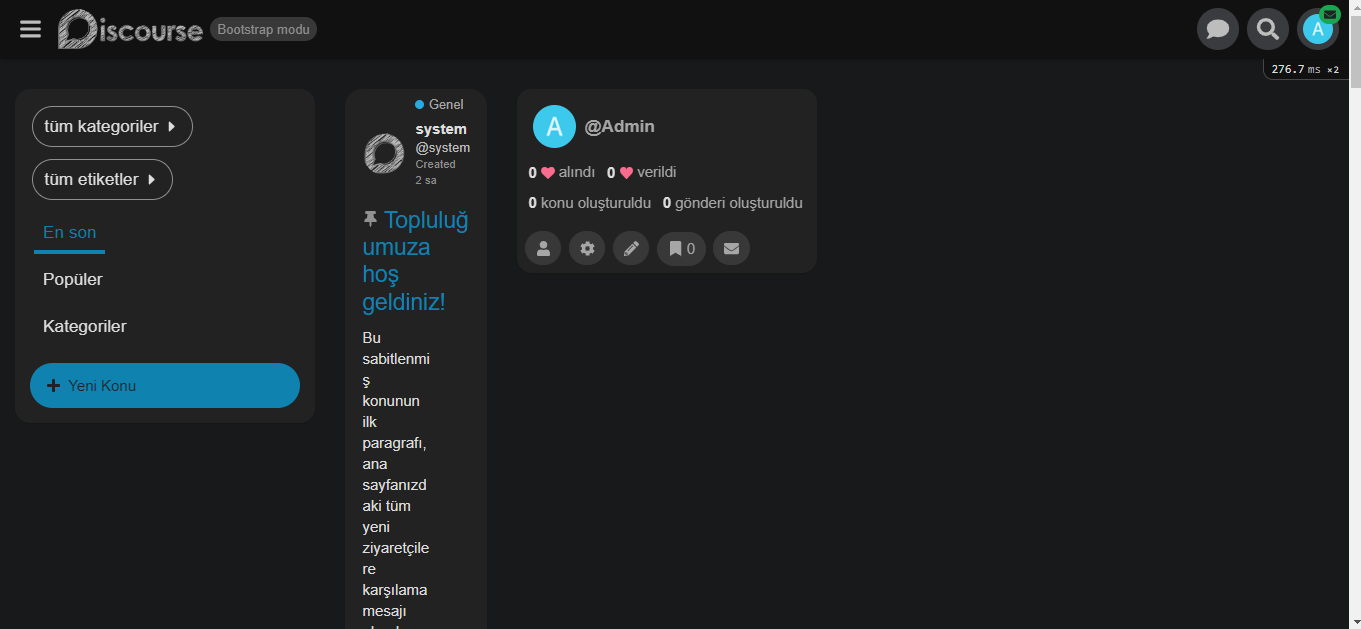
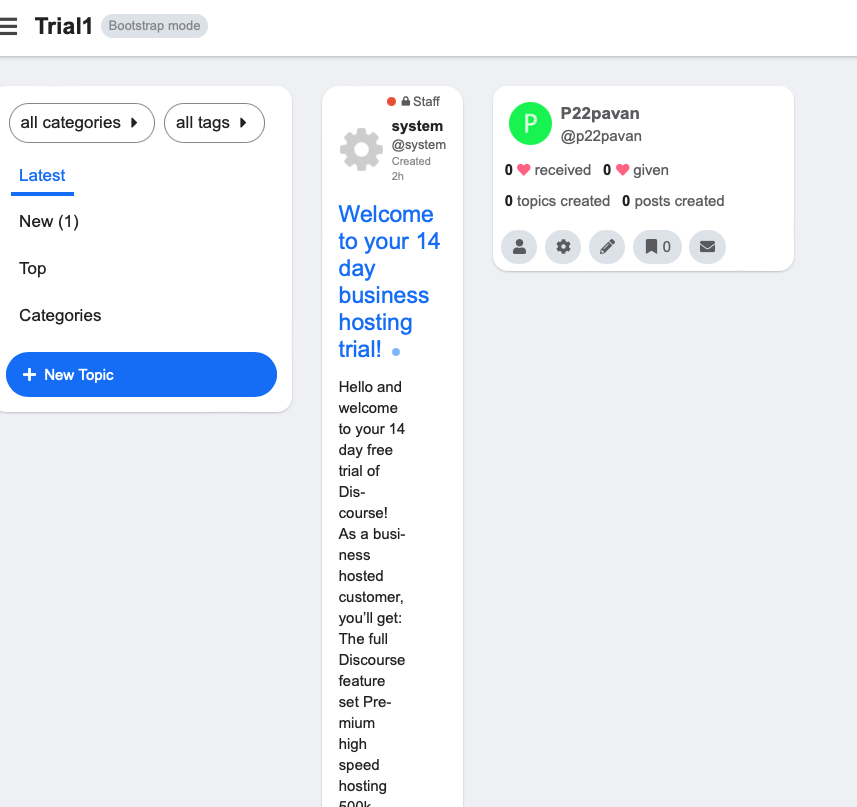
Hi, I am facing this issue when I hide my sidebar.

Sidebar is not hidden(It is showing perfectly)

Sidebar when hidden

This only happens when I am on the latest tab with the sidebar hidden and with other tabs it works perfectly fine.

Please help me with this.

When iPad is horizontally the sidebar (default one by Discourse) isn’t scrollable.