Thanks for that Don. I’ve not modified Discourse CSS before though…where do I make this change?
Thanks for that Don. I’ve not modified Discourse CSS before though…where do I make this change?

I’ve updated the post above. 
Thank you. Just done it and everything looks good again 

As the theme is now, there’s a very tiny space left on the right border for this to be done. I think it would be interesting to have more space there and use it for widgets.
I let my users have access to the theme and they quickly found something odd going on 
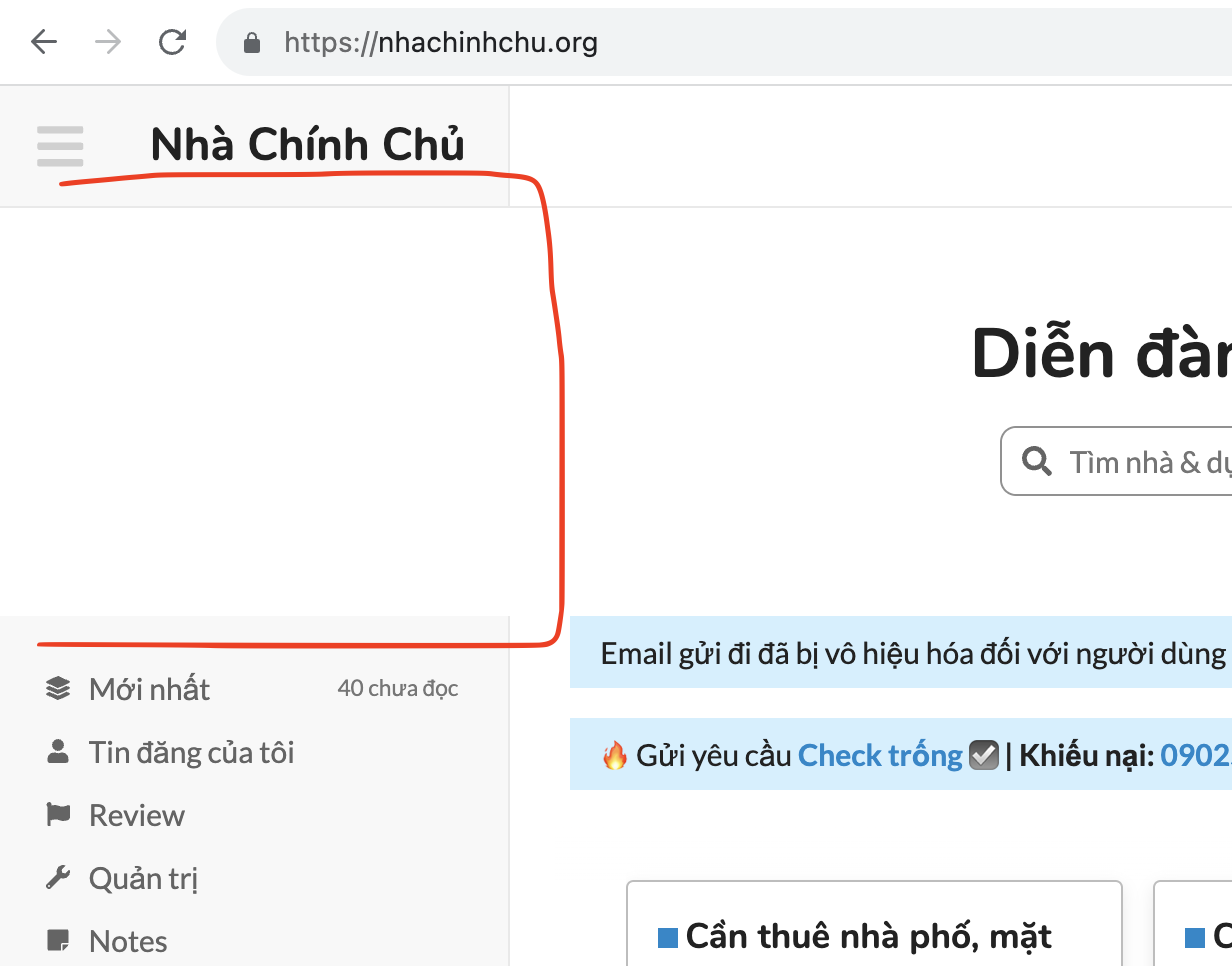
I use the Custom Header Links theme component and with the other theme I use (Material Design), as you reduce the browser window width when you reach the point that that links would overwrite the site logo the logo shrinks, eventually becoming pretty tiny, e.g.

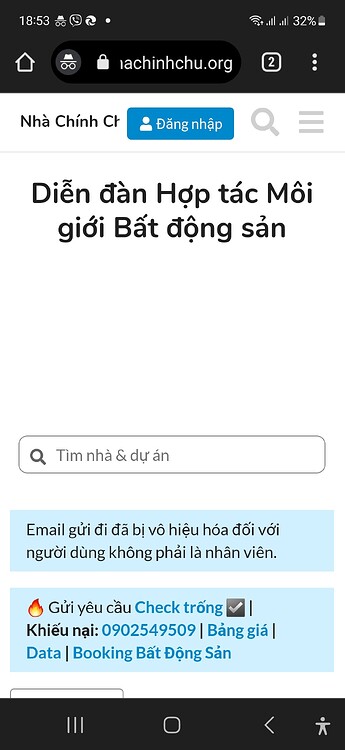
With Fully the logo doesn’t shrink so eventually you get this…

Custom Header Links removes the links and displays the topic title when viewing a topic. The topic title also overwrites the logo in narrower browser widths, although eventually the logo is completely removed which resolves the issue.
I’m not sure if this is a Fully or a Custom Header Links issue, but I’m starting here as CHL does work OK in the other theme.
It seems it has a little conflict with discourse-full-width-component and wider logos.
You can quick fix this with 
Paste this in the previously created component after the previous code just to be in one place.
It will shrink the logo.
.desktop-view .d-header .title a {
  flex: auto;
}
Update: Hmm I think it probably shrink too much with hidden sidebar…  I just take a quick look and I think it will be something with grid. But I think better to wait the official way of this because I don’t want to break the header ux with changing on the grid.
@packman please remove this code.
Thank you again! You’re doing wonderful deeds today
Hey, Don! Another issue: changing it this way makes it look the same on dark mode. How can I change the css only for a specific color scheme?
The logo does get very small in a narrow window but that also happens with Custom Header Links when used with the Material Design Theme.
I was looking at the CSS earlier and I think it might not be helping that the logo is included inside span.header-sidebar-toggle, although maybe that’s the only sensible place for it in a wider display?
Hello @Renato_Mendes 
Oh I see, so you only want to use the transparent background on one color scheme. I didn’t know that.
There are several ways to do this
dark-light-choose(): It’s possible to do this with it but not to practical in this case as it’s create variables. Better to use for colors.schemeType: This one is better to this use case if you want to use it by scheme type.Here is how to use schemeType
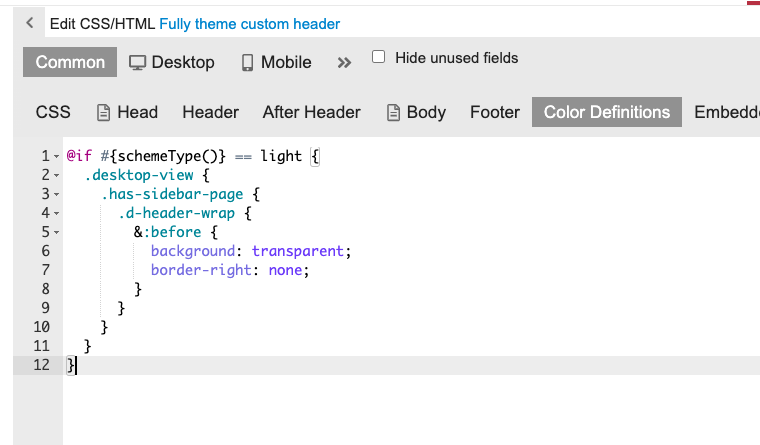
Remove the previous code from the component you created and place the new one to the component Color Definitions section as you see on the image.
This will only activate the code on light scheme.
Common / Color Definitions
@if #{schemeType()} == light {
  .desktop-view {
    .has-sidebar-page {
      .d-header-wrap {
        &:before {
          background: transparent;
          border-right: none;
        }
      }
    }
  }
}
This component puts the actual color scheme to the html so you can target it with CSS.
Here is how to use it:
Install the component.
Check the color scheme id where you want to change things.
You can find here
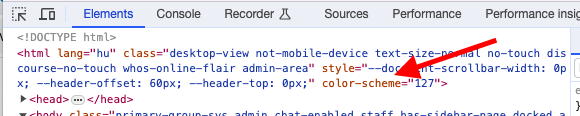
or
/admin/customize/colors
Colors page. Here if you click a color scheme the id will adds to the URL.
Now you can use this in the code. Don’t forget to remove the previously added code.
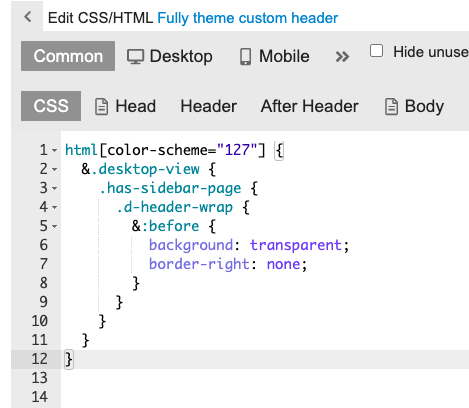
html[color-scheme="your-color-scheme-id"] {
  &.desktop-view {
    .has-sidebar-page {
      .d-header-wrap {
        &:before {
          background: transparent;
          border-right: none;
        }
      }
    }
  }
}
Hello @packman I sent you a PM.
Many many thanks, Don! And I’m sorry, but I got confused. My question actually is: how do I change and apply any color of only one color scheme through the CSS?
I blindly tried this and it didn’t work:
@if #{schemeType()} == dark {
    #main-outlet-wrapper .sidebar-container, .sidebar-footer-wrapper .sidebar-footer-container, .sidebar-hamburger-dropdown .sidebar-footer-wrapper .sidebar-footer-container, .sidebar-hamburger-dropdown, .hamburger-panel .revamped.menu-panel.slide-in {
    background-color: #24544D var(--sidebar-color);
        }
      }

Now the wrapped text looks the same color as the wrapper, and if I change it through CSS, the light theme wrapped text will be changed too, but I don’t want that:
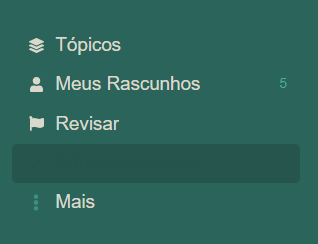
I’m sorry to bother you again with that.

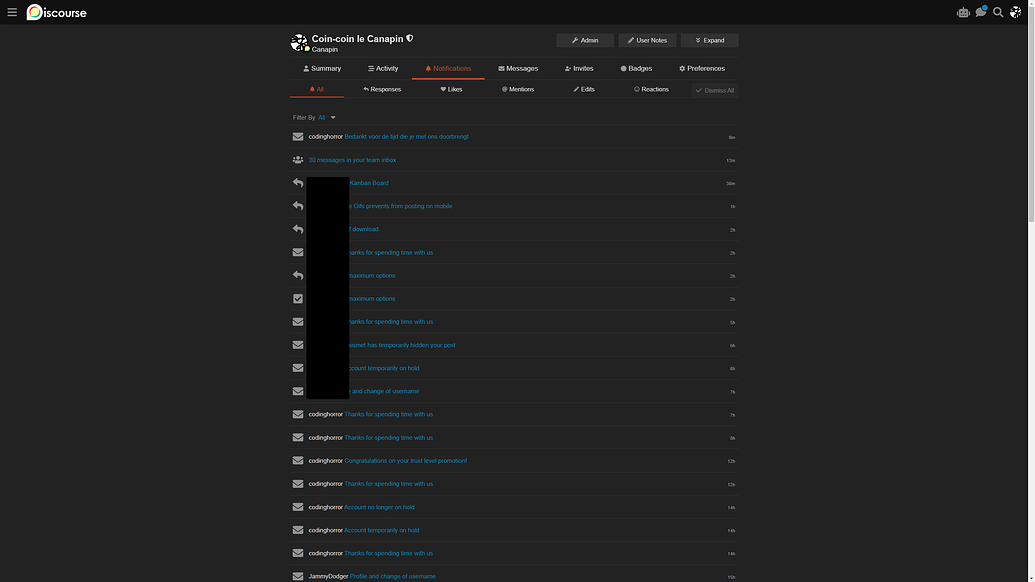
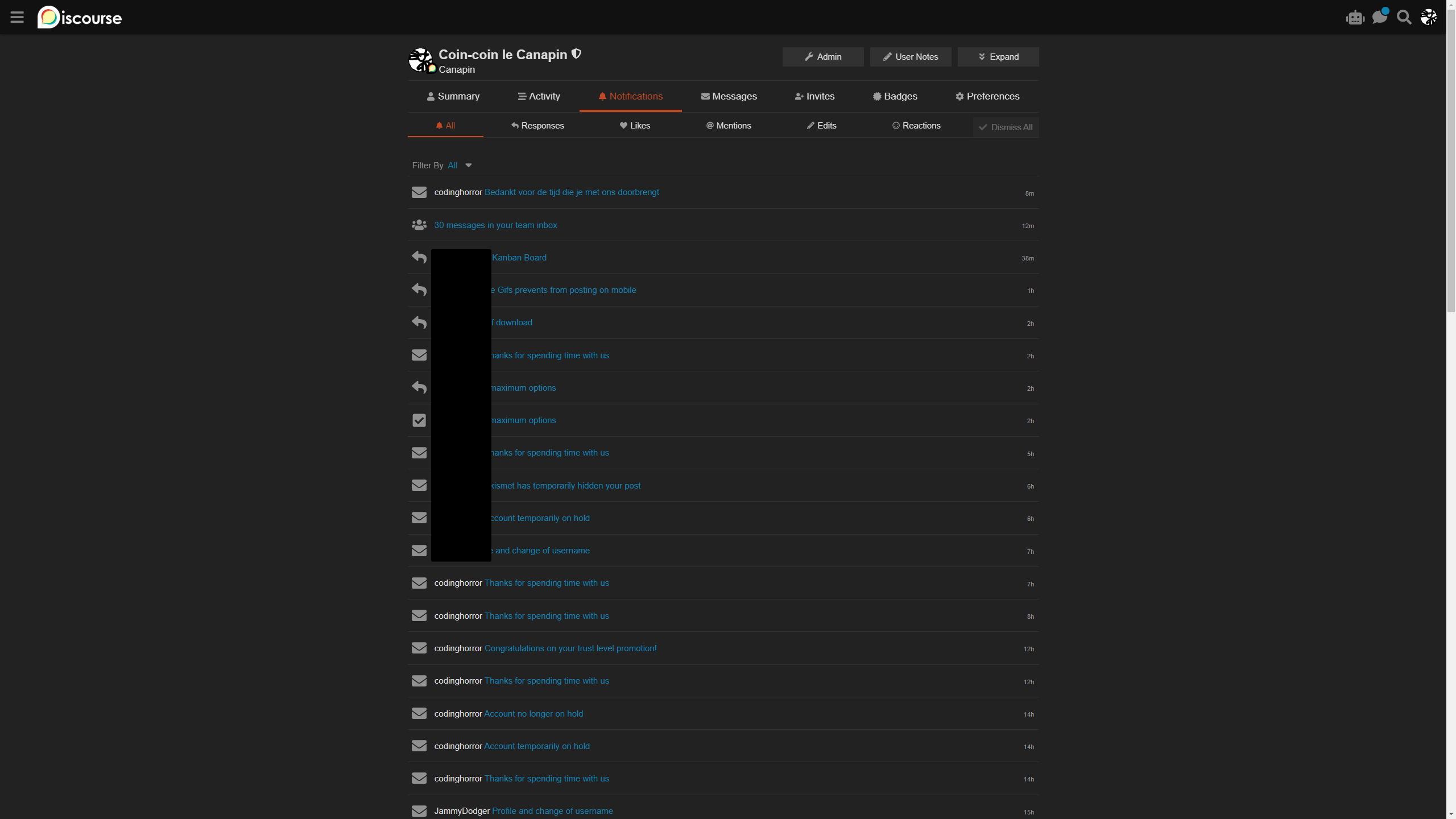
The all notifications page feels a bit “empty” and the last activity indicator, using the default font size, is a bit tiny in my opinion:
It’s more nitpicking than anything else though.

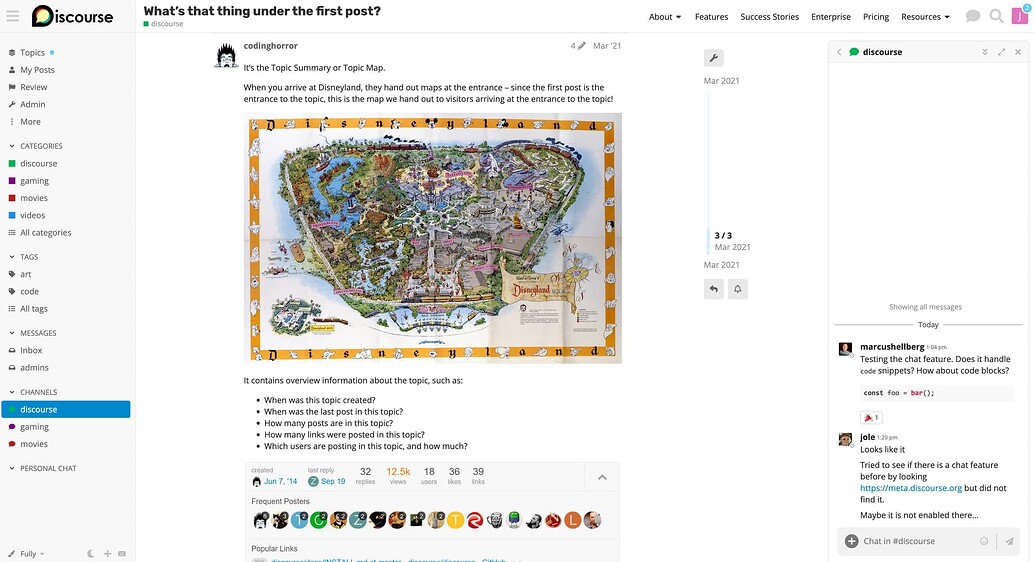
I’d like to use a full width theme in a way that the chat will always be opened on the right sidebar. Would this theme enable that?


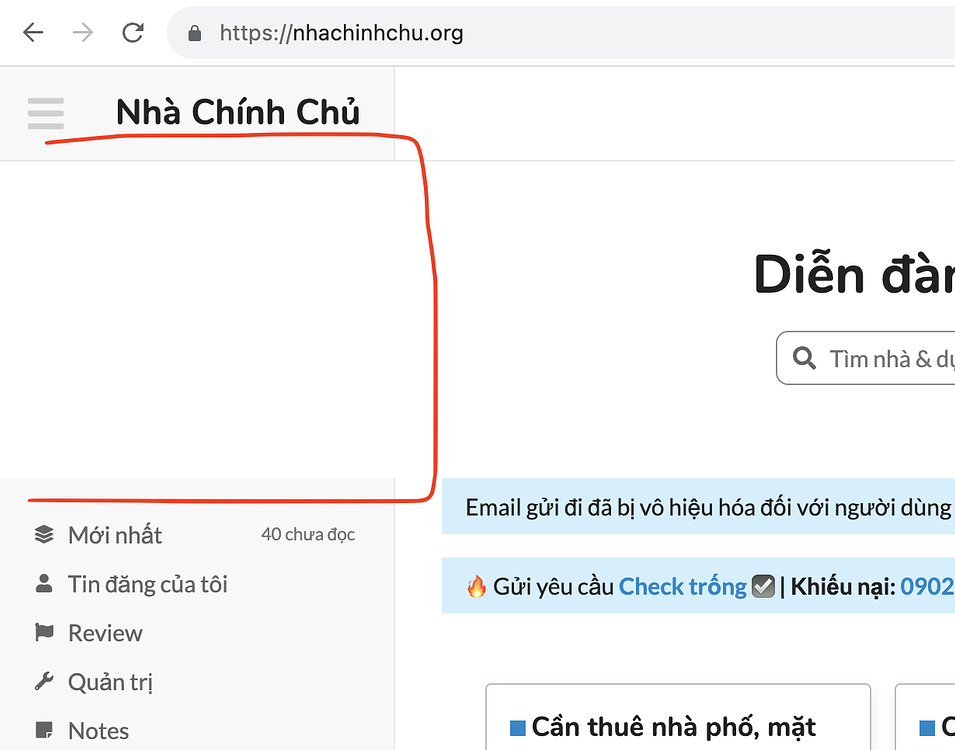
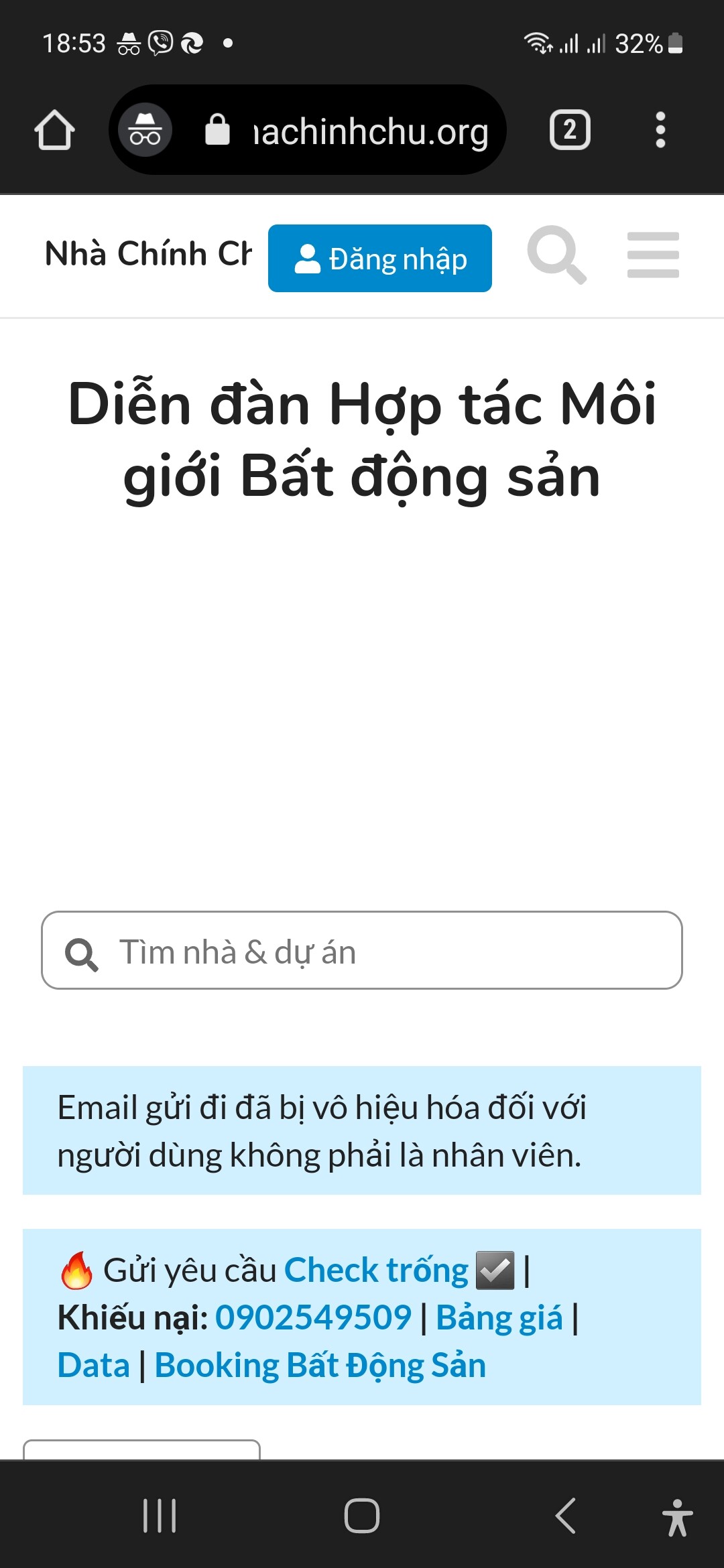
My site have a blank local when install with search Banner component
This error due to component or your theme?
Thank you!
Looks like you’re using below-site-header as plugin outlet on the component settings? You should choose above-main-container if you want the search banner to show next to the sidebar.
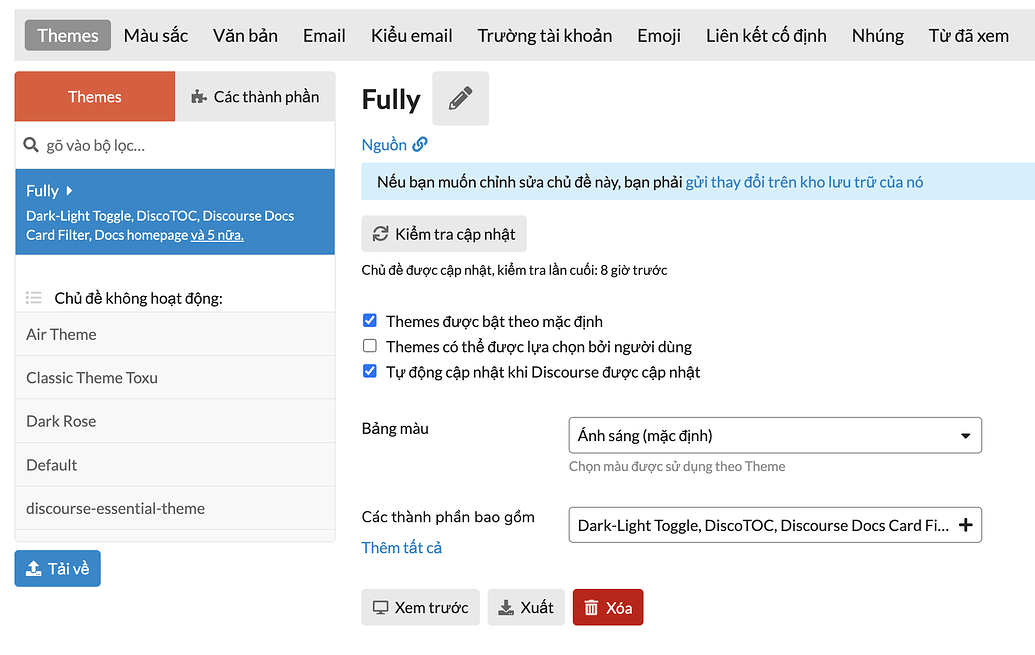
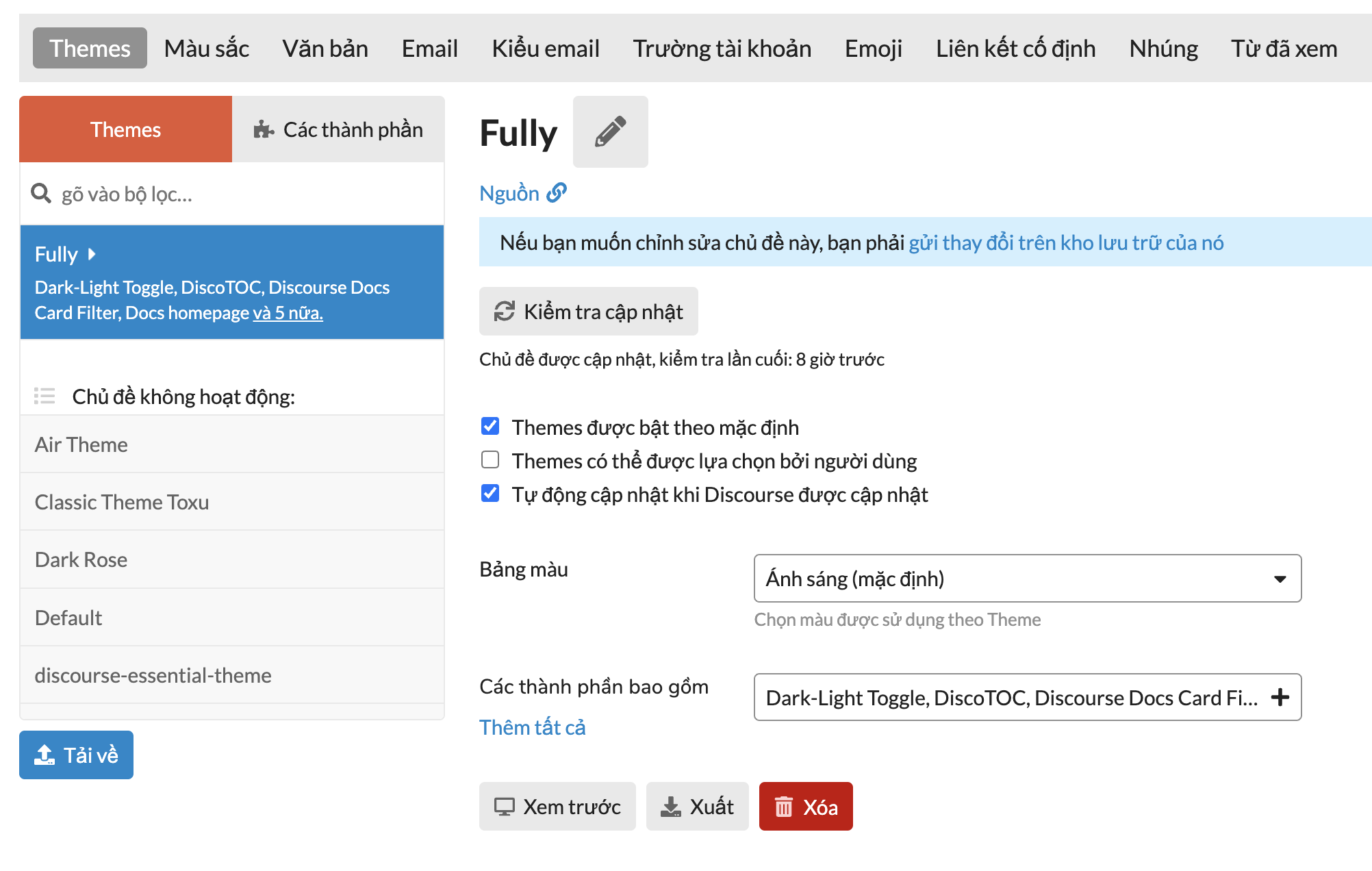
For any themes (or components) installed from a URL, you will not see a button to edit HTML/CSS. It’s because, on update, it will overwrite your changes.
You can either propose your changes to the theme [component] repository (or Discourse topic), or insert extra HTML/CSS to your theme or a new component. 
Try this CSS.

.d-header {
    height: auto;
    padding-bottom: 0.5em;
}

.d-header>.wrap .contents {
    flex-wrap: wrap;
    justify-content: center;
}

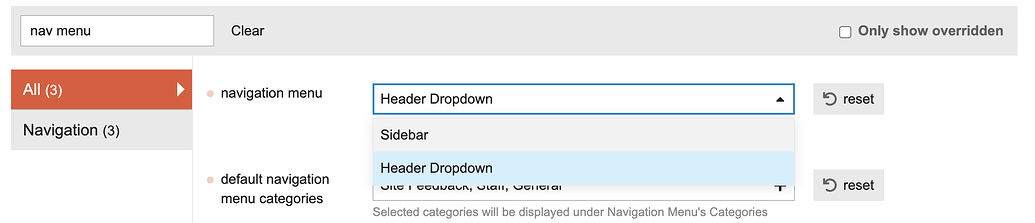
I installed this theme on My site, but The left sidebar doesn’t display.
I don’t know why. Can you help me?
Thanks so much!
In the sidebar, DMs is a plural acronym and shouldn’t be capitalised to DMS.
Or, if you insist, it could be DIRECT MESSAGES
That makes sense!