Air Theme

61993 views 386 replies Created 2021-07-20 20:24
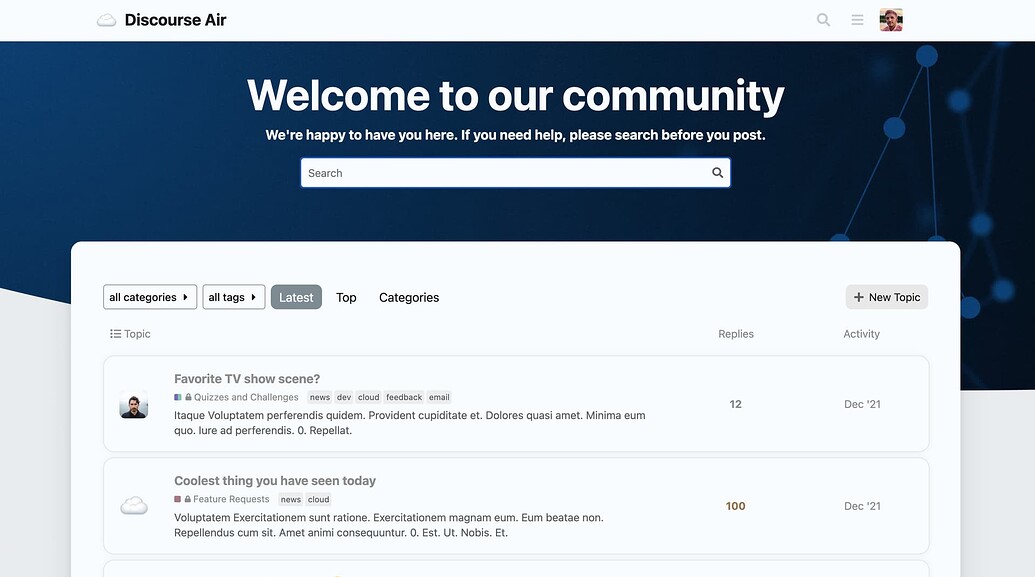
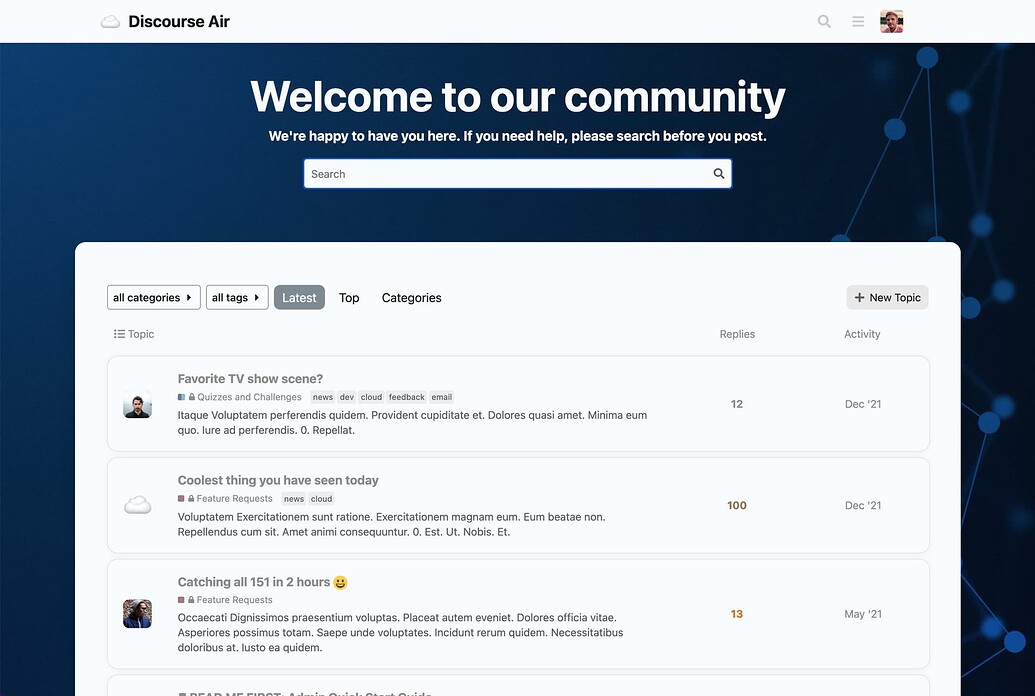
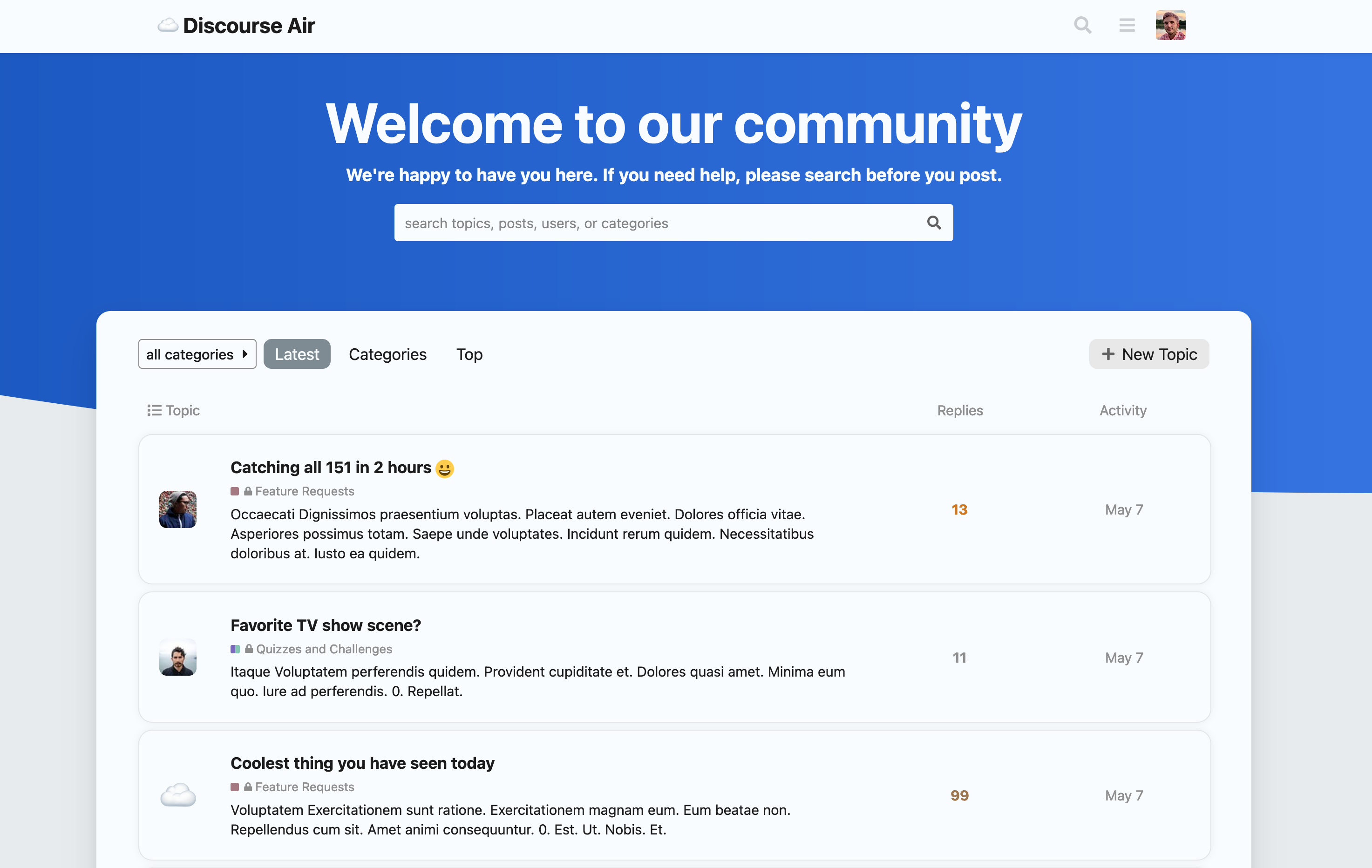
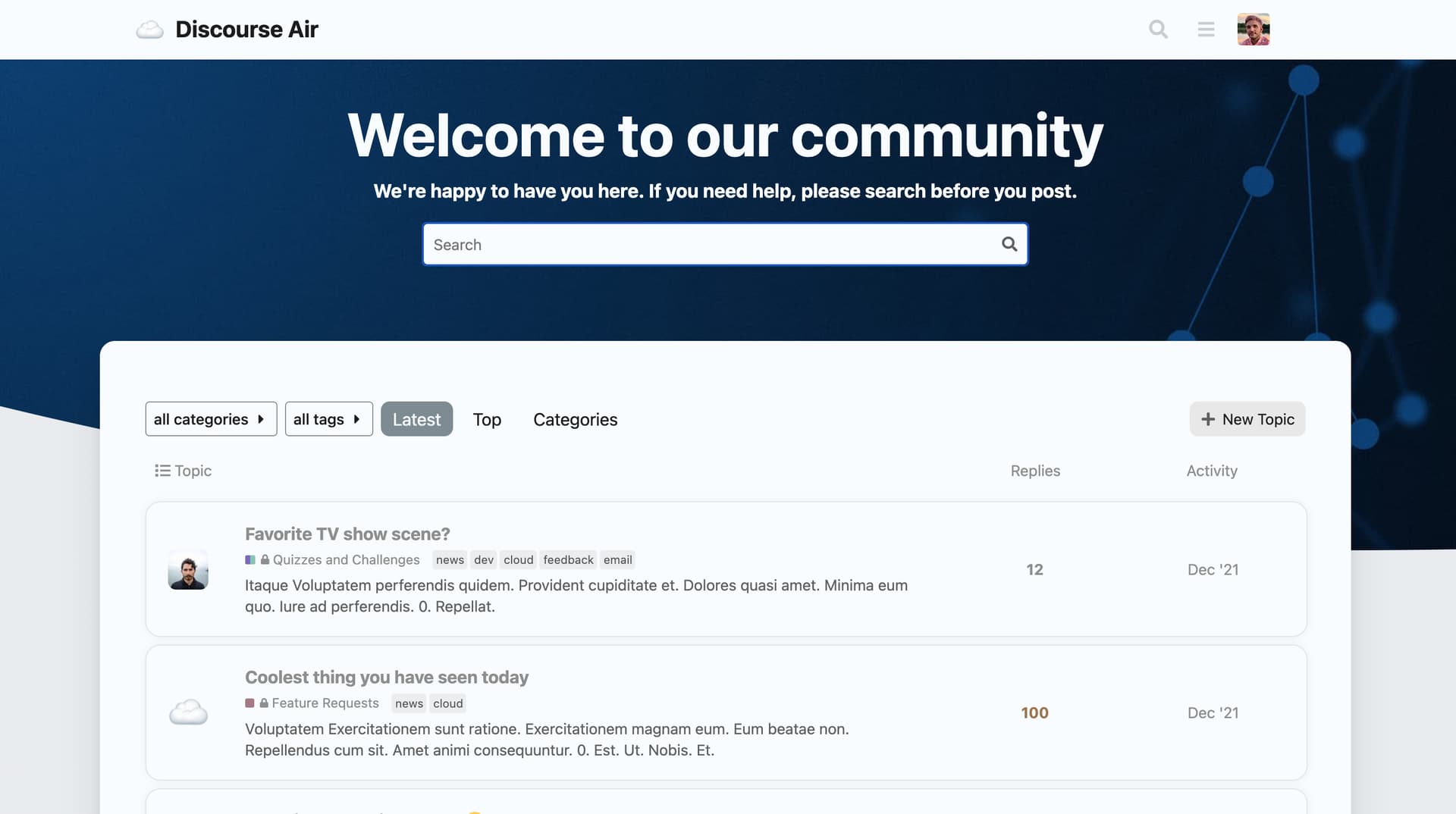
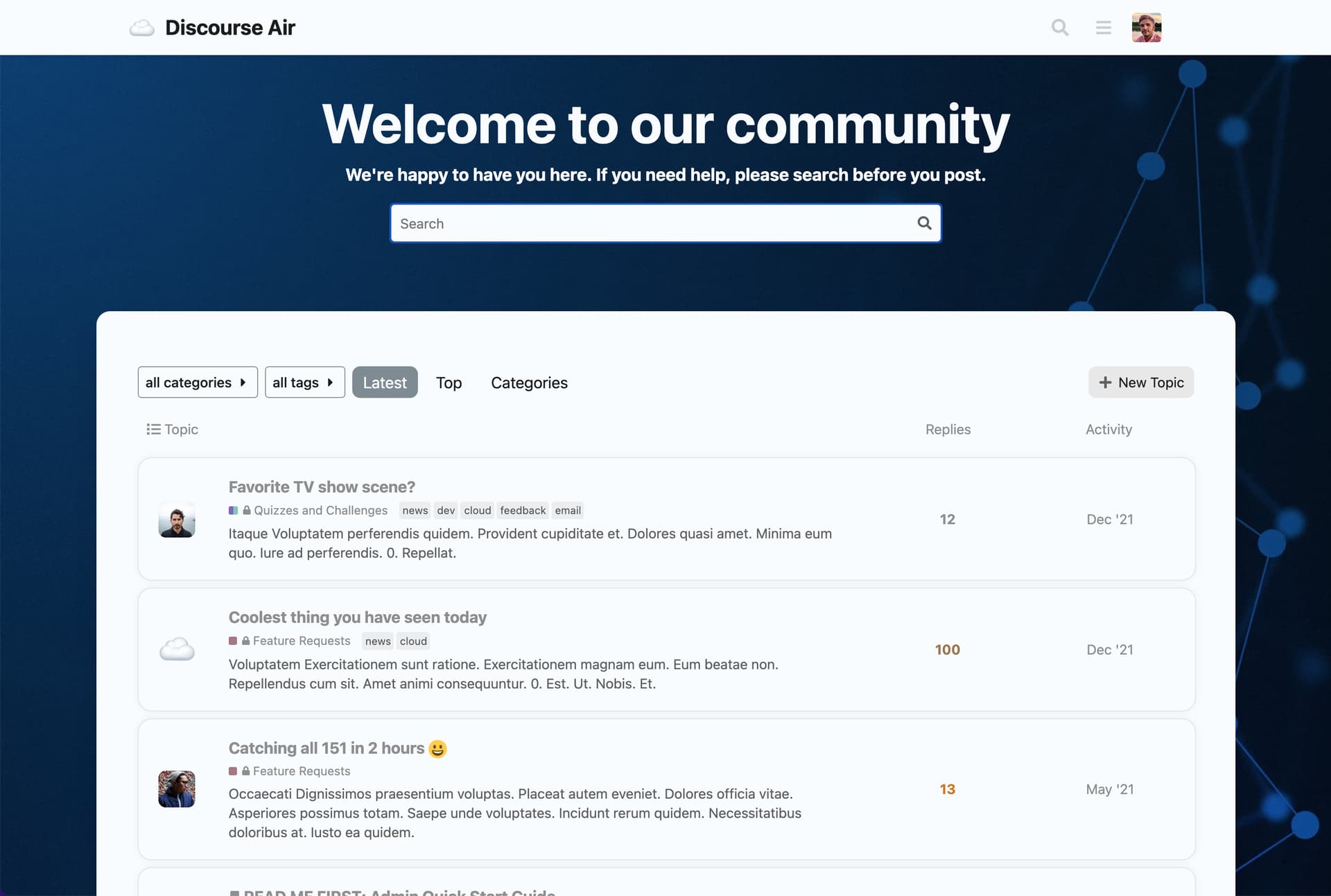
:discourse2: Summary Air Theme is a clean & modern theme with a handful of theme components included to enhance your forum!
👓 Preview Preview on Discourse Theme Creator
🛠️ Repository Link https://github.com/discourse/discourse-air
📖 New to Discourse Themes? Beginner’s guide to using Discourse Themes

Install this theme

Features

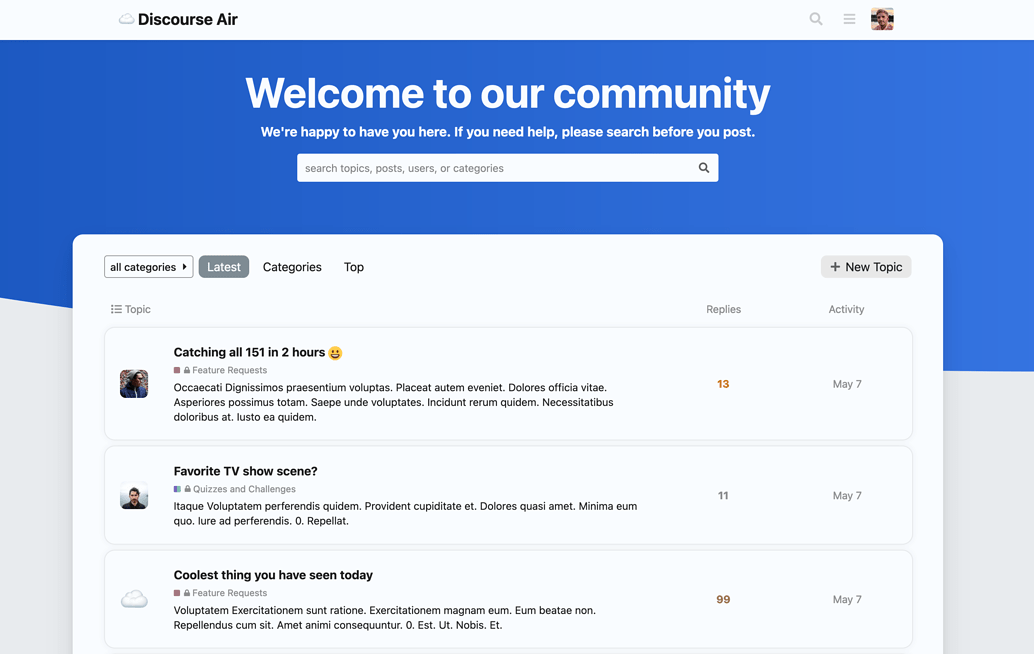
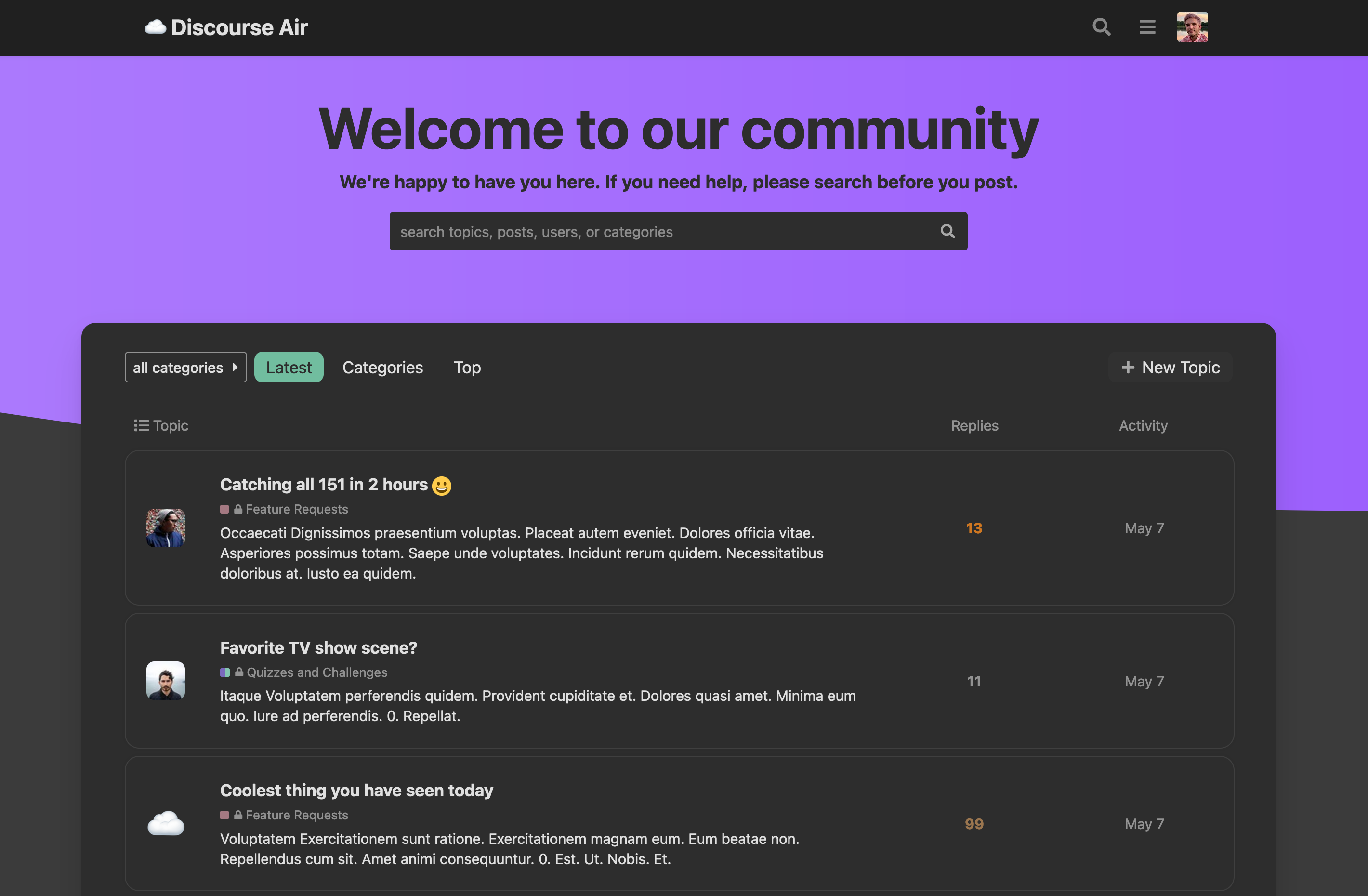
Light Mode

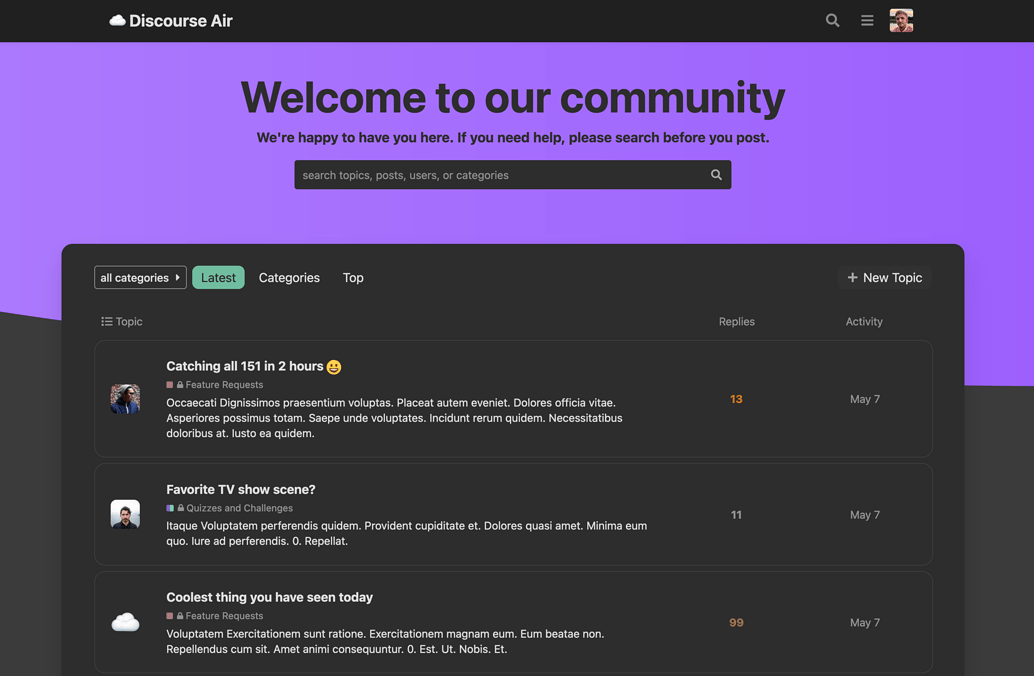
Dark Mode

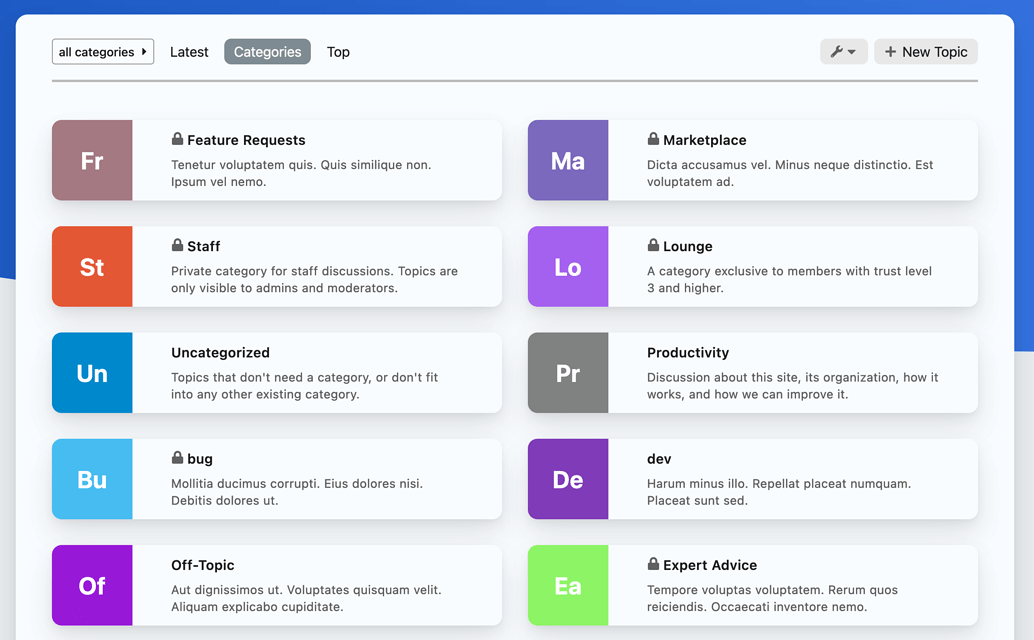
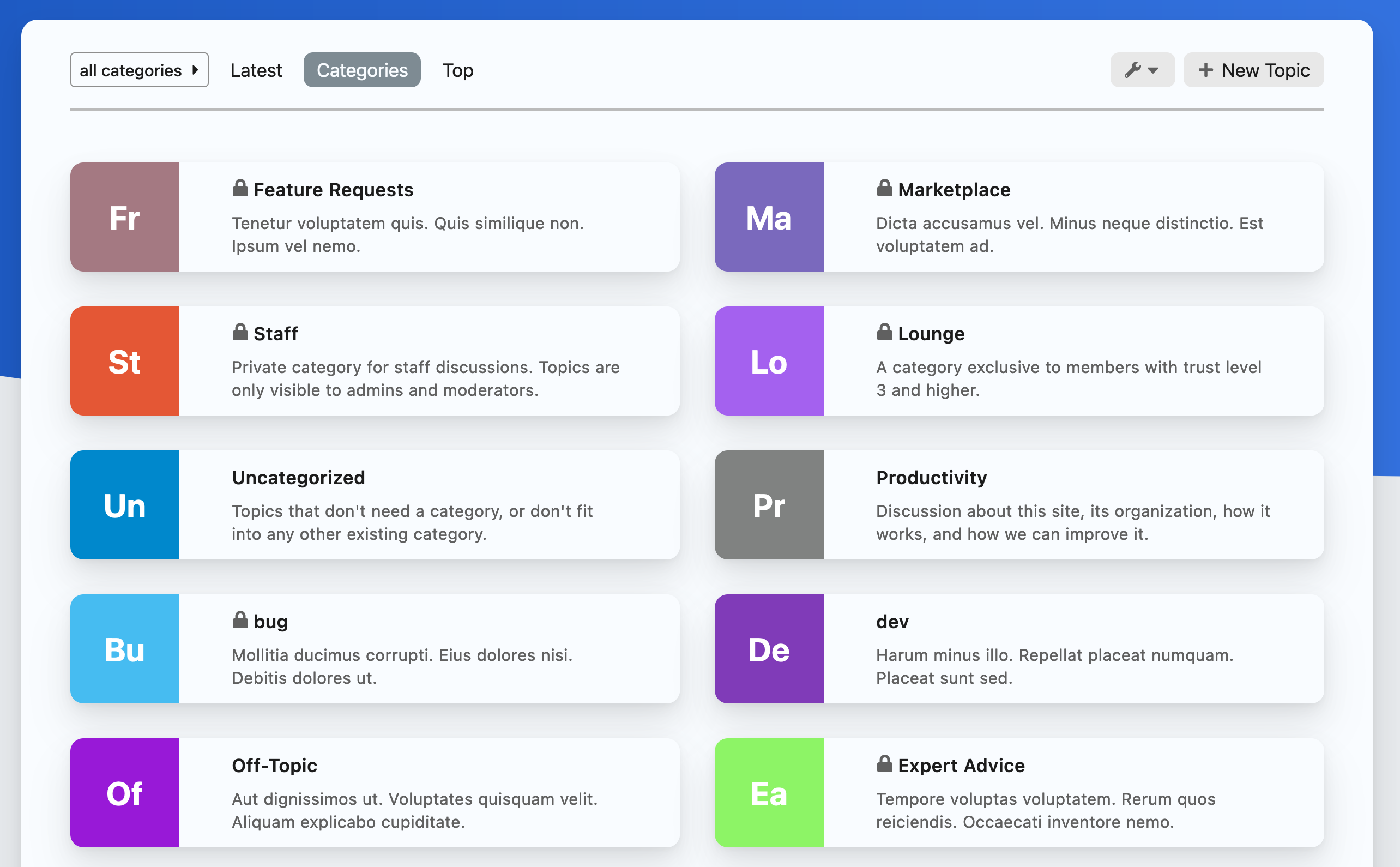
Categories Page

This theme includes a couple of components to enhance your forum as well.

  • Clickable Topics
  • Modern Category + Group Boxes

❗ Please read through these tips upon installation, as there are a couple of settings that NEED TO BE ENABLED for this to theme to render properly.


Tips

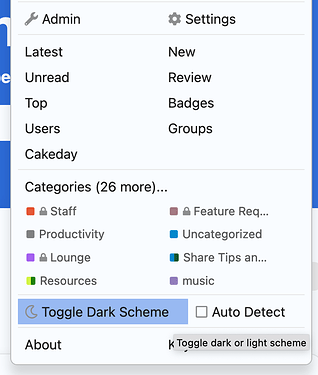
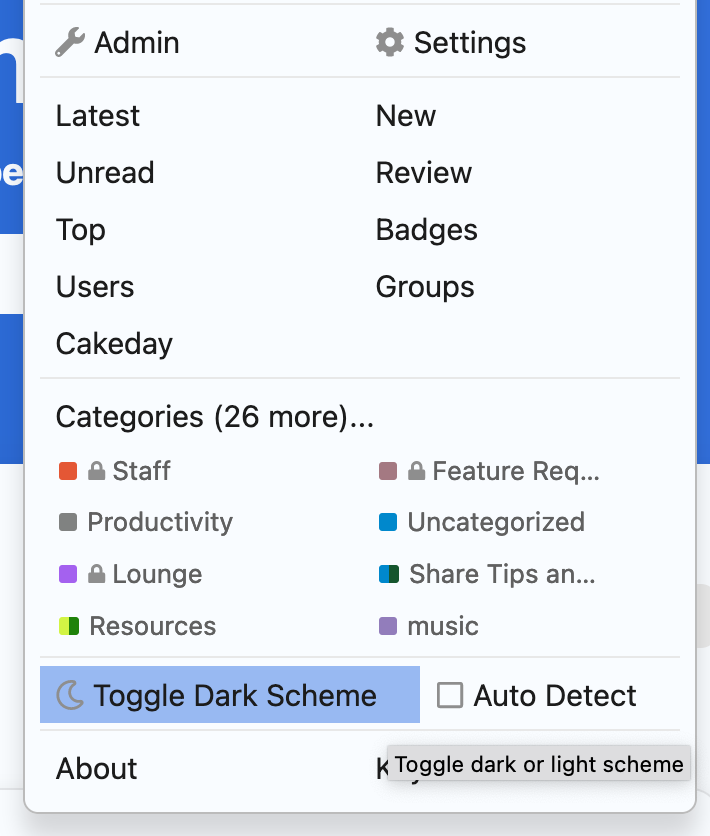
Dark Light Scheme Toggle

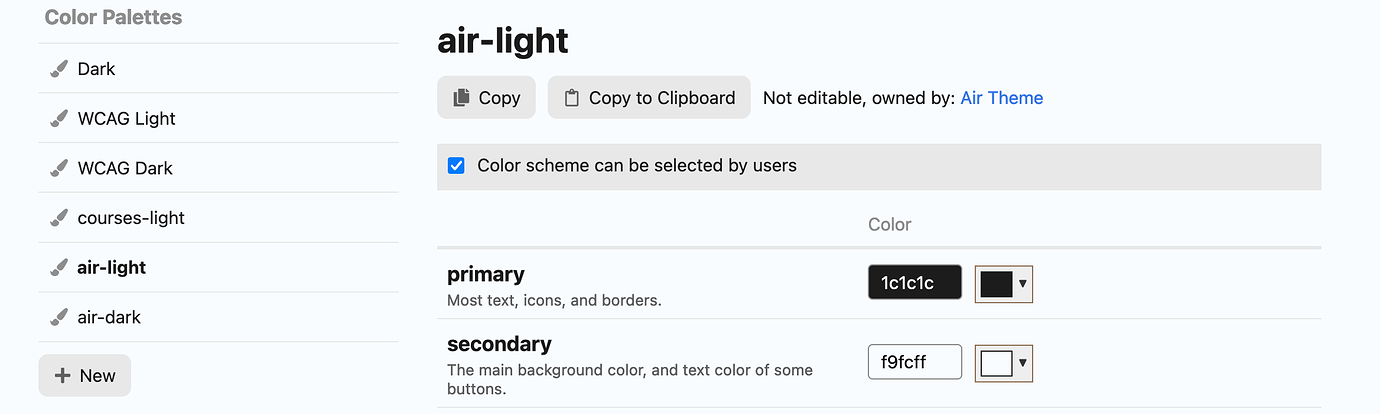
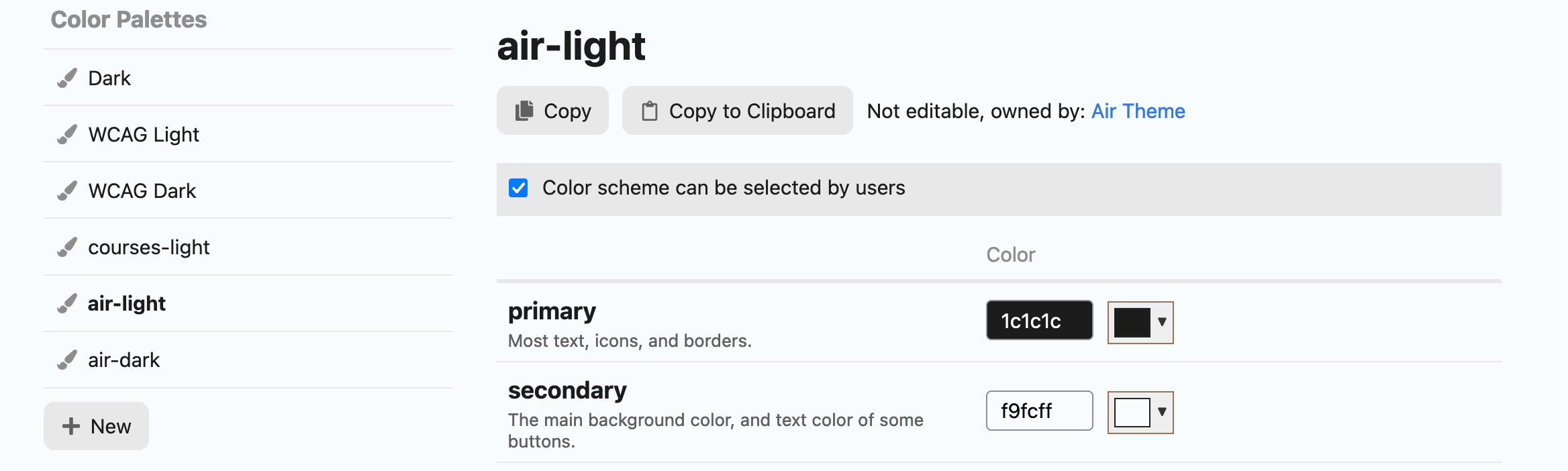
For this to work properly, at least 2 color scheme choices need to be enabled in your https://discourse.jordanvidrine.com/admin/customize/colors area. At least two colors need to have color scheme can be selected by users enabled.

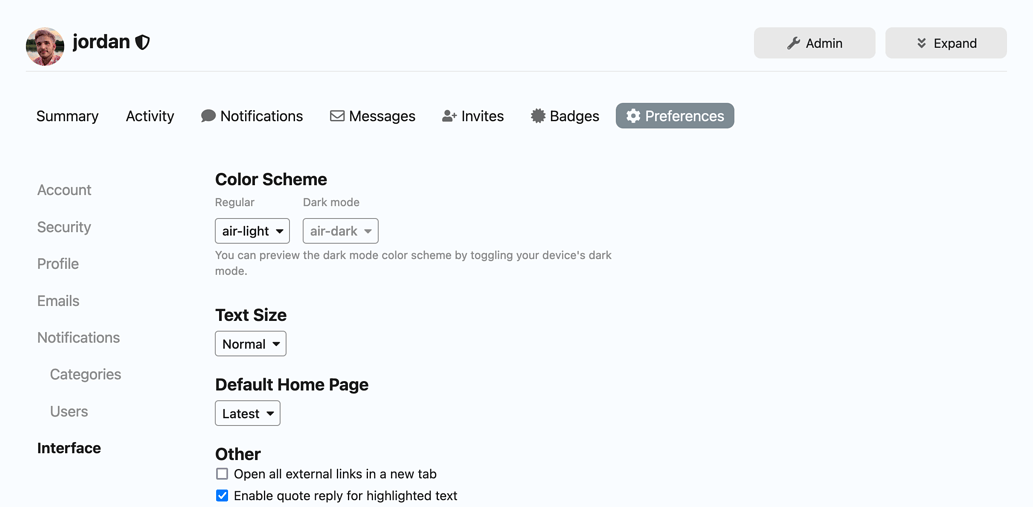
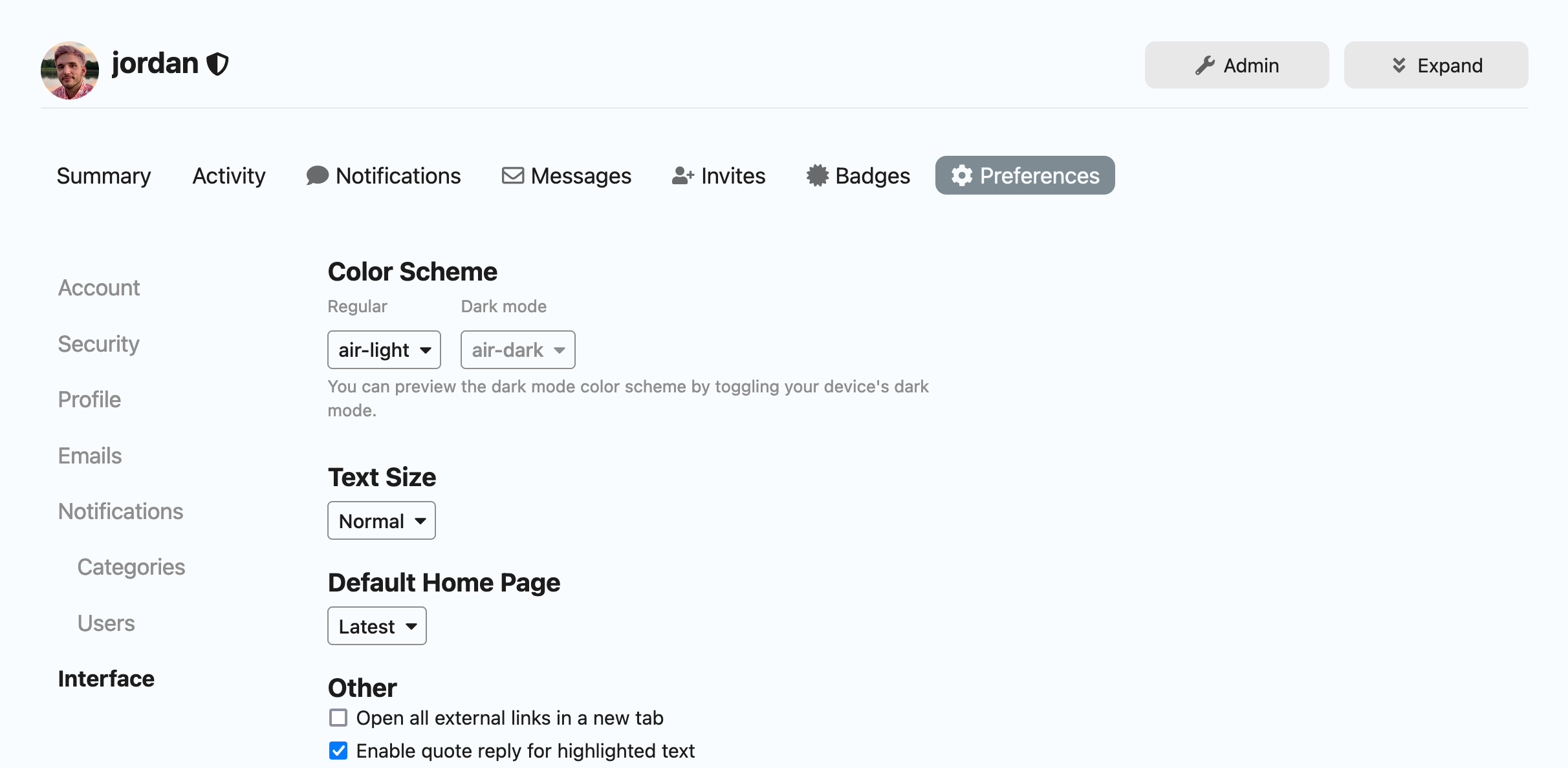
Once this is done, users should be able to choose between two color schemes as their light and dark preferences in their user preferences interface menu.


Welcome Banner

Go to Admin > Welcome banner (/admin/config/welcome-banner) page.

  • in Enabled on themes… dropdown select Air Theme
  • in Location dropdown select Below site header

Modern Category + Group Boxes

This theme component requires your categories to use the CATEGORY BOXES WITH SUBCATEGORIES setting in your /admin/site_settings/category/all_results?filter=categories area.

This theme component also allows the forum admin to organize their category page with header titles, and choose which categories appear under each header. To keep things simple, I have only allowed up to 5 headings to be used. If no categories + heading settings are chosen, all categories will render as they do above, this is the default rendering option.

:discourse2: Hosted by us? Themes are available to use on our Standard, Business, and Enterprise plans.

Last edited by @jordan.vidrine 2026-02-05T16:03:08Z

Check documentPerform check on document:

That is just amazing Jordan! 😍 I love it!

It will be helpful if the welcome message can be hide when left locale field empty 👍

Oh wow, this looks really nice! Thank you for the share. 🙂

This theme looks so amazing. Hope we can get this category page design as a separate component as well. It is looking way better this way. ❤️

Thanks it is nice…

First time I install a new theme. I really like this one!!

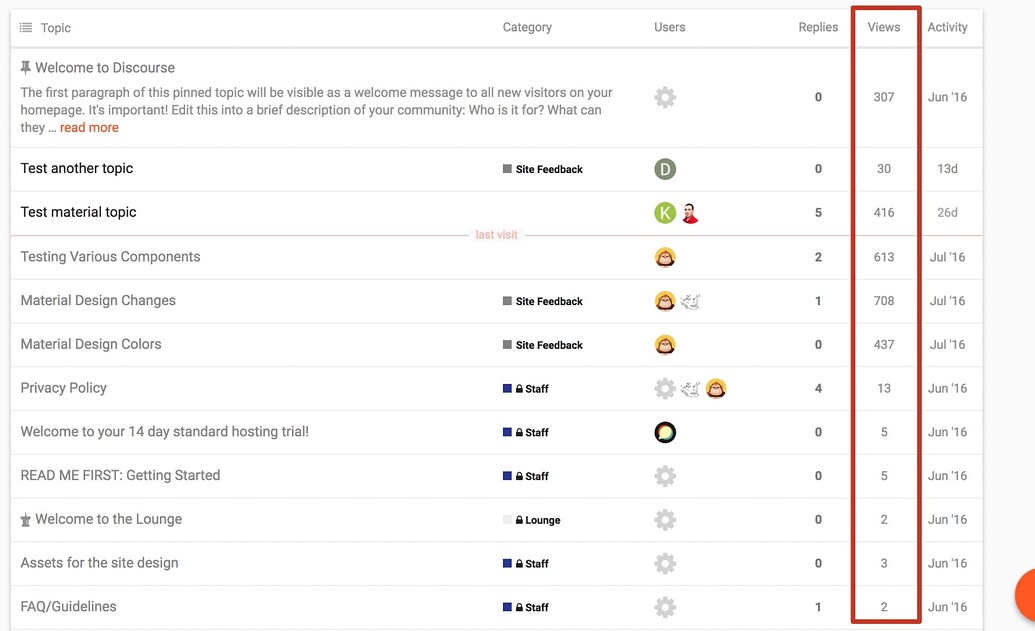
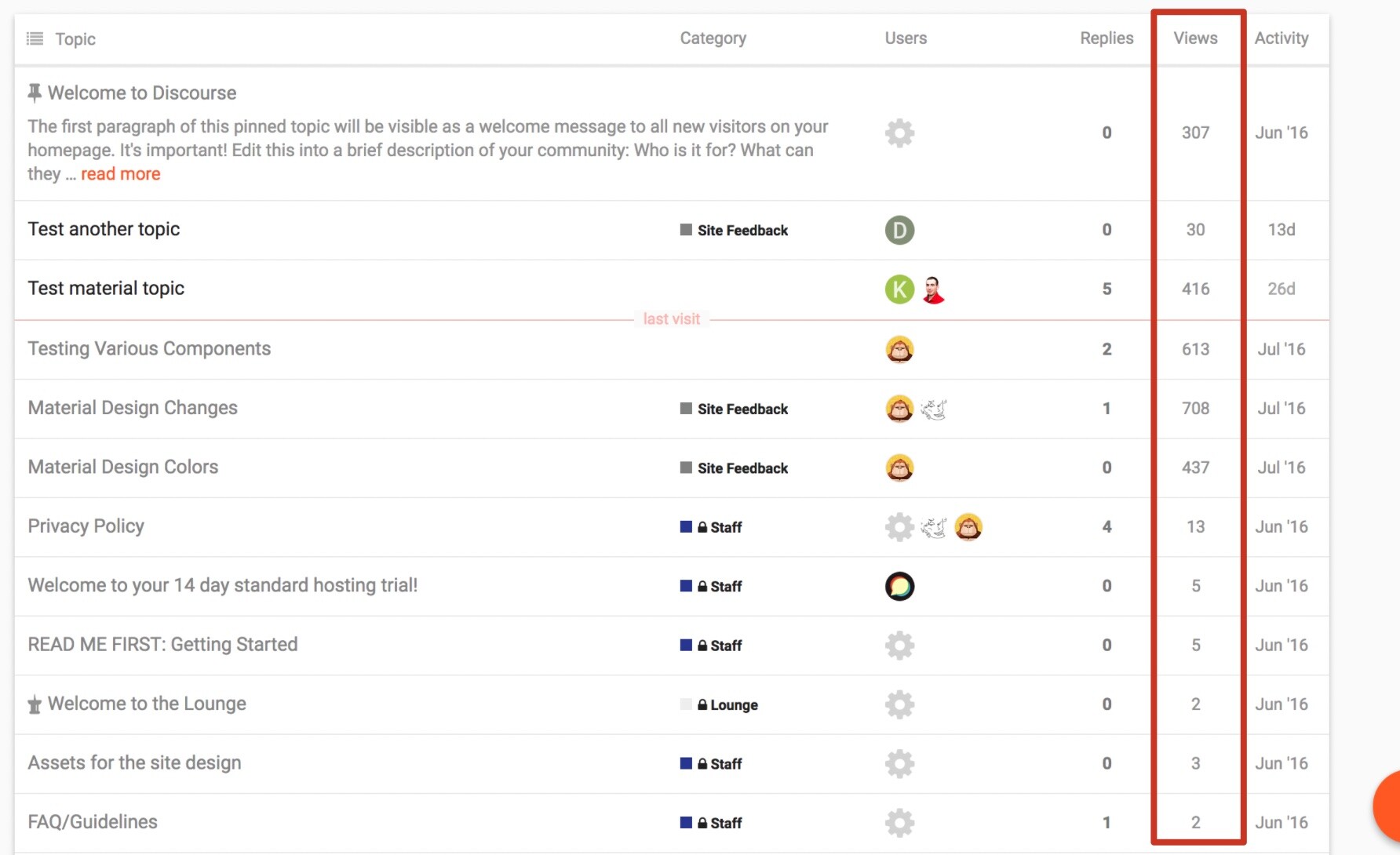
Hi @jordan-vidrine regarding the # of views column, what kind of code shall i add in the component to override that column being hidden ?

I believe this should work:

.full-width .contents .topic-list thead th.posts {
width: 10%;
}

.full-width .contents .topic-list thead th.activity {
width: 10%;
order: 4;
}

th.num.views {
width: 10%;
order: 3;
display: block;
}

.full-width .contents .topic-list tbody tr:not(.topic-list-item-separator) td.posts {
width: 10%;
order: 2;
}

.topic-list .views {
width: 10%;
order: 3;
}

.full-width .contents .topic-list tbody tr:not(.topic-list-item-separator) td.age {
width: 10%;
order: 4;
}

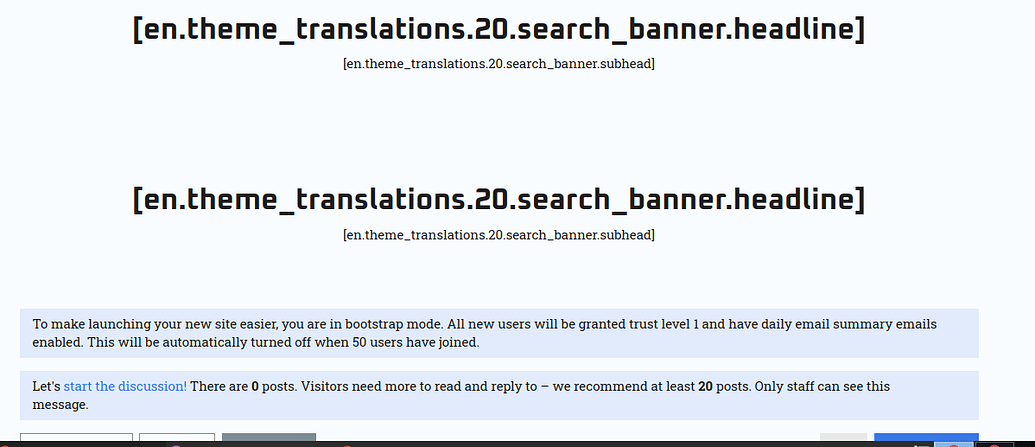
Is there any possibility to change the header text “Welcome to the forum”

Yes, this can be edited in the Discourse Search Banner component 👍

A while back I posted an issue with not seeing the categories on a mobile view (☁️ Discourse Air Theme - #172 by Jerdeman). I messaged a bit with @jordan.vidrine, but we were unable to get to the root of the issue. Hopefully someone else has some ideas.

For the details
Using a clean install of Discourse 2.7.11 on kubernetes with the help of a helm chart from Bitnami, and the latest version of the theme installed and configured as mentioned in the opening post, we do not see any categories on a mobile view and styling is off on the latest page.

What we tried
Besides using a clean install, we attempted to use some older versions of the theme as well. The problem however remained, but we did not exhaustively tried all versions.
We also compared the html on our instance with that of discourse.jordanvidrine.com , and noticed that it is significantly different.

Gut feeling
As we cannot use a ‘beta’ version, my gut feeling tells me this is a compatibility issue between the theme or one of its plugins and Discourse 2.7. I’d love to know if someone has this theme working on 2.7, and if so with which versions of the theme and relevant plugins.

Question
Has somebody got this theme working with 2.7 and/or are there any clues on what we could do to get this working?

Hi. first, Thank you for this great theme 😄

I want to change font-family, How can I do that.

I try this 👇

  • download this Theme Google Fonts theme component , and change Font setting on SITE SETTING → Not work

  • add @import{web font link ~~~ } code in Desktop.css, mobile.css → Not work

Which file should I modify to modify the font??? 😭

I believe you should be able to set a customized font without a component here: admin/site_settings/category/all_results?filter=font

If you want more customization, I believe the google fonts theme component you linked would work. Though, the theme uses theme-settings and not a site setting I believe.

Have you brought this issue up in the topic for that font component?

This is because the theme and its included components are fairly picky about how the site is set up.

In the OP I shared that:

is there any way to make the background an image? i’d rather have an image than colors. using

body {
    background-image: url("image url here");
    background-color: #cccccc;
}

makes the top of the color thing the image, but not the bottom.

What you did is fine to add the image, but you will also want to remove the clipping path that is created to give that overlay affect.

html .background-container {
clip-path: unset;
}

thank you! i knew i was missing something simple.

Great theme! Please, explain how your theme works in terms of speed and weight - does all your theme works by replacing (instead of) default html/style/CSS Discourse theme or when users load Discourse pages at their browsers your them include all default Discourse html/style/CSS and work over it as higher CSS etc?

We try to get our themes working pretty seamlessly with Discourse. I do not believe I override any core components or HTML in this theme and its included components. Most of these visual changes are achieved with SCSS as per usual in our themes.

Feel free to browse through the git repos of the theme and it’s included components to see how they were implemented 👍

@jordan.vidrine

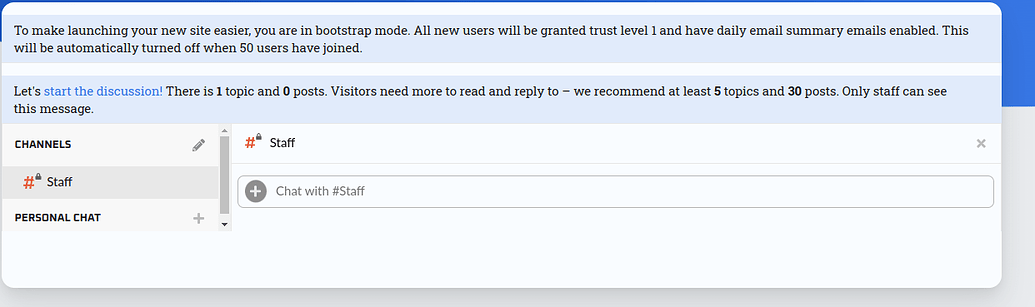
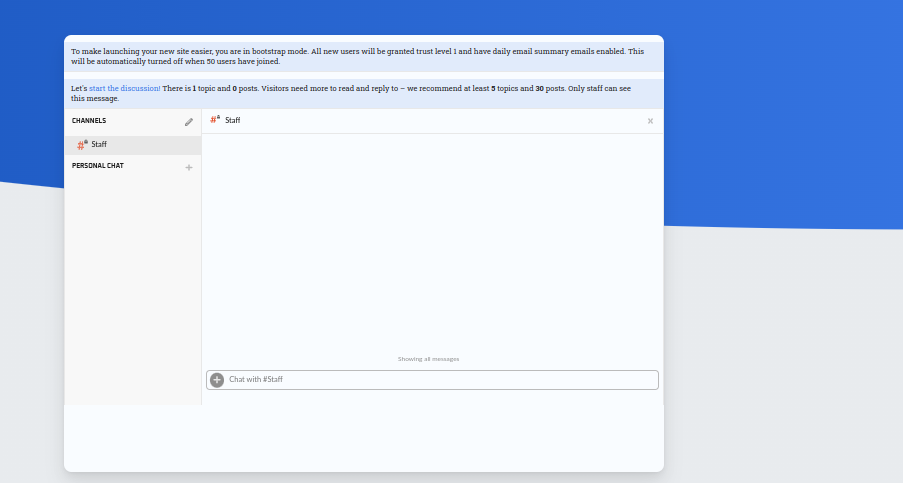
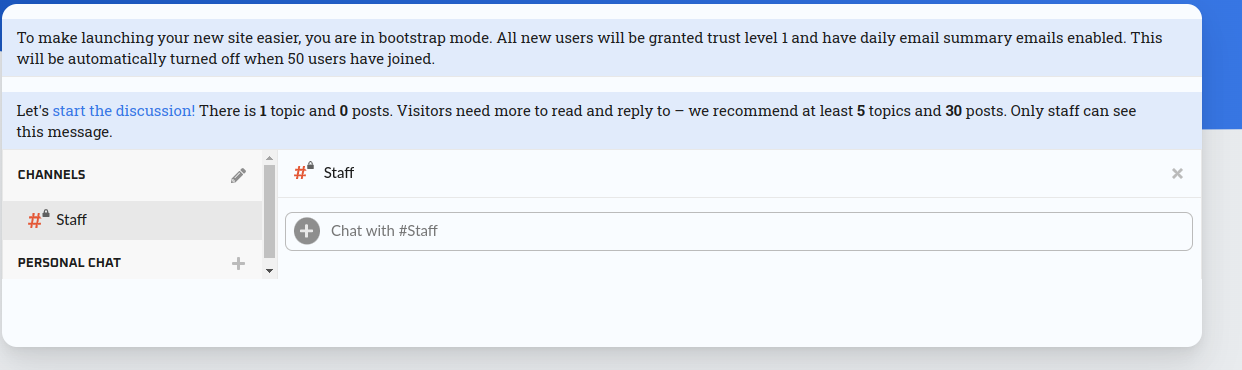
There is a bug with Air theme and the Chat plugin when enable chat it’s look like this:

Here is how it’s look when i make zoom-out

any suggestion how to fix this ?

Thanks for bringing this to my attention. This theme wasn’t written to support chat, but I can definitely make the necessary adjustments to let it work properly with it.

I’m sure you can, and it will be 100% compatible with your Lovely Theme)

I want also to ask a question regard how could we enable the categories (boxed) down and latest up like this demo.

It would be great idea to change the Meta layout with Air Theme.

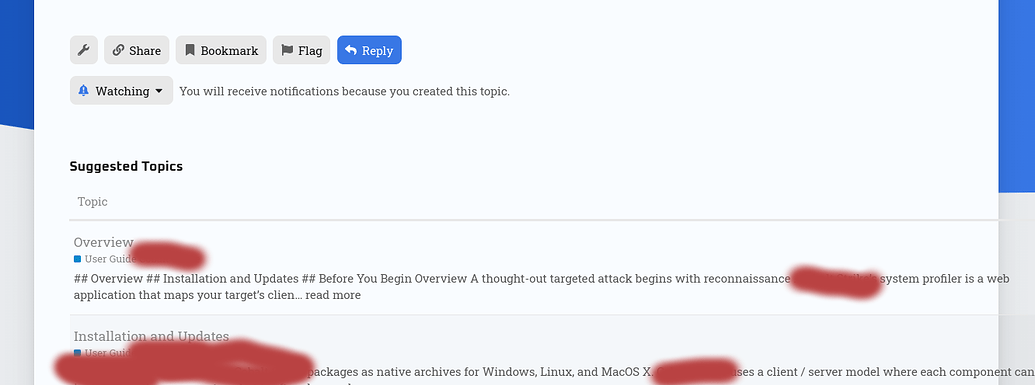
another bug founded in the feature tabs; when we using the tables of context layout

Should i note everything here @jordan.vidrine ?

Yep! Any bugs you find in this theme are good to post here.

Thanks!

Thanks, i will… but unfortunately i decide to stop using it until the next update since… could we know when the next update is coming ?

Hi Jordan,

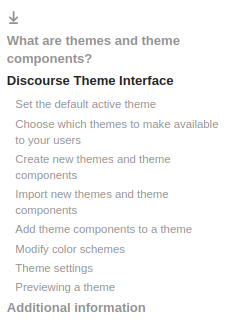
I notice that discotoc component wouldn’t work correctly in the sub-font ( bold ) as

image

It would be good idea to add this code in the CSS;

.d-toc-heading > li > a {
  font-weight: bold;
}

and mention this code to work for sub-sub-sub-context inside the table to be “BOLD”.

Thanks.

I don’t believe that this component normally sets the smaller sub headings as bold. Although I may be misunderstanding you.

Have you seen something that works normally in discotoc, not work properly in this theme?

Well actually it was easy to add a component in the theme for this and it’s works fine after that.

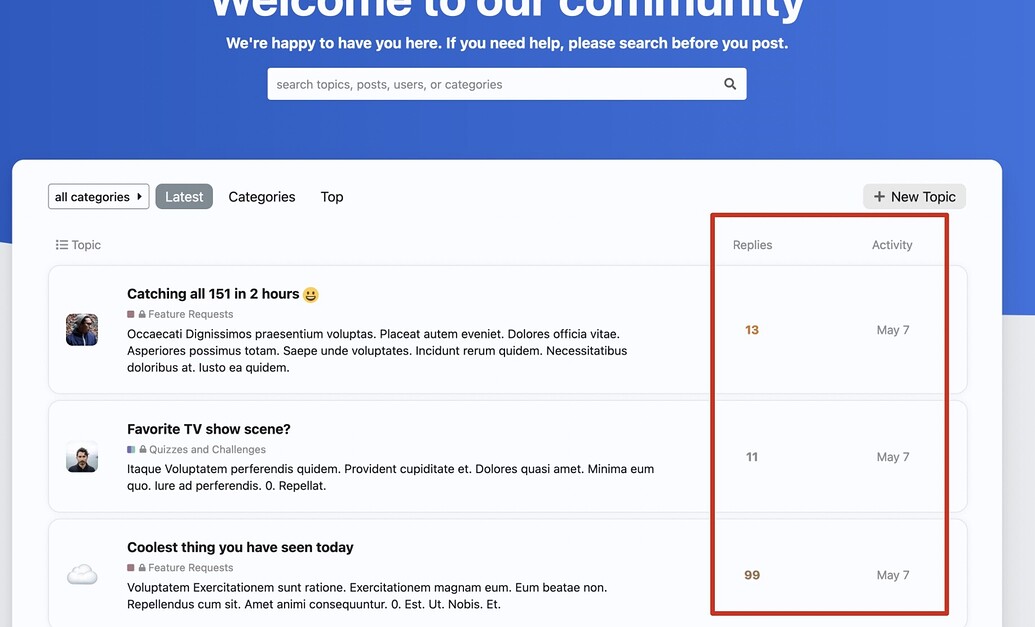
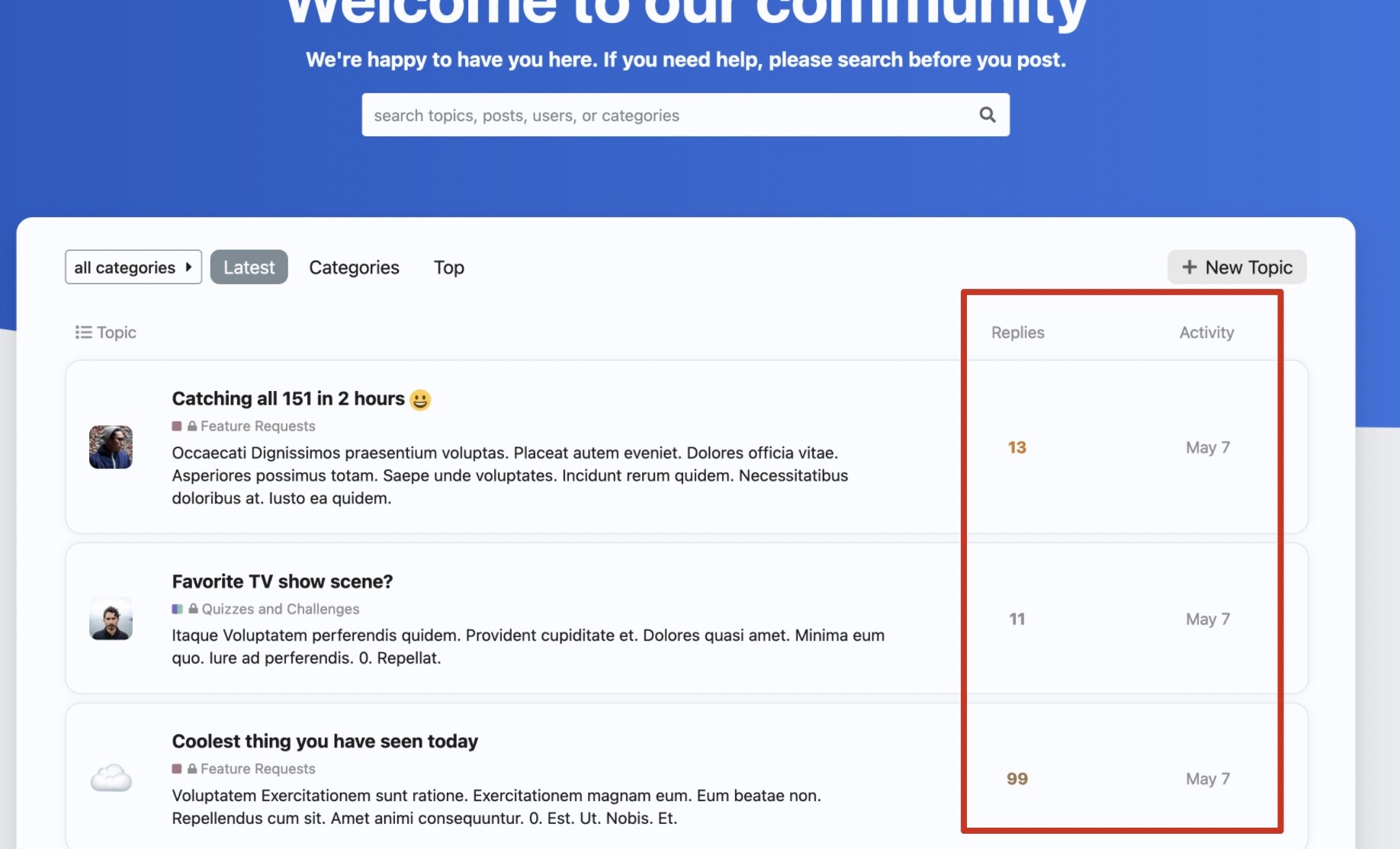
I have a suggestion: maybe can add a data display of views to the main interface of the post. This gives users direct access to the most popular posts in the community.

now

like this


@jordan.vidrine

somehow with no reason as i remmber i get this error from the search component, it was working fine with airtheme… but now i get this error

any suggestion ?

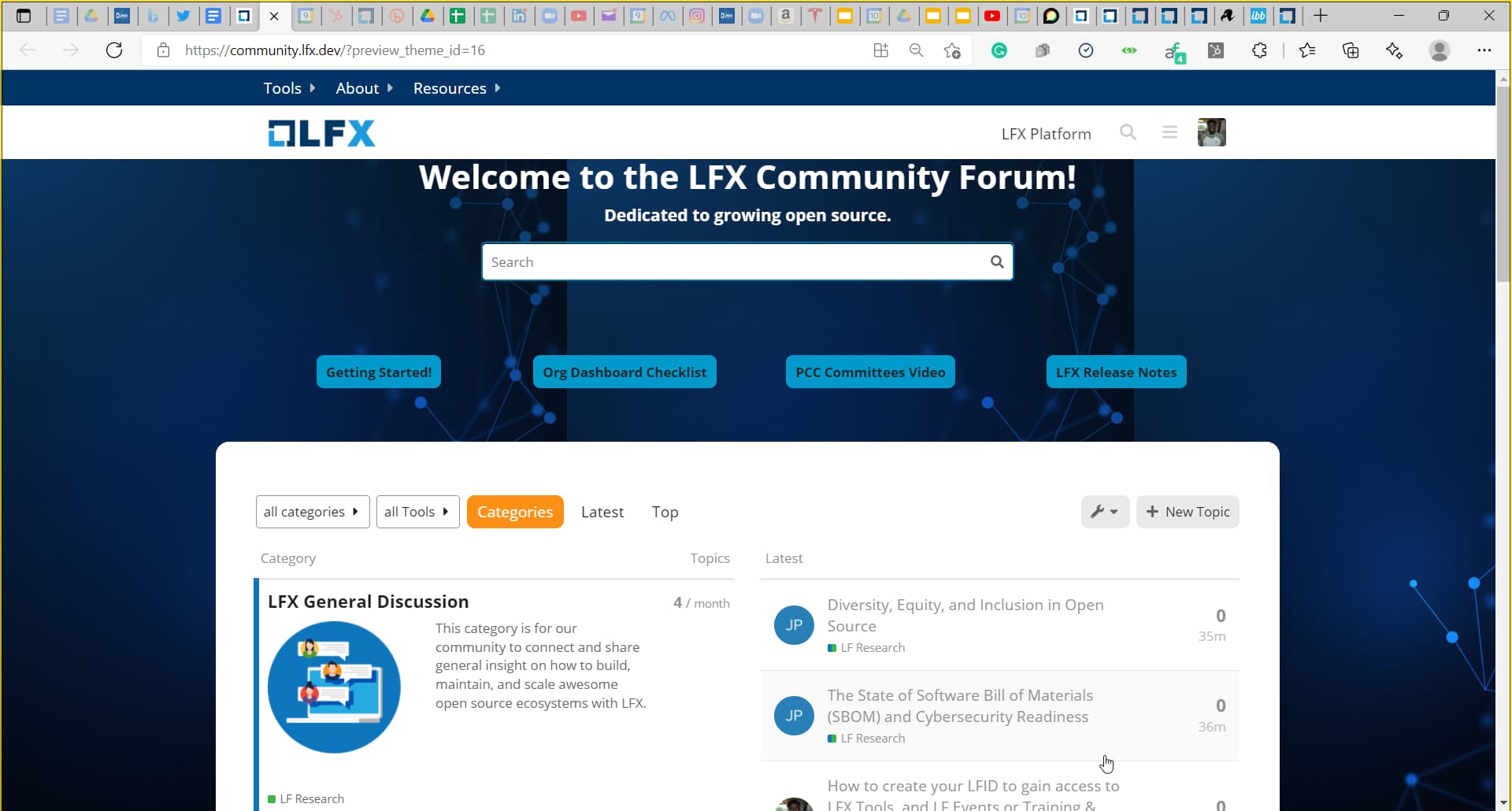
Is there a way to change the background image of this theme from the gradient 2 tone colors to an image I have?

Is this on the air theme? Or are you using this component separate from the theme?

Sure!

You would just want to target this element like so:

html .background-container {
    position: fixed;
    top: 0;
    left: 0;
    height: 100vh;
    width: 100vw;
    background: url(https://d11a6trkgmumsb.cloudfront.net/original/3X/8/3/8352b68….jpeg);
    background-size: cover;
    /* background: linear-gradient(90deg, var(--tertiary-hover) 0%, var(--tertiary) 100%); */
    clip-path: ellipse(148% 70% at 91% -14%);

Here is how that looked locally when editing through Chrome’s inspector.

I want to use this with the air theme because I like the boxes and category setup

So you want no grey area cutting into the background image?

If so, you would use the same code above, but unset the clip-path property.

html .background-container {
    position: fixed;
    top: 0;
    left: 0;
    height: 100vh;
    width: 100vw;
    background: url(https://d11a6trkgmumsb.cloudfront.net/original/3X/8/3/8352b68….jpeg);
    background-size: cover;
    clip-path: unset;

This actually looks really nice with your image!

how to apply this code ? where to put it exactly please

Feel free to read through the following topics to get a better sense of how to customize the look and feel of your site 👍

As well as these:

Designer’s Guide to Discourse Themes

Developer’s guide to Discourse Themes

Thank you so much @jordan.vidrine so I have implemented the changes and this may not be on the theme necessarily but my versatile banner, but the background is duplicated across my versatile banner as well and this is the only change I made on discourse air

    left: 0;
    height: 100vh;
    width: 100vw;
    background: #003366; 
    clip-path: ellipse(148% 70% at 91% -14%);
    background: url(https://i.ibb.co/GCcS8Zw/Abstract-futuristic-Molecules-technology-with-polygonal-shapes-on-dark-blue-background-Illustration.jpg); 
    clip-path: unset;
  }
}

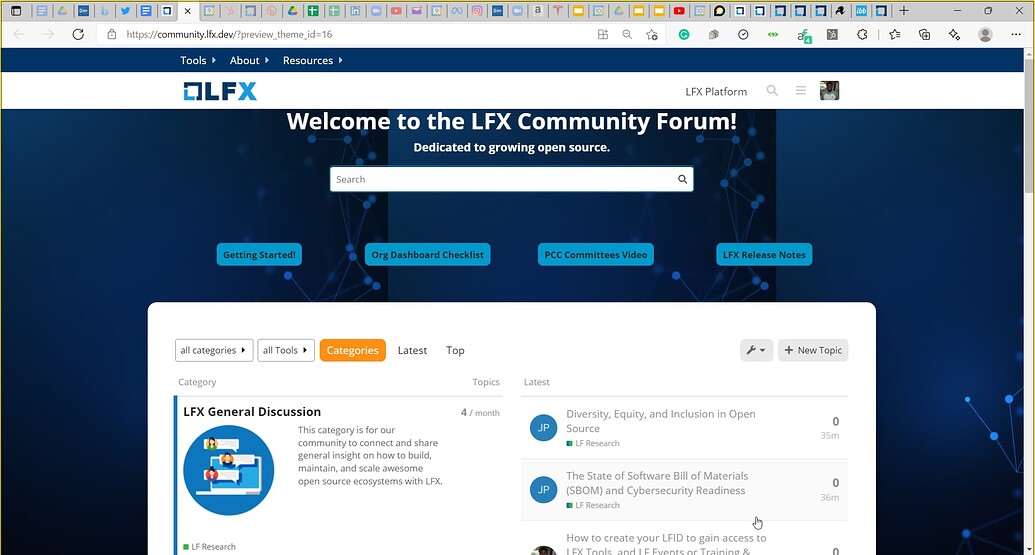
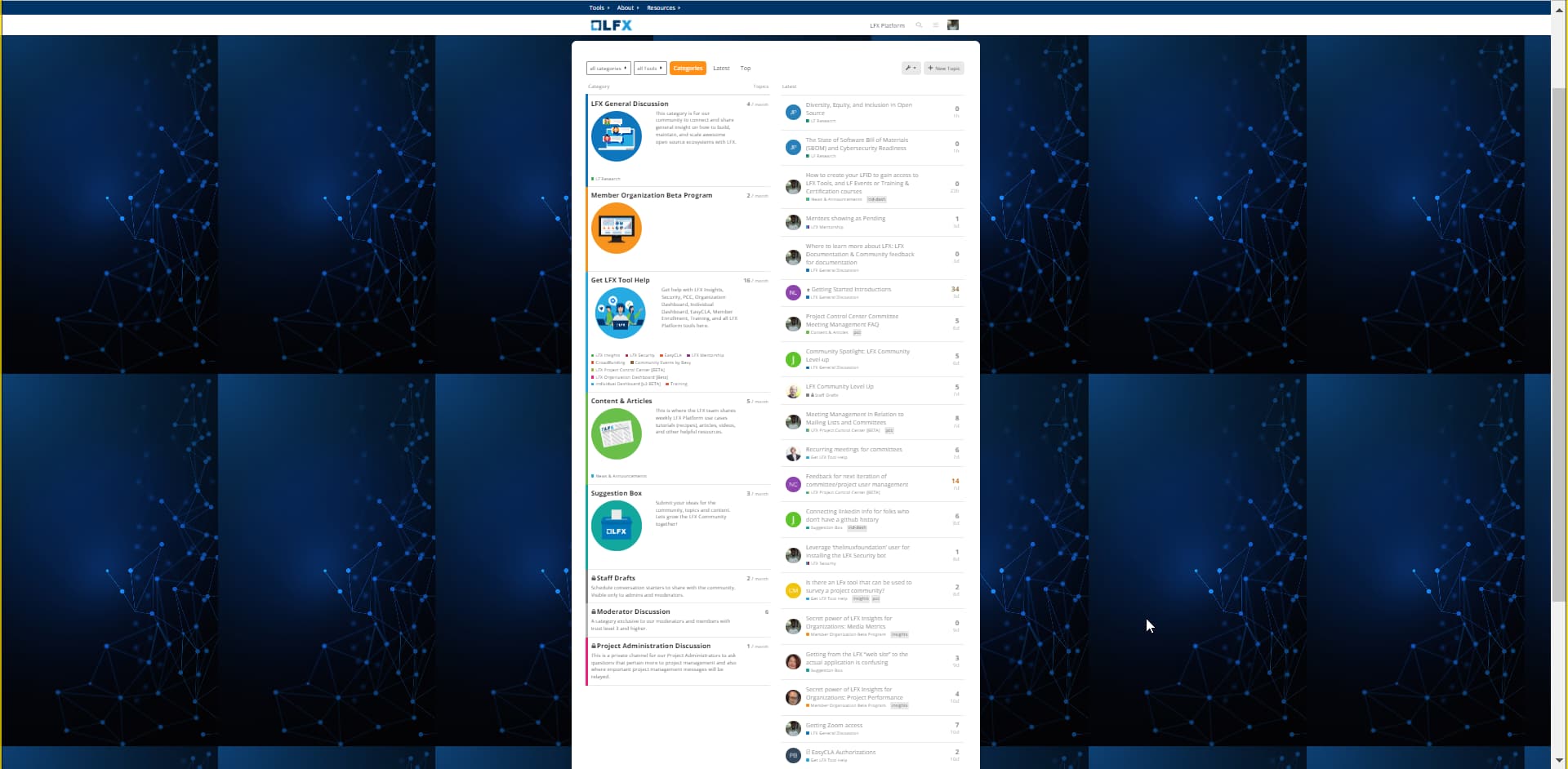
This is how my page looks now: is this something I need to change in versatile banner or something on the air theme?

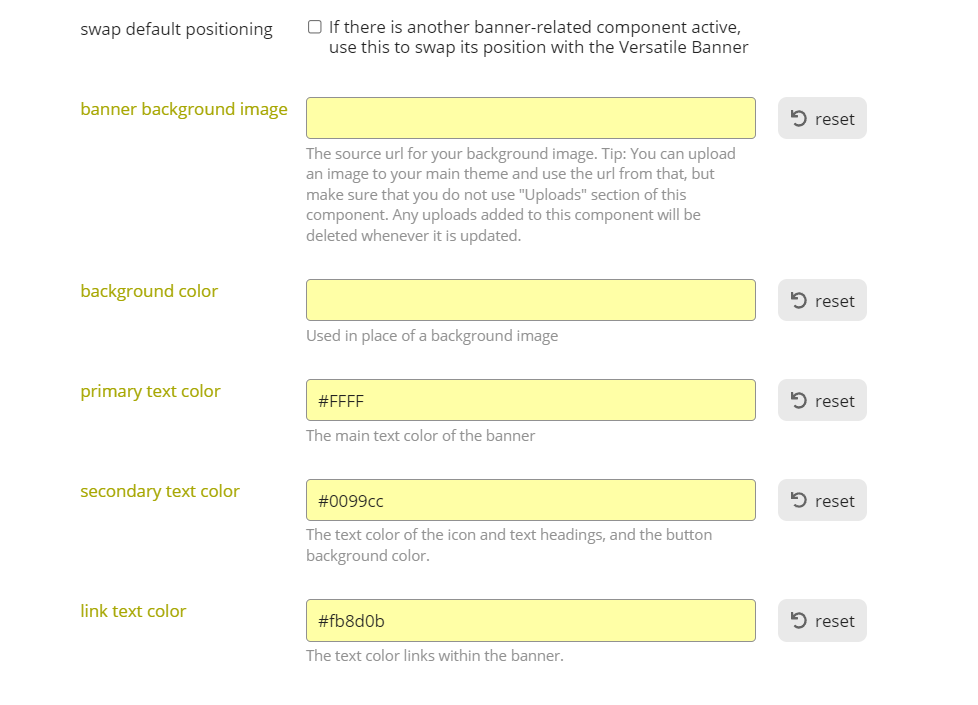
I do not have a background image or color set for versatile banner.

Any suggestions?

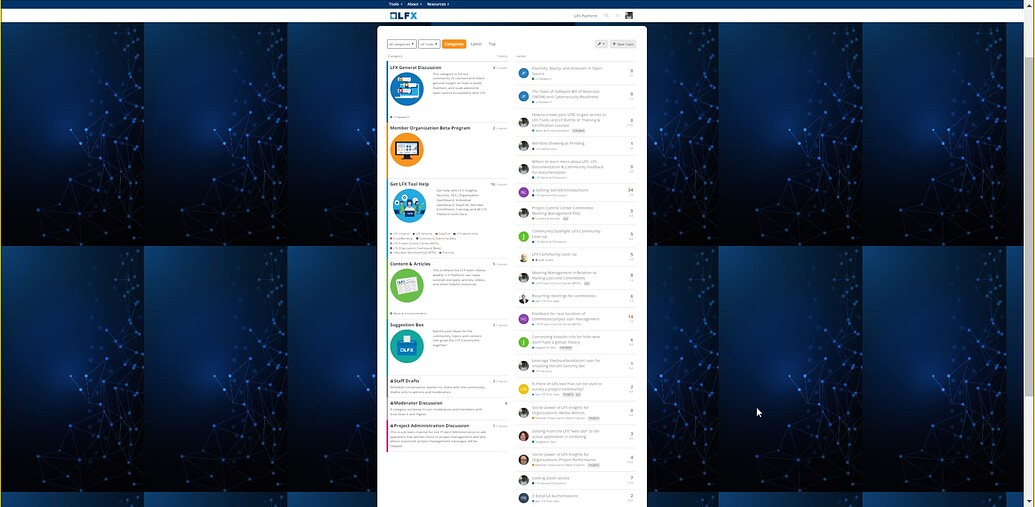
Ahh gotcha, will do. It is the sizing when I zoom out the image just repeats:

You think I should remove the height and width padding too?

I’ll play around with the background-size: thank you!
 .background-container {
    position: fixed;
    top: 0;
    left: 0;
    height: 100vh;
    width: 100vw;
    background: url(https://i.ibb.co/GCcS8Zw/Abstract-futuristic-Molecules-technology-with-polygonal-shapes-on-dark-blue-background-Illustration.jpg); 
    background-size: cover;
    clip-path: unset;

Works perfectly thank you!