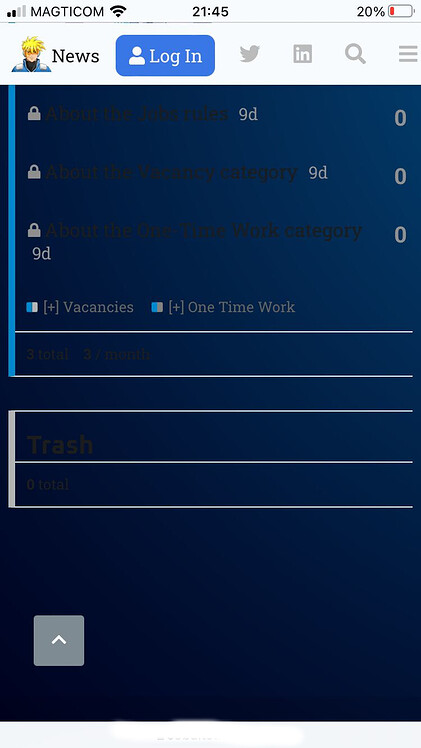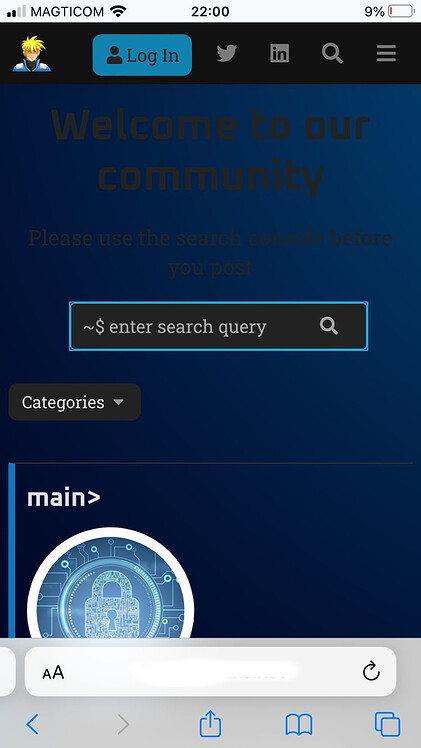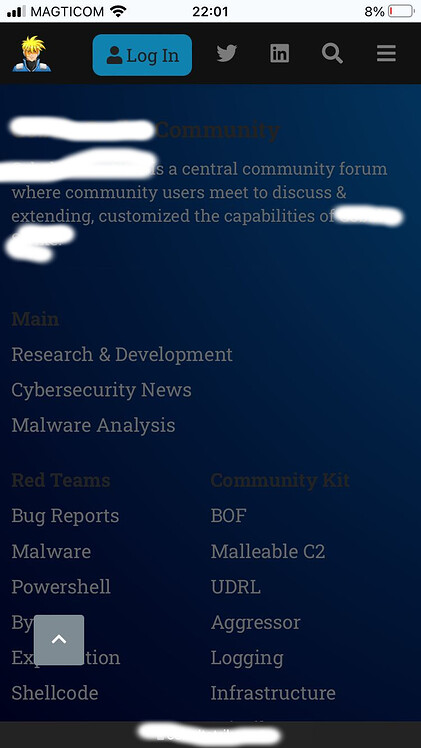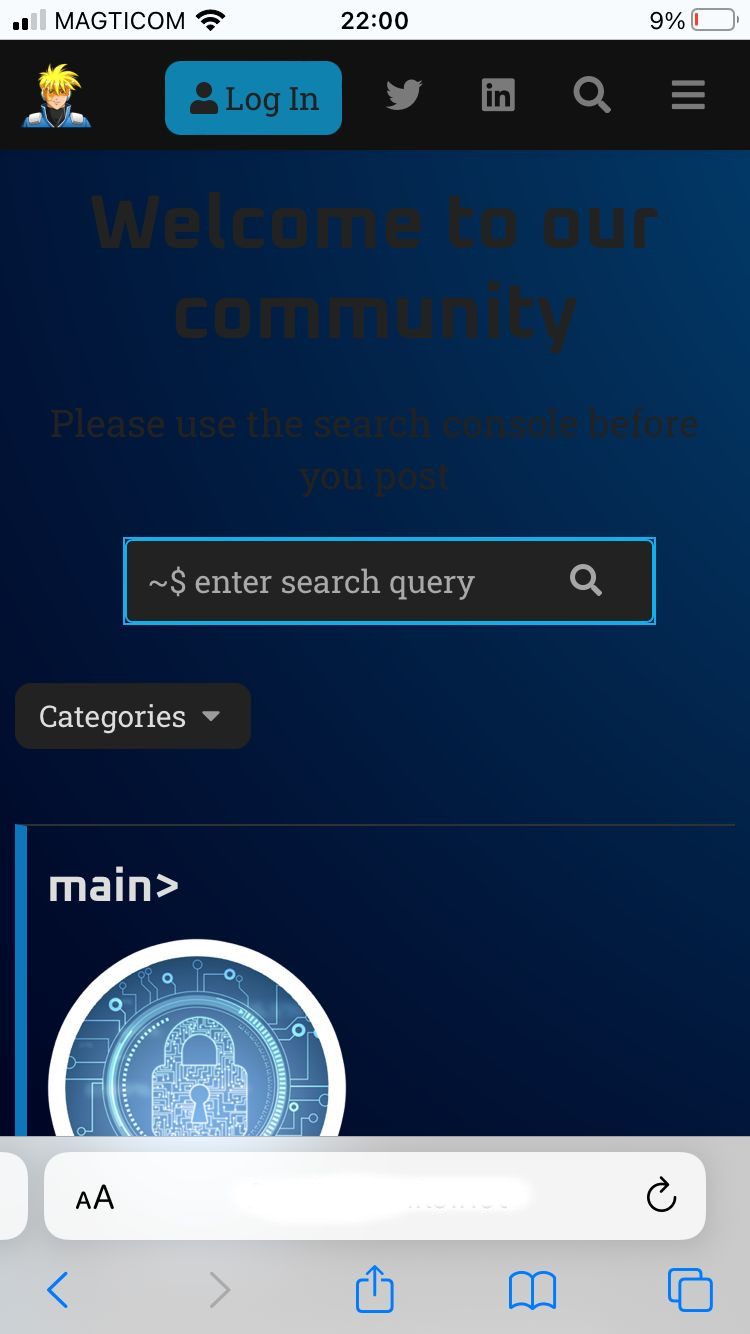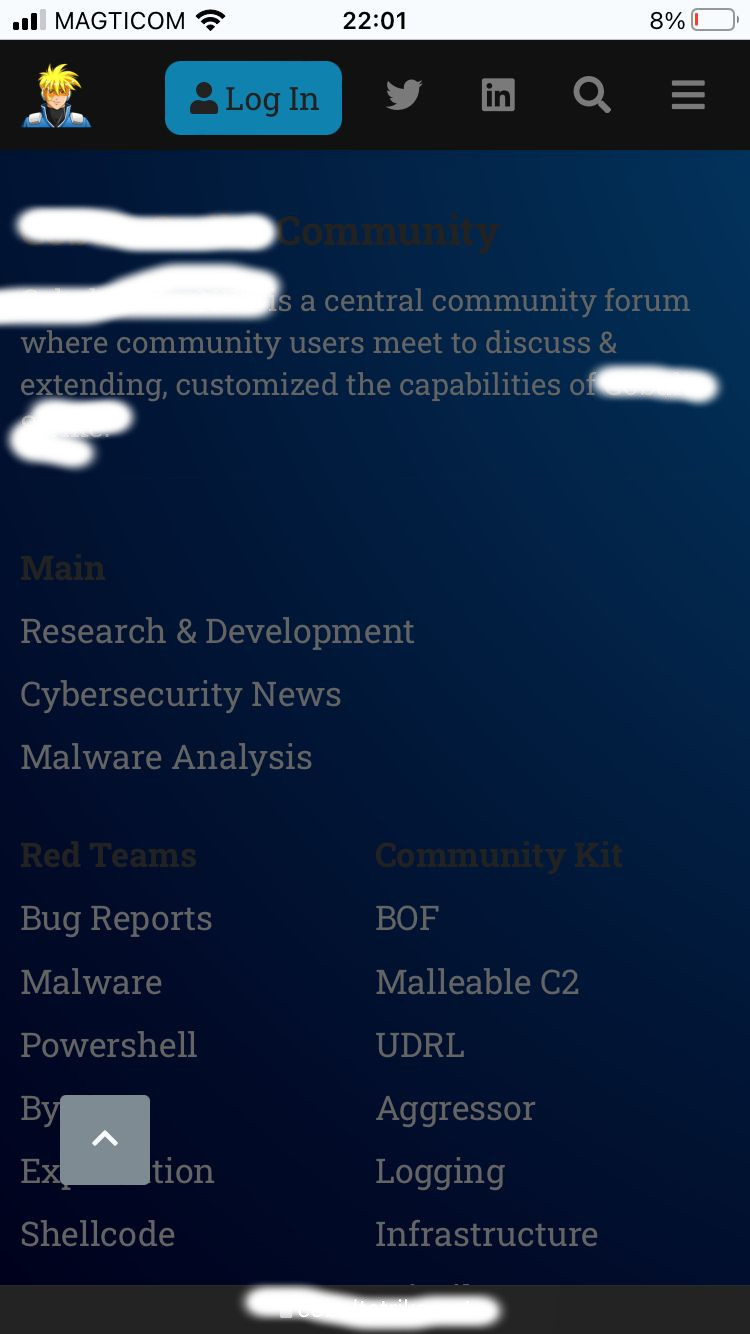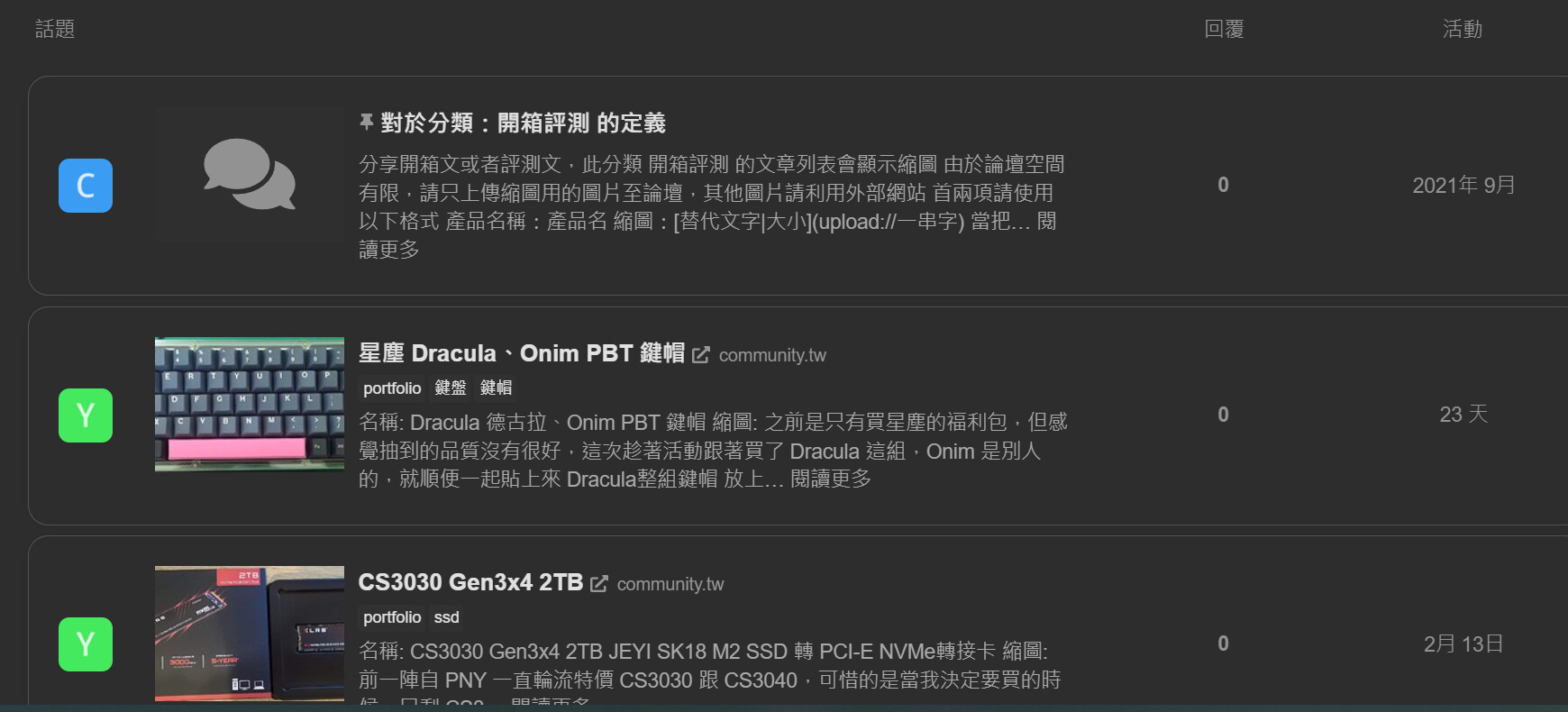
Does anyone know how to change the header text size and color in the front page?
Does anyone know how to change the header text size and color in the front page?

I’d direct you here to get a better sense of how Discourse works, and how to customize areas of the site.
A post was merged into an existing topic: Dark / Light mode toggle component

Hmm  , it’s hard to tell from your screenshot what page you are on, or what specific font you are referring to. In the image you have shared there are 4 or more different text items that could possible be customized.
You seem to be interested in customizing a good bit of Discourse for yourself, which is awesome 
I would suggest to read through the following topics to get a better sense of how to customize the look and feel of your site 
As well as these:
Jordan, i see your above and last messages is all mention to read more, i understand that and i respect it, but please note i’m not designer and i spend almost a week customize the theme with my basic knowledge… and i’m not a rich to spend $500 customize on my “not profit community”.
so consider assist us in this will be apprecaite it not for me, for other user community who will definitely like your theme with them basic knowledge in customization.
The best thing about Discourse is while there is of course a learning curve (as with anything technical these days), you are highly capable of being able to customize the things you wish to customize. I promise!
We write these topics to help our community to learn how to do things on their own, and sometimes when things get a little too difficult, we are always here to help.
That being said, the help you are asking for can definitely be attained by reading through the topics I linked earlier!

Is it possible to bring back the number of views alongside latest activity and number of responses?
You should be able to do so in a theme component. I’m not at a computer right now, but I’d you inspect the topic list element with a browser inspector like chrome, you should be able to see which rows have been hidden with css. You can then target those rows to make them visible with a custom theme component.

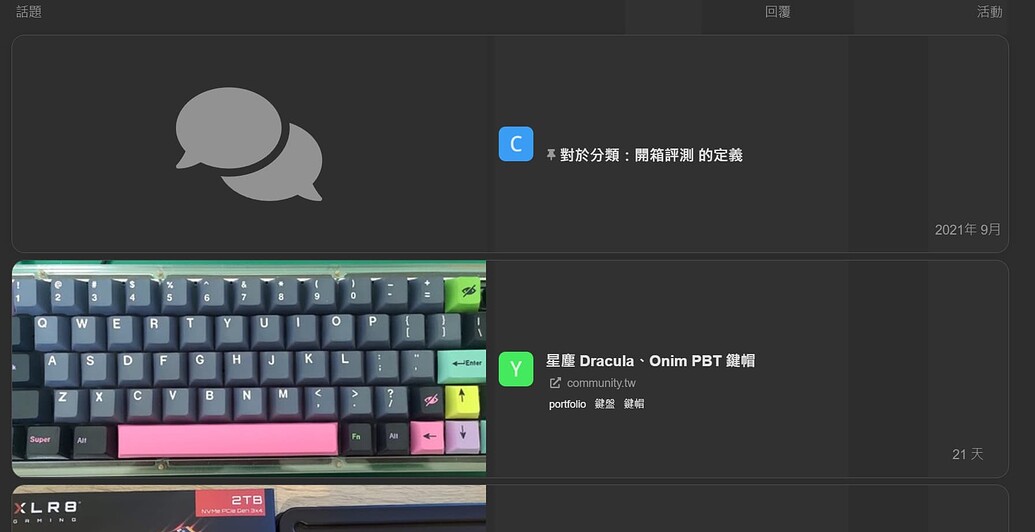
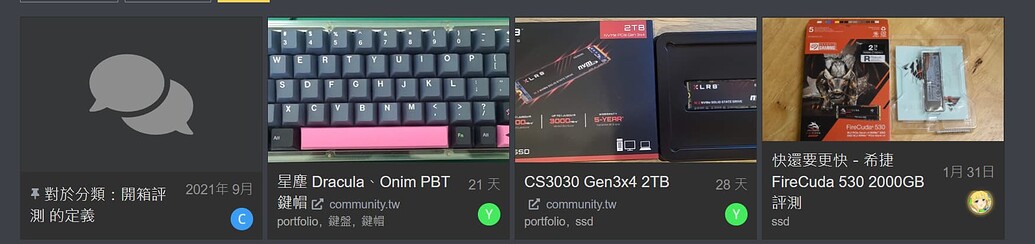
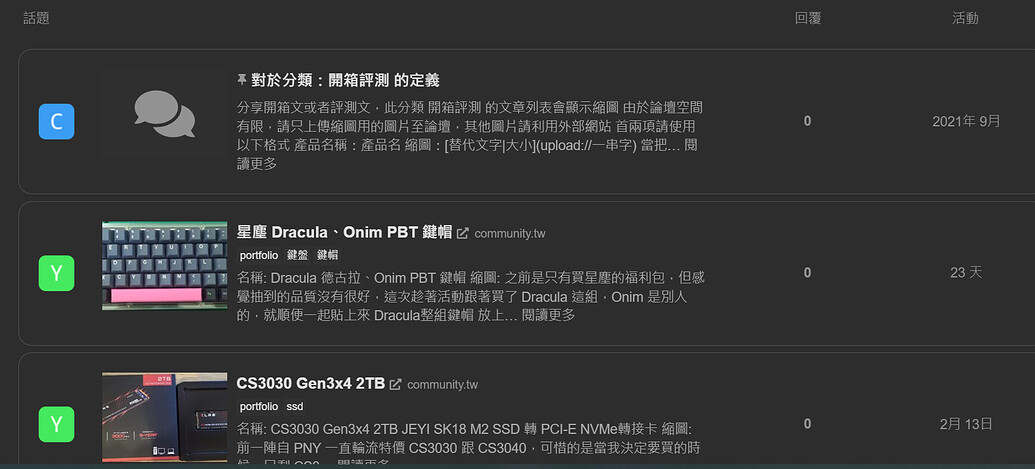
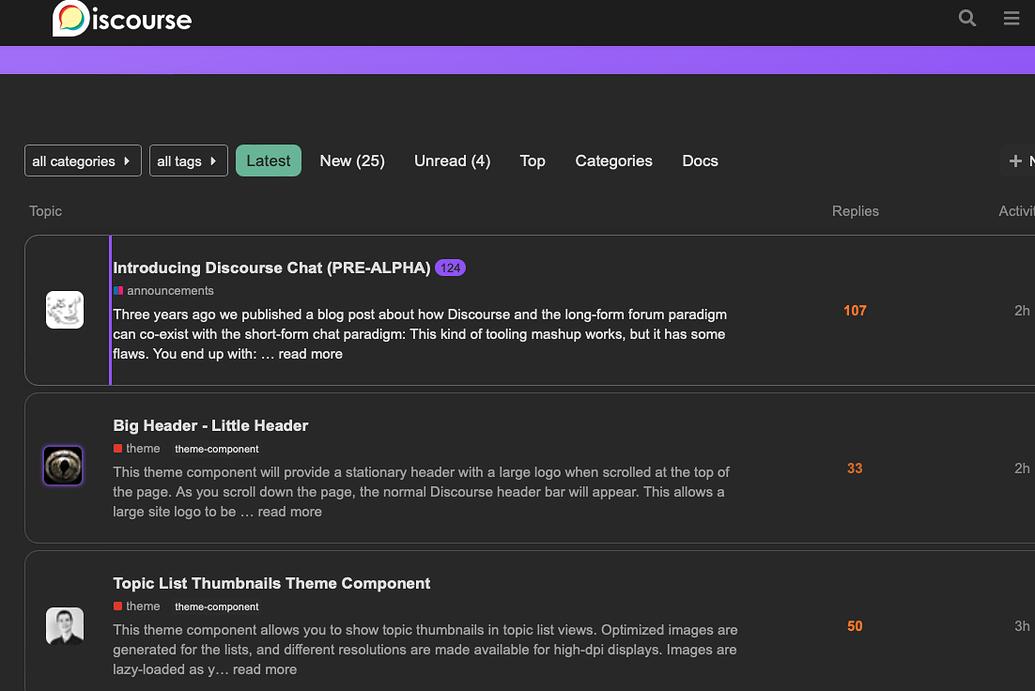
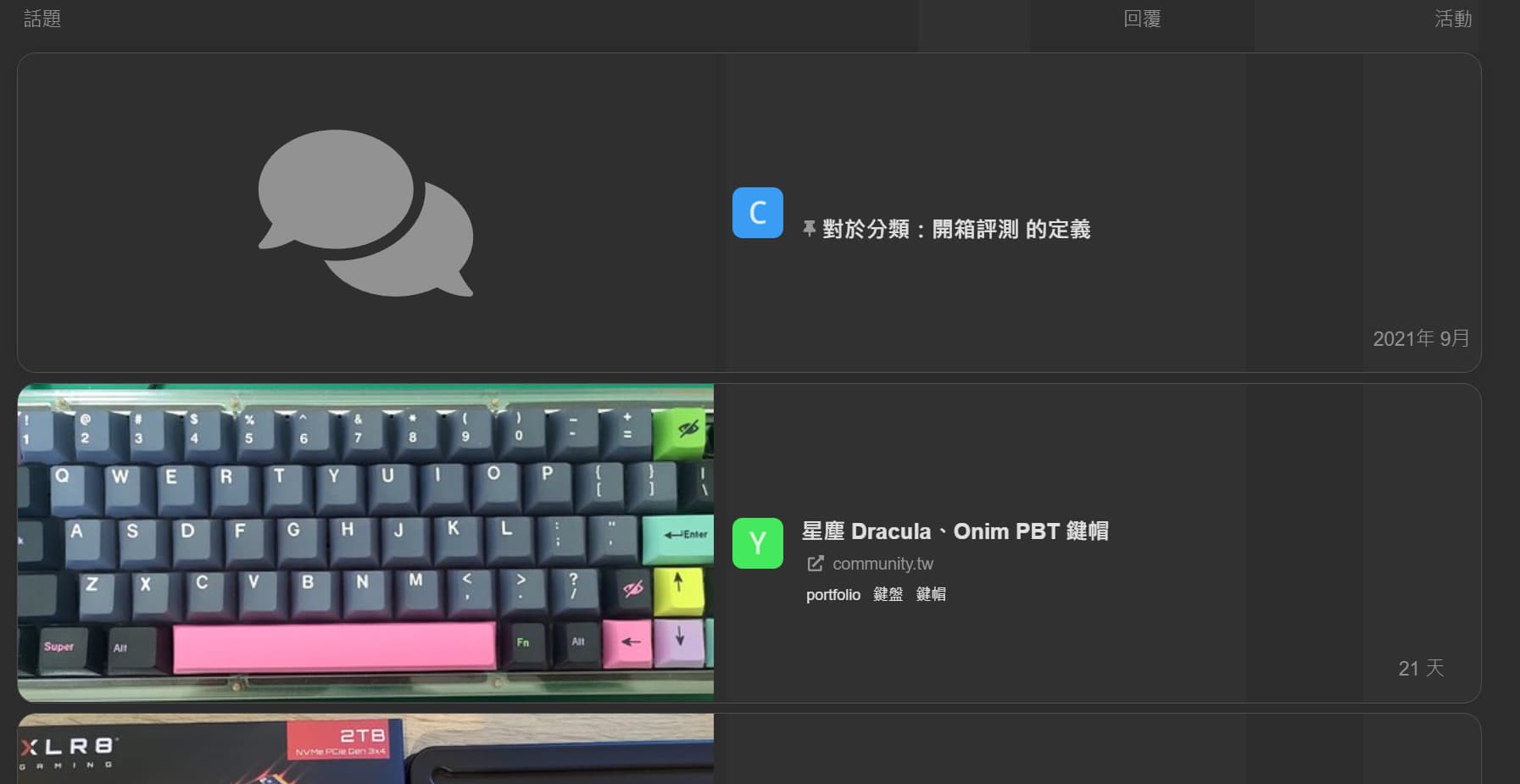
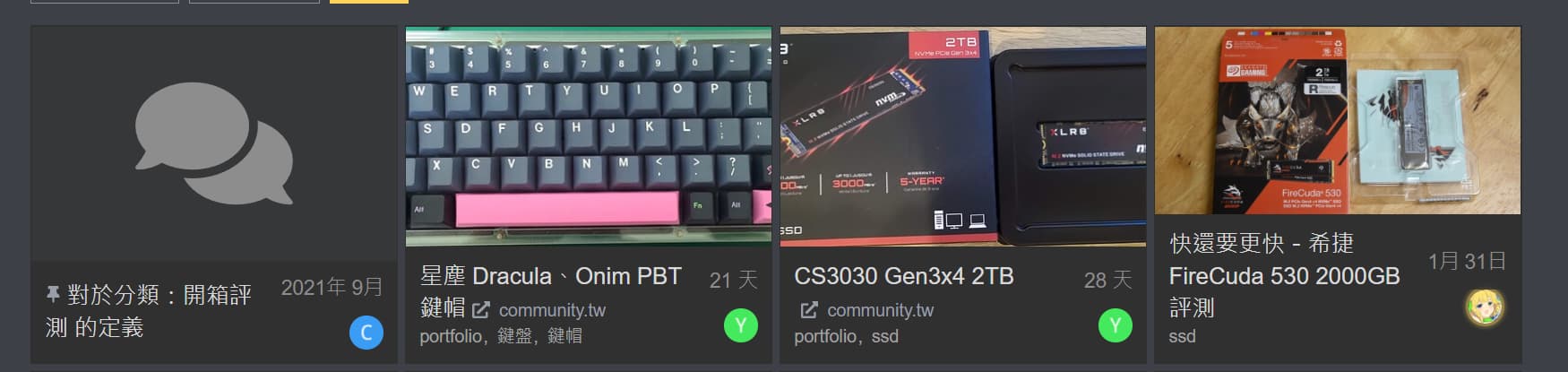
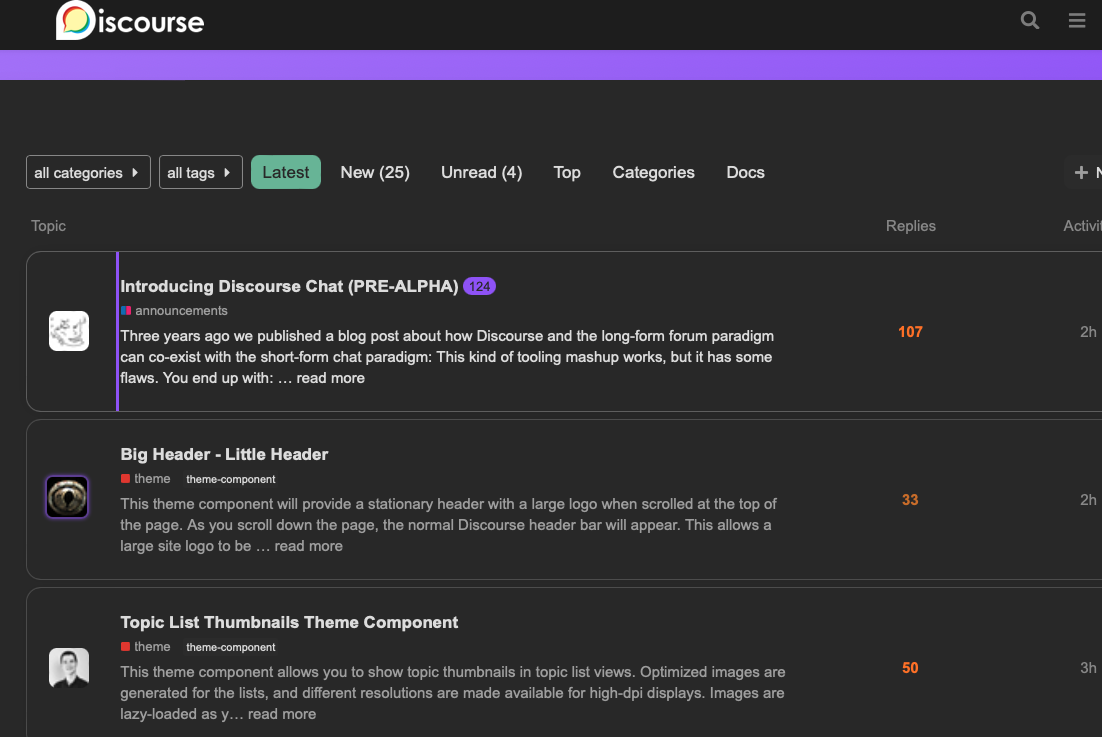
Hi, I use Air Theme with Topic List Thumbnails Theme Component - theme - Discourse Meta theme component grid mode. However, the topic arrangement is different grid view from other theme did.
for example,
Is it a issue or is there any suggested theme component to show the thumbnail of topic?
Can you try the list mode instead? The air theme customizes the topic list, as does the thumbnails theme component, so the two will not interact together very well.

That is a good question, I will look into this

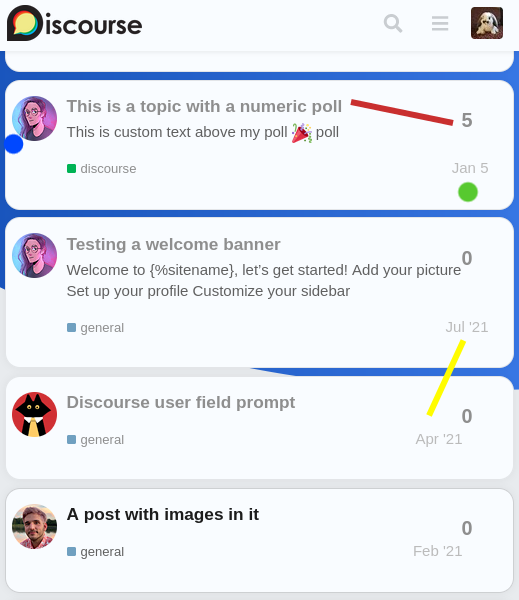
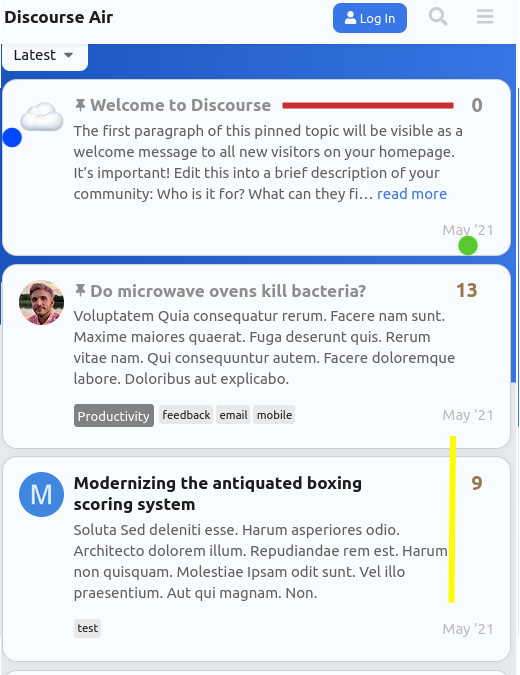
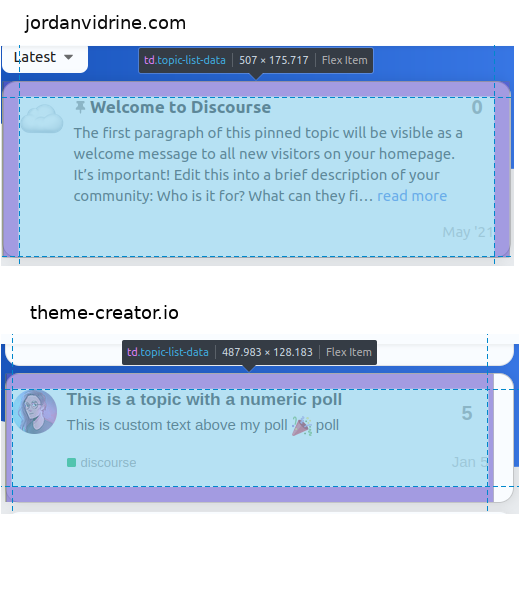
Thanks for the theme! There’s a subtle mobile issue I’ve noticed. It could be due to a change in the discourse source. I say this because the issue is present on my site (and the theme-creator.io) however it does not seem to be present on the test site linked in the OP
It’s a formatting issue on the topic list. I’ve highlighted a few issues.
https://discourse.theme-creator.io/?preview_theme_id=6150&mobile_view=1
I wanted to highlight the difference between topic-list-data in the inspector.
Hope the issue is clear. Thanks again

Hi @jordan.vidrine and contributors of this theme, would like to say thank you so much for such an amazing and modern theme!
I realised that there is a line on the topic summary card (for a particular topic), after clicking the topic and hitting the back button from the browser, is this intentional? it disappears if we refresh the browser.
How do I remove it (is it coming from the styling of one of the CSS pseudo-classes?)
Thank you.

Hey. Hey,
Thank you for the nice theme, too.
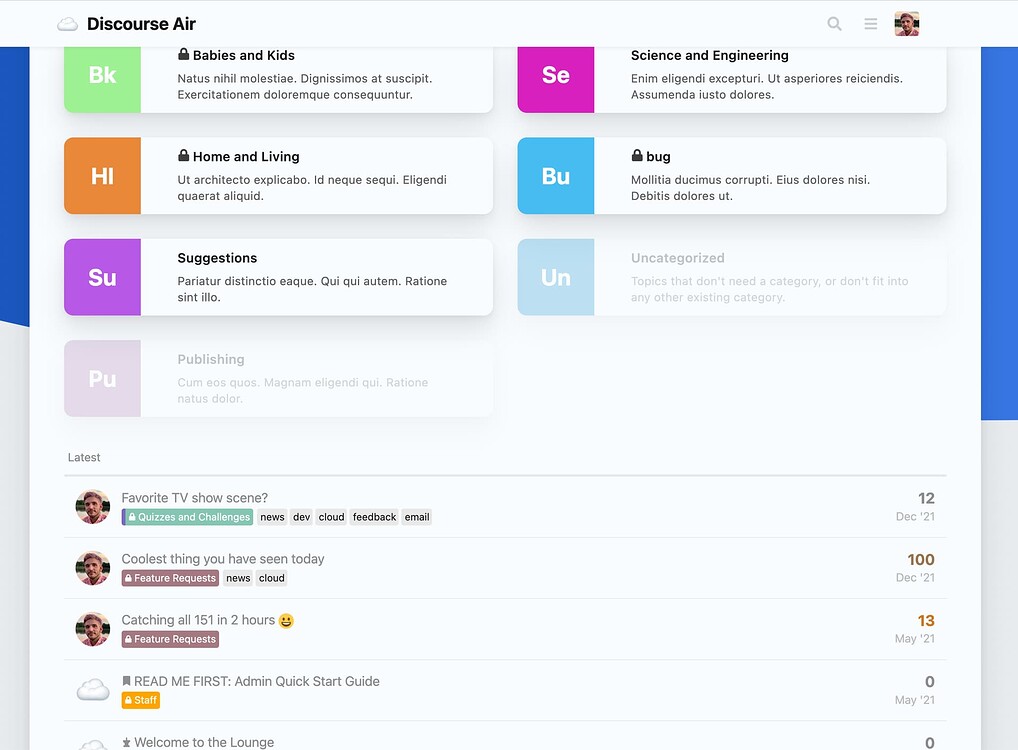
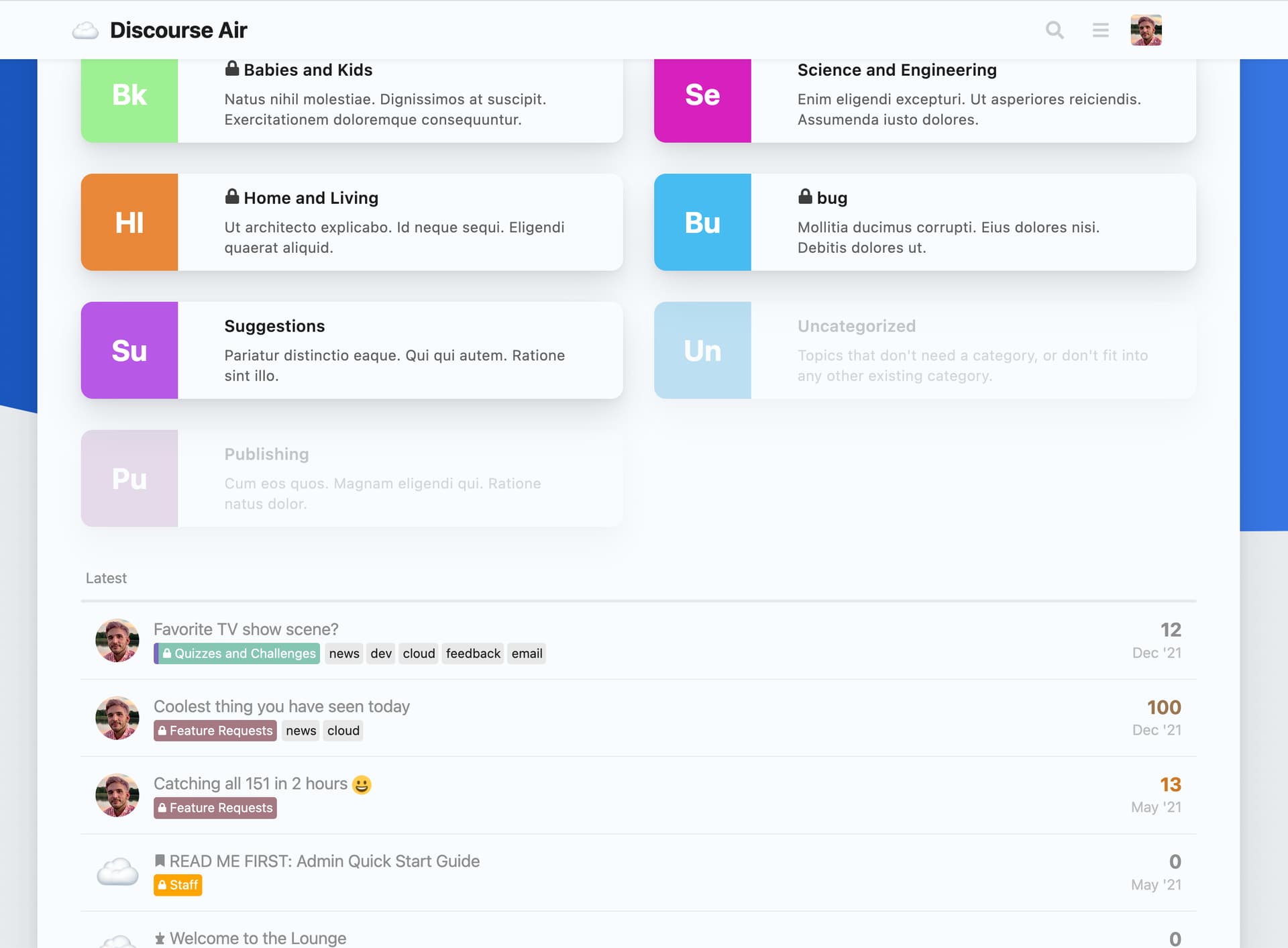
But we try to have categories + some html block + listing of latest articles on our main page.
I tried searching here on the forum, but I still don’t know how to achieve it. Can someone please guide me?
Should I create my own Component or how can we achieve this?
Thank you.
Thank you @jordan.vidrine that is amazing.
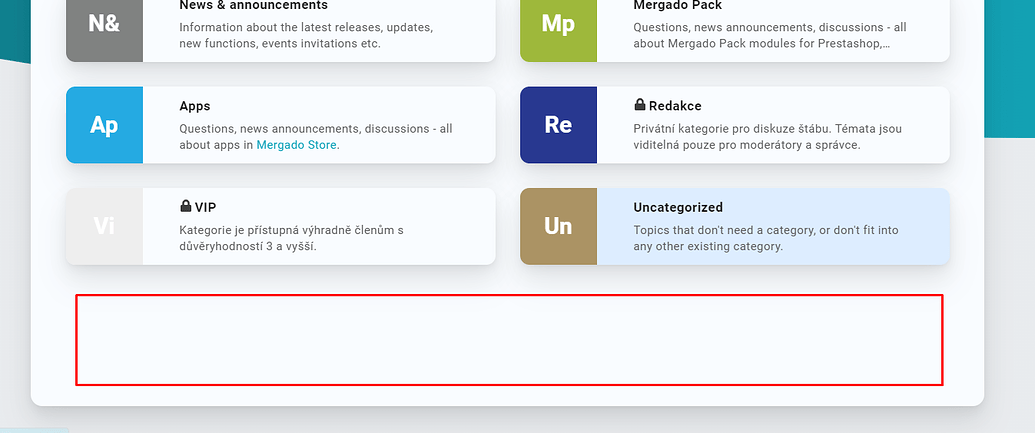
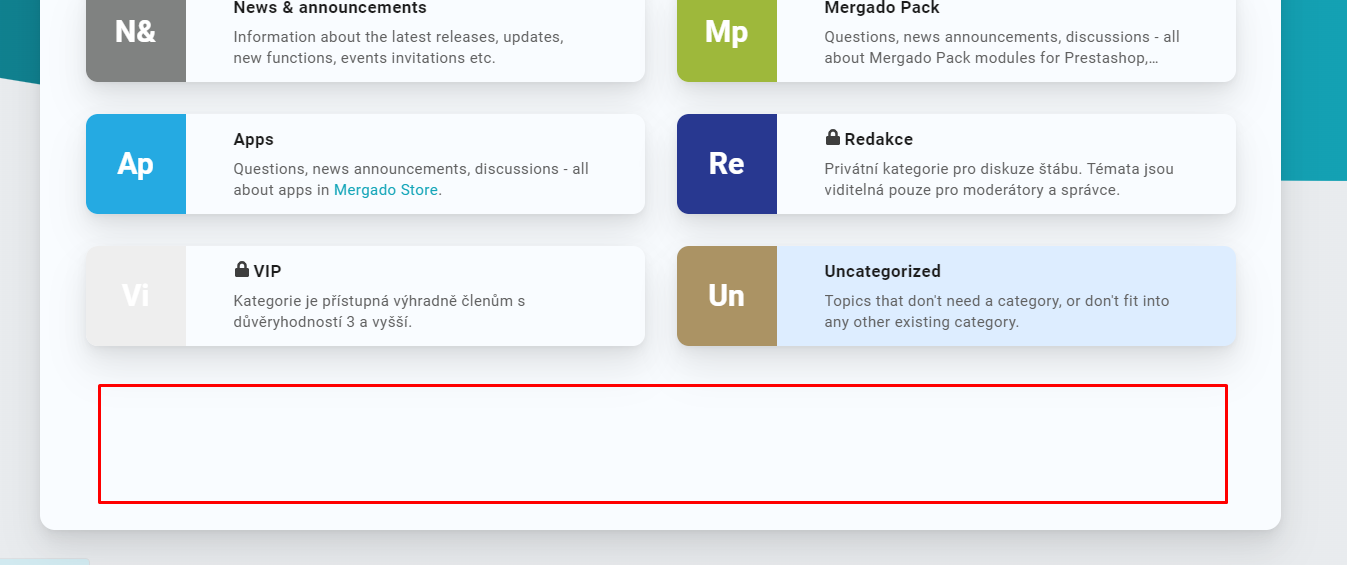
And can you help me with the other problem? We want to add custom HTML block into HP (probably somewhere below the main content - under Latest posts). How can I do that? I know that I must install theme not from repository but from my device to do some custom changes. But than my knowledge ends.
Im not familiar with what you mean by HP, could you explain?
If you want these types of customizations, I would read through this topic, it goes into detail about how to create components & customizations of this nature.
This is something Discourse Core added for A11Y, to know what was the latest topic you just visited. Because I re-structure the order of topic-list items here, it doesnt look correct.
I can take a look at this.

I think he is meaning “homepage”.
I read through all posts but couldn’t find the solution for this (look at your post Air Theme - #252 by jordan.vidrine ). Or do you implement it by yourself with a next update? Maybe as a new component?
Can you please direct me to the post where it describes how to set it like this?
If you update the modern-category-boxes theme component on your site, this should now be available.
You would set your category layout to categories & latest in order to see the list under the boxes.
Thank you very much! I must have been blind. 
Thank you so much for your time.

Do you think there is a easy solution to show categories and latest side by side in columns like on the standard theme? Thank you!
I have installed your theme but I’m missing the Dark Light Theme Toggle (and Auto Detect) in the hamburger menu like it is in your screenshot.
How can I enable it?
EDIT:
Found it!
It was this setting which hides the setting inside the hamburger menu.
Add color scheme toggle button to site header
EDIT2:
With the dark color scheme is something wrong (or maybe it’s something with my pc).
With Firefox all colors are correct, but with Chromium-based browser the colors are somehow different.
It’s a fresh install from Vivaldi, so no cache was active.
Please have a look at the screenshot.
For some reasons I can’t upload any image (png). 

You may want to go into your specific user preferences page and make sure the dark-theme that is selected is the same across the browswers. Each browser stores its own user-setting so I am imagining this is what the issue is.
I’m sorry but this can’t be the solution because
Have you tried logging in to make sure?
For which reason?
The colors are different in Chromium based browser.
Have you tried clearing the cache? And can you share a link?
I don’t need to clear the cache because I installed the browser 5 seconds before I visited the site.
I could share a link but I don’t use it anymore so the problem for me is solved.
Thx for reply. I ment Homepage.
Thanks for the advice. I’ll keep looking deeper.
I second this!
Is there an easy way to it?

When I look at my latest topic list, I’m interested in a sneak-peek at the content of the last person who posted rather than the content of the original post.
I exported so that I’m able to edit the CSS. There is quite a lot.
Should I just paste that section in the common or just the desktop or in the header?
or carefully overwrite what is there?
I would create a new theme-component in your theme area of the admin panel and add to the desktop css page.

CSS-wizards… how do I get mobile view a bit less minimalistic and clear, it should look more like desktop version? I’m looking for some space on the left hand side.
This is mobile:
And this is desktop:
Some margins would make it look better and easier readible.
This isn’t new thing. It has been like this ages, but now my users have started complaining about it.

what kind of device is that? seems large enough to handle the desktop view well, mobile’s really meant for screens under 600px wide or so
iPad. But I used it only to get screenshot easily, because smaller devices aren’t ment to writing… But same happends with iPhone, other ecosystems aren’t familiar to me — but I’m quite sure majority of my users aren’t at Apple-camp.
And when it is matter of left hand side, size of screen doesn’t matter as you know  Only that matters there is zero marginal.

Got the same problem here, it’s been like this for months on my 2 android phones.
If a user log out, the UI will become normal, but when log in, the UI will become like this.

I really like this theme and considering to use it, but with some modifications.
The theme is currently not pointing towards a License file. I’m assuming that since it’s officially published under Discourse, it’s a GNU license.
Is that indeed the case?

Hi, @awesomerobot. Thank you for creating this theme! It is clean and lovely. I am wondering if we can remove the gradient from the banner. Is there a way in theme settings to do that?


I have same problem  maybe it is solved already?
I don’t think it has NOT been resolved yet
That is an intentional thing. You should see a similar one here on Meta in the default Light theme too. It’s to show which topic you were last in, and then disappears once you swop pages/enter another topic.
It is likely that it can be hidden with a little CSS, but when I try and inspect it in my browser it disappears too quick for me to identify. I’ll see what I can find out.