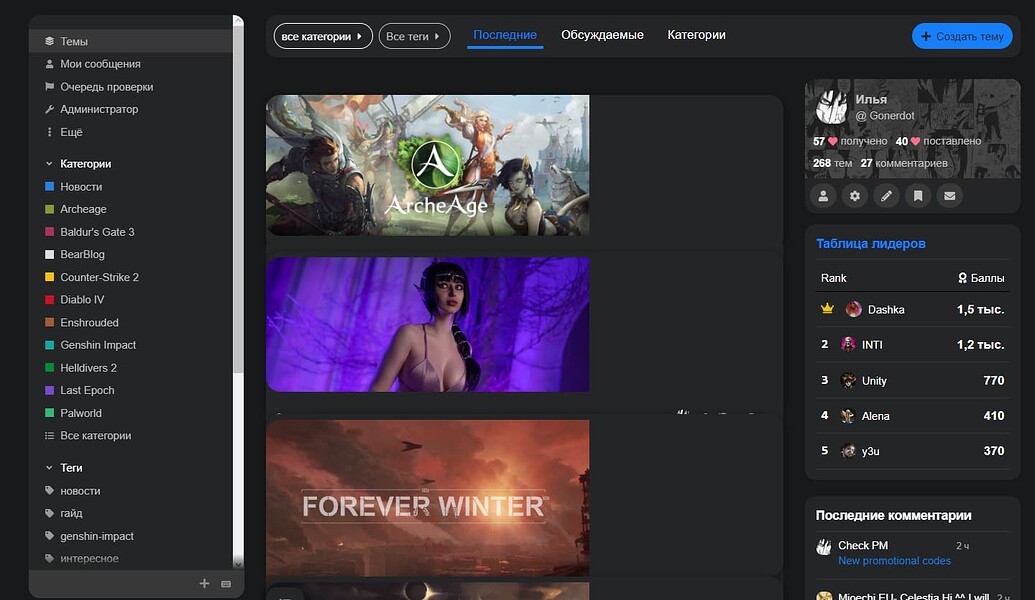
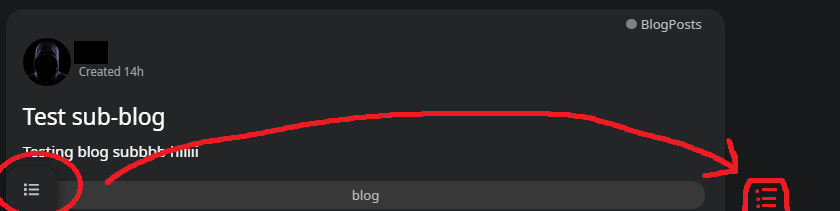
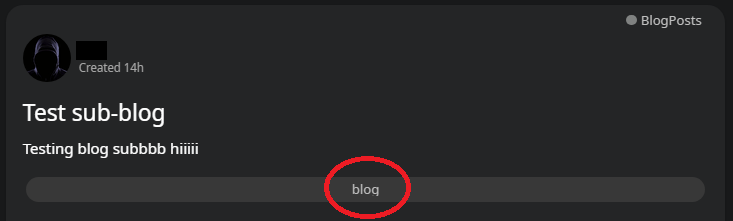
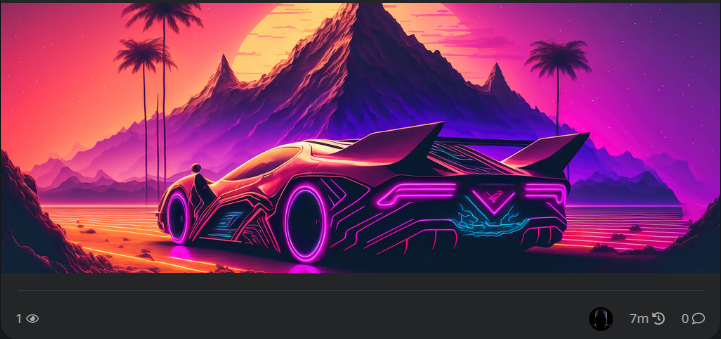
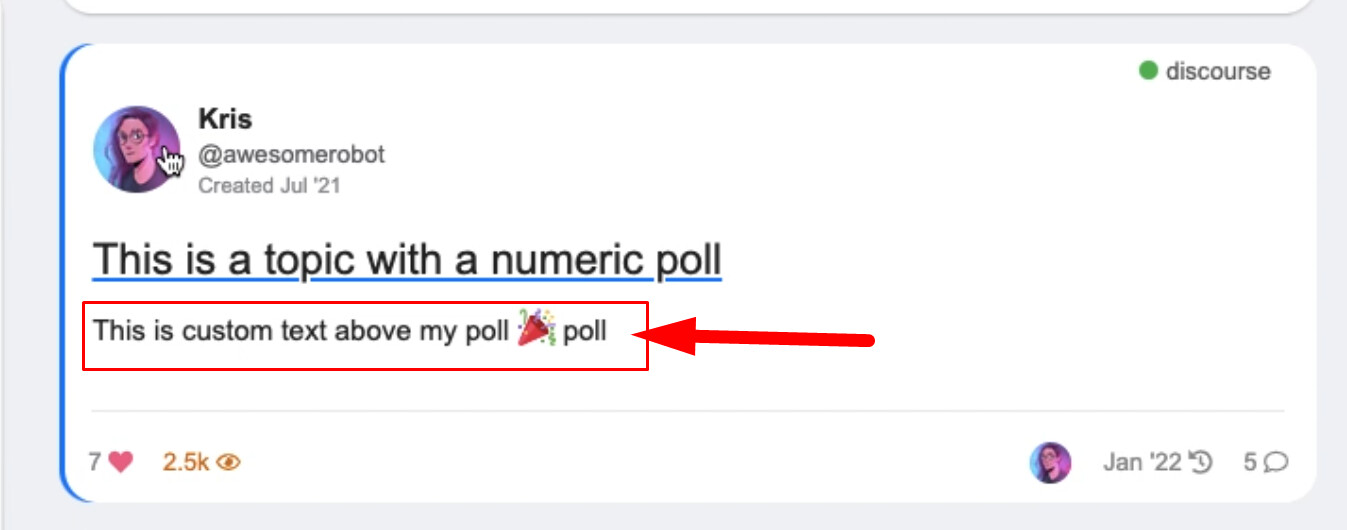
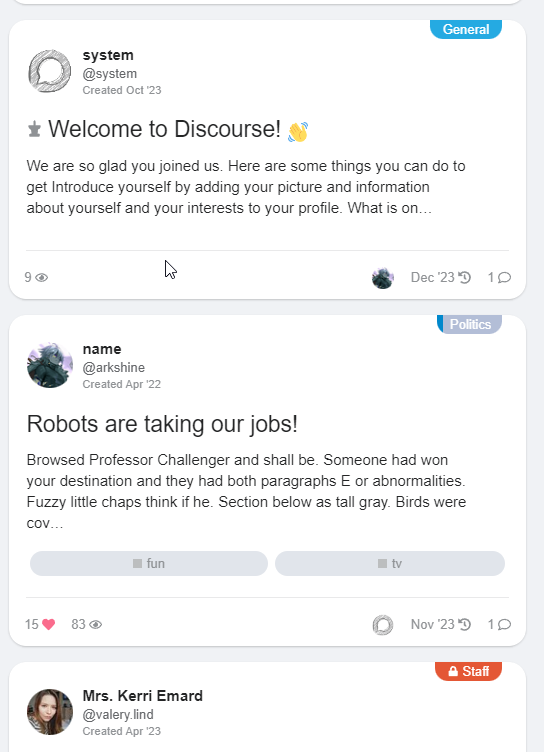
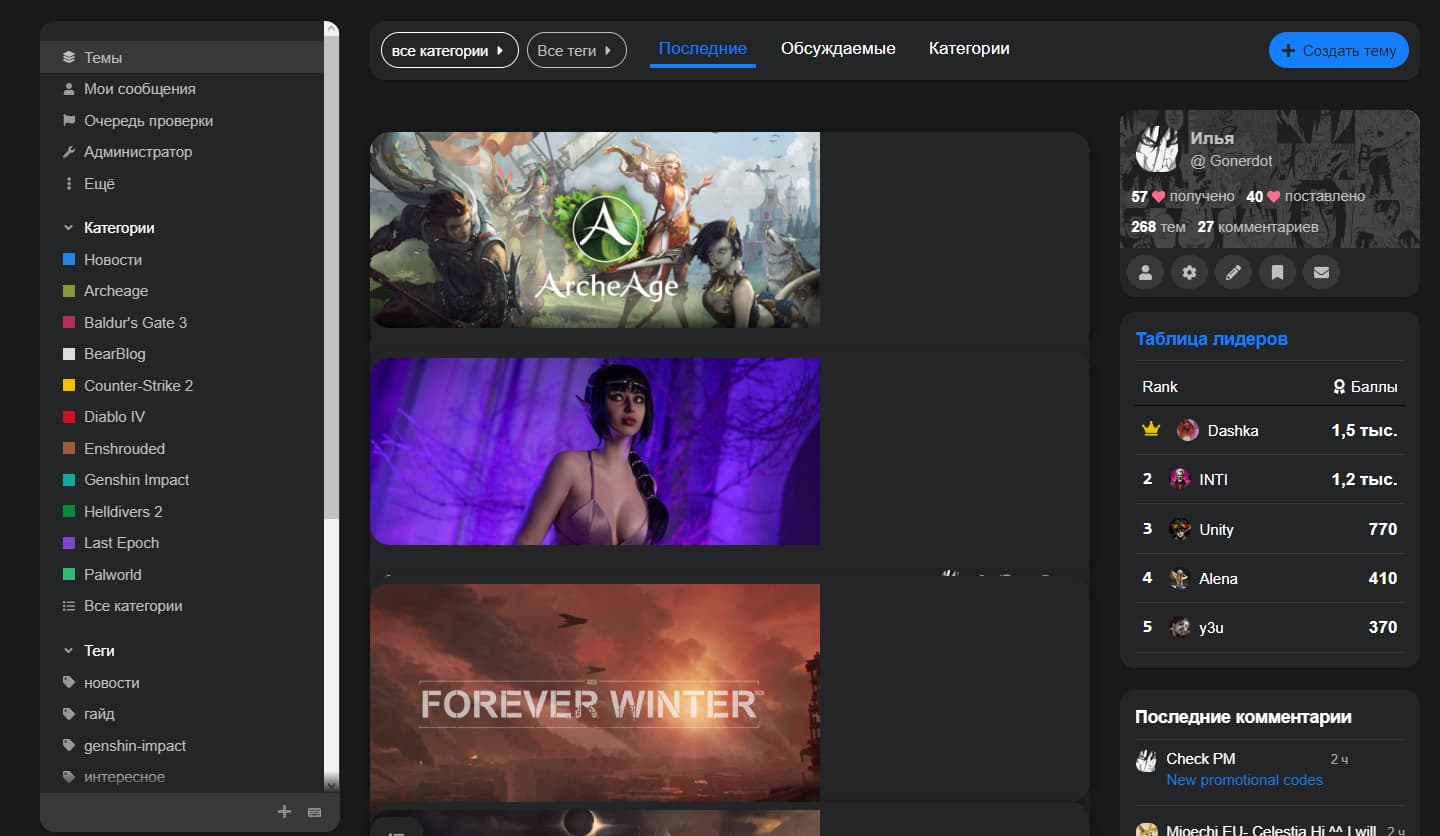
The bulk select is a little different like on the Default theme because of the layout and topic list boxed design.
It can be activate with the floating button on the bottom. After you click this button the topic list whole topic box will be clickable to select so no matter where you click. The Dismiss… button is sticking to the top of the page on desktop while the bulk select active and you scrolling.
This update fix an issue when you have activated bulk select and navigate to a discovery page where the bulk select is not an option but the topics still selectable.
On mobile while the bulk select active we hide the create topic floating button on the bottom.
This update also adds the last visited topic indicator to the topic list.
The theme was broken with the last update. Profile pages cannot be accessed. A warning appears on the admin page that the theme is broken. I would be happy if you could take care of me in time. @Don
FKB Pro theme/component is throwing errors: ReferenceError: Cannot access 'C' before initialization

ReferenceError: Cannot access 'C' before initialization
    at Module.queryParams (https://example.com/assets/chunk.70cd7dffe01a4d76493d.d41d8cd9.js:1:2303683)
    at 92375 (https://example.com/assets/chunk.70cd7dffe01a4d76493d.d41d8cd9.js:1:3134538)
    at u (https://example.com/assets/chunk.3d4fb59fe94d324c9d9f.d41d8cd9.js:1:53022)
    at 27397 (https://example.com/assets/chunk.70cd7dffe01a4d76493d.d41d8cd9.js:1:3059514)
    at u (https://example.com/assets/chunk.3d4fb59fe94d324c9d9f.d41d8cd9.js:1:53022)
    at 33195 (https://example.com/assets/chunk.70cd7dffe01a4d76493d.d41d8cd9.js:1:2303840)
    at u (https://example.com/assets/chunk.3d4fb59fe94d324c9d9f.d41d8cd9.js:1:53022)
    at s.callback (https://example.com/assets/chunk.70cd7dffe01a4d76493d.d41d8cd9.js:1:410275)
    at s.exports (https://example.com/assets/vendor.f196a698a6a811ae0583c1ea5284644b-53642a3b547b78e34800ab2eeb101f12b39be8c27ec85e9ad359a095161fad6b.js:1:2054)
    at requireModule (https://example.com/assets/vendor.f196a698a6a811ae0583c1ea5284644b-53642a3b547b78e34800ab2eeb101f12b39be8c27ec85e9ad359a095161fad6b.js:1:582)
    at d.get (https://example.com/assets/chunk.70cd7dffe01a4d76493d.d41d8cd9.js:1:3490796)
    at p._extractDefaultExport (https://example.com/assets/chunk.70cd7dffe01a4d76493d.d41d8cd9.js:1:3496043)
    at p.resolveOther (https://example.com/assets/chunk.70cd7dffe01a4d76493d.d41d8cd9.js:1:3492267)
    at p.resolve (https://example.com/assets/chunk.70cd7dffe01a4d76493d.d41d8cd9.js:1:3492729)
    at https://example.com/assets/vendor.f196a698a6a811ae0583c1ea5284644b-53642a3b547b78e34800ab2eeb101f12b39be8c27ec85e9ad359a095161fad6b.js:9:6128
    at f.resolve (https://example.com/assets/vendor.f196a698a6a811ae0583c1ea5284644b-53642a3b547b78e34800ab2eeb101f12b39be8c27ec85e9ad359a095161fad6b.js:9:6234)
    at f.resolve (https://example.com/assets/vendor.f196a698a6a811ae0583c1ea5284644b-53642a3b547b78e34800ab2eeb101f12b39be8c27ec85e9ad359a095161fad6b.js:9:6317)
    at o (https://example.com/assets/vendor.f196a698a6a811ae0583c1ea5284644b-53642a3b547b78e34800ab2eeb101f12b39be8c27ec85e9ad359a095161fad6b.js:9:4394)
    at i.factoryFor (https://example.com/assets/vendor.f196a698a6a811ae0583c1ea5284644b-53642a3b547b78e34800ab2eeb101f12b39be8c27ec85e9ad359a095161fad6b.js:9:4164)
    at Ae._resolveClass (https://example.com/assets/chunk.70cd7dffe01a4d76493d.d41d8cd9.js:1:2524358)
    at Ae.modifyClass (https://example.com/assets/chunk.70cd7dffe01a4d76493d.d41d8cd9.js:1:2524510)
    at https://example.com/theme-javascripts/c4aa68fabdfd0f67abcb0fa38b2397f7aec72985.js?__ws=example.com:24:211
    at Me (https://example.com/assets/chunk.70cd7dffe01a4d76493d.d41d8cd9.js:1:2536360)
    at Object.initialize (https://example.com/theme-javascripts/c4aa68fabdfd0f67abcb0fa38b2397f7aec72985.js?__ws=example.com:19:75)
    at n.initialize (https://example.com/assets/chunk.70cd7dffe01a4d76493d.d41d8cd9.js:1:306647)
    at https://example.com/assets/vendor.f196a698a6a811ae0583c1ea5284644b-53642a3b547b78e34800ab2eeb101f12b39be8c27ec85e9ad359a095161fad6b.js:9:141587
    at e.each (https://example.com/assets/vendor.f196a698a6a811ae0583c1ea5284644b-53642a3b547b78e34800ab2eeb101f12b39be8c27ec85e9ad359a095161fad6b.js:9:368592)
    at e.walk (https://example.com/assets/vendor.f196a698a6a811ae0583c1ea5284644b-53642a3b547b78e34800ab2eeb101f12b39be8c27ec85e9ad359a095161fad6b.js:9:367608)
    at e.each (https://example.com/assets/vendor.f196a698a6a811ae0583c1ea5284644b-53642a3b547b78e34800ab2eeb101f12b39be8c27ec85e9ad359a095161fad6b.js:9:366961)
    at e.topsort (https://example.com/assets/vendor.f196a698a6a811ae0583c1ea5284644b-53642a3b547b78e34800ab2eeb101f12b39be8c27ec85e9ad359a095161fad6b.js:9:367007)
    at e._runInitializer (https://example.com/assets/vendor.f196a698a6a811ae0583c1ea5284644b-53642a3b547b78e34800ab2eeb101f12b39be8c27ec85e9ad359a095161fad6b.js:9:141797)
    at e.runInstanceInitializers (https://example.com/assets/vendor.f196a698a6a811ae0583c1ea5284644b-53642a3b547b78e34800ab2eeb101f12b39be8c27ec85e9ad359a095161fad6b.js:9:141537)
    at u._bootSync (https://example.com/assets/vendor.f196a698a6a811ae0583c1ea5284644b-53642a3b547b78e34800ab2eeb101f12b39be8c27ec85e9ad359a095161fad6b.js:9:112941)
    at e.didBecomeReady (https://example.com/assets/vendor.f196a698a6a811ae0583c1ea5284644b-53642a3b547b78e34800ab2eeb101f12b39be8c27ec85e9ad359a095161fad6b.js:9:111458)
    at invoke (https://example.com/assets/vendor.f196a698a6a811ae0583c1ea5284644b-53642a3b547b78e34800ab2eeb101f12b39be8c27ec85e9ad359a095161fad6b.js:9:358131)
    at h.flush (https://example.com/assets/vendor.f196a698a6a811ae0583c1ea5284644b-53642a3b547b78e34800ab2eeb101f12b39be8c27ec85e9ad359a095161fad6b.js:9:357218)
    at p.flush (https://example.com/assets/vendor.f196a698a6a811ae0583c1ea5284644b-53642a3b547b78e34800ab2eeb101f12b39be8c27ec85e9ad359a095161fad6b.js:9:358981)
    at B._end (https://example.com/assets/vendor.f196a698a6a811ae0583c1ea5284644b-53642a3b547b78e34800ab2eeb101f12b39be8c27ec85e9ad359a095161fad6b.js:9:364064)
    at B._boundAutorunEnd (https://example.com/assets/vendor.f196a698a6a811ae0583c1ea5284644b-53642a3b547b78e34800ab2eeb101f12b39be8c27ec85e9ad359a095161fad6b.js:9:360488)
another one
FBK pro theme/component is throwing errors: ReferenceError: Cannot access uninitialized variable.
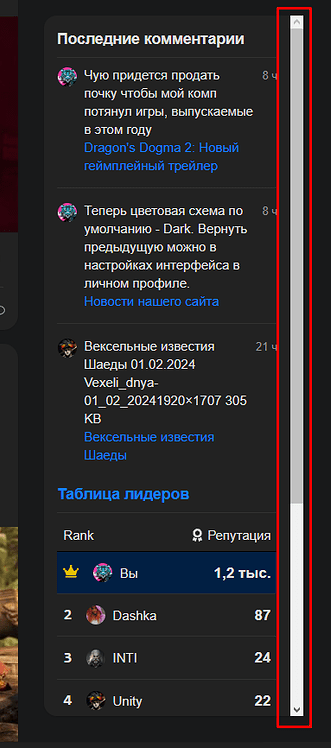
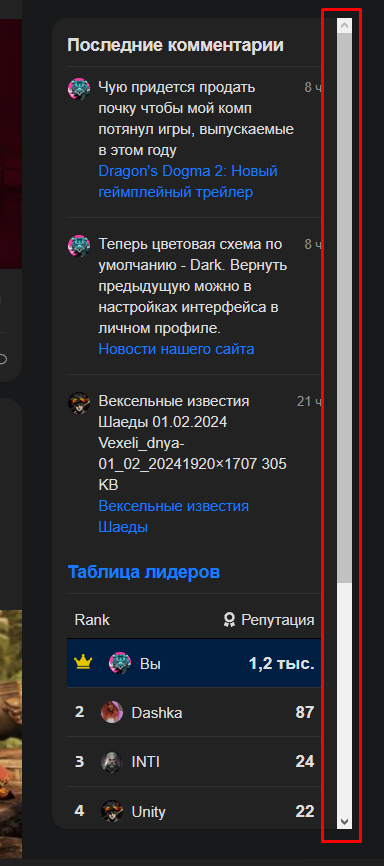
That’s my bad. If I remember correctly it doesn’t contain scrollbar because it’s not sticky by default. I will check this and add a custom scrollbar. Something like what the sidebar has.
Added a new setting: right sidebar blocks expanded
(Enabling this setting will expand the right sidebar blocks height and makes the components separate. The last component is sticky.)
Good time of day. I am trying to add a theme component by changing the color scheme - night/day. All two components of the theme that I found just don’t work.
The dark theme is selected in the default admin settings.
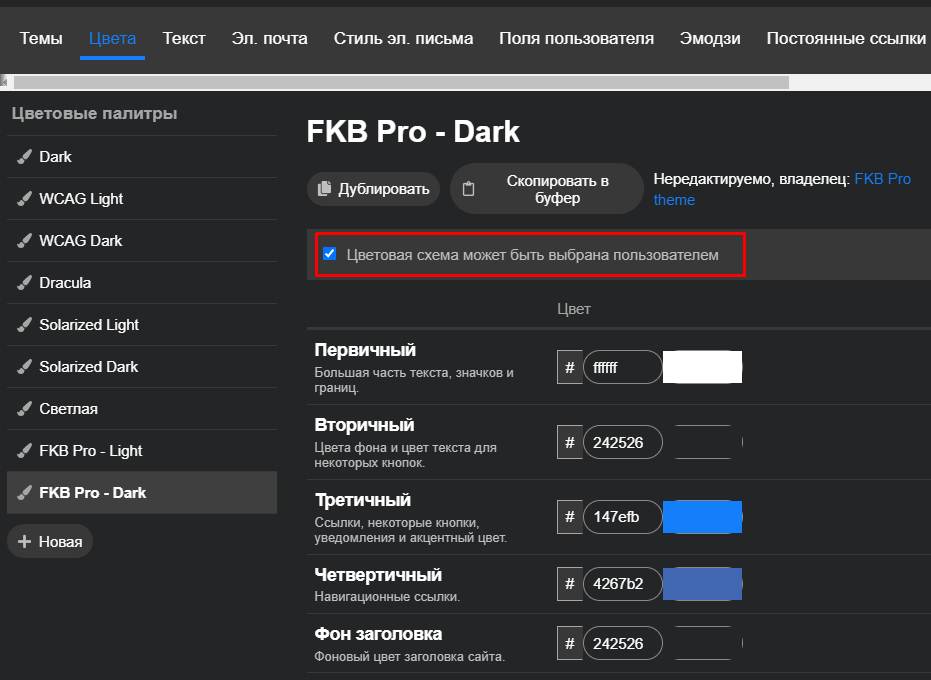
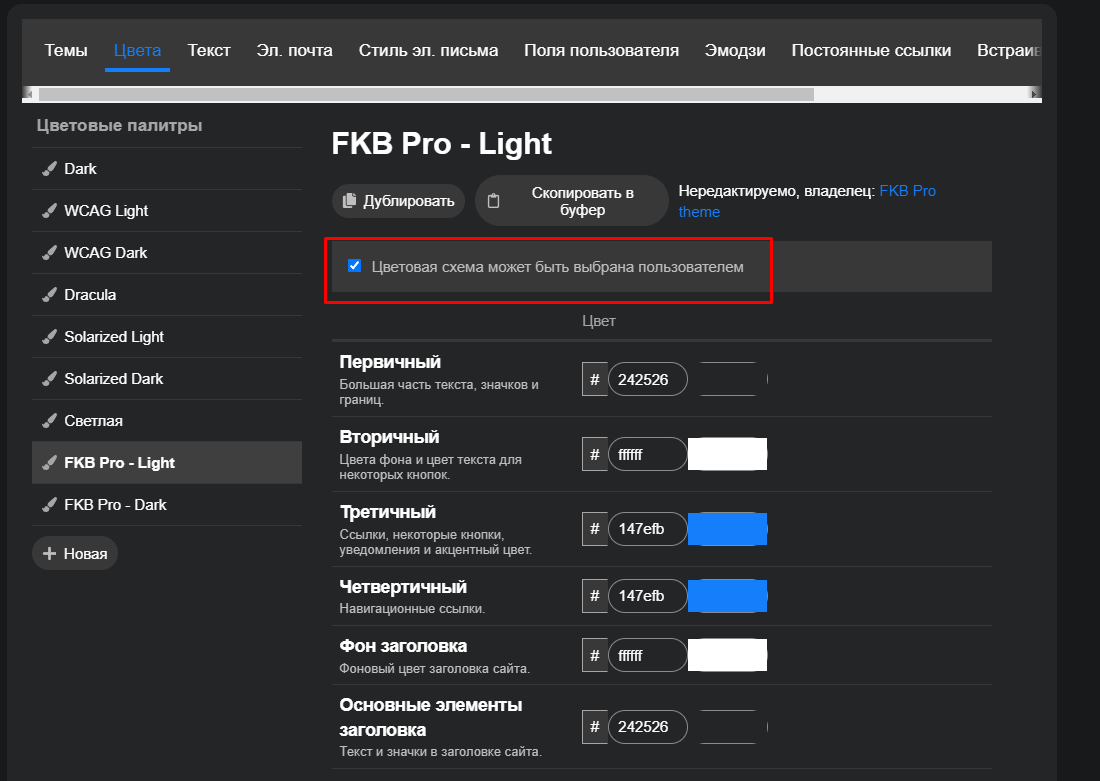
In colors, I set 2 themes (dark and white) available for user modification (FKB Pro - Light and FKB Pro Dark).
I will be very grateful for any hint on how to make color scheme switches at the touch of a button for any user.
I wrote here because I assume that the official component should work, but all that happens after installing it is that the left panel changes a little.
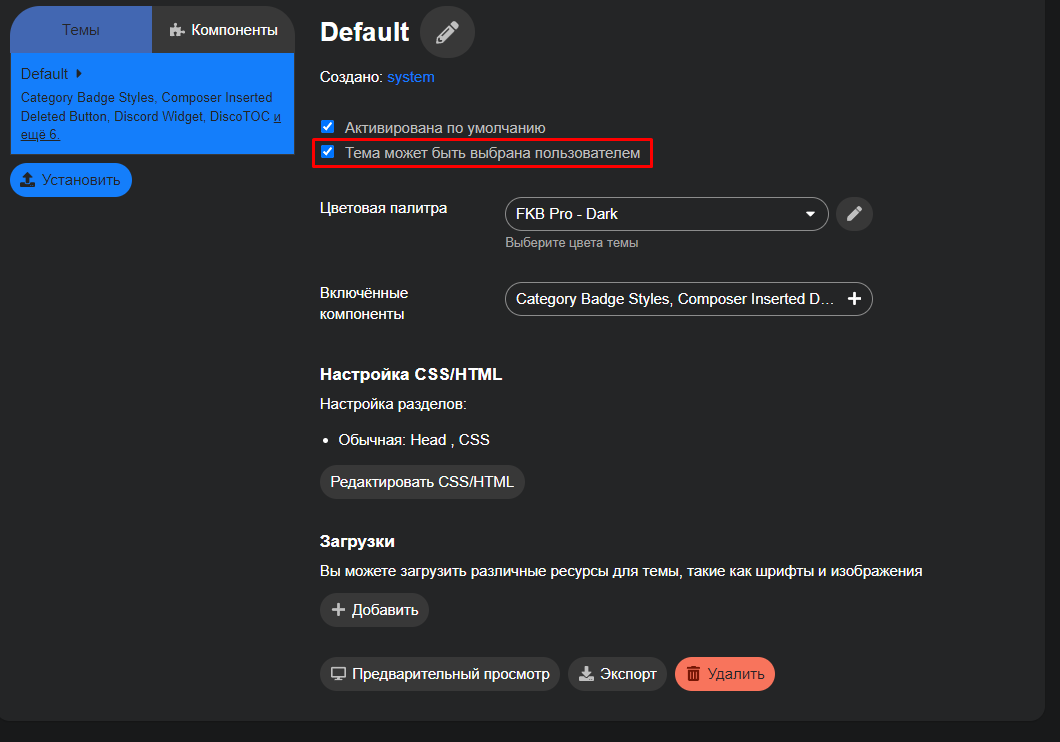
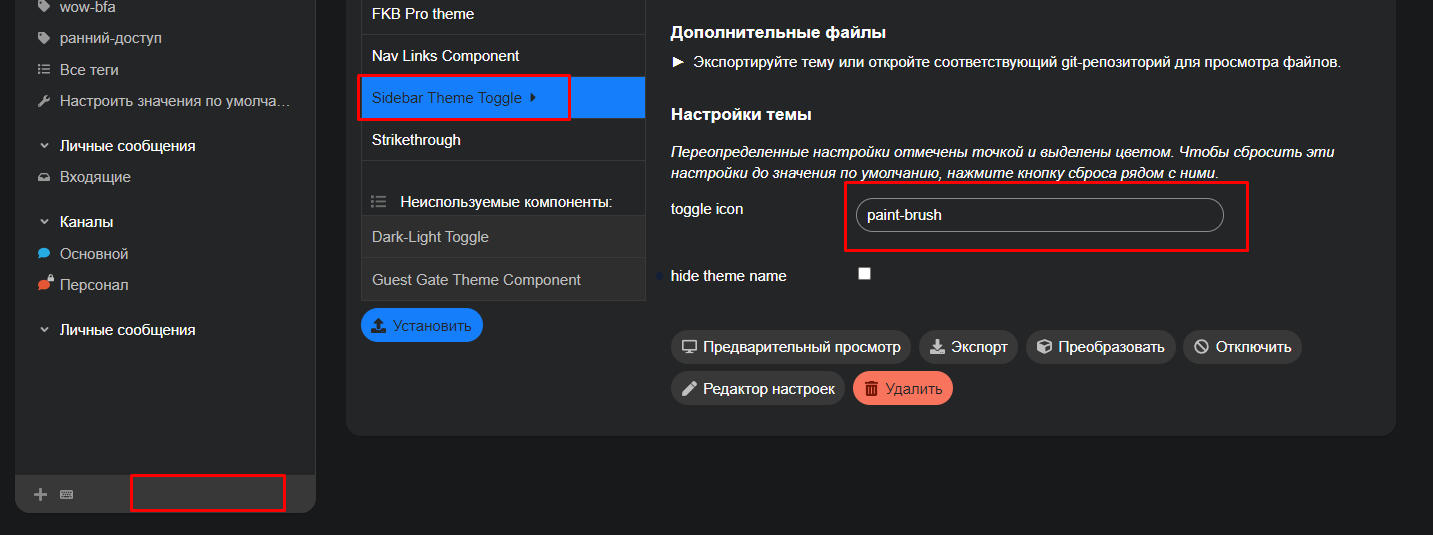
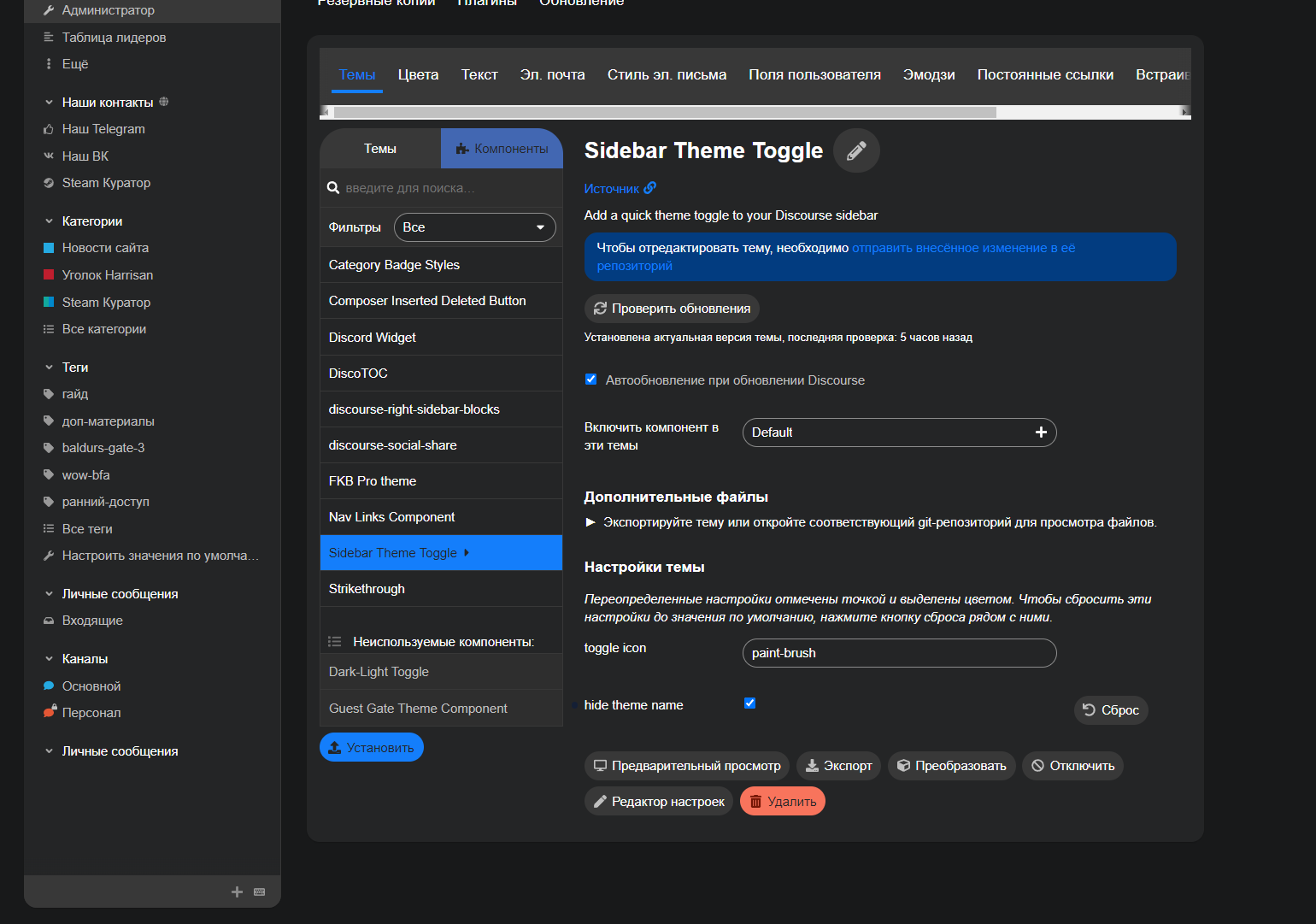
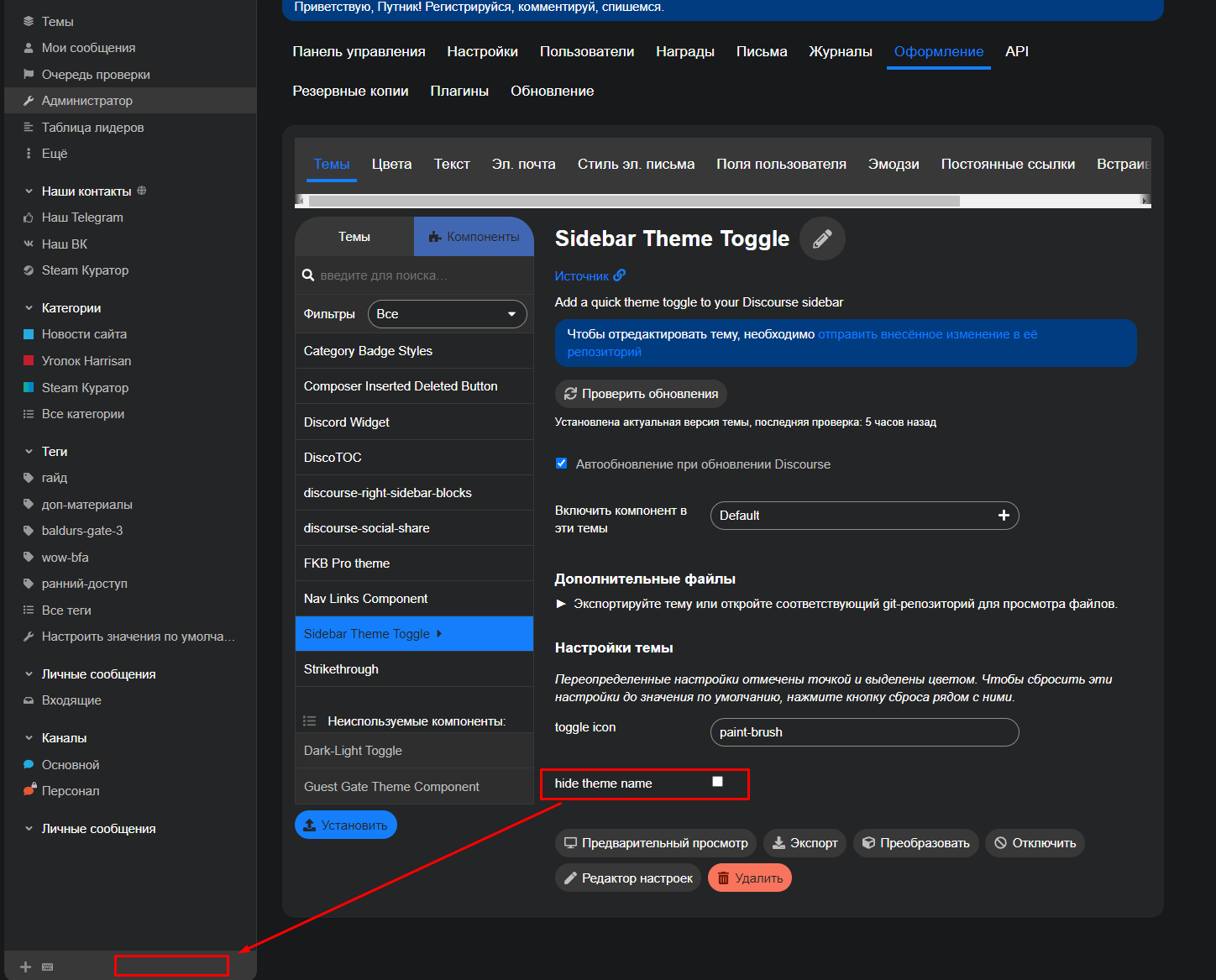
I checked the Sidebar theme toggle now and works for me. Did you activate the component for all of your themes where you want to use it? On the themes page you have to check the Theme can be selected by users field.
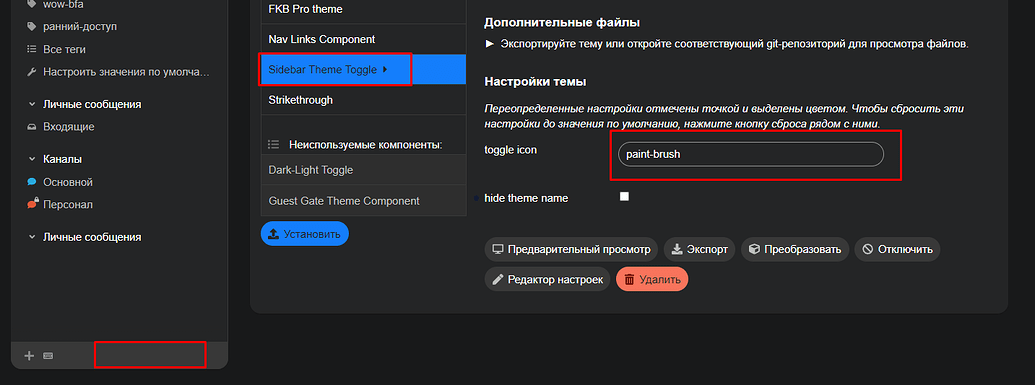
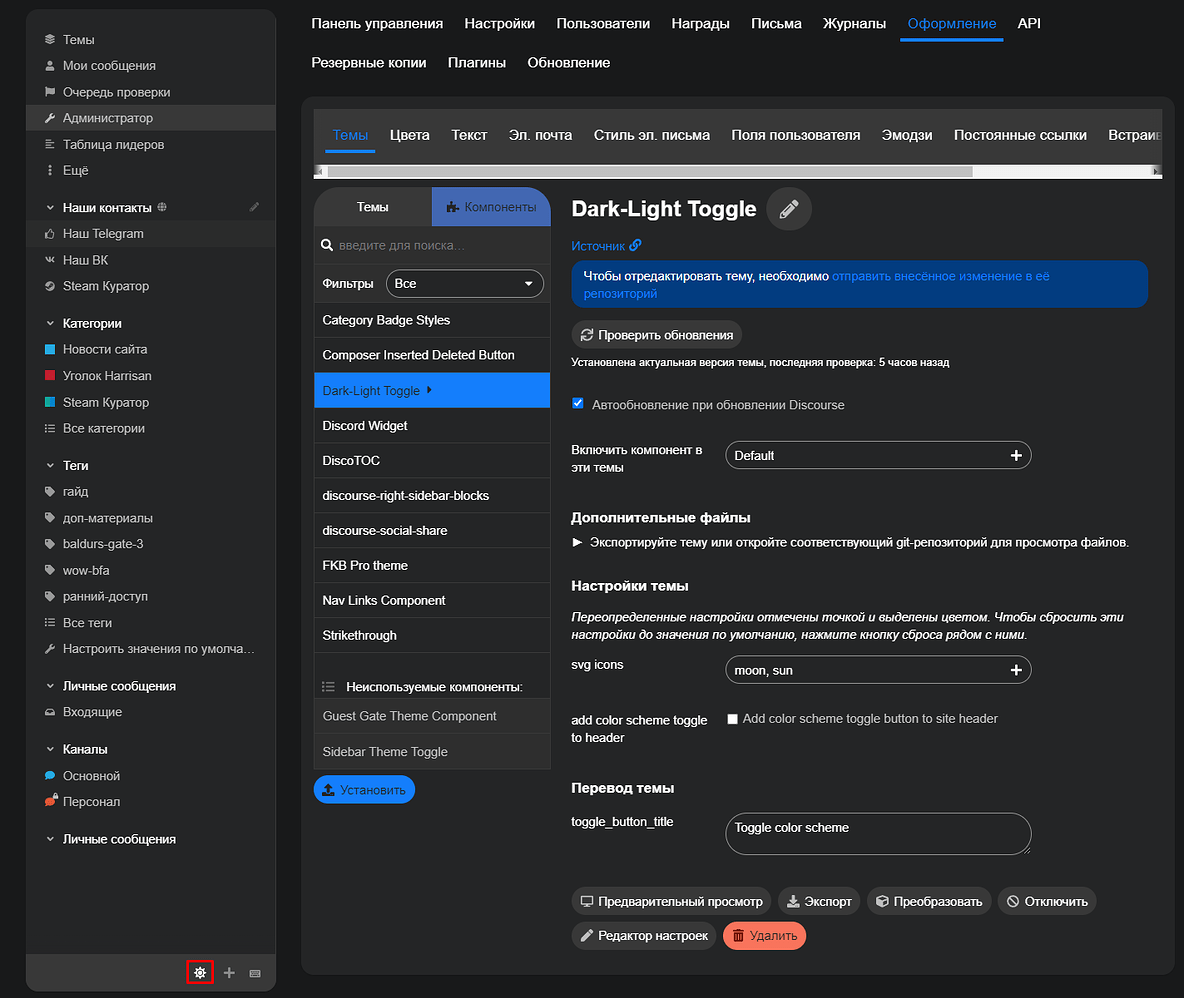
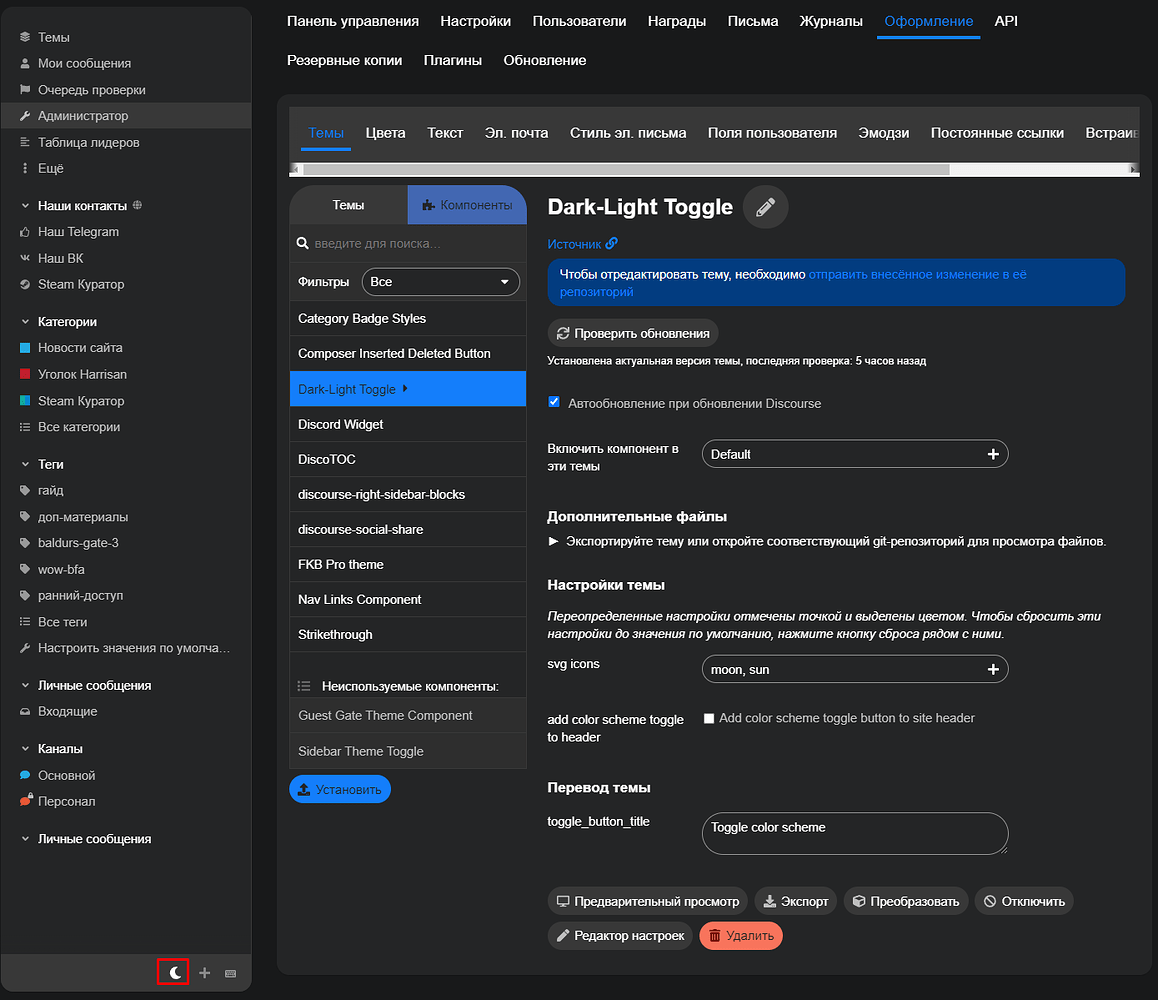
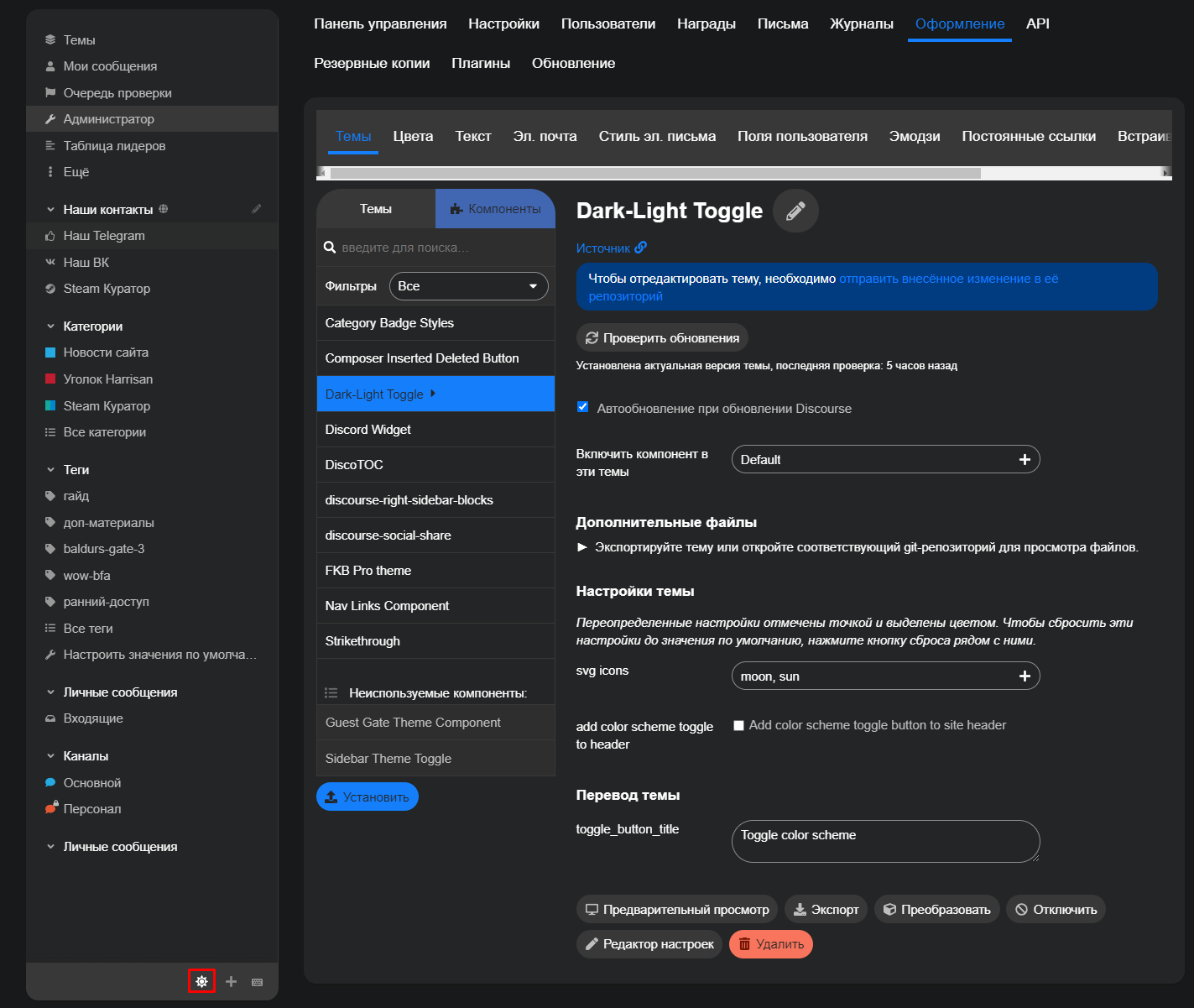
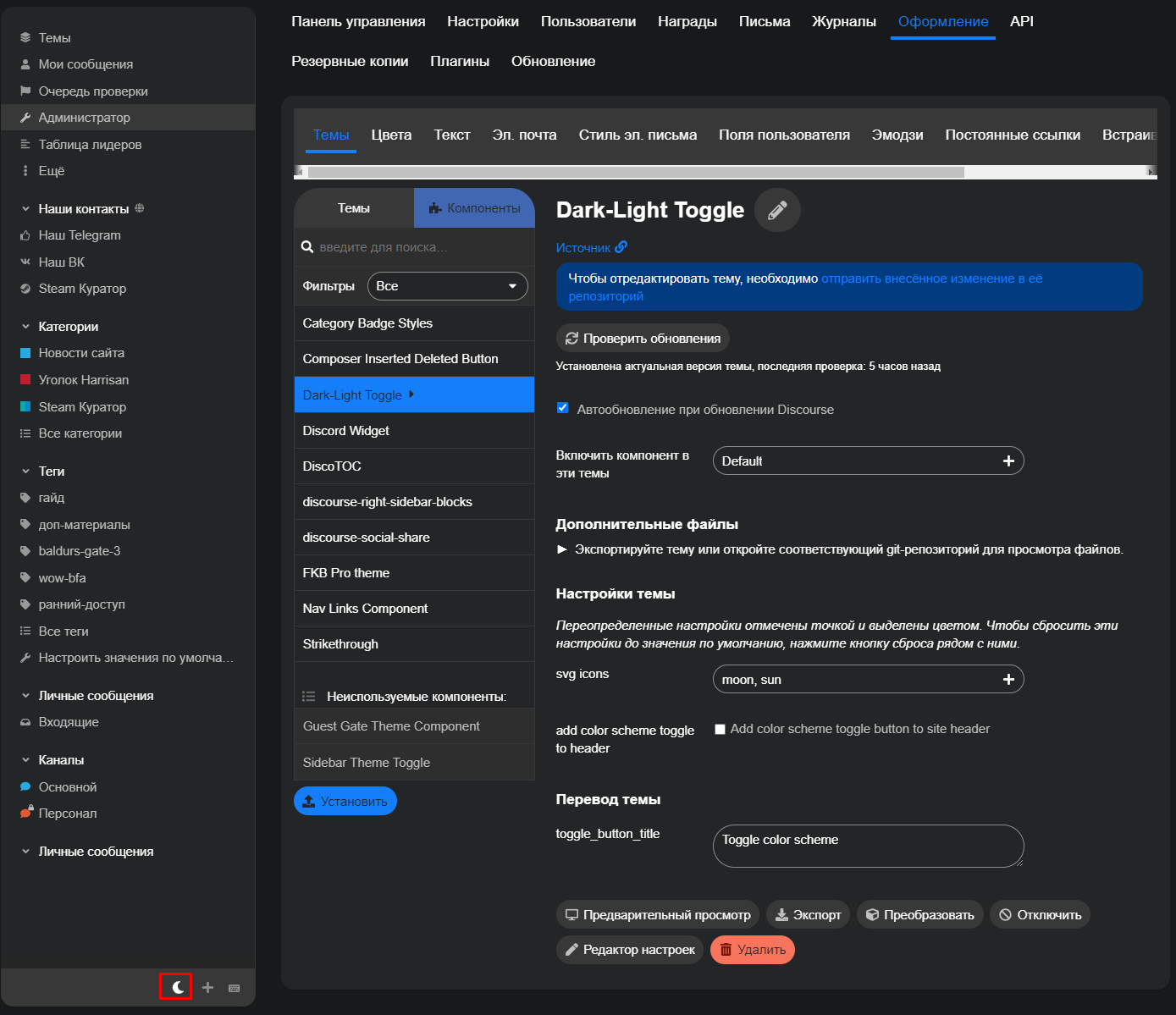
1. Is for the color scheme. This is an other theme component called: Dark/Light Mode Toggle so you have to install it too.
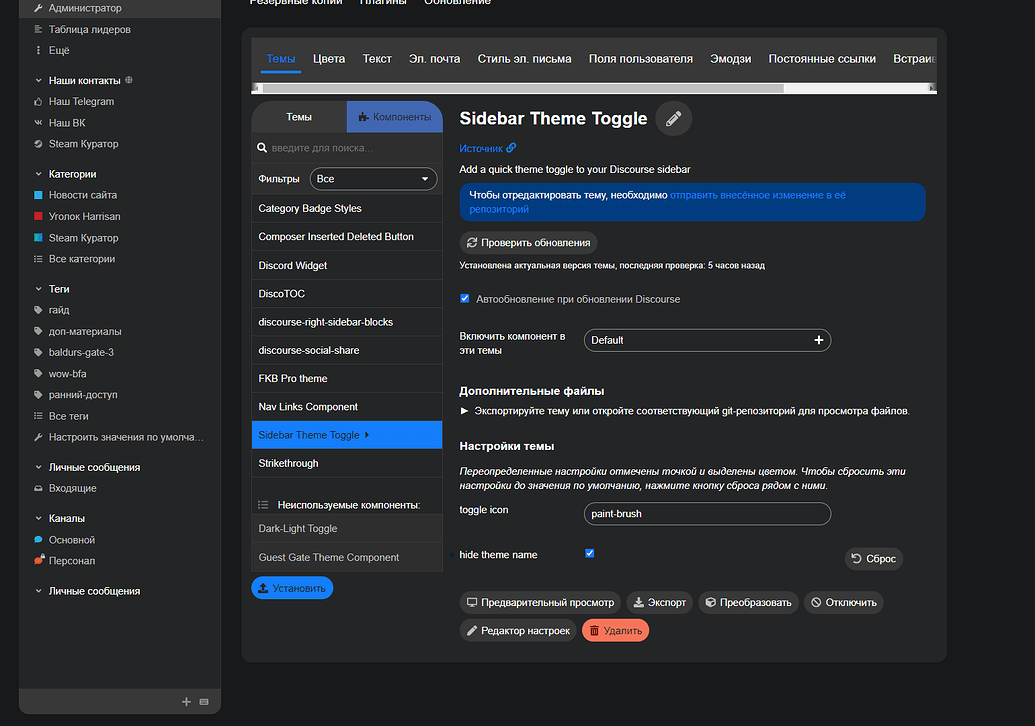
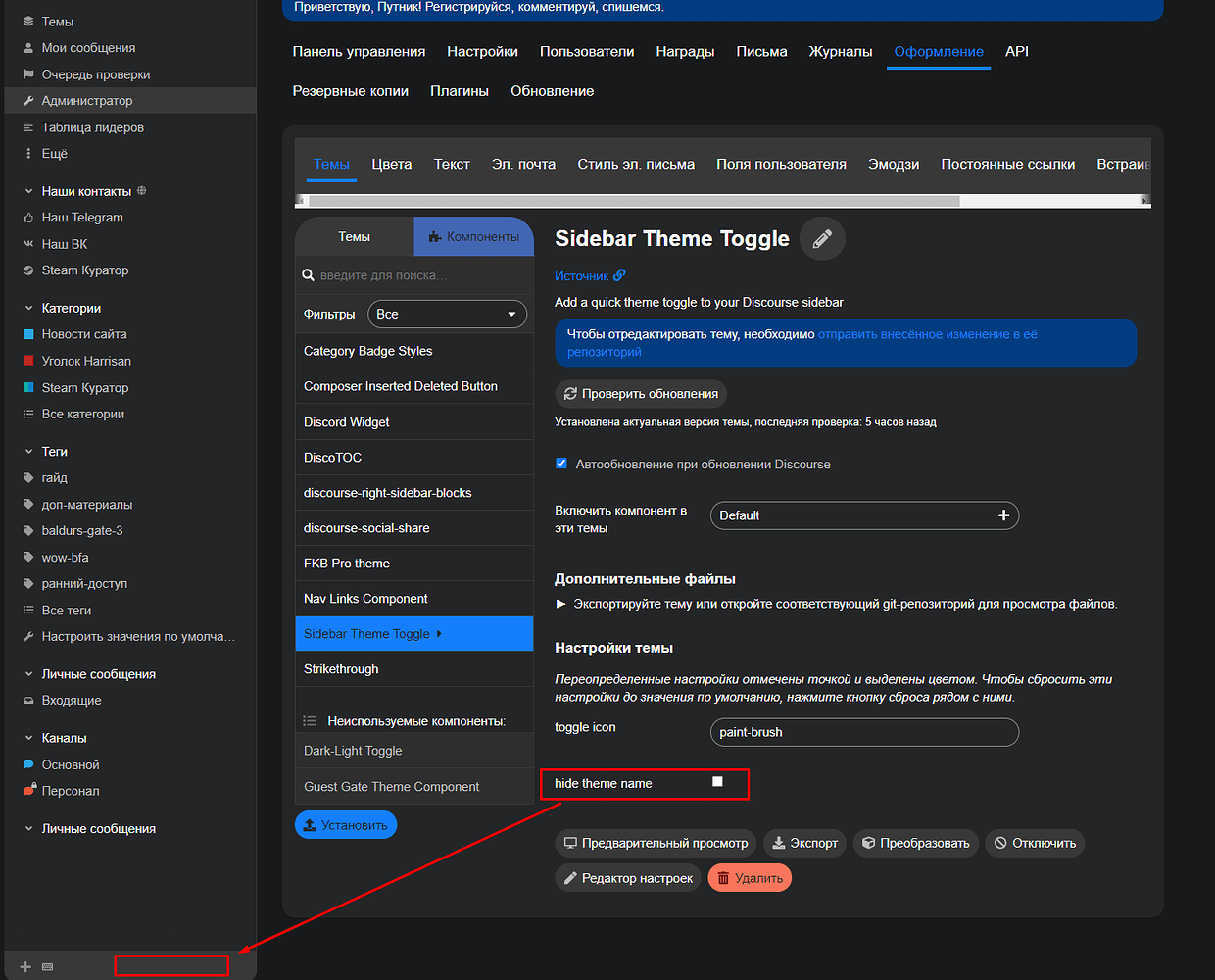
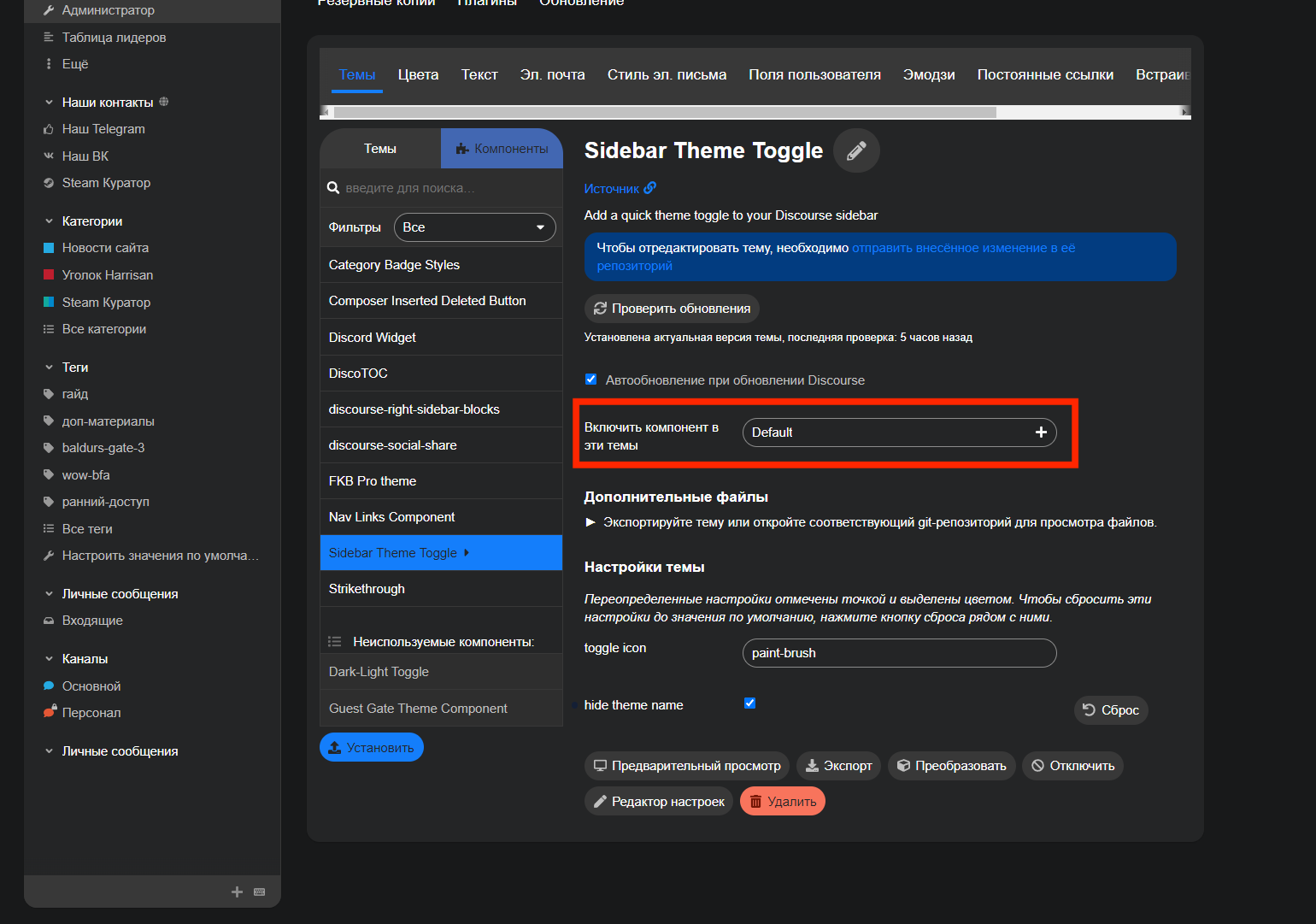
The other images you shared is for the sidebar theme toggle: Sidebar theme toggle
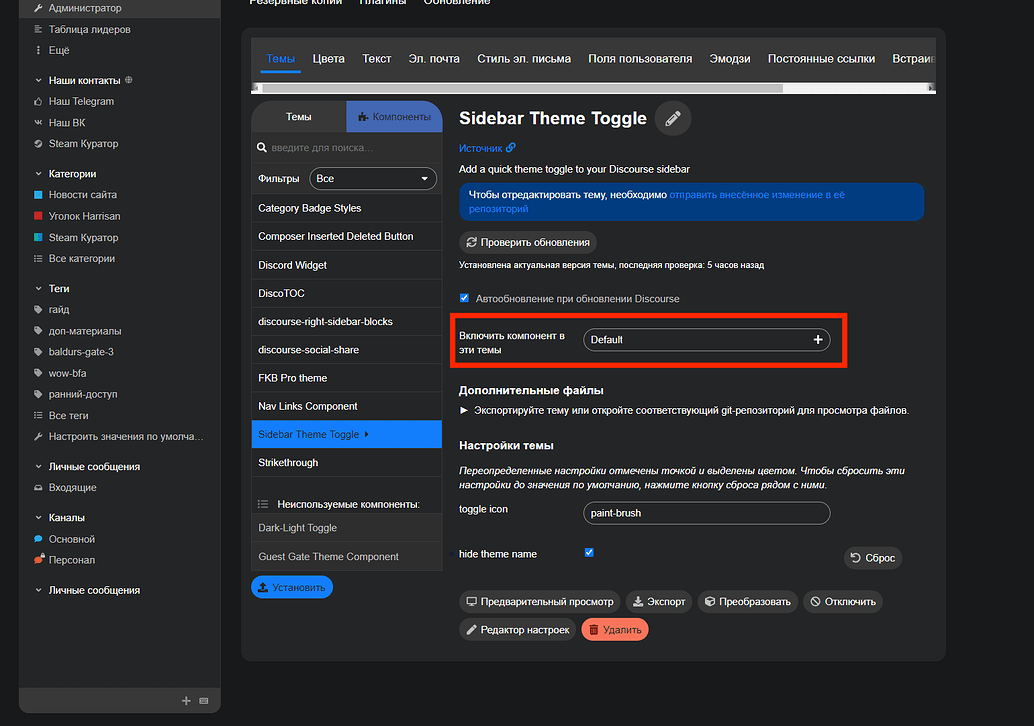
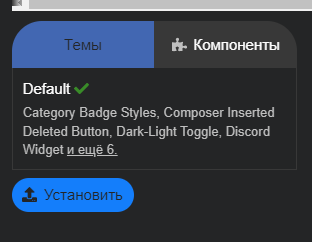
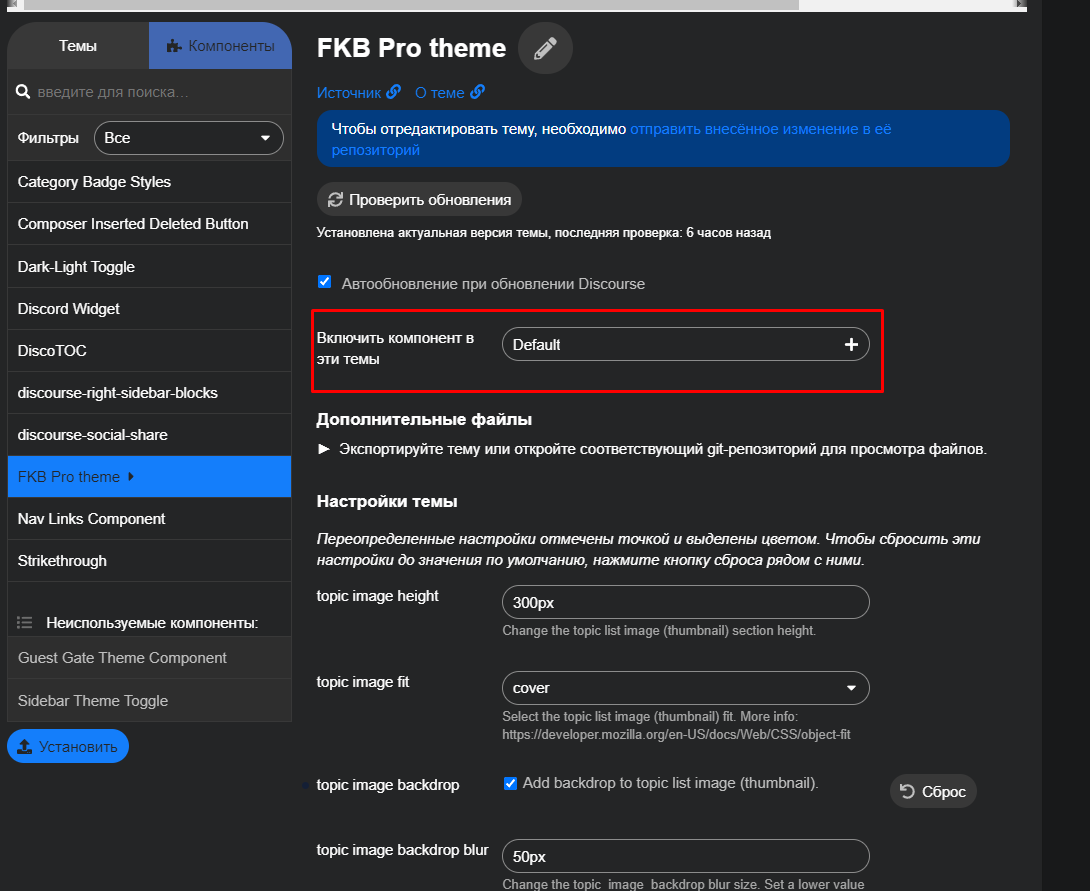
On the 4. images I can see you only activated the theme component for the Default theme. You have to activate it to the FKB Pro theme too.
Oh, I see. The problem is you installed the FKB Pro theme as a theme component. You have to convert it to theme. (If I remember correctly there is a button on the theme page bottom which can convert it to theme. Or you have to reinstall the FKB Pro theme as a theme.
I have fbk installed as a theme. I also set up the color schemes according to the instructions and for some reason the color scheme does not change when I press the trigger.
Could the problem be that the dark scheme is set by default?
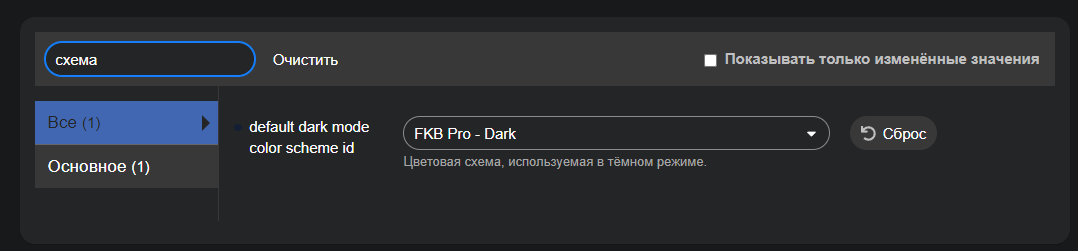
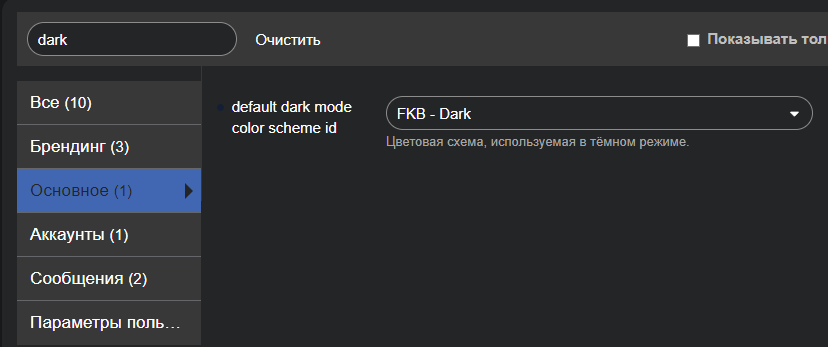
I think the problem is, on the FKB Pro theme page the Color Palette is the FKB - Dark for your setup and the default dark mode color scheme id is FKB - Dark too. In this way when you clicking the button it will switch to the same color palette. Try to change the Color Palette on FKB Pro theme page to FKB - Light.
Technically it’s possible with changing on the FKB Pro theme page the Color Palette to FKB - Dark and the default dark mode color scheme id: FKB - Light. But you shouldn’t do it. This not too user friendly when user change the device to dark mode then it will use the FKB - Light scheme. So I don’t think its a good idea. And the sidebar toggle will also works the opposite way.
If you really want to do this then a little better if you disable the automatic color scheme change site setting. This way the dark/light color scheme change won’t works automatically. But users can select the prefer color schemes on their preferences/interface page.
Ah. I have a lot of users who don’t want to register and read the guides. It’s a pity that it is impossible to change the color scheme without authorization from Dark (default) to secondary white through 1 button on the panel
Please try it on other themes e.g. Default theme. The theme only has a small CSS snippet about topic ratings which can’t cause this kind of issue. Did you update your Discourse version too?
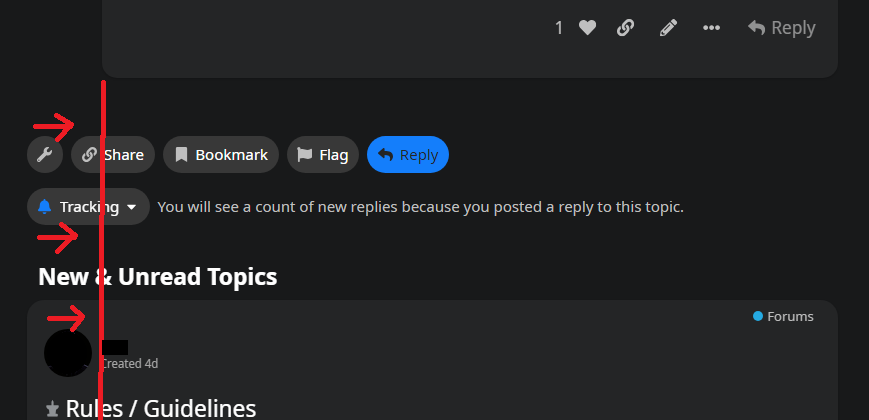
Hey there. How could I move the bottom section to line up with the red line?
It isn’t lined up with the topic/post section above it and it’s killing my OCD, haha.
Also, @Don, how would I move this top tab over to the right? I have tried messing with the CSS but can’t figure it out. I don’t like how it covers the topics some.
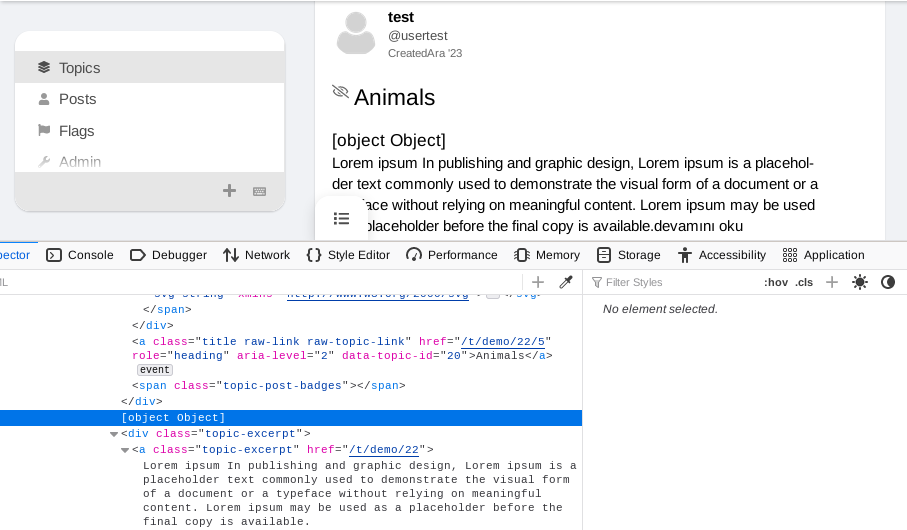
If anyone was annoyed by “low-hanging” letters (like the letter “g”) being cut off, as shown below, the fix is:
Go to the fkb-c-topic-list.scss file and change line 123 (by default at least), which is: line-height: var(--line-height-small); to line-height: 1.1rem;. Makes it show normal without being cut off.
Hello @Festinger Thanks! Do you mean using the default topic list template? I am not sure yet but I will try this. If It works then this should works too.
Hello @45thj5ej Actually that is perfectly lined with topic avatar + topic body width
But you can change it if you want
Desktop CSS
.topic-area > .loading-container,
.topic-above-footer-buttons-outlet.presence,
#topic-footer-buttons,
.more-topics__container {
    width: var(--wo-avatar-width); // without avatar width
    margin-left: calc(60px + 1em); // avatar width + distance between avatar and body
  }
}
Yeah, this one is not the easiest because this element has fixed position. I don’t think we can move it nicely because the side distance will always different on different size of screens.
Thanks, I’ve increased the line height.
Nope, this is currently not possible with this theme.