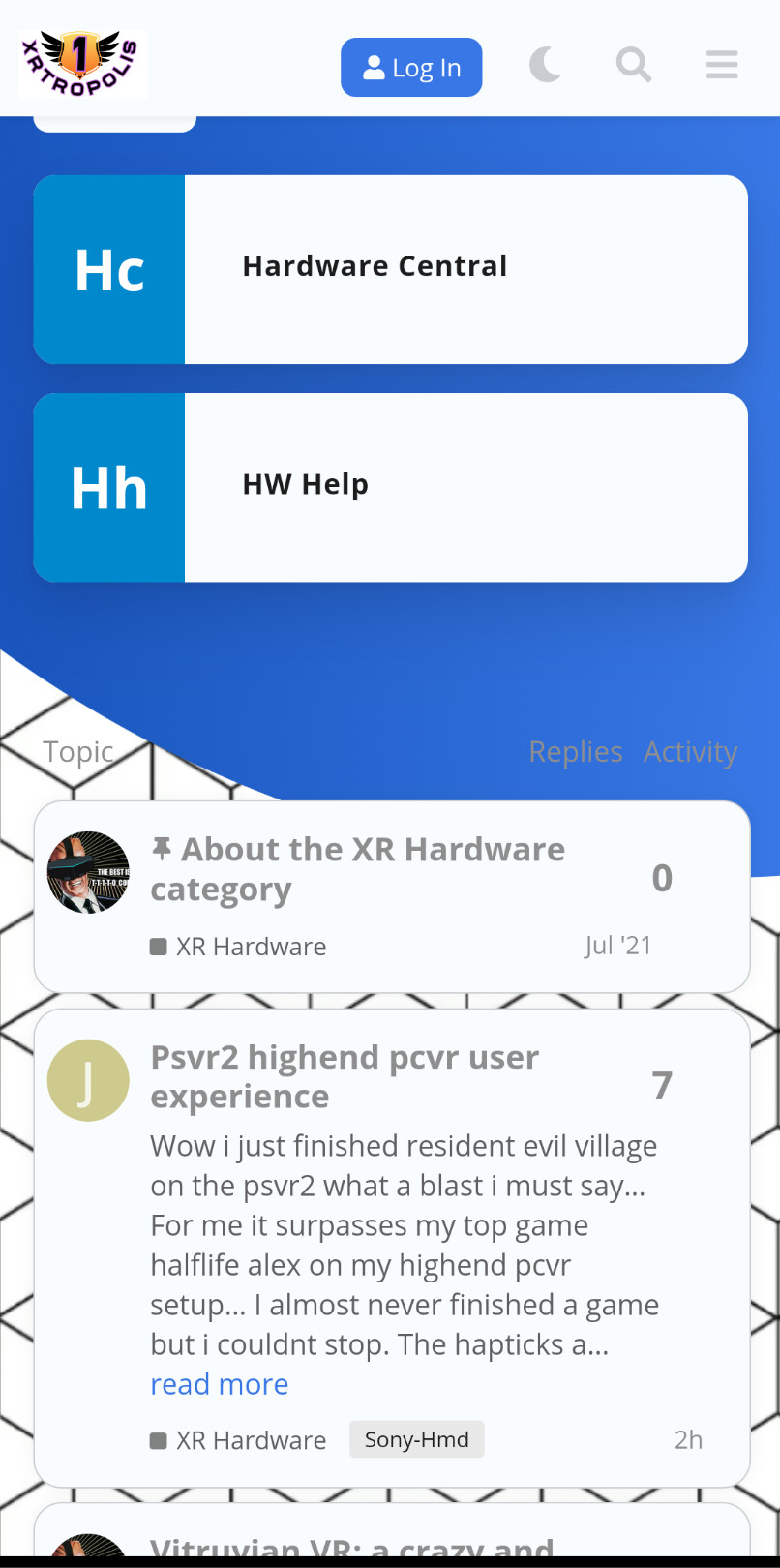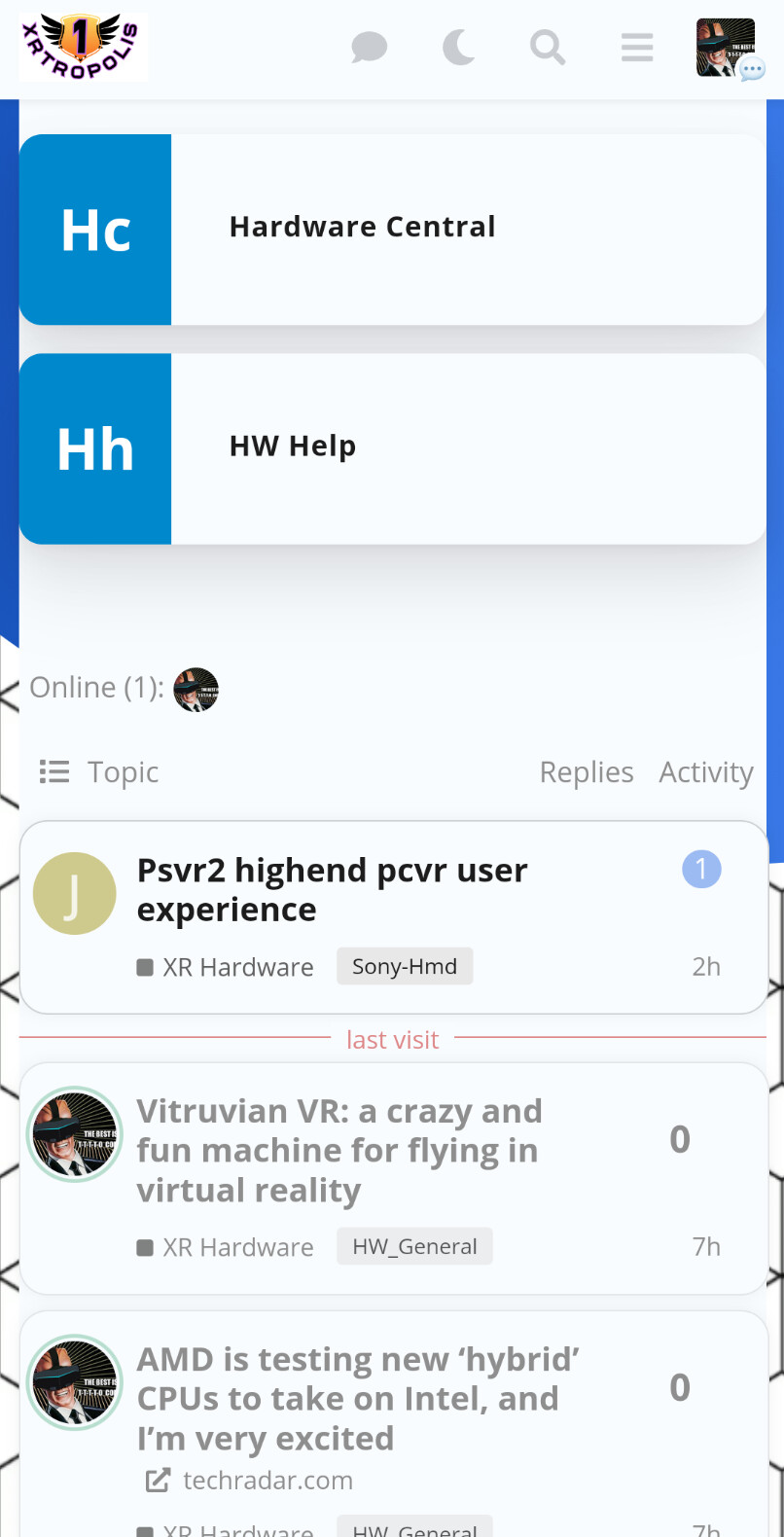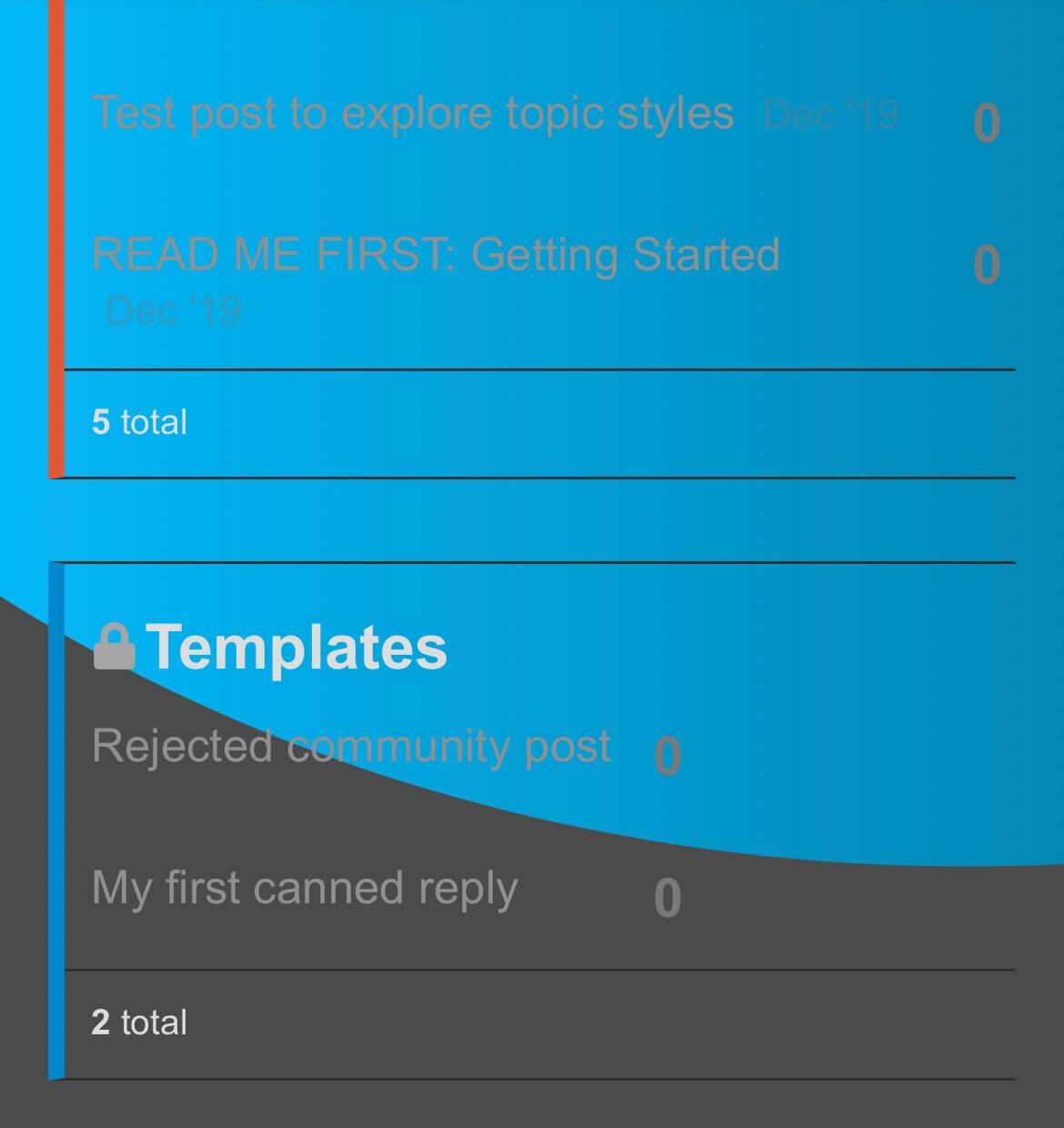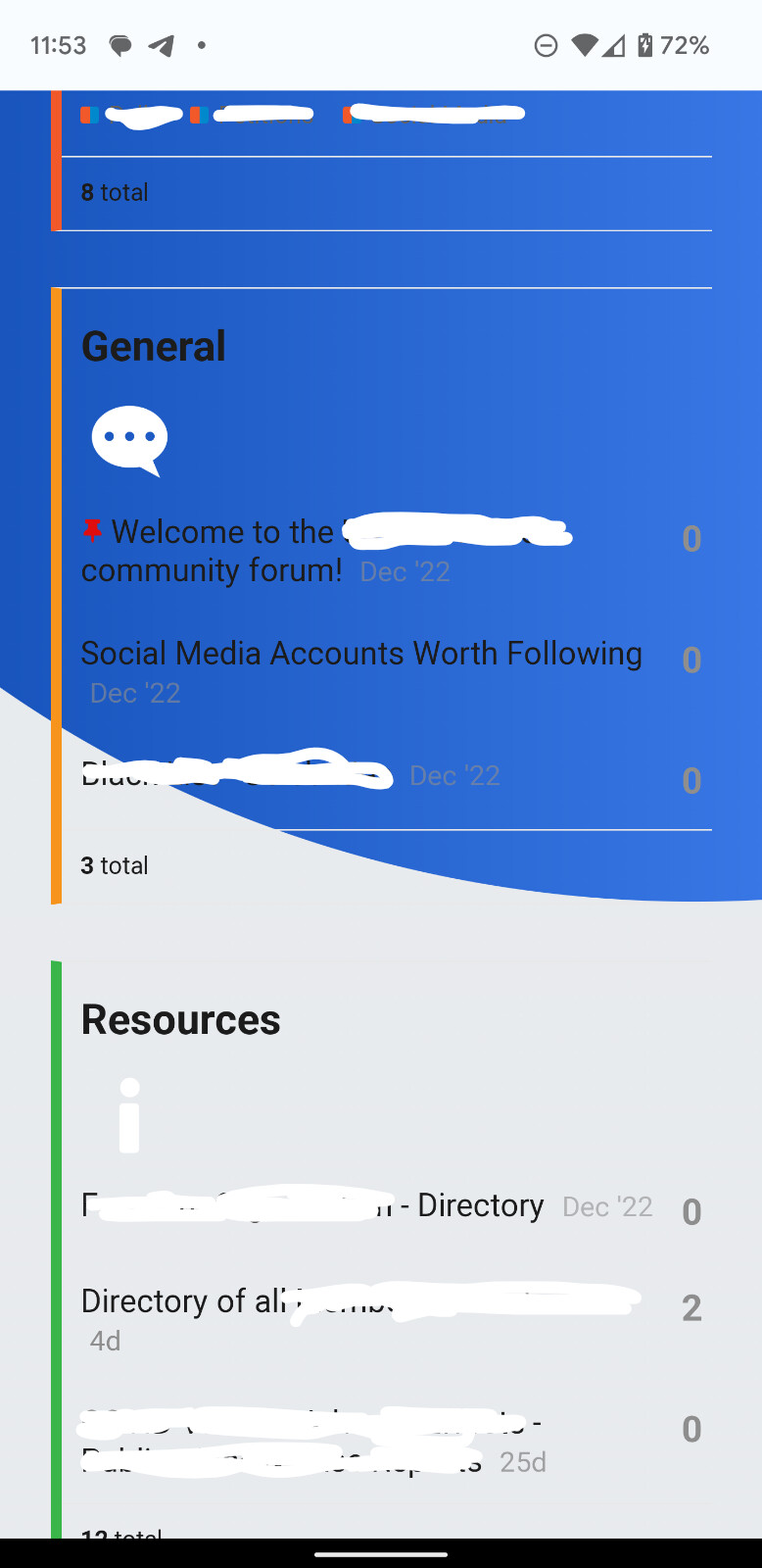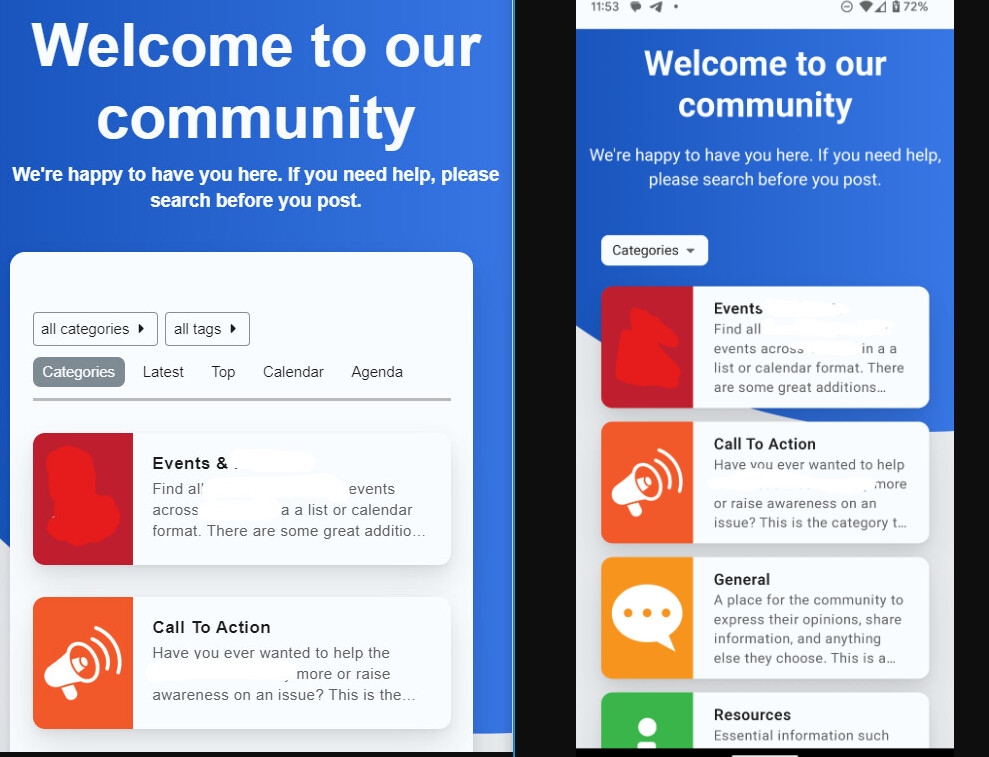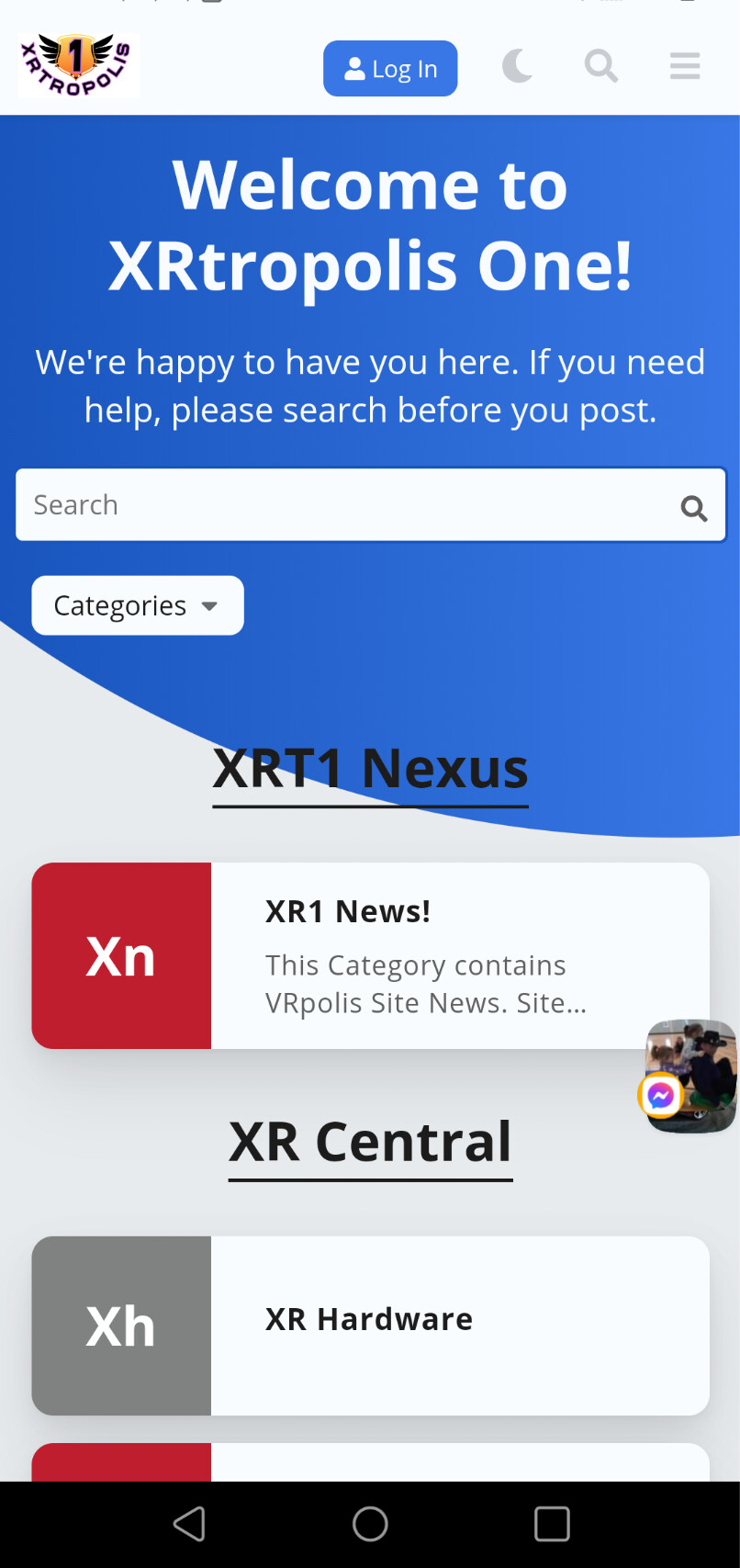
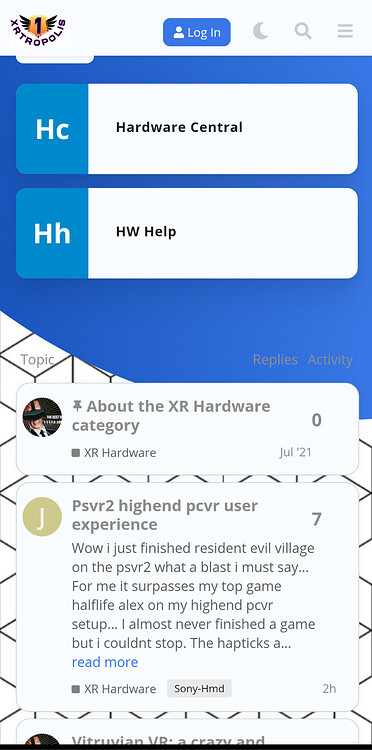
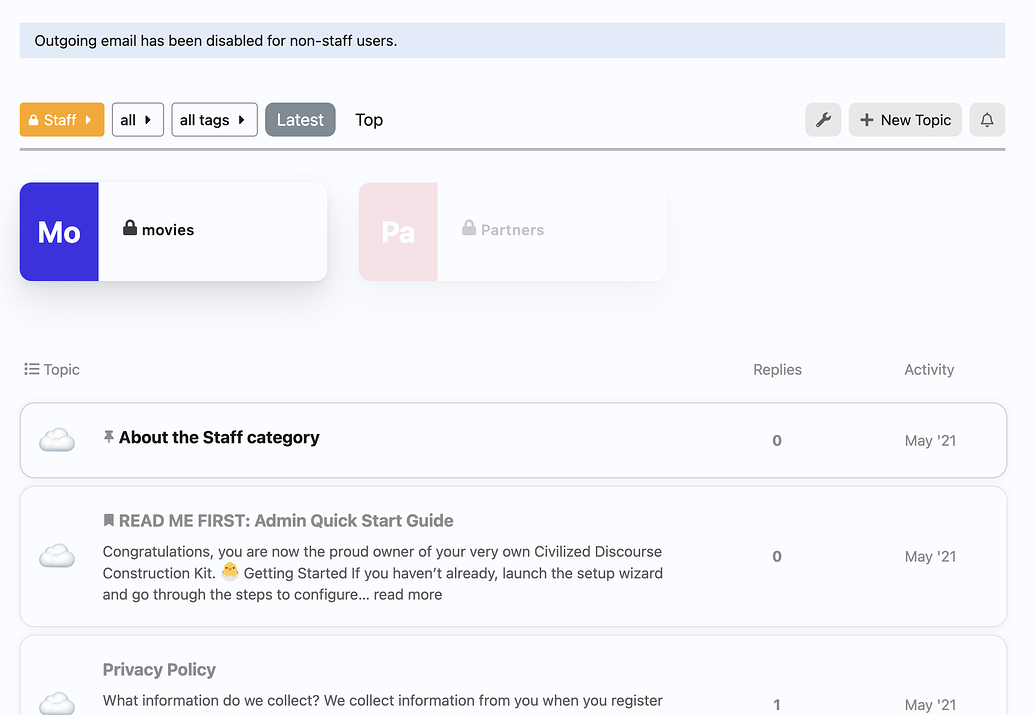
I can confirm that is how it displays on my site. I belirleve it is due to non cat logo uses a very small descriptor vs a cat logo.
I inagine you can likely use css to make non logo categories match box size of logo ones.
I can confirm that is how it displays on my site. I belirleve it is due to non cat logo uses a very small descriptor vs a cat logo.
I inagine you can likely use css to make non logo categories match box size of logo ones.

Thanks for the confirmation. CSS makes my skin crawl. It’s my kryptonite. I’ve never been less productive then when working on getting margins to look right using CSS.
I hear you still learning. But imagine the author or a team member might help with a css code fix.
Just discovered light/dark toggle. Eorks well. save if you refresh the page it seems discourse will display the light thene logo instead. I suspect that is duue to discourse not detecting the web browser not being in dark mode.
Weird it seems to have fixed itself. lol

I just switched to it and I must say that its very clean, nice theme. I like it very much. Great work whoever designed it. Thanks.

Would it be possible to send me a direct message? I dont feel comfortable with sharing the link publicly. Thanks for your willingness to help! <3
I uninstalled Air Theme and all of its plugins, and re-installed them. I have tried everything I can think if to fix it but cant.
I found the issue for the missing “Category” dropdown for mobile using the Air Theme.
In reference to posts…
The code in your repo Common.scss states…
.mobile-view {
  .cm-header-links {
    display: none;
  }
  .list-controls .nav-pills .drop li:first-of-type {
    display: none;
  }
}
I updated the code to
.mobile-view {
  .cm-header-links {
    display: none;
  }
  .list-controls .nav-pills .drop li:first-of-type {
    display: block;
  }
}
And now the Categories dropdown does not disappear after choosing another dropdown option. 

Hello everybody…
I’m trying to customize my self hosted Discourse and I found that theme to be a good starting point!
How do you guys make changes in the CSS (like changing the background)?
Since there’s no “Custom CSS/HTML” section in the Theme page when I select that theme like there is in the default theme.

Hi,

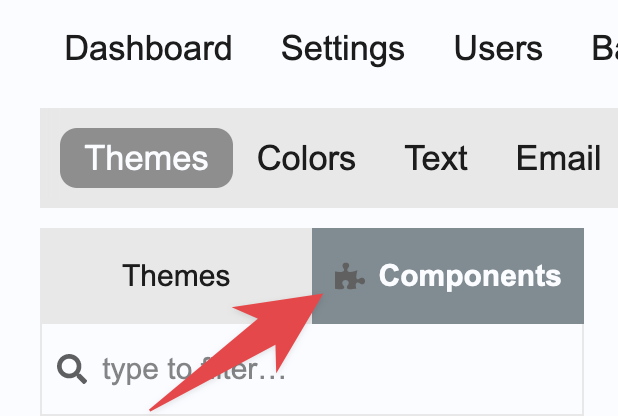
Cool… I didn’t thought about a component being just a CSS tweak.
Thanks.

Hello,
I have an alert in the console:
deprecated.js:61 Deprecation notice: PluginOutlet arguments should now be passed using `@outletArgs=` instead of `@args=` (outlet: category-box-below-each-category) [deprecation id: discourse.plugin-outlet-args]
in
did I forget something in my theme settings?
I looked, I don’t see …

you did not, the themes syntax just needs to be updated a bit 
Everything is fine, it’s not a red flag
I don’t have the skills to help anyway. Thanks again for the beautiful theme!

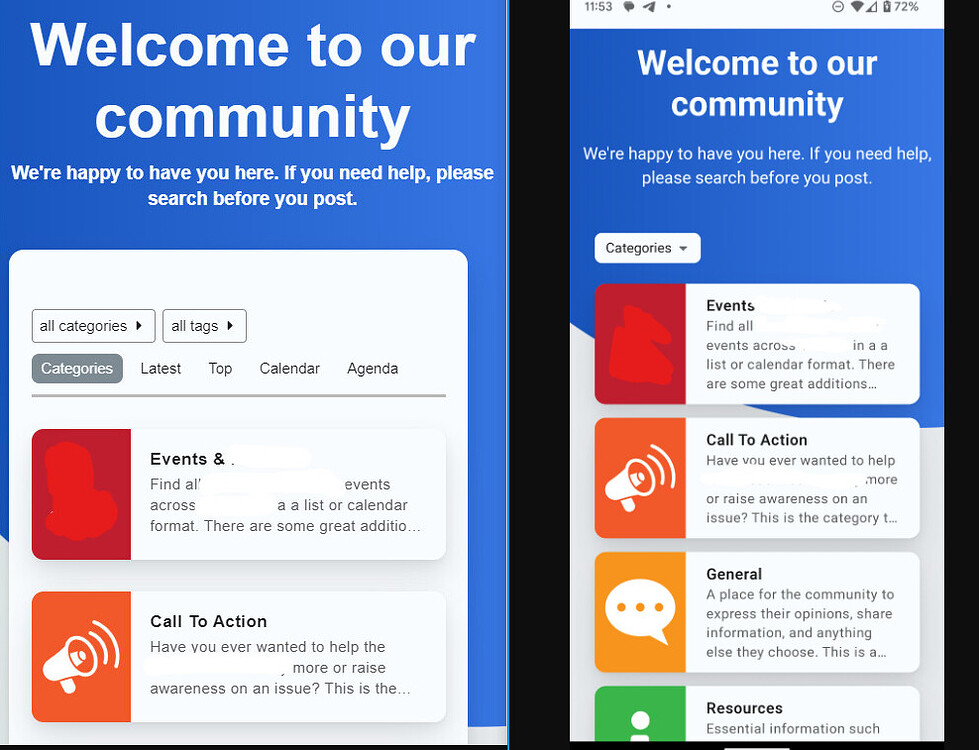
Hi there, I am very new to discourse, so apologies in advances if I am missing something obvious here. After installing the Air Theme there seems to be a couple of issues.
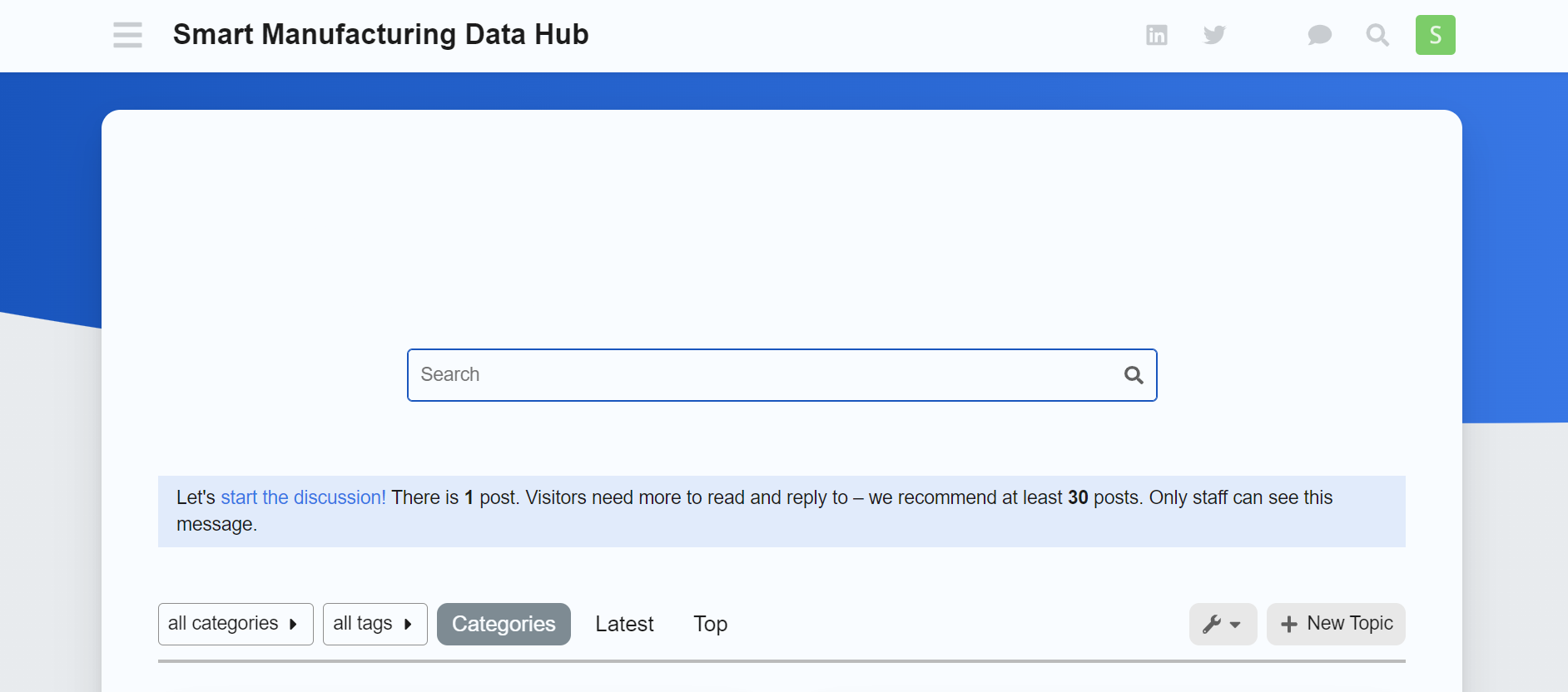
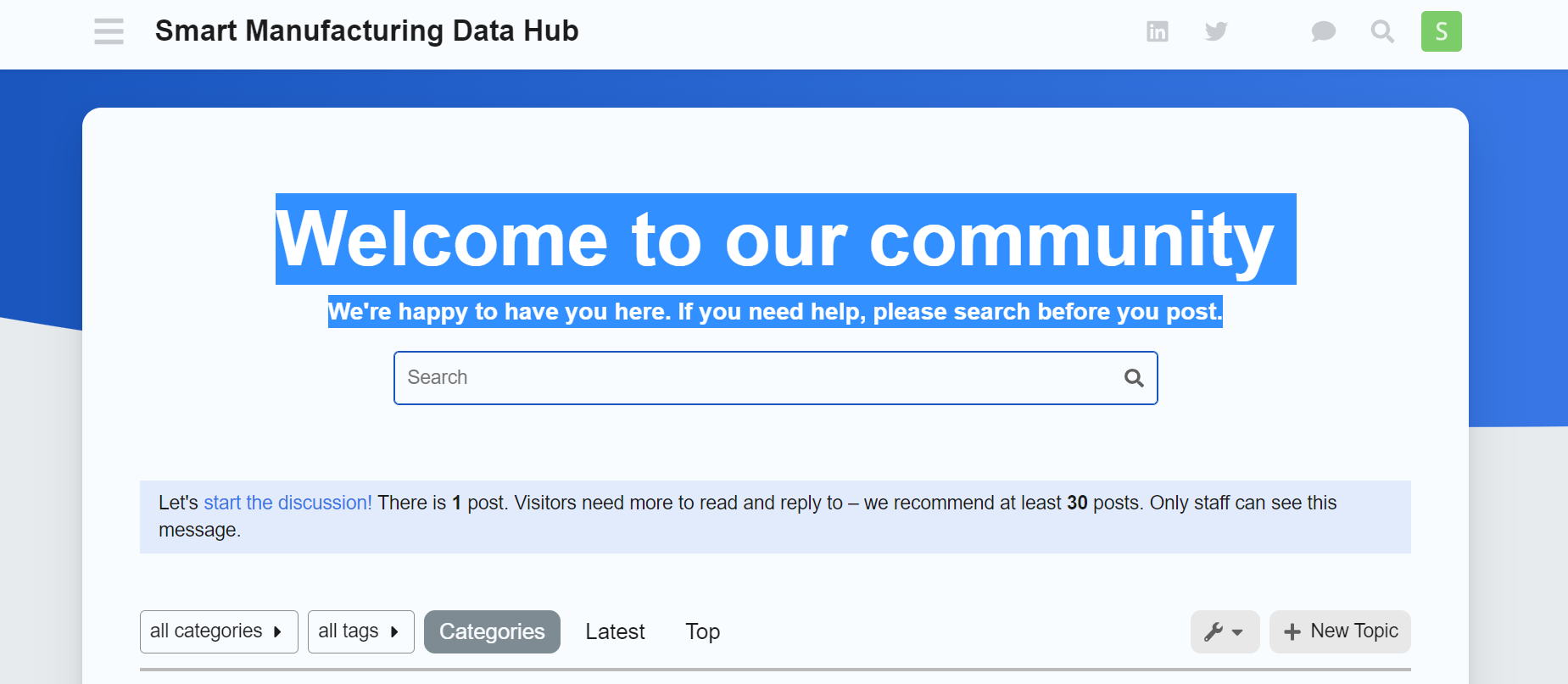
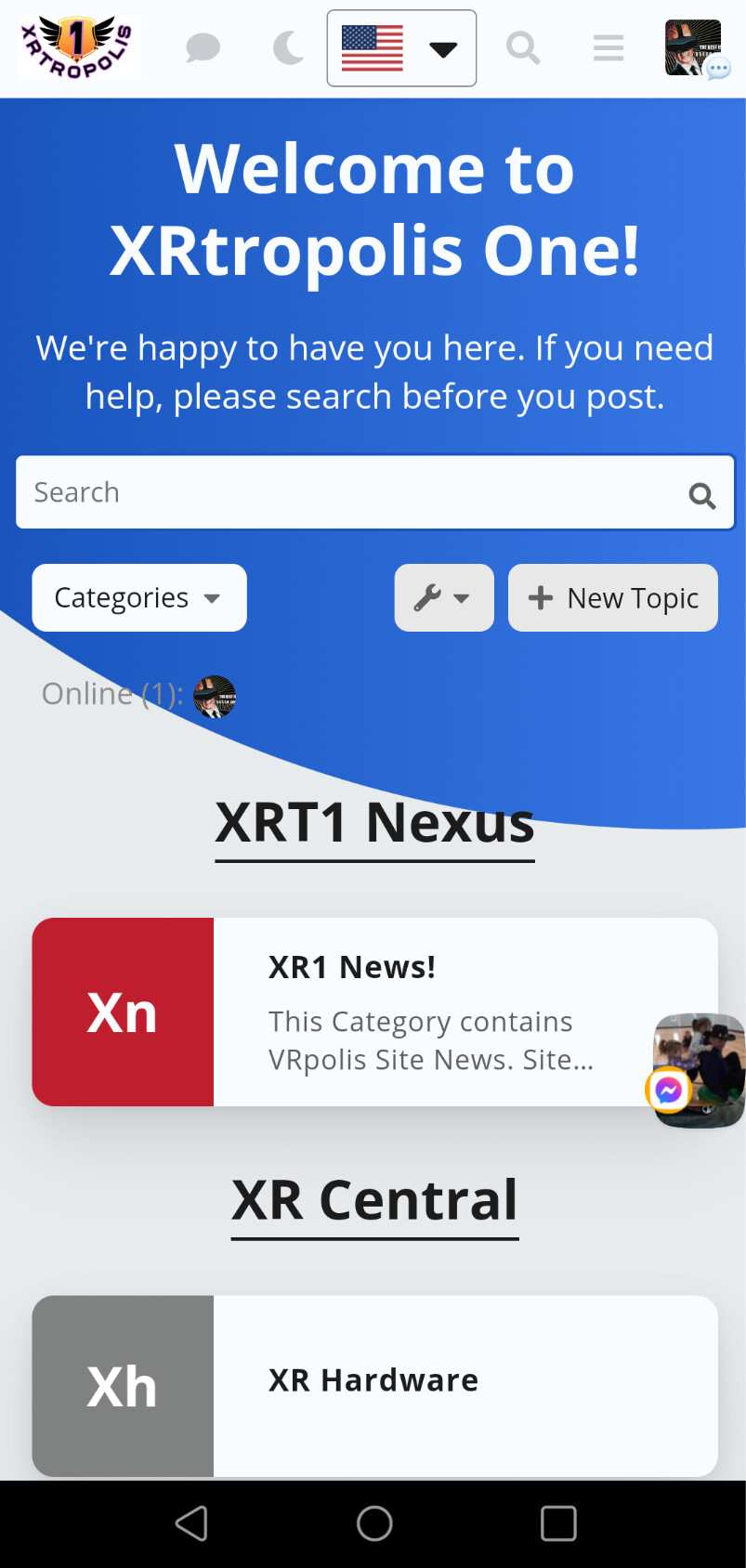
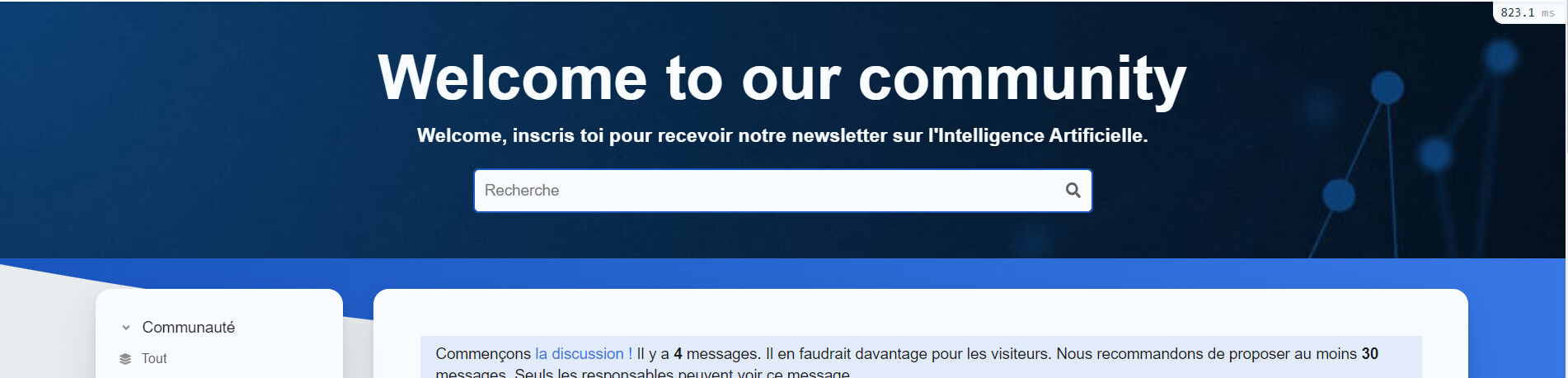
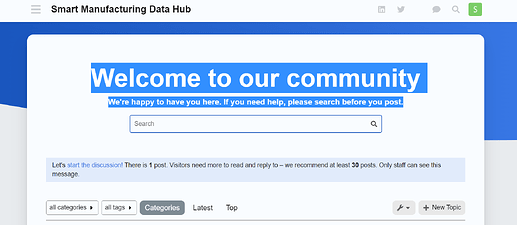
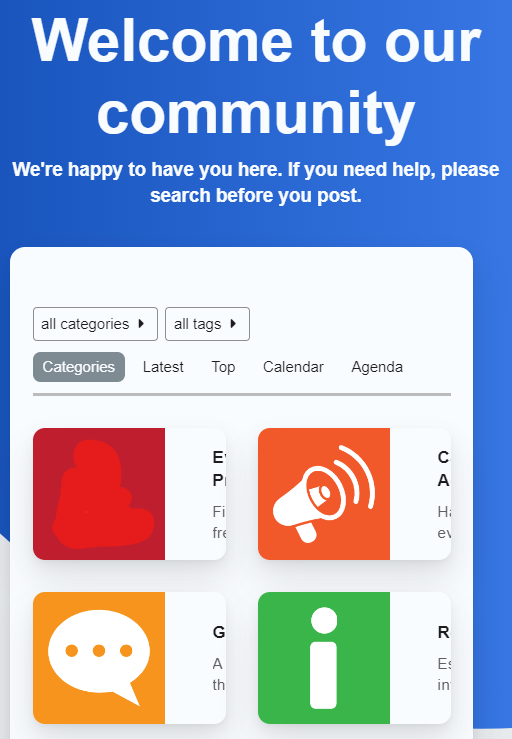
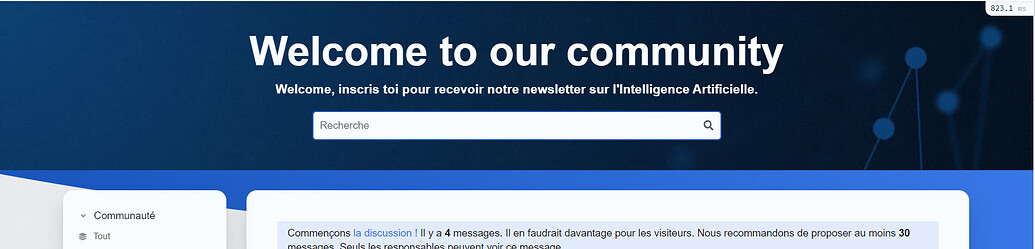
The “welcome to our community” message is invisible as it is the same colour as the background. I have tried updating colours but could not get the colour of this text to change.
Thew welcome text is appearing in the wrong place - i expected this to appear within the colour background however as you can see in the images above, it is not doing this.
Any help or tips would be much appreciated!
This should be fixed if you follow these steps
Hmmm, im not seeing this behavior. Are you using the most up to date version of discourse & theme?
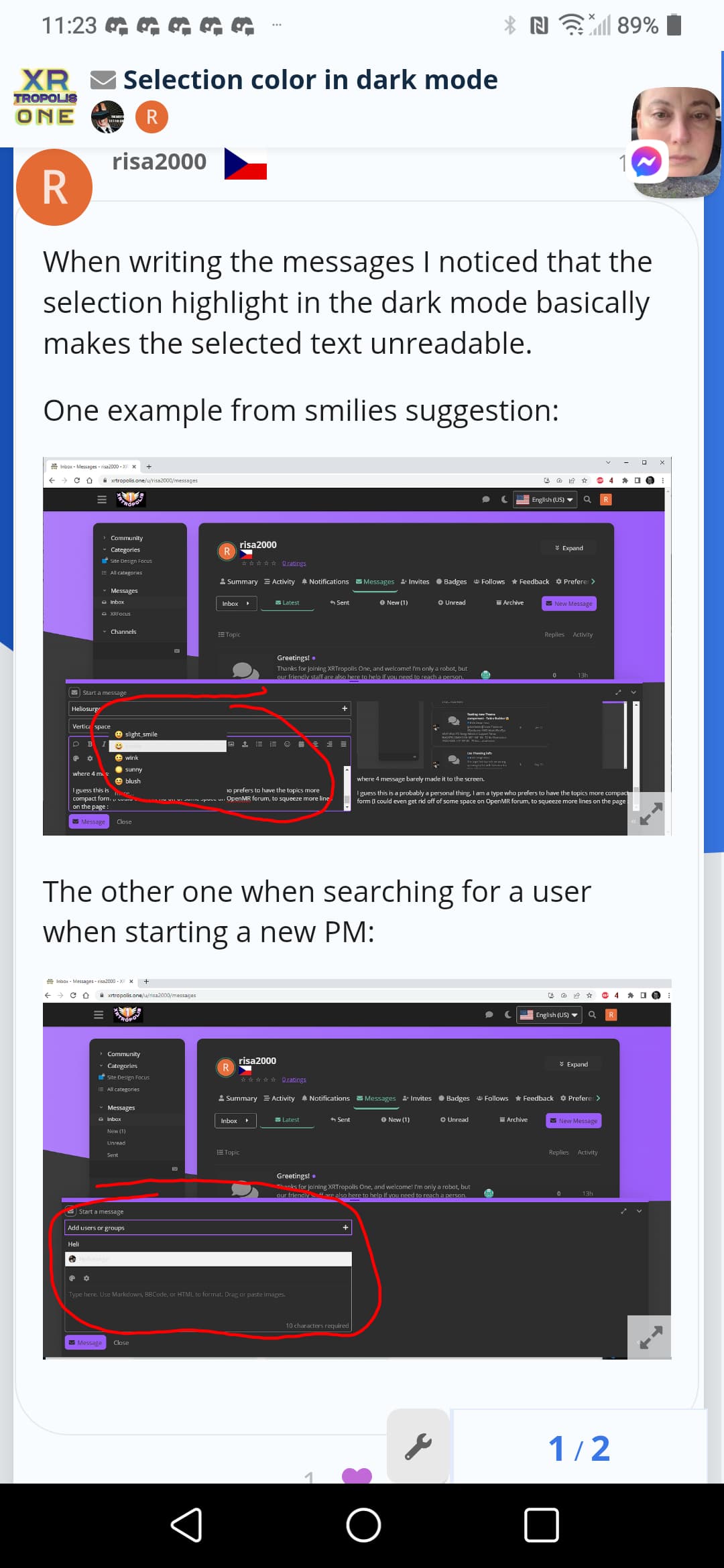
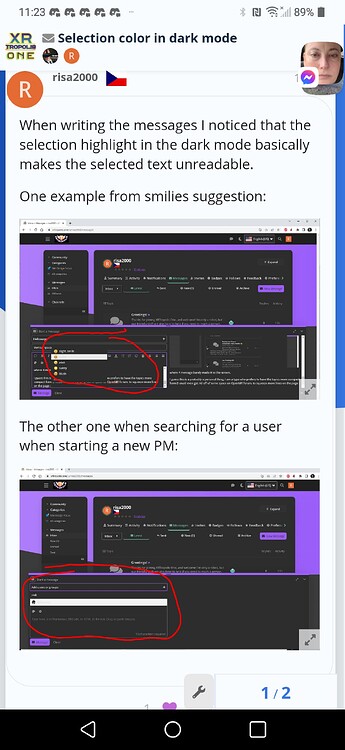
After discourse update no change in above the selector in dark mode the highlighted info is blank as above.
How do you disable the air theme’s topic thumbnail/excerpts to default behavior? Only showing topic title unless pinned?
Thank you very much - this has done the trick
A post was split to a new topic: Add Preference for sidebar vertical scrollu

Love the theme 
I want to use the Modern Category + Group Boxes plug-in, but is there a way to rearrange the main page?
My issue is that all the categories appear in boxes on top, and the Latest section is below. While it’s really well designed, it might not be user-friendly for someone who is in the Community for a quick browse. Is there a way to place the category boxes on the left side of the home page (I know it’s possible to use the sidebar, but still) and then the Latest on the right, similar to the Discourse Clickable Topic plug-in?
This is not currently possible, sorry about that!
Thanks for sharing, this is def. an interesting visual bug. Ill take a look
This should now be fixed. Thanks again for reporting.
Hi, everyone! I hope you’re all doing great.
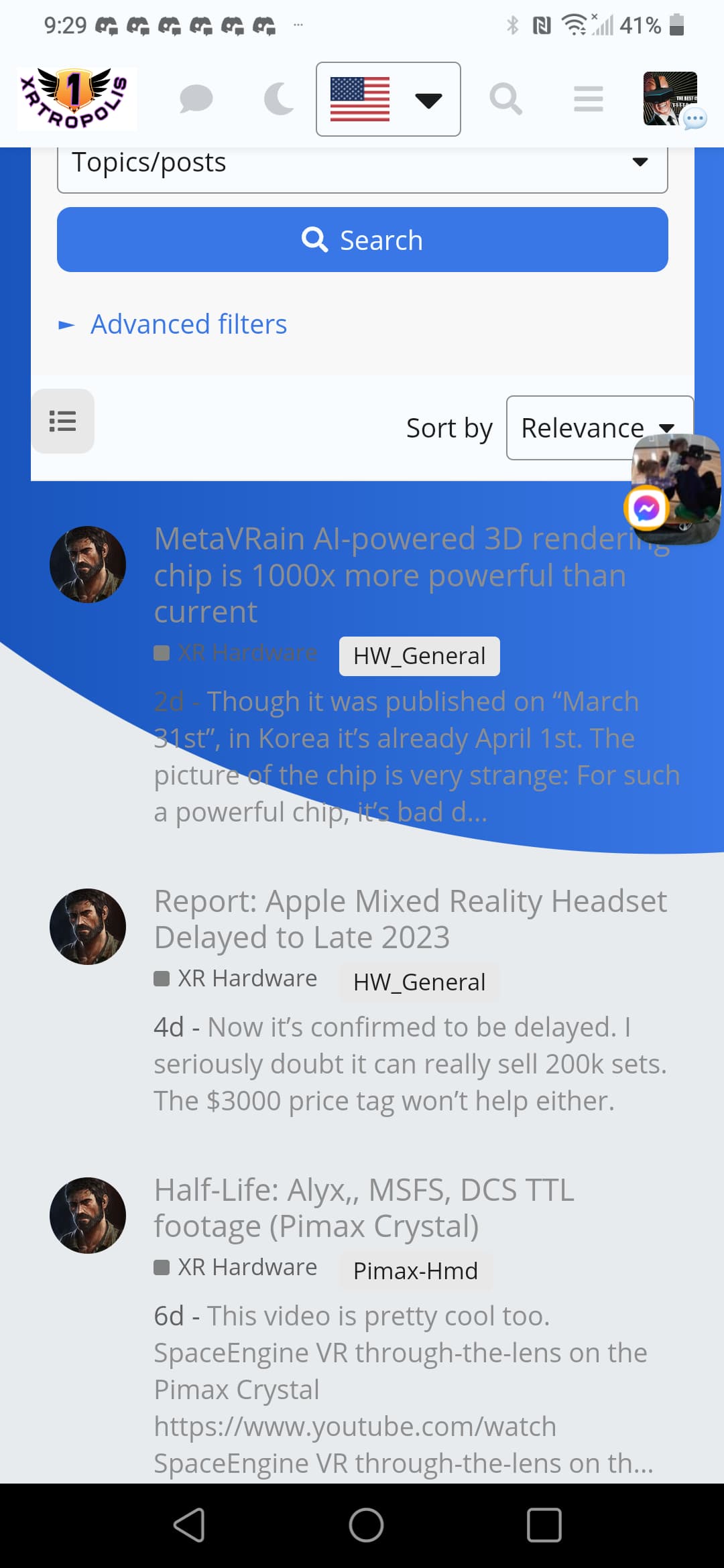
I plan to install the air theme and check it on different devices, but I have an issue with how it looks on iOS.
Is there a way to make the background static so you can only see the blue & grey on top when you’re logged in? What I’m looking for is to have a grey background when scrolling down through categories.
This theme is meant to be used in tandem with the modern category theme component that is also installed with the theme.
Update: Most if not all bugs are not caused by Air Theme, but rather a patch update by Discourse.
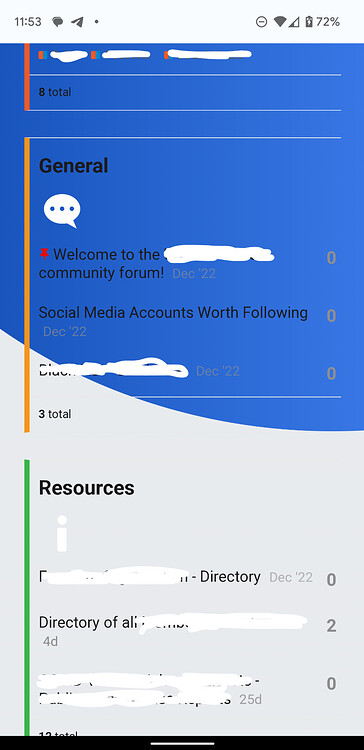
When logged in, categories display as blocks (1 column) which is correct.
Update: Not related to Air Theme
Solution: Updating Discourse To: discourse v3.1.0.beta2 +864
Update: Not related to Air Theme
Solution: Updating Discourse To: discourse v3.1.0.beta2 +864
Update: Not related to Air Theme
Solution: Updating Discourse To: discourse v3.1.0.beta2 +864
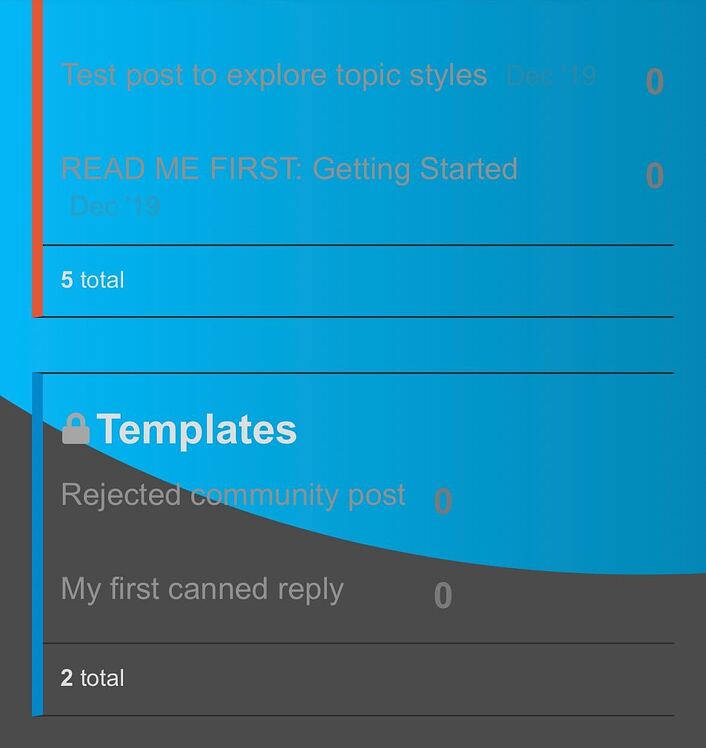
Result: This entire are is no longer displayed. Only the Air Themed styles category pills are visable.
The html body #main-outlet css class does not appear to be compatible on mobile devices.

Hello there,
I really love the template and i use it from maybe 2 weeks, and i would like to add analytics to my forum. But i cant modify the CSS for adding the google tag code from analytics.
Did u know if its possible to add it somewhere ?
thanks a lot for ur anwser !

Hi, welcome back 
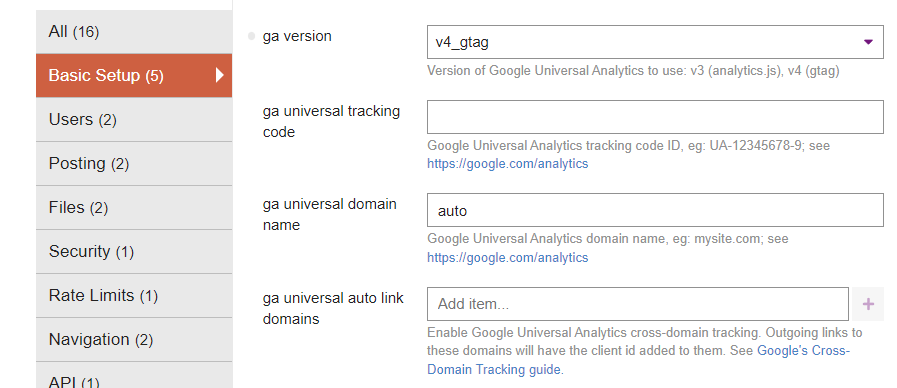
You don’t need to modify your theme. Unless I misunderstand, you can set up Google Analytics in the admin settings (Basic Setup or type ga in the search bar)

not sure about this theme specifically, but i’m running a live custom theme that uses #main-outlet css to make the white background in a very similar way (with rounded corners too) and it seems to work as expected on mobiles. i’ve set it a dark color and changed other attributes like size and the rounding corners (border radius) and i haven’t found any issues yet with how it looks on mobile.
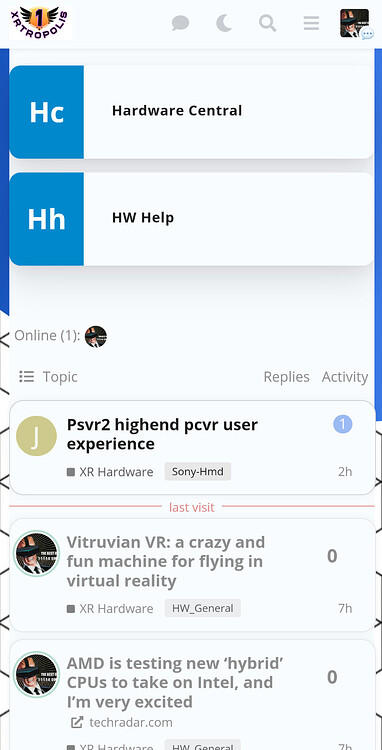
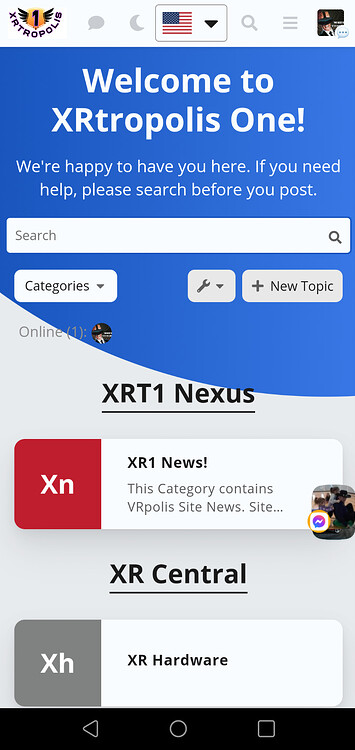
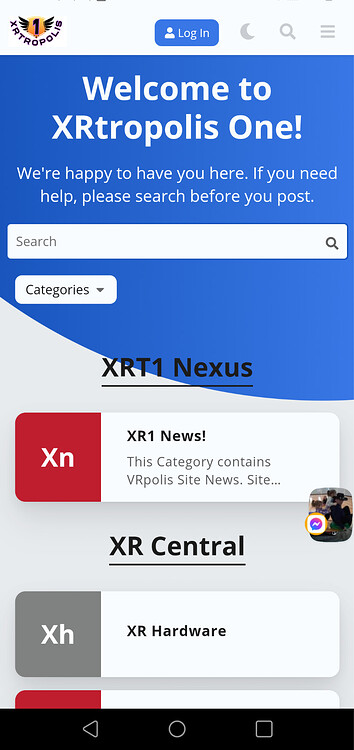
My screenshot is how it os supposed to display on mobile White bubble around the categories vs a white column pane.
As I reported here and was fixed.
It was partially broken before creating the white wrapped column.
I am sure Jordon might provide some css code possibly to restore the bug if you prefer the white column. Mobile now for me matches mobile.
**EDiT: Looking at Op post you might be right. But the fix imho looks better as it flows properly with background. Perhaps Jordon can add a toggle for desired effect.
I have to locate the fix so my modified Air Lite theme matches. By like rhe Topic excerpts js was removed as it was excerpting all topics instead of just pinned topics.
I added Topic excerpts theme component to put excerpts in categories I want to have it. Unfortunately though it did not restore the pinned topics excerpts but many users wanted a default listing style for more posts per screen.
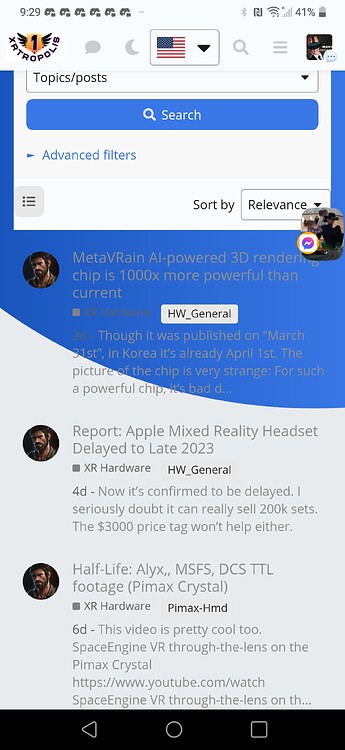
@jordan.vidrine I was wondering how to add your bubbles around the Who’s onkine plugin and search results?
Thanks for your reply.
It looks like most of the bugs were fixed with a Discourse Update that was released today.
I have update the original post to reflect the first 3 bugs which are not as a result of Air Theme.
The version which I am using now which fixed of the first 3 bugs, is:
Discourse: 3.1.0.beta3 (e014635a12)
Now that those bugs are fixed, all thats left is
Which is not a big deal at all. Although I still believe its a bug since Mobile View on Desktop and Mobile View on App/Browser (which should display the same) do not with the white #main-outlet style. I’m not sure which I prefer now. I’m happy with either outcome.

Hi,
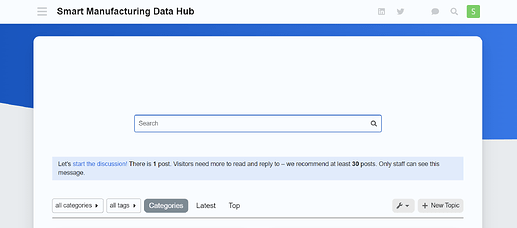
Is it possible to remove the search bar on the homepage? I’ve noticed it’s not displayed on meta.Discourse.org when I switch to this theme but I don’t see any place to edit the css. 

@jordan.vidrine is it mandatory to modify directly the code like this :
.background-container {
    position: fixed;
    top: 0;
    left: 0;
    height: 100vh;
    width: 100vw;
    background: url(https://i.ibb.co/GCcS8Zw/Abstract-futuristic-Molecules-technology-with-polygonal-shapes-on-dark-blue-background-Illustration.jpg);
    background-size: cover;
    clip-path: unset;
Or can I just use the form like this:
I try with the form but the picture don’t cover all the blue part as you can see bellow
Do you have any idea to solve this issue please ?
Yep, this is actually a component that you just need to disable in the customization section of your forum.
This theme installs a couple components on install and this is where its coming from. You will want to look for discourse-search-banner in the theme components and disable it.

i do have the same problem with https://forum.francaisalondres.com/
Any solution to this ?
There is actually, I will push an update to fix this today 
Sorry for such a delayed fix for this.
This has been fixed
Amazing  thanks @jordan.vidrine

How can I show Sub-Categories in boxes in the Main Category page?
If you mean like this:
Go to the parent / main category page and select the wrench icon to allow you to edit the category.
Click on “settings” and scroll down until you see this area:
“show subcategory list above topics in this category”
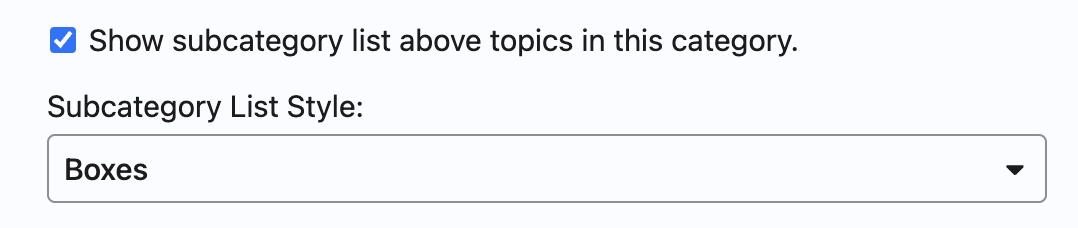
Select that option, and choose “boxes” as the dsiplay style.
If you mean on the /categories page, this is not an option. The only option there would be to edit the CSS to unhide the subcategories in order to show them inside the parent’s boxes.
Thank you so much.

I just installed this theme and the search banner text if I change to dark or light doesnt show. Can anyone guide me as to where I can change this?
Here is a screenshot

@jordan.vidrine thank you so much for this great theme! As a new discourse developer this made everything so easy. We are having two small issues that we cannot seem to find a workaround for, when following your instructions.
The community site can be found here
Thank you for your help!
Aaron
Hmmm… I’m not sure why that is the case. It is working on my demo instance.
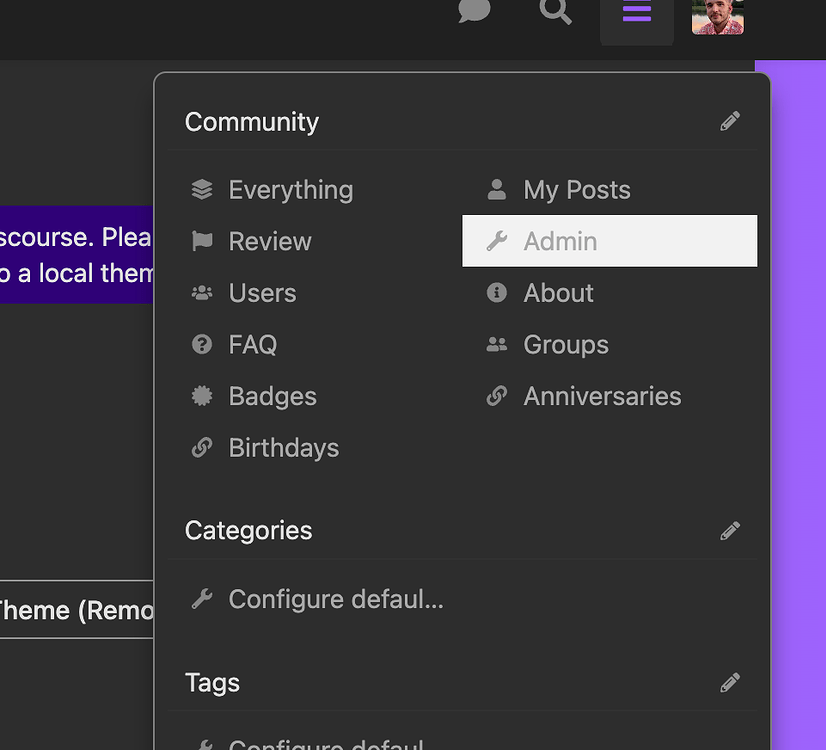
That component is no longer compatible with our new drop down header.
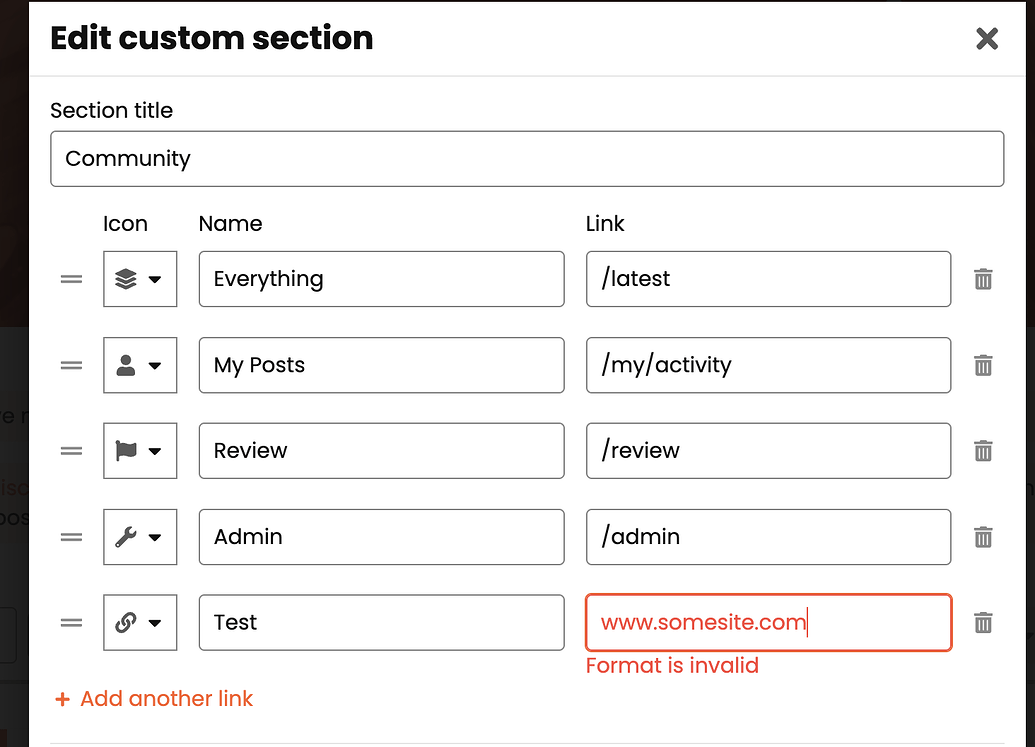
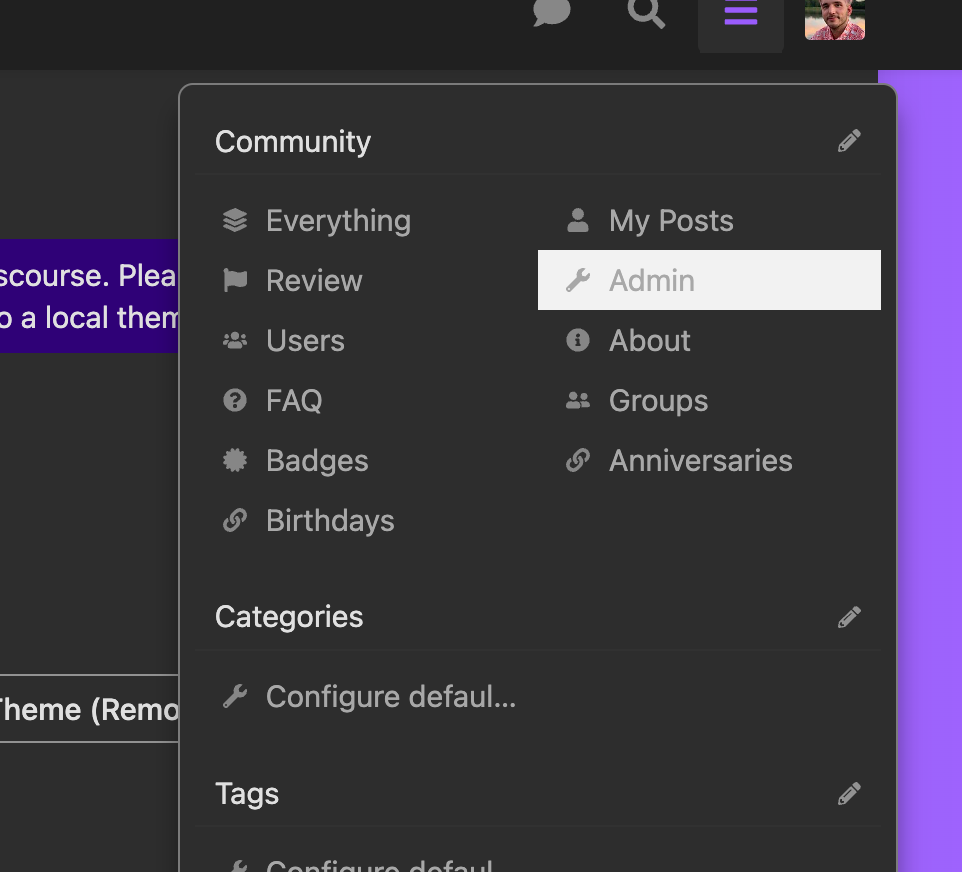
As an admin of your forum though, you should see a pencil in the upper right corner of the drop down.
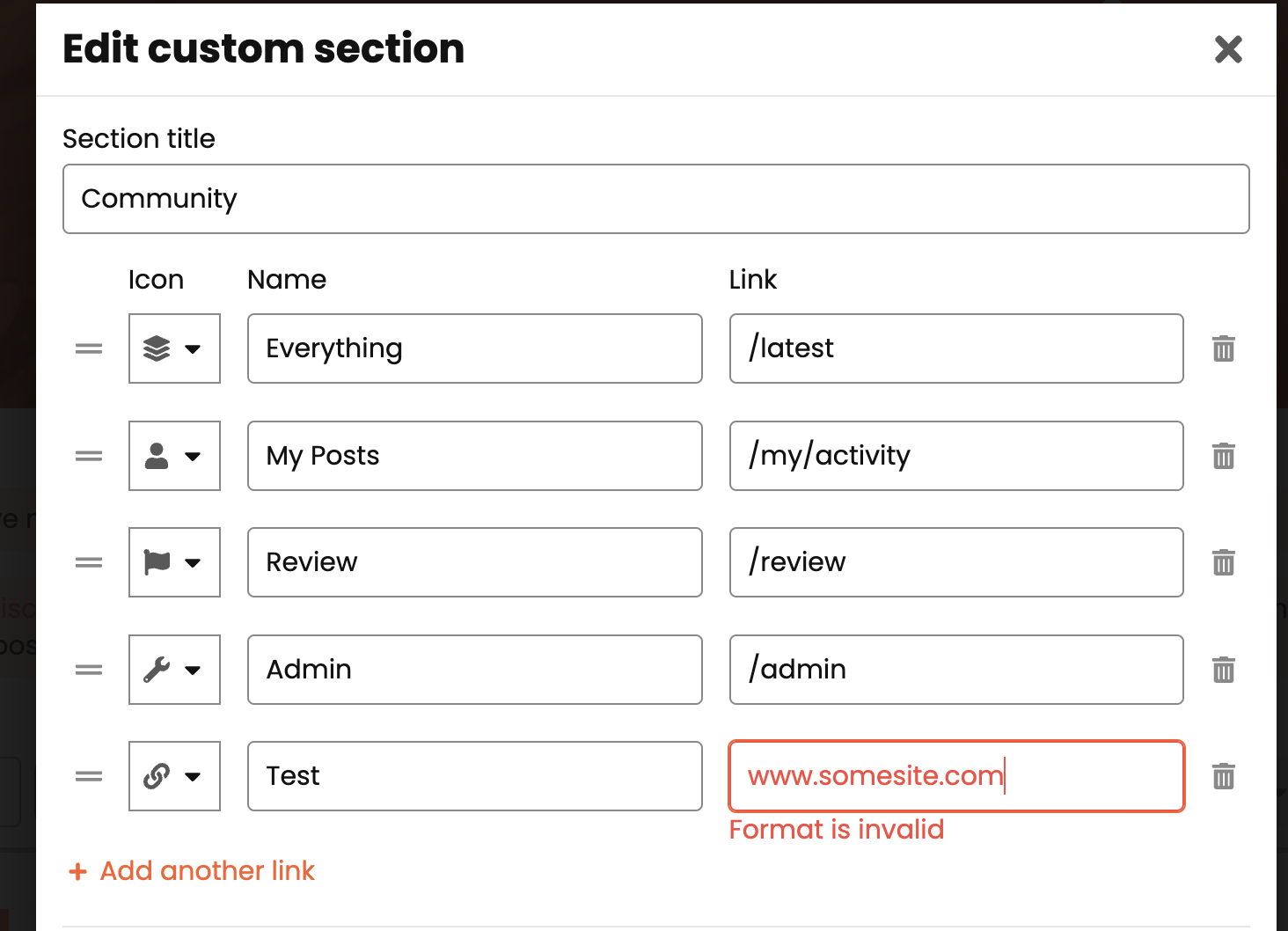
Clicking this will allow you to edit the links in that menu, and add a custom link as well.

 , so there was no going back! I will update to the latest beta and try again.